Desert Online General Trading LLC
Dubai, United Arab Emirates
Desert Online General Trading LLC
Dubai, United Arab Emirates




📦 Store Smart, Live Bold!
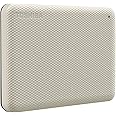
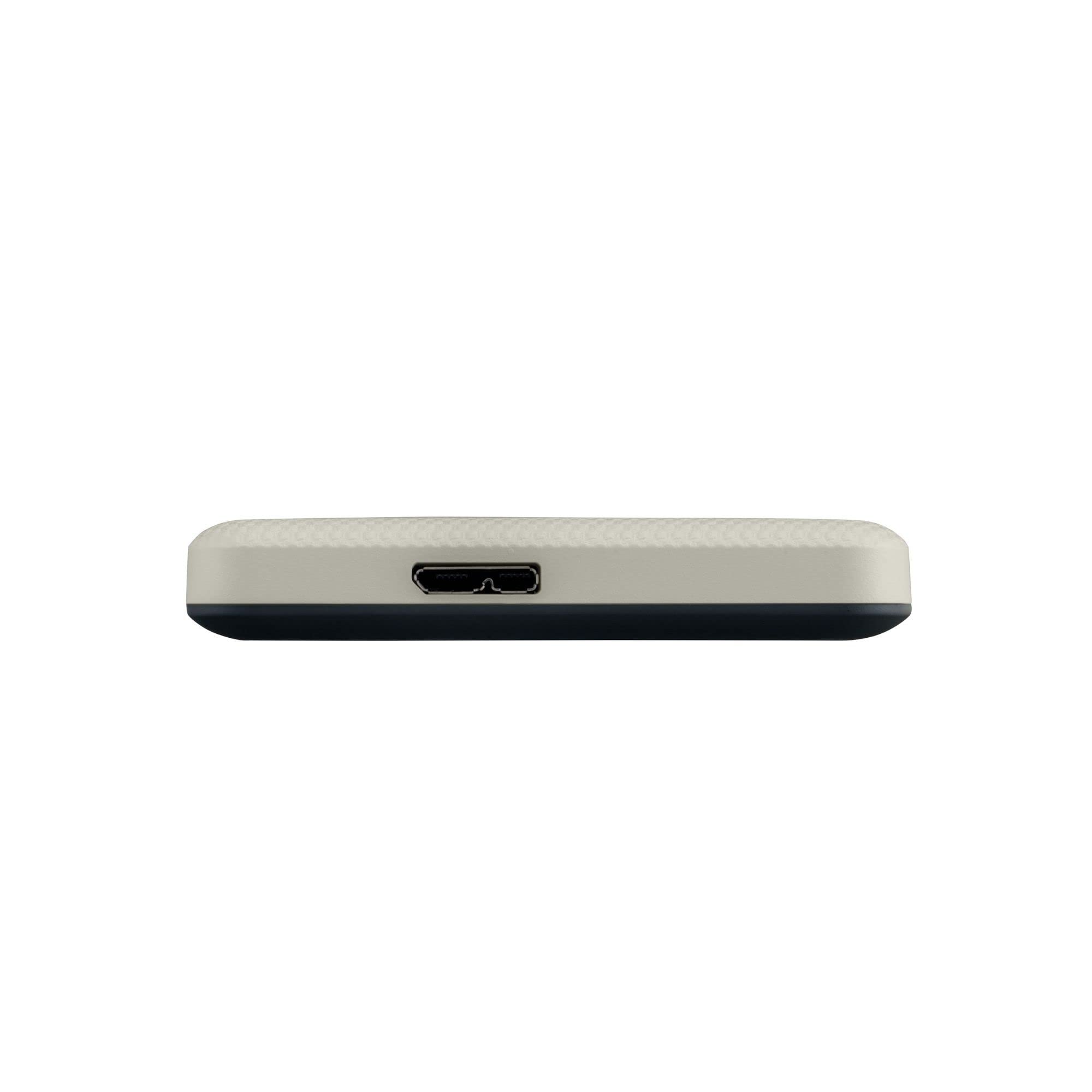
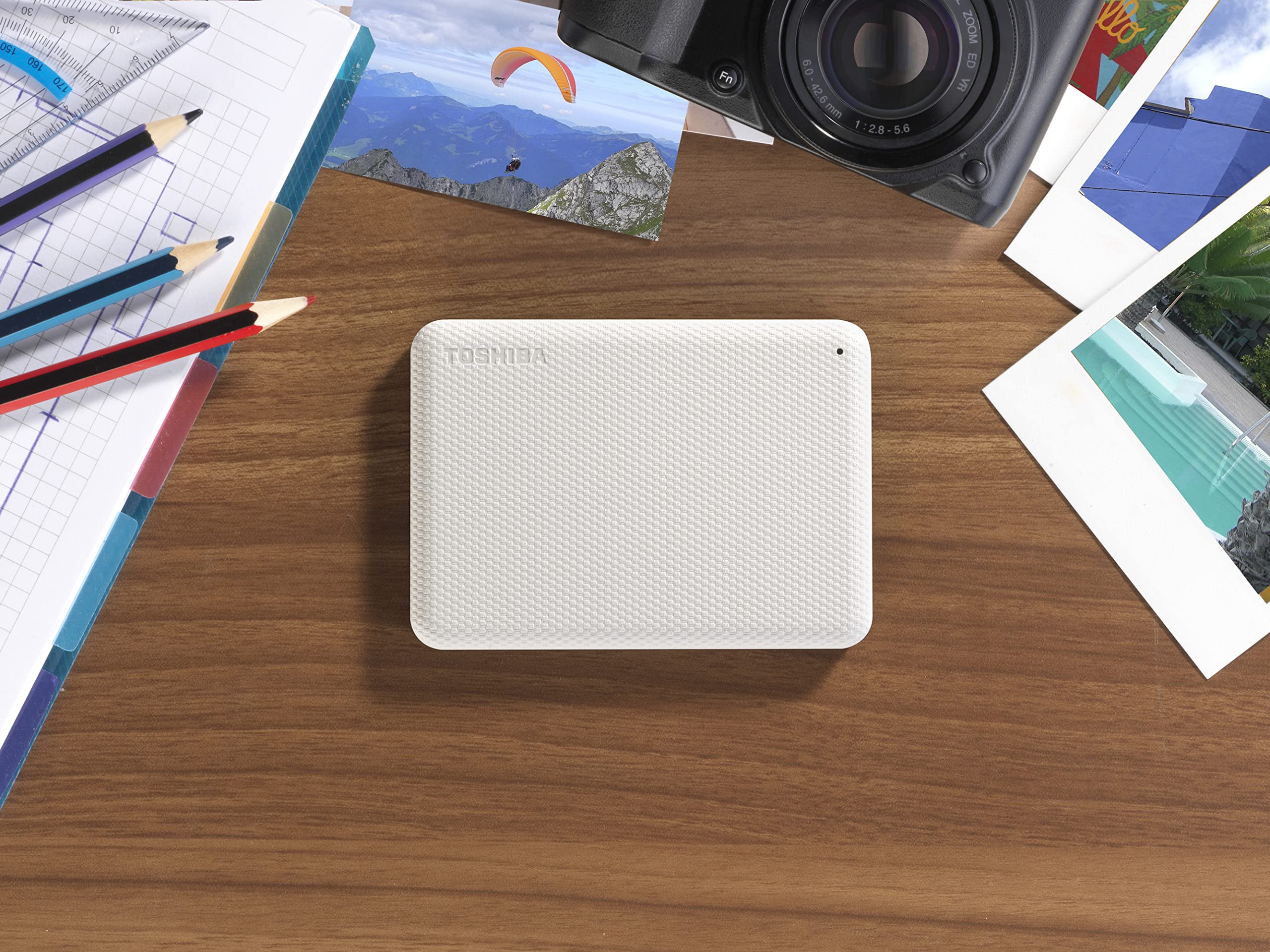
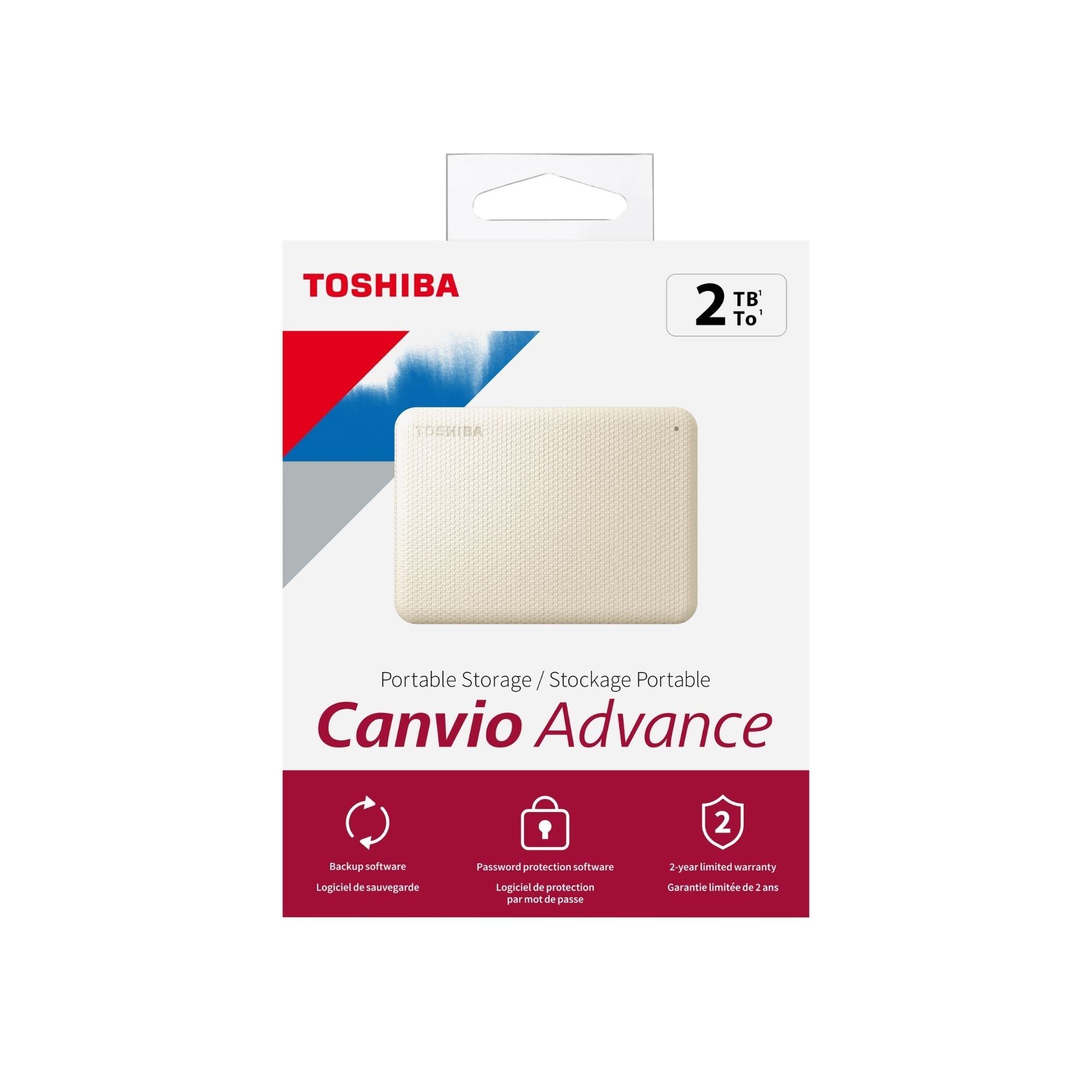
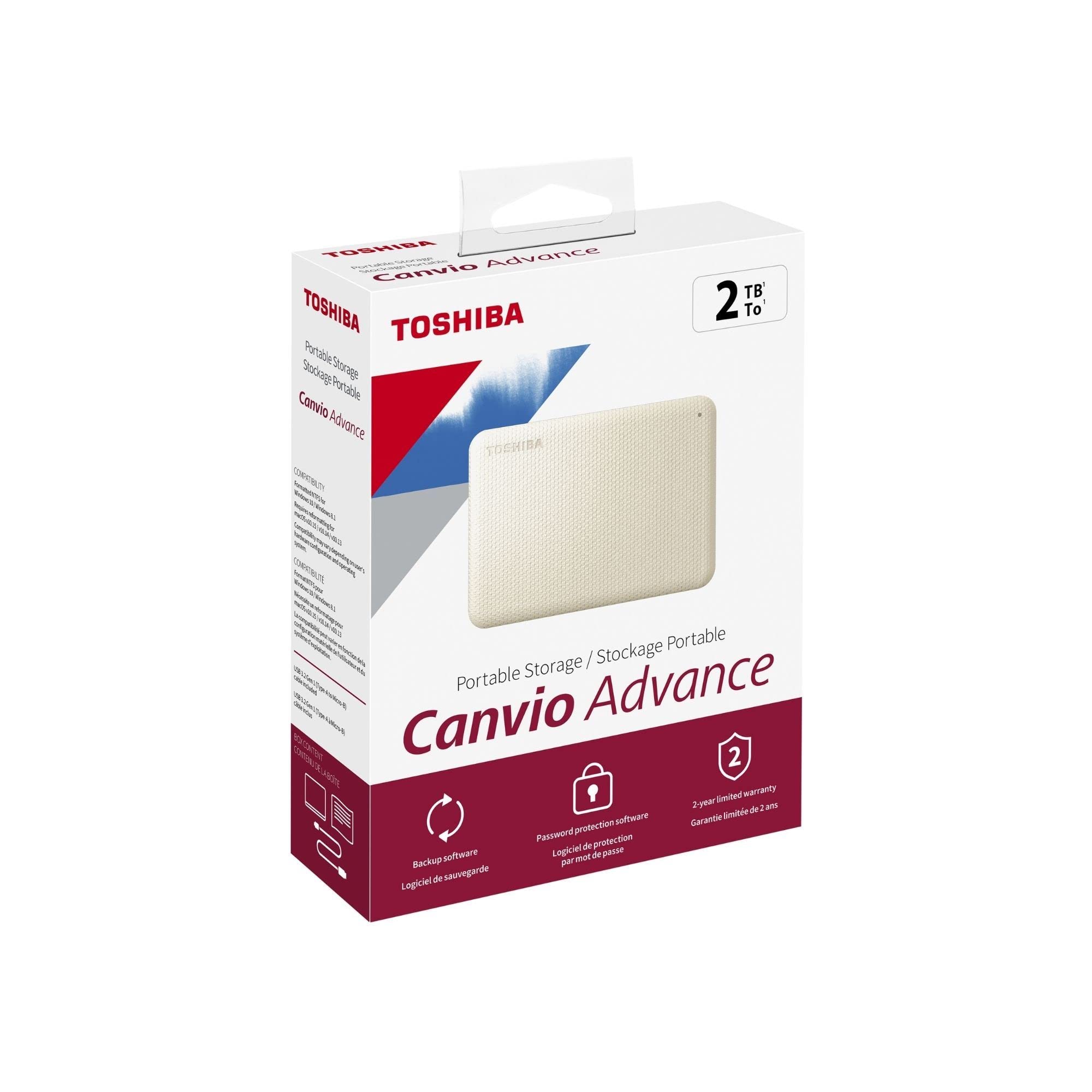
The Toshiba Canvio Advance 2TB Portable External Hard Drive offers a stylish and compact solution for your data storage needs, featuring automatic backup software, password protection, and compatibility with both USB 3.0 and USB 2.0 devices. Perfect for professionals on the go!
A**R
What You Need to Know About Portable Hard Drives
There's a lot of nonsense in the reviews, so I'm going to give you some facts. Feel free to do some research to verify what I'm saying. This is already a wall of text so I won't go into too much detail. (At the end there's an update about my only problem with this particular model and a simple technique for recovering data when the internal drive is still good.)1) EVERY hard drive manufacturer has failures. EVERY last one. Some are DOA, some take a month or more. It depends on your use. Moving parts break. Vents clog. Chips fry. Boards crack. I tried finding good data, but [statistics jargon]. Commonly reported rates, industry wide are in the 2-5% failure range with some lines doing better or worse. Personally, I've had a great experience with these.1b) No matter how good, all hard drives eventually die. Count it a win if you can use it until it's too small and slow to be worth keeping. (When that happens, don't forget to secure erase the drive before recycling it.)1c) People are more likely to complain than praise. Any drive you research will have fewer good user reviews than bad. (See #8 & 9 below.)1d) Smaller manufacturers get bought out by larger ones. Last year's high-end product may now harbor a low-end drive. Seriously. CYA. Find manufacturers you trust and give them your loyalty.2) Every USB hard drive, thumb drive, etc. works on Windows, Mac and Linux. There are a few specialty proprietary devices, especially for professional and enterprise equipment, but consumer equipment works on both. Reformat it if you need to. Check it on all your devices before using it (technical reasons).2b) ExFAT is the usual suspect for cross-platform file sharing. It's not great. It has nothing to hinder data loss (like journaling) and, in my experience, Macs sometimes choke on it. Consider a reputable cross-platform file driver and stick with NTFS or HFS+. Check your drive on all the platforms before using it (technical reasons). If you're using it for backups, only use it for backups. If it's for TimeMachine on a Mac, let TimeMachine reformat it and take it over completely.2c) Check the options when you buy it and check again in your cart. There are multiple sizes, styles and "support" options. Make sure you're ordering what you think you are. Seriously. I've seen plenty of reviews by people who are really complaining that they ordered the wrong thing. And watch the price when you change options. Check it again in the cart before you check out.3) Don't move your data – copy it. And save your old drive until your sure the new one is good. Feel free to abuse your new device, perform surface scans, etc. as often as you want when you get it. It's called a burn in. If the drive's mechanics are good, software will watch for failing sectors later (look up S.M.A.R.T.).3b) This particular drive isn't an SSD, but since I claim to be telling you everything about hard drives... SSDs don't need scans and should not be defragged. It's actually bad for them.4) Get an online backup service, preferably a reputable one with a zero-knowledge policy, like SpiderOak or Carbonite. That means the provider can't access your data even if they wanted to. It's called security. Hang on to your old drive until your files finish backing up (in case of a failure). Depending on your service, it may not take very long. (Some services check your data to avoid uploading the same data twice.)5) Electronic equipment, no matter how rugged or solid-state it claims to be, no matter what the ads say, is not intended to be thrown, dropped, sat on, magnetized, electrocuted, submerged, burned, microwaved, or implanted into living beings. It's certainly not meant to be thrown, left in the rain, dropped in the pool, etc. You do that and it breaks. You lose data. Products actually intended for this behavior are expensive. Water resistant is not submersible. Submersible has limits. Shock resistant does not mean it's ok to drop it.6) Don't use the included backup software, backup service, or built-in password protection. You are not paying for these things. If they were that good, they would be sold independently. If they are, what you have is an ad designed to trick you into using a service you won't bother to cancel. Get your own service. (See #4.)6b) The first thing you should do is reformat the drive, even if it came formatted. It doesn't take long. Just do it.7) Portable is good, but if your laptop comes with an external mouse and keyboard, two external drives, a hub... it's not portable anymore. SD cards are pretty cheap and more durable for travel. They're also faster. Keep your drive safe and bring copies. Unless, of course you need a lot of space. In that case get a second drive and bring copies. If your data is that important, protect it.8) Think of the stupidest person at your job and assume that every review is written by them. Seriously, I've known professional techs I wouldn't trust to plug in a keyboard. Some of them made a lot of money. I have DECADES of tech experience. I also have a bunch of educational and professional credentials. Of course, I may also be a small pink bunny. You don't know. Don't listen to people on the internet, including me. Look for respected technical sites (I don't think I'm allowed to list any here) and find consensus. Ask what the worst outcome is if the writer is a moron or troll.9) When checking the reviews, check what the 1-star reviews say. Are they bitter or factual? Drives fail? Did the company treat them well? Are they actually complaining about Amazon or a 3rd party seller?9b) 12% of the reviews here are 1-star. A quick survey shows me at least half of them are by people that don't know as much about computers as their friends tell them they do. Half of the rest are actually complaining about other stuff. Toshiba's return policies look like they could use some work though, so use your 30-days to burn it in and back it up.TLDR I've been using The Toshiba Canvio line since it came out and I still have and use my original drive. I've used them professionally, as have people I know in a variety of fields. I've personally owned at least 6 and known many others with them. In all that time I've had exactly one problem (see below). When asked for my professional recommendation, it's my go to. Lately, I've been looking for a higher capacity drive (Macs and laptops are port-deprived), but I keep coming back here.UPDATE: I had my first problem, an old 1TB I've had so long I can't find a record of when I bought it. The light was on but the system didn't even know it was there. The fix? I pried open the case and unplugged the sliver of electronics connecting the internal drive's connector (SATA) to the outside socket (USB-B). Then I plugged it back in and reassembled the drive. FWIW, it's called reseating. It works on anything with a cord and ranks up there with restarting the system for magical fixes.BONUS: No guarantees, but if that sliver of electronics is bad, you may be able to access the drive inside with a new housing or SATA to USB adapter kit. I think I paid around $40 for mine. Opening the case carefully is probably more difficult than using the gear, but there are a number of reputable forums where you can get help using it.
C**S
External hard drive for use on PS4
I bought this 2TB external hard drive for my PS4. My 500 GB PS4 was out of available space, and this device worked perfectly! When I connected the USB, the system asked if wanted to format the drive for use on the PS4. I clicked YES, and it was ready to use. I was able to immediately start moving saved data from the PS4 to the external hard drive. Now, I have all the free space I need. The Playstation branded external hard drive was priced at nearly $30 more, so it would have been a waste of money. This Toshiba drive does exactly what I needed it to do, and I saved money at the same time. If you're looking for extra storage space for your PS4, look no further.
J**R
Great for my MacBook.
I purchased this to backup my MacBook. The description didn't say much about being used as a backup for Macs, but I decided to purchase it anyways. I plugged it in and the MacBook automatically formatted it and started the backup process. I am very impressed how fast it backed up my computer. It's also nice and small.
M**Y
Don't put any files you don't want to lose on this unit
Purchased March 9 - loaded it up with documents to take with me for a month long trip in April so I could work on my laptop with files saved from my desktop PC. The drive stopped working when it was only 30 days old on April 9. Apparently this is a common issue for this unit because when I Googled how to fix it there were hundreds of pages on the subject. I'm now back in my office and was hoping that when I plugged it in to the desktop PC it might suddenly begin working - that maybe the issue was with my laptop port - no such luck - the lights don't even come on and I cannot access the files at all or even follow some of the fixes, like: rename the drive letter, reinstall the o/s, reformat the drive.And, oh by the way, the last return date was April 9! The same day it stopped working!
A**R
DO NOT BUY AT ALL COSTS
The media could not be loaded. UPDATE: The drive was less than 2 weeks old and was never transported when it went faulty. Thousands of files are gone and unrecoverable even after extensive $ spent on specialized recovery. No help or contact from Toshiba whatsoever, overall a cheap and useless product. Had 4-5 WD drives over years that never went faulty, unless you simply don’t care about your data DO NOT purchase one of Toshibas drives. I will never support them or a single product they produce again.Making a very very strange clicking sound and is not letting me move files to another drive. I have 4 paying clients work on this that is currently in limbo. May be recovered, may not, but not something that should ever have to be worried about with one of these drives. Get yourself a WD and don’t go through this stress.
M**M
Garbage
Sorry to give a negative review - I prefer to give good reviews, which I do almost always, but this piece of junk, within 4 months, stopped working. I tried numerous fixes posted by exceptional companies like Easeus; unsuccessful.This Toshiba Canvio Advance 2TB is worthless and a waste of my money. Calling this "Amazon's Choice" is a sick joke. Almost 5 stars? It deserves less than a one star; it deserves minus stars.BTW, I use numerous external hard drives for storage. I use a different, older Toshiba and it's okay. I use WD, I use Seagate, I use Fantom; never a problem. Seagate and Fantom are very good. WD external hard drives are especially excellent. Reliable.I purchased this Toshiba Canvio Advance 2TB in SEP 2018 and by the time the drive failed, the company had closed me off from support, etc.I'm replacing this with a WD that I can trust.
A**N
Buena relación calidad/precio, aunque no hay mucho más que destacar.
En general es un buen disco... por ahora. Tiene una estupenda capacidad a un gran precio. Y de todas las marcas/modelos de discos duros externos que he usado, los Toshiba Canvio me han resultado los más confiables. Sin embargo, este review puede cambiar, pues apenas llevo menos de un mes usándolo, así que no puedo comentar aún qué tan confiable es a mediano o largo plazo.Ahora bien, es importante recalcar que es un disco duro mecánico de 5,400 rpm, así que no esperen un rendimiento espectacular. Su firmware que hace que el disco duro siempre esté activo es más un truco mercadotécnico que una adición realmente funcional. Hice una comparativa con un Toshiba Canvio Advance de 2 TB y el tiempo de respuesta entre uno y otro fue negligible (la computadora, bajo Windows 10, se tardó virtualmente el mismo tiempo en encontrar/leer el archivo). Así que, en cuanto a desempeño, no se diferencia en nada del resto de la línea Canvio de última generación.Un detalle importante: El disco viene pre-formateado en exFat. Si lo van a utilizar precisamente para guardar sus juegos y lo van a tener conectado a un Xbox o un Playstation, entonces el formato exFat está bien. Sin embargo, si lo van a utilizar como disco de respaldo en Windows 10, es mucho mejor reformatearlo con el sistema de archivos NTFS. El exFat no es tan compatible como el NTFS no sólo con computadoras que utilizan Windows, sino tampoco con Blu-Rays y otros dispositivos. Además, el formato exFat es más propenso a dañar o corromper archivos en caso de desconexión o falla eléctrica, ya que no posee un índice de archivos y, por lo tanto, si lo tienen conectado a una computadora de escritorio mientras lo usan y se va la luz, es muy probable que uno o varios archivos se dañen. El formato NTFS sí tiene tabla de archivos, así que si se desconecta o se apaga por razones ajenas a nosotros, es poco probable que los archivos se dañen, aún si el disco duro se desconectó mientras se estaba utilizando.En general, es un buen disco duro para respaldos, aunque sugiero ampliamente que, si lo van a estar transportando o moviendo de lugar constantemente, le compren una buena funda acolchada, pues los discos duros mecánicos son muy sensibles a los golpes (de hecho justamente compré el disco porque el anterior se me cayó de una mesa e inmediatamente se dañó... pero por eso volví a comprar Toshiba: porque a pesar del duro golpe y evidente daño, aún así pude rescatar todos los archivos del disco, el cual era justamente un Toshiba Canvio Connect que compré hace más de 3 años).Espero mi review les sea de utilidad.
B**L
muito bom! porém entregador não teve cuidado na entrega
funcionou direitinho! o único porém, a forma como foi entregue... o pacote foi encontrado jogado no quintal da casa, próximo ao portão... mas ainda bem que não danificou o aparelho.
P**P
ALERTA !
Recebi o pedido em 24 hs. Perfeita, a parte da Amazon.No anúncio, comprei um produto NOVO. Entretanto, a caixa em que recebi o HD Externo Toshiba não tinha lacres originais, mas sim do ""importador" brasileiro (Agis Equipamentos). O produto veio com uma das faces riscada, típicos de um produto já usado. (estranhei também não vir com aquela película plástica de proteção.Não acredito em toca de produtos no Brasil (aqui, se vc reclamar, é capaz que te mandem um produto internamente mais danificado ainda).Enfim, fica o ALERTA.Resumo: insatisfeito e frustrado com a compra.
P**L
Has its place but there are more vialble options. Updated after buying the SanDisk.
When I chose this over the Sandisk I did not realize that this one uses a disk as opposed to being solid state which will not break down over time. It is also annoying that I have to jump through several hoops regarding downloading software and reformatting before I can use it on my Mac. I am giving this to my wife for her to use for extra storage space on her PC.Update:You get what you pay for. I first bought the Toshiba Canvio Advance 2TB Portable External Hard Drive USB 3.0, Green - HDTCA20XG3AA because it was a lot less expensive than the SanDisk. The SanDisk came with cables and adapters to work on my Mac or a PC, (the other did not). The SanDisk measured a full 1Tb of available space, while the 2Tb Toshiba only really had 1.8 available to use. The SanDisk was plug it in and it worked flawlessly. To get the Toshiba to work on my Mac I would have to first download specific software and finally the SanDisk is solid state and the Toshiba is a disk which will fail some day. The SanDisk is by far the better option.
A**R
PLEASE AVOID!!!!!!!
I bought two, even with the bad reviews and now I'm paying for it. One worked great and is really fast with transfer speeds upto 10GB sec. It also has the new USB 3 to USB type C. so no good in a laptop. The second one failed after 10 minutes.DO NOT BUY PLEASE AVOID THIS HDD
Trustpilot
1 month ago
2 months ago