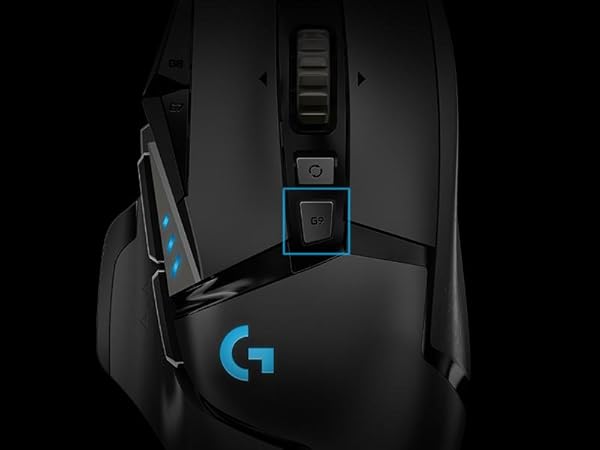
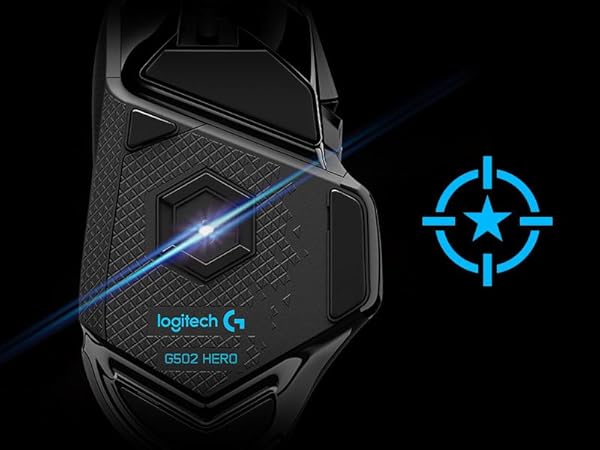
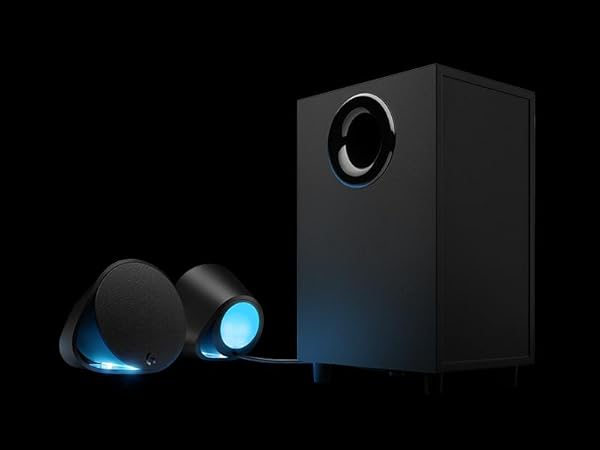
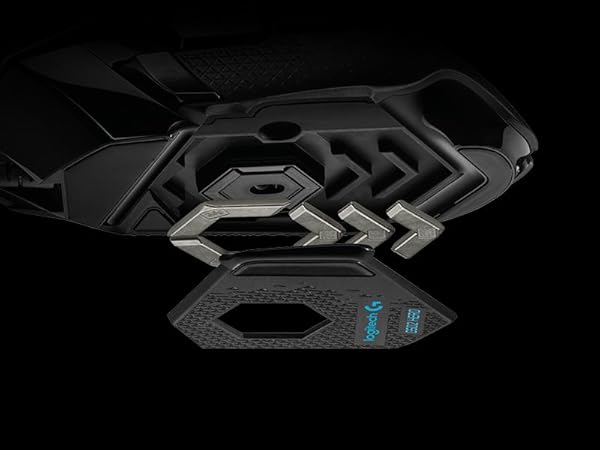
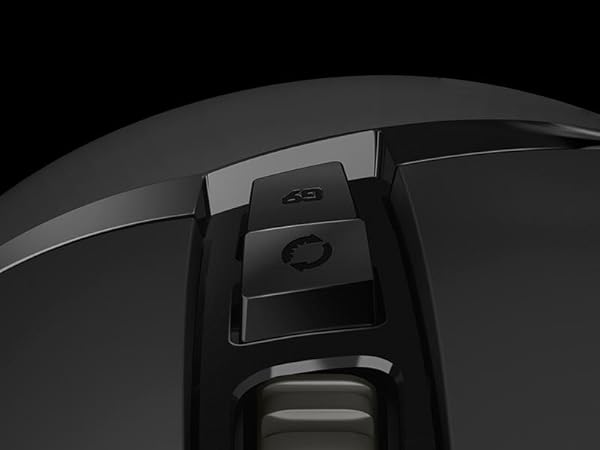
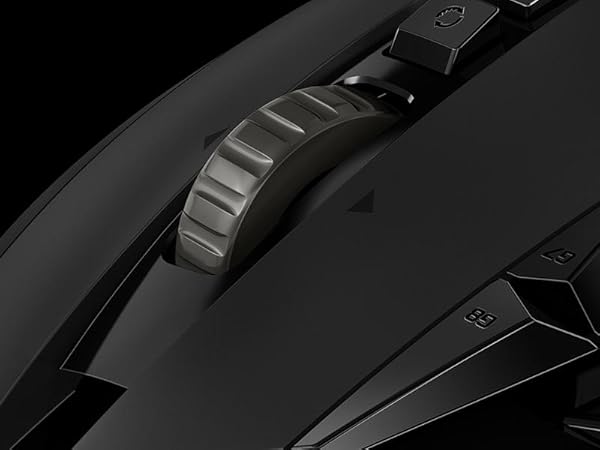
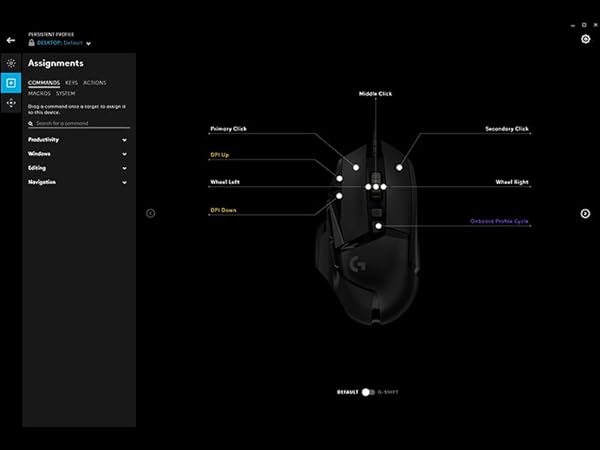
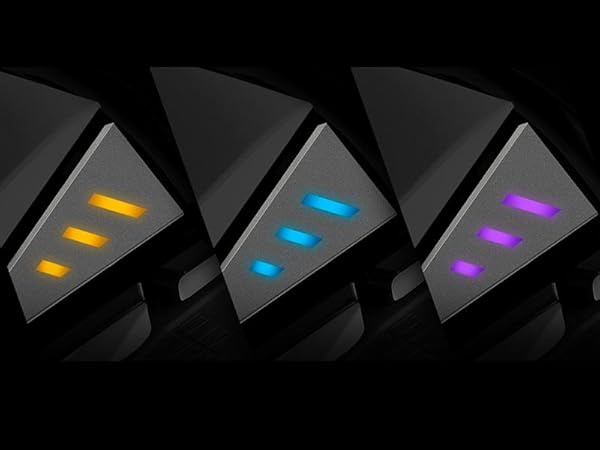
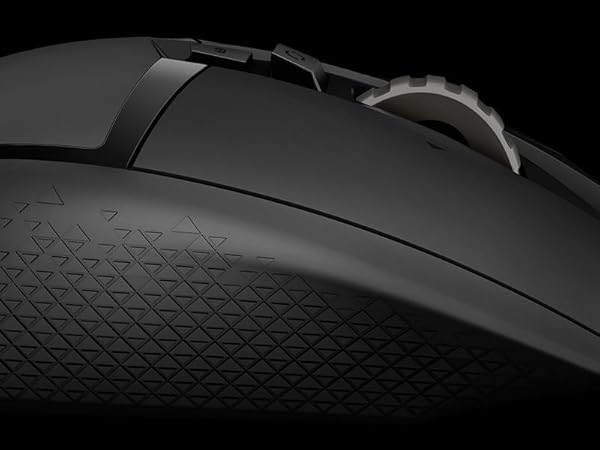
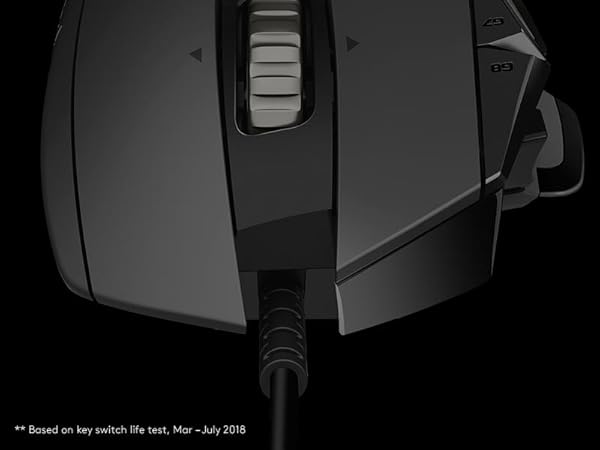
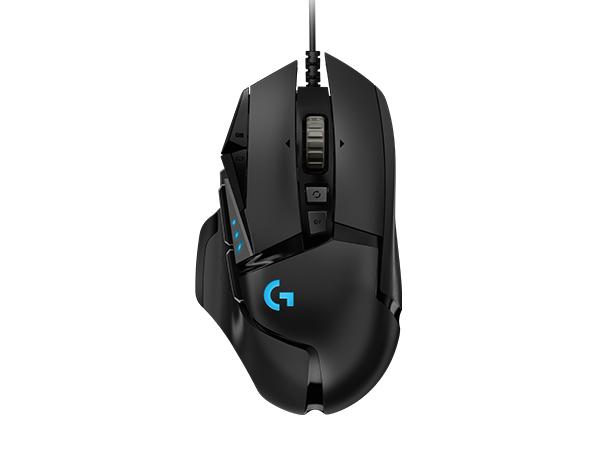
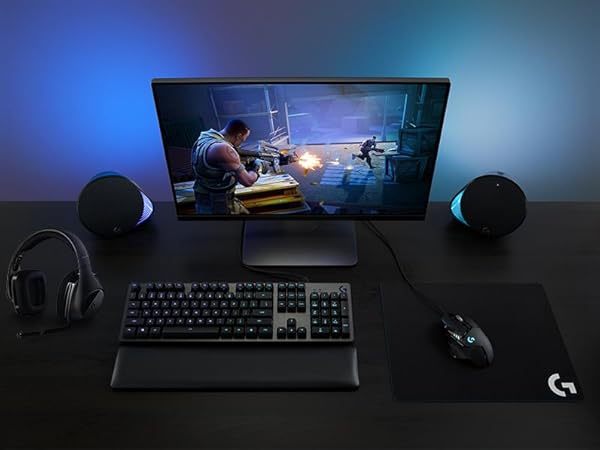
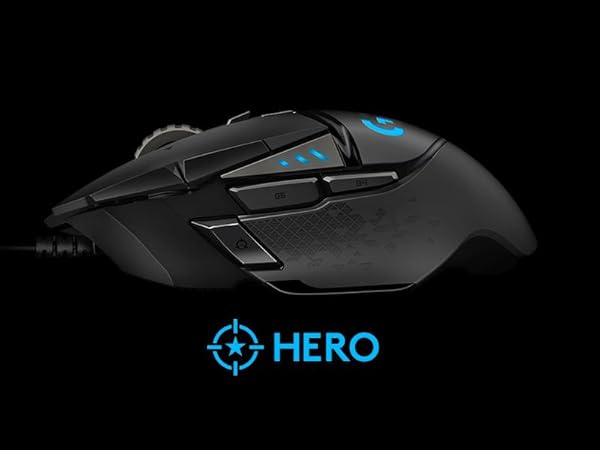
Customization: 5/5 Buttons: 5/5 Features: 5/5 Control: 5/5 Durability: 5/5 Grip: 4/5 RGB: 5/5 Review: G502 Hero fills the gaps of the previous G502. Hero is the perfect companion for all of your gaming needs. Let me get into each of them one by one. Don't miss the G HUB! Programmable Buttons: It features 11 buttons that are fully programmable. These include Forward/Backward, DPI Up/Down, G-Shift, Middle Click, Left/Right Click, Profile Cycle and Left/Right Scroll. Refer my image for visualization. Holding G-Shift in the default mode changes DPI to a preset which you can customize. For example, I hold it while snipping to lower my DPI to 1200 in FPS games and increase accuracy. Besides lowering the DPI, G-Shift button can also make existing buttons perform other functionality than their defaults. This gives you another set of 10 new controls! Yes, it does have horizontal scroll that enables left/right scrolling. I use it to change tabs in Chrome. Profile Cycle button helps me to cycle between different profiles easily. Not to miss that all of these are fully customizable on a per-app basis! Hyper Scroll: The scroll features as a frictionless one. Just scroll it once on a long webpage, leave it and it will keep scrolling even after you reach the end. Don't worry, you have a toggle just under it that can disable this feature. RGB: The space allotted is less. You can customize RGB settings for the Logo and the profile indicator on per-app basis. Choose modes between Cycle, Breathing, Fixed, Music and Screen. Music mode works as visualizer based on the playing track. Screen mode changes colour according to what's on your screen. For example, I have made profile for GRIS that makes my G502 to change colour to white and red depending on what's on left and middle side of the screen. The profile indicator in default mode helps you see the profile or DPI level when you change among the max 5. Weights: You get 5 3.6 grams weight bars that you can align in the weight compartment of the mouse as per your convenience. You have options for left/right and forward/backward alignments. A single weight can be aligned in 13 different ways! I've made a weight adjustment video so that you can see how weights are adjusted in G502. Grip and Durability: The mouse looks rock solid. If you have not too large hands, yours can rest comfortably over the mouse. There is a thumb rest while the curvature of the mouse is a treat to your right hand. Beware, left-handers! G HUB: The best thing about this mouse is the software. Yes, you read it right. With G HUB, you can make custom profiles (or even download from the community) for each app. Thus, you can change RGB colours and mode, buttons mapping, DPI settings and G-Shift/DPI-Shift for a particular app. I have even set a profile for Chrome that enhances my productivity. You can find profiles made by me on G HUB by the name 'Baahubali'. What amazed me is that besides Macros (Keyboard key combinations), Shortcuts and Keyboard Keys, you can even build scripts in Lua programming language - now this is something really professional by team. This was my first purchase of a premium gaming mouse. Previously, I had been buying Dragonwar mice. I read somewhere that this mouse is a one-time investment and now I believe they are right. Experiencing the hyper frictionless scroll gives you an idea about how reliable the mouse promises to be! With a price tag on 4K, it's a steal. You may get as minimum as INR 3799 in Lightning Deals. Do check my detailed photos and unboxing videos. I had to follow Amazon Video Format Specs so do visit YouTube (Paras Lehana) to view highest quality video of Unboxing and Weight Adjustment.