We remain fully operational. Our teams are working around the clock to ensure your deliveries continue safely.

DOWNLOAD THE APP


Customer Services
Copyright © 2025 Desertcart Holdings Limited
DOWNLOAD THE APP
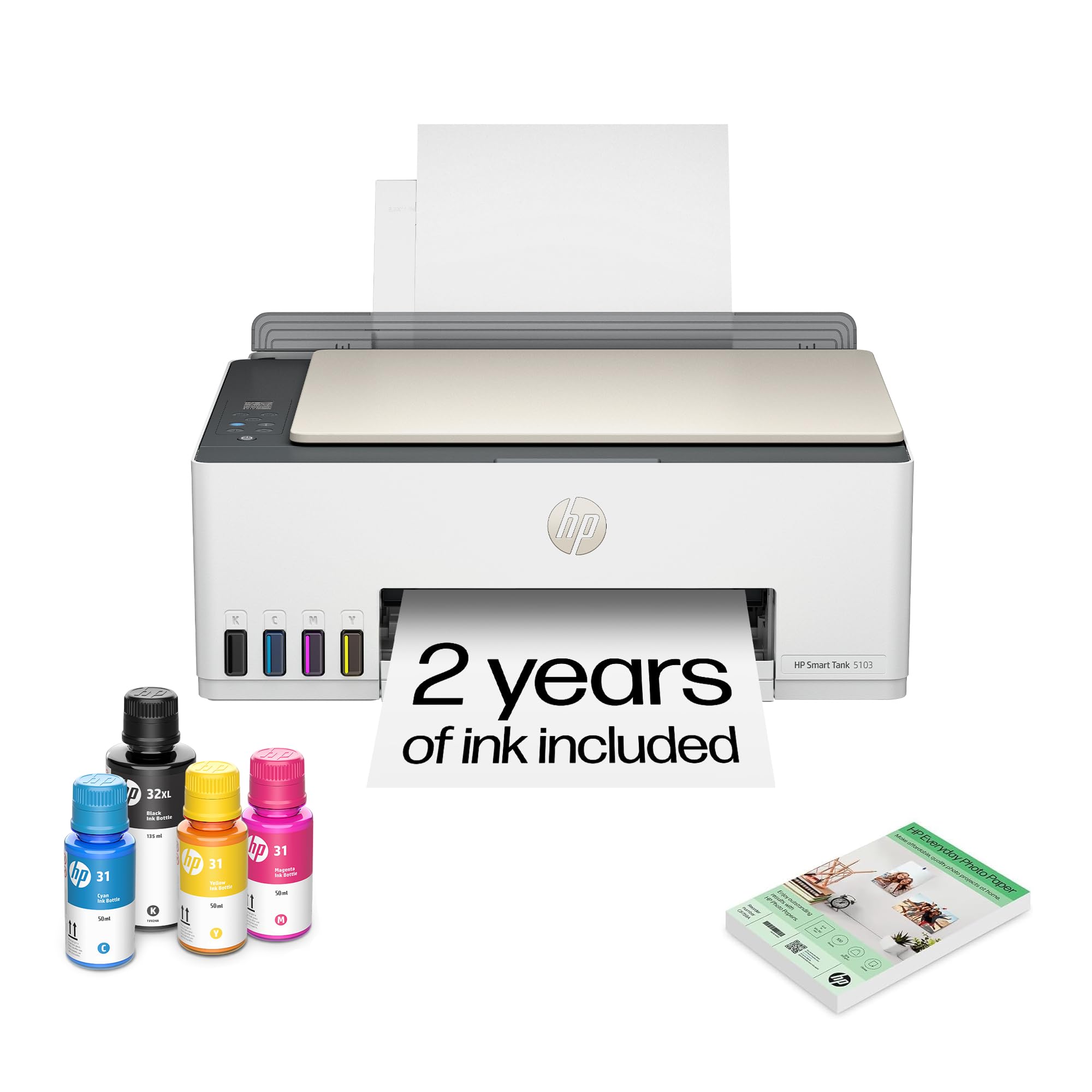



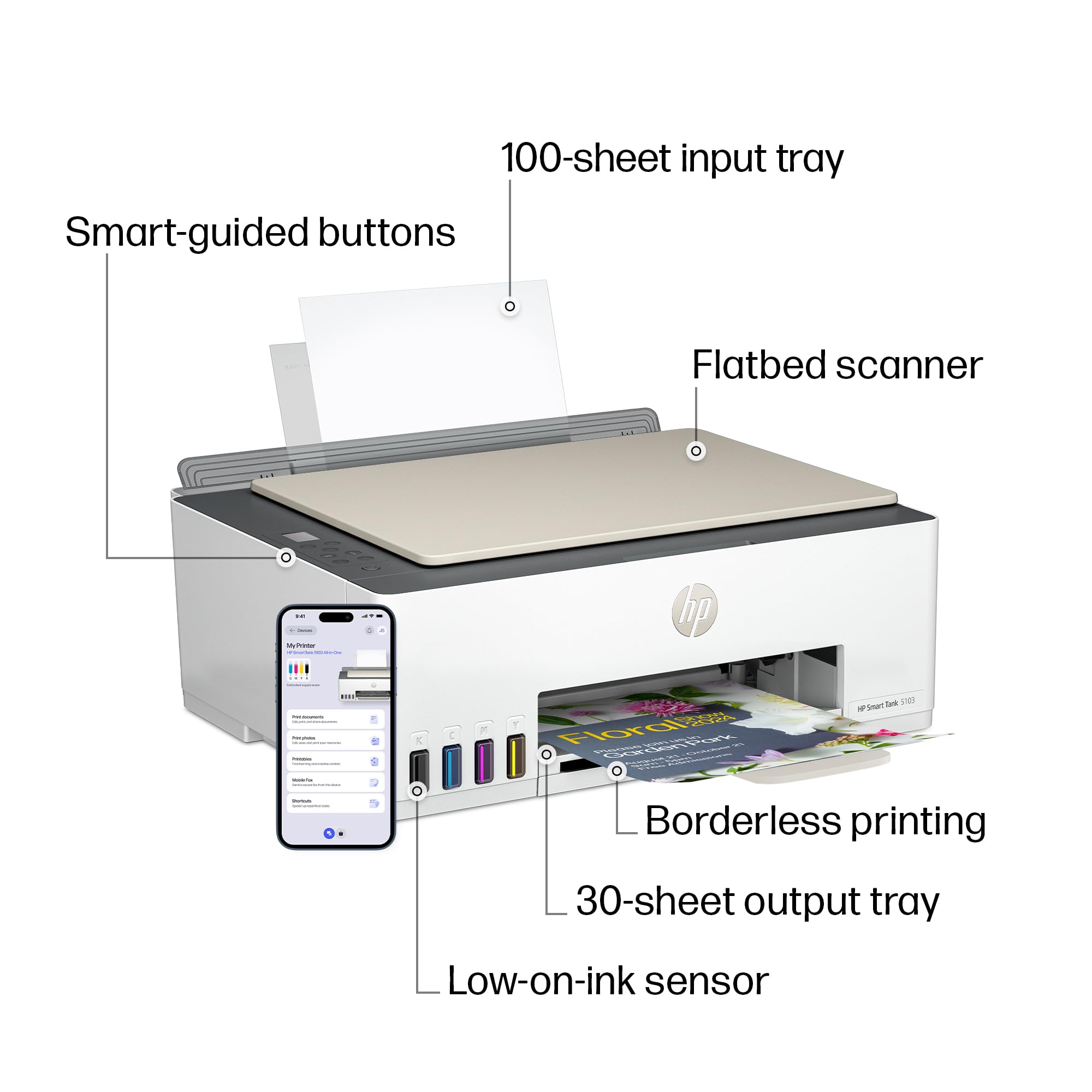


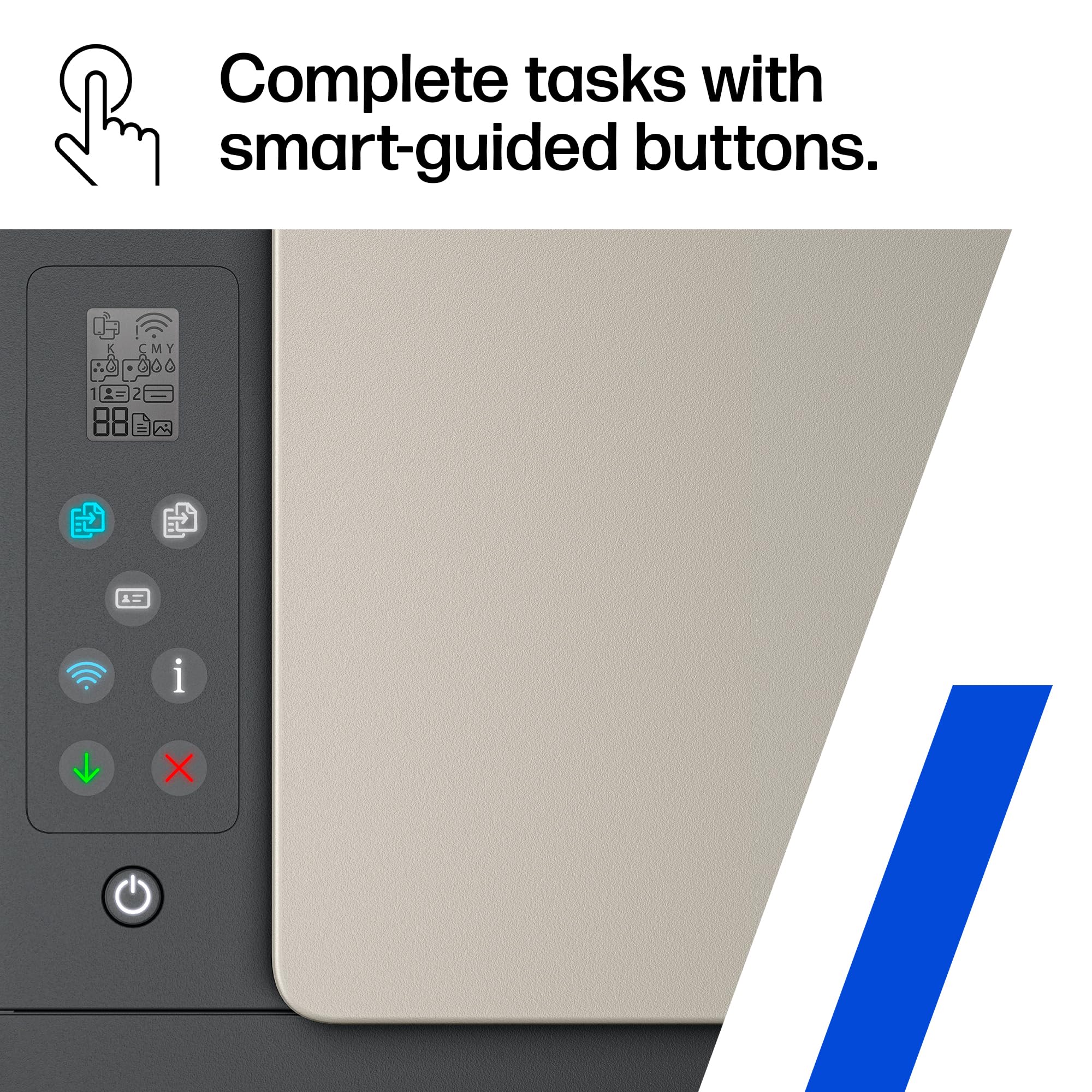


🖨️ Print smarter, live better—your home office MVP awaits!
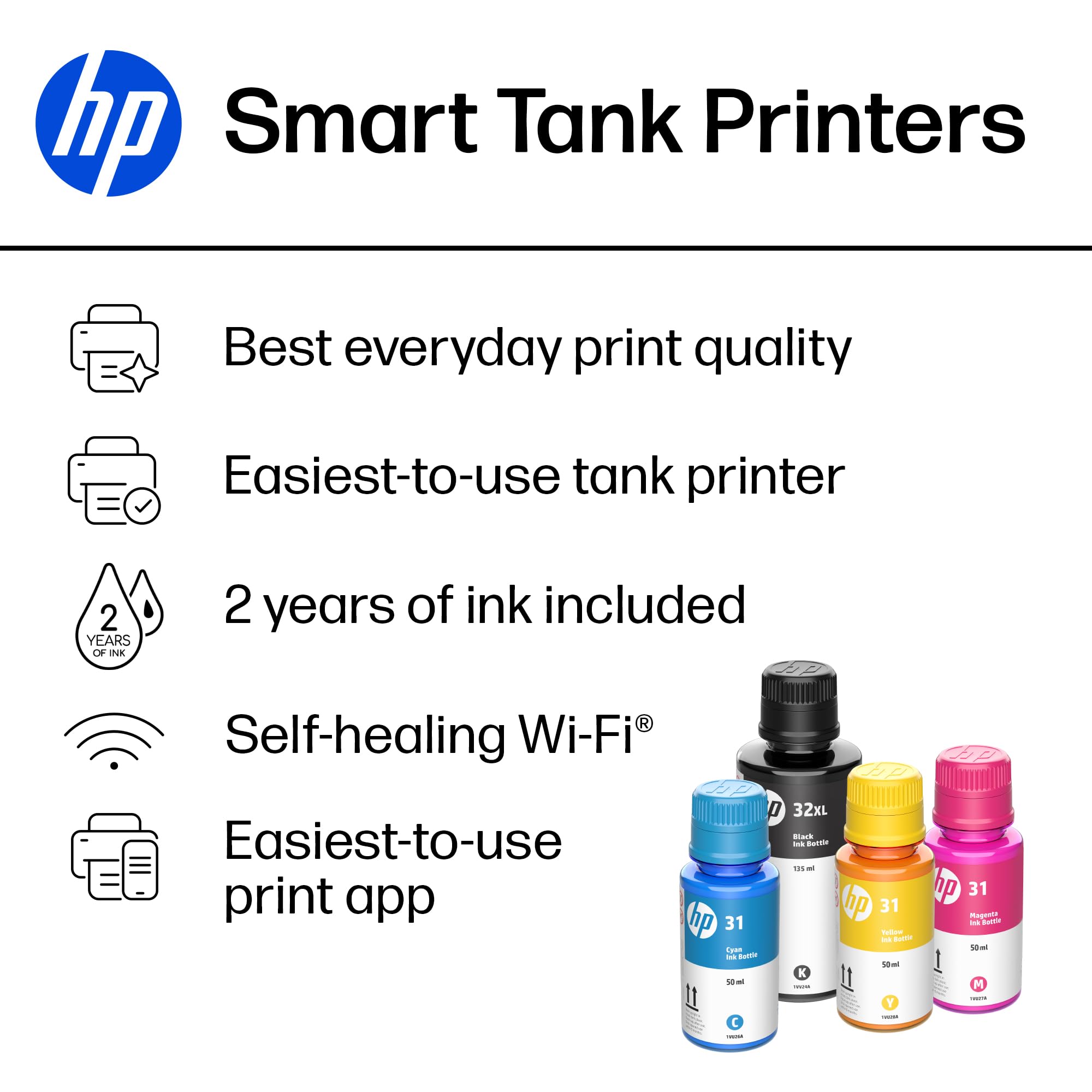
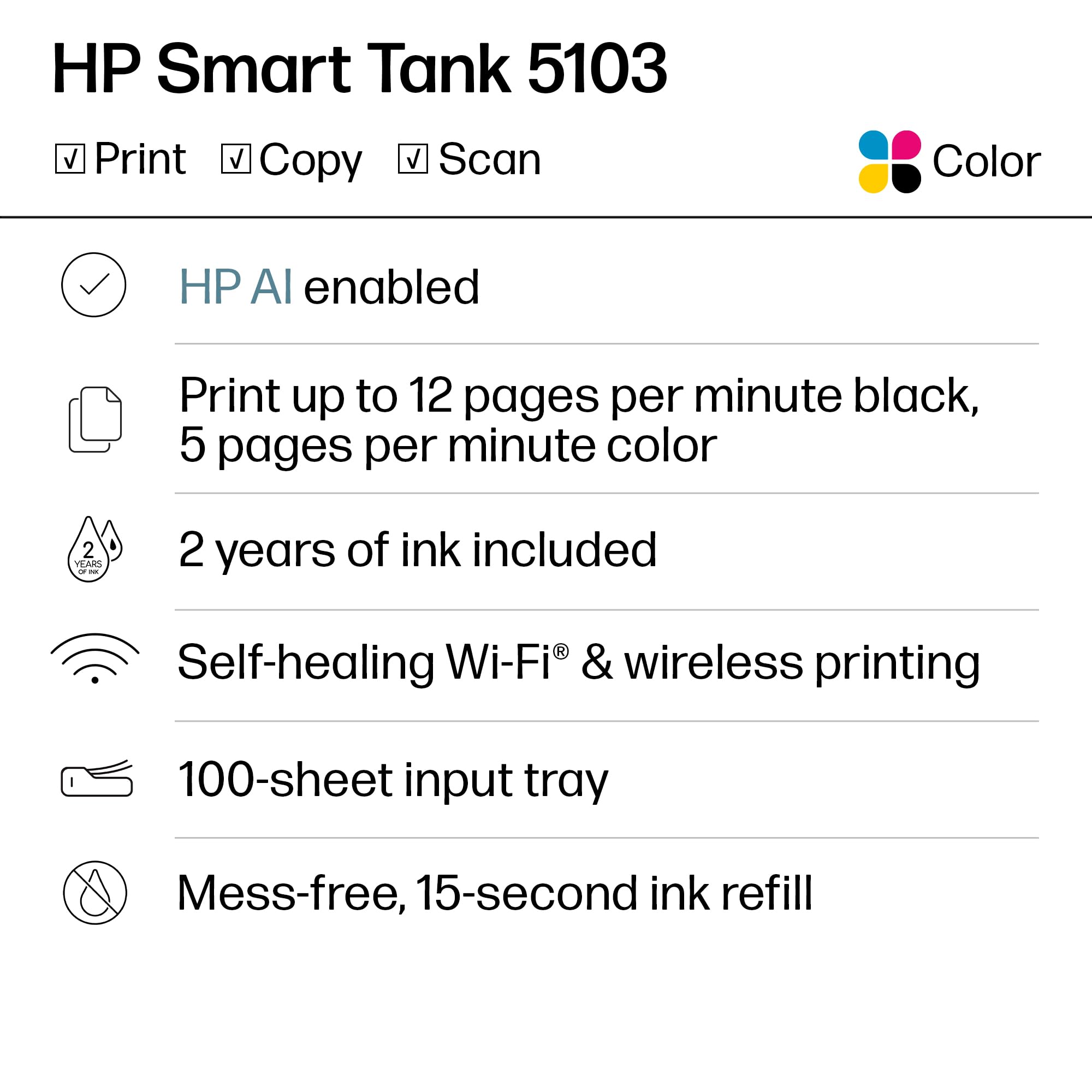
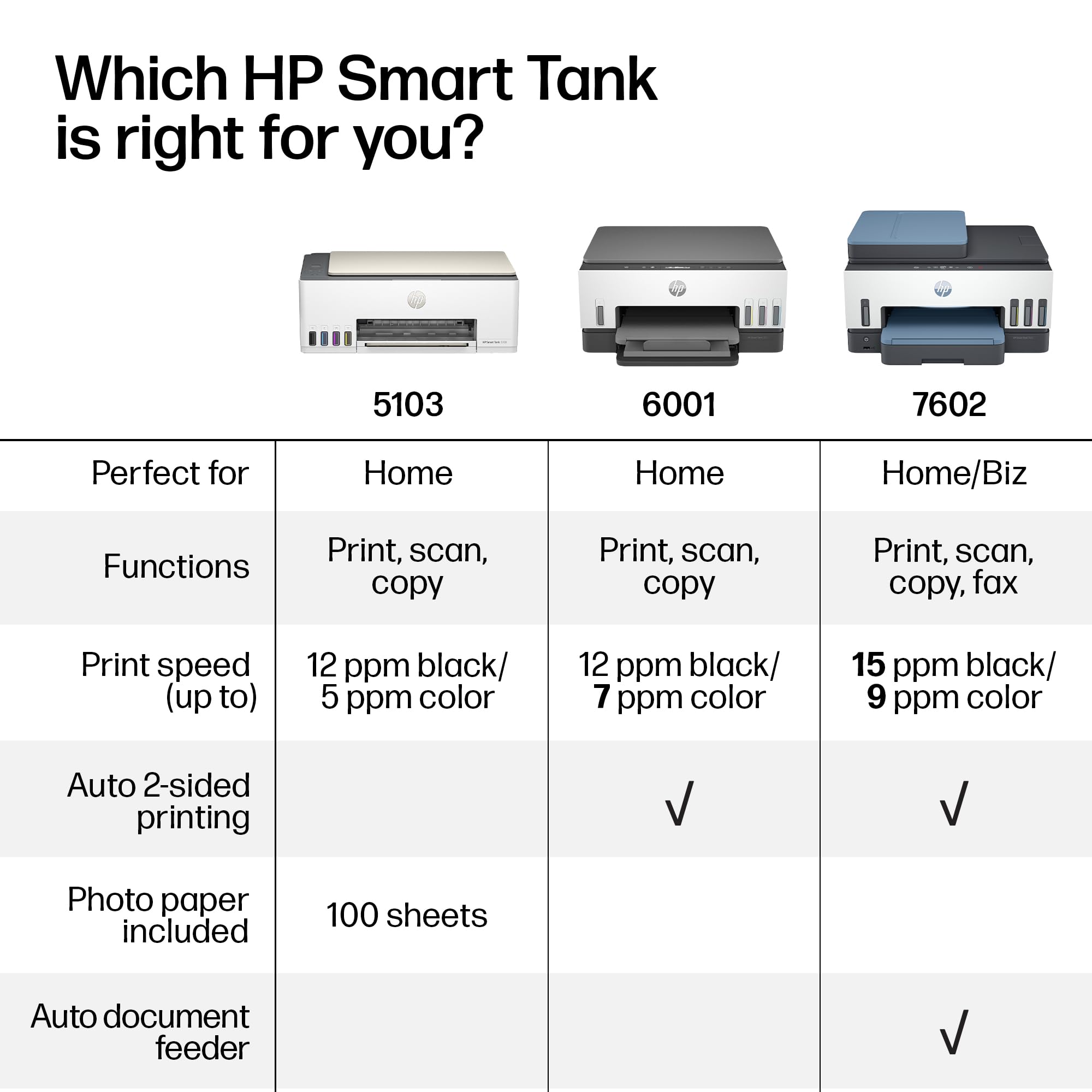
The HP Smart Tank 5101 is a wireless all-in-one ink tank printer designed for high-volume home use. It delivers up to 12 pages per minute in black and 5 ppm in color, includes 2 years of original HP ink for up to 6,000 pages, and supports print, scan, and copy functions. With self-healing Wi-Fi and mobile printing compatibility, it offers seamless connectivity and crisp, borderless prints at resolutions up to 4800 x 1200 dpi.


| ASIN | B0BL466Y41 |
| Are Batteries Included | No |
| Colour depth | 24 bpp |
| Compatible devices | Laptops, PC, Smartphones |
| Connectivity Type | Wi-Fi |
| Controller type | Android |
| Customer Reviews | 3.9 3.9 out of 5 stars (4,086) |
| Date First Available | 15 Jan. 2023 |
| Dual-sided printing | No |
| EU Spare Part Availability Duration | 2 Years |
| Form Factor | All-in-One |
| Guaranteed software updates until | unknown |
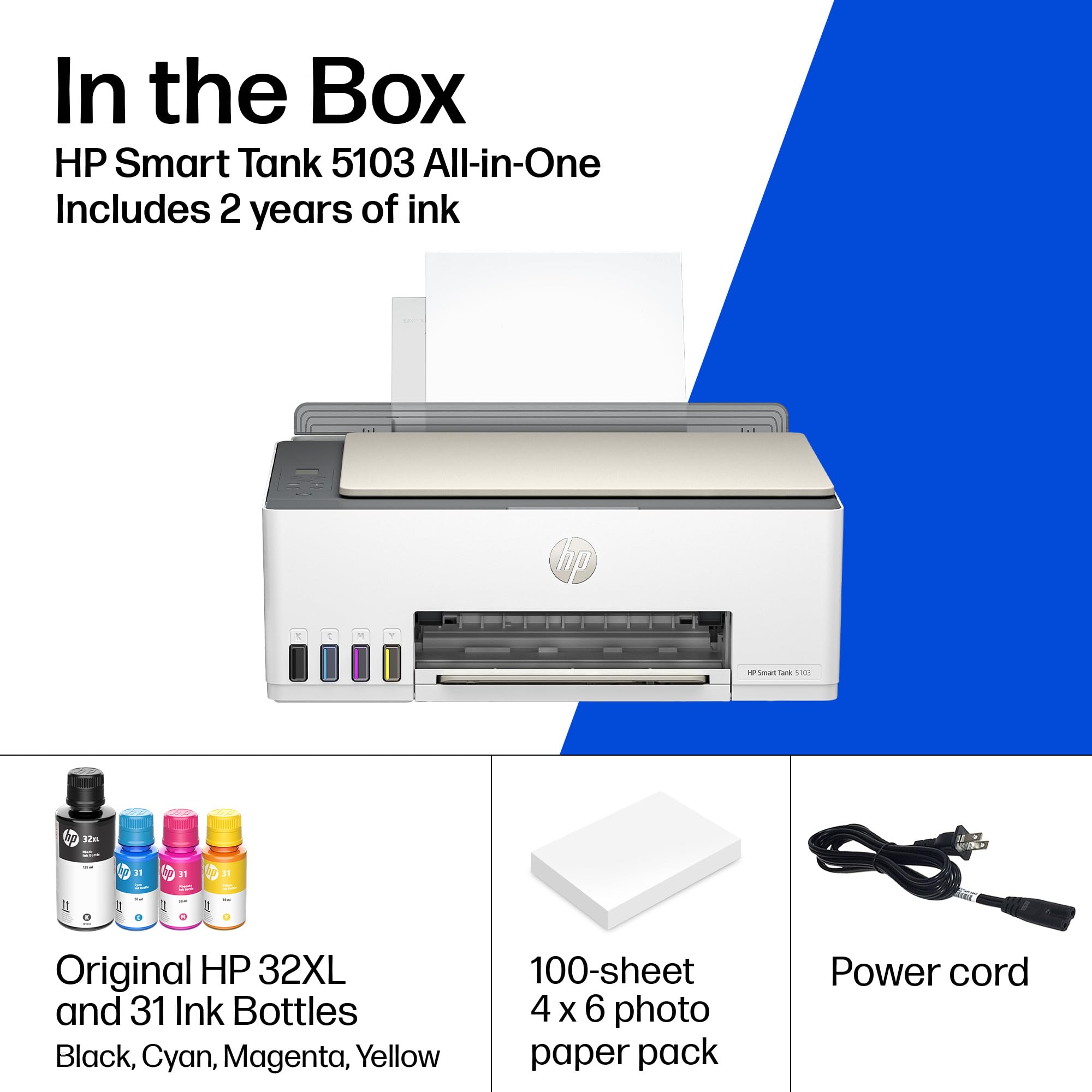
| Included components | HP 31 Cyan Original Ink Bottle, HP 31 Magenta Original Ink Bottle, HP 31 Yellow Original Ink Bottle, HP 32XL Black Original Ink Bottle, HP Smart Tank 5101 All-in-One Printer |
| Item Weight | 5.03 kg |
| Item model number | ST 5101 AIO |
| Manufacturer | HP |
| Max copy speed (black and white) | 10 ppm |
| Max input sheet capacity | 100 |
| Maximum Supported Paper Size | 8.5 x 14 inch |
| Maximum black and white print resolution | 1200 x 1200 Dots Per Inch |
| Maximum colour print resolution | 4800 x 1200 Dots Per Inch |
| Maximum copies per run | 99 |
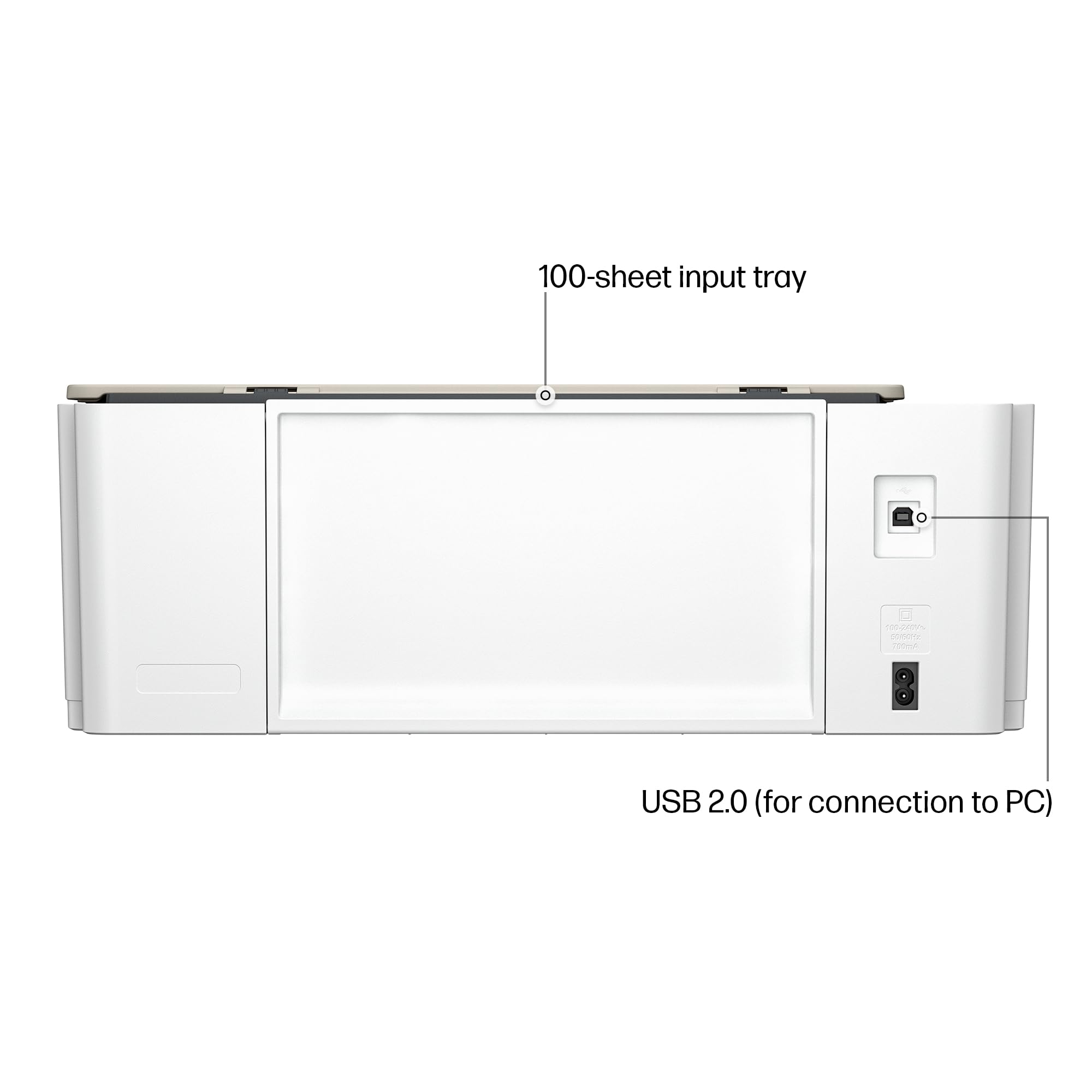
| Number of USB 2.0 Ports | 1 |
| Operating System | Mac OS 10 15 Catalina, Mac OS 11 Big Sur, Mac OS 12 Monterey, Windows 11,10, 7 |
| Power consumption | 0.11 Watts |
| Print media | Envelopes, Glossy photo paper, Paper (plain) |
| Processor Count | 1 |
| Product dimensions | 36.1D x 43.5W x 15.7H centimetres |
| Scanner type | Flatbed |
| Sheet size | 3.5" x 5", 4" x 6", 5" x 7", 8" x 10", 8.5" x 11", 8.5" x 14", A4, A6, half letter, legal, executive) |
| Standing screen display size | 1.2 Inches |
| Voltage | 240 Volts |
| Warranty type | limited warranty |
| Wattage | 3.02 watts |
E**M
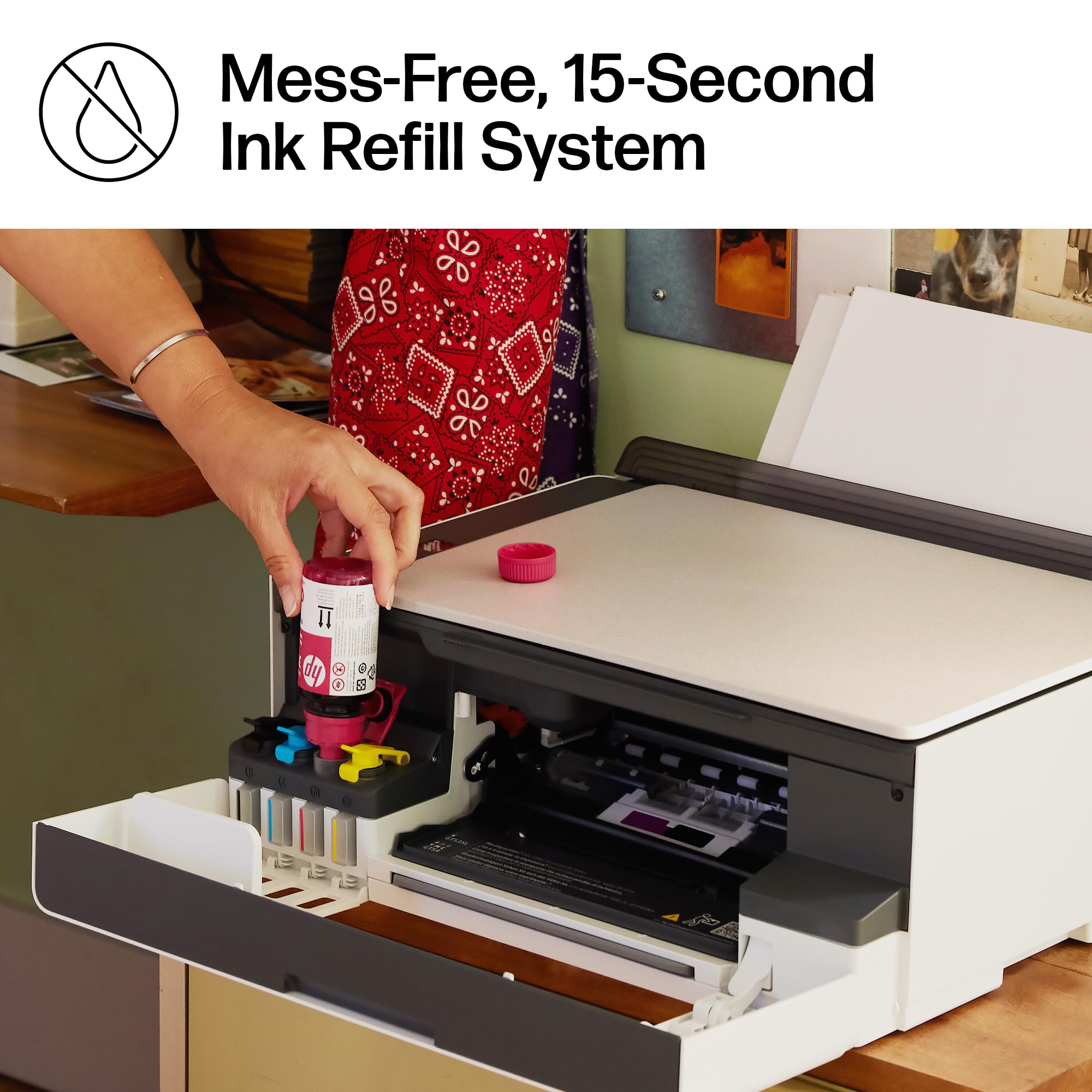
I recently purchased the HP Smart Tank 5101 Wireless All-in-One Ink Tank Printer, and so far I’ve been very impressed. The setup instructions were clear and easy to follow, and installing the ink was straightforward with no mess. My first print job came out crisp and high quality, which immediately gave me confidence in the printer. I’m primarily using this printer for labels and real estate documents, so I don’t anticipate heavy ink usage, but the print quality has been excellent across the board. The Wi-Fi connectivity works seamlessly, and being able to print directly from my phone has been incredibly convenient. Overall, this printer has exceeded my expectations and has been a great addition to my home office. I’m very happy with the performance and print quality so far.
M**Z
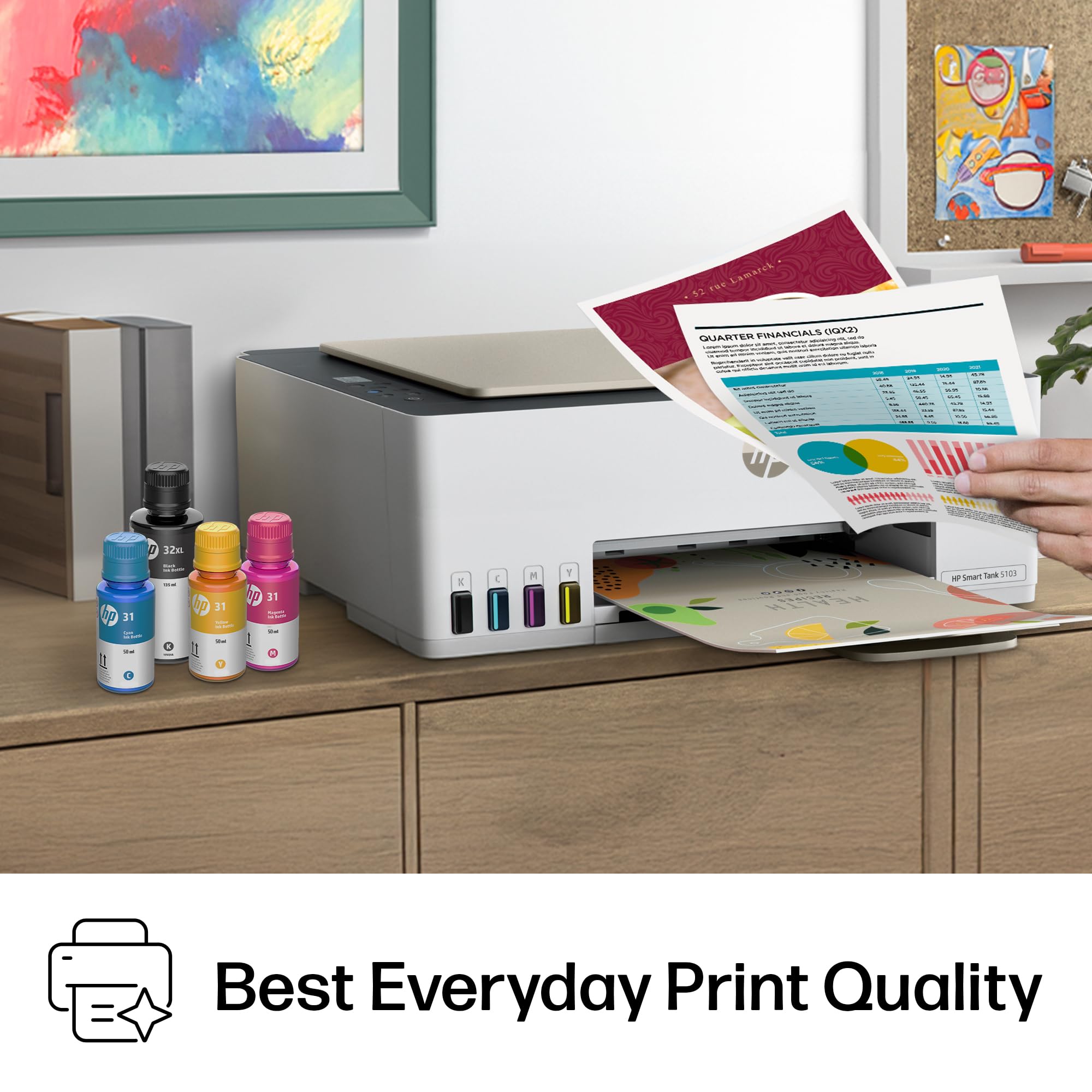
It has been an excellent investment. The print quality is very good, especially in black text, which comes out sharp and professional. Colors are also vivid in documents and images. I definitely recommend it for home or small businesses. Excellent value for money.
M**K
😡 A Nightmare in a Box: The HP Smart Tank 5101 is a Total Fail Purchasing the HP Smart Tank 5101 Wireless All-in-One Ink Tank as a gift turned out to be an absolute disaster. It's not just a bad printer; it's a useless paperweight that has caused nothing but frustration, especially since it was a gift sent out of the country and is now impossible to return. Key Failure Points: A Litany of Errors This machine failed at the most basic tasks, making its "Wireless All-in-One" designation an outright lie: • Driver Installation Hell: The drivers would not upload properly, no matter how many times I tried to download the official software or troubleshoot. The setup process was essentially dead on arrival. • Zero Wireless Connectivity: It will not connect to WiFi. The "Wireless" feature is non-existent. Without a successful connection or working drivers, it's impossible to even begin using the print functions. • Spooling Issues Before First Use: The print queue, or spooling, seems to be fundamentally flawed or permanently confused. Even when attempting simple test pages (or maybe just because the drivers failed), the system threw up errors suggesting a spooling issue. How a brand-new machine can have spooler problems when it's never successfully printed is beyond comprehension. The Final Insult: A Costly, Unreturnable Brick This printer was purchased and sent out of the country as a gift, received in December 2024. Because it never worked from the moment it was unboxed and we are now too far away for a return, this "gift" has become an expensive piece of junk. It's utterly unacceptable that a major brand like HP sells a product this defective. Do not buy this printer. Save your money, time, and sanity. I gave it 1 star because that was only low option!
W**S
After going through one cheap printer after another (paying for them through the expensive print cartridges they require), very impressed with this machine. Setup was a snap using HP's well-designed app. Print quality, including photo printing, crisp and better than those cheaper models. Easy to monitor ink quantity. Last cheap printer, a Cannon, had constant problems maintaining a solid WiFi connection. Not sure what the HP's claimed "WiFi healing" means, but this machine's connection has been rock solid. Scanning function easy to use. Would have preferred having two feed/tray options as I need to sometimes print labels and photos, in addition to standard letter size, but the single feed option can be adjusted to smaller paper size as needed.
C**H
Purchased this printer in March 2023. By June 2024, I kept receiving error messages. Wireless printing resulted in multiple copies plus, while the printer was printing, my iPad kept warning me it wasn’t available. This printer is a piece of junk. UPDATE: Well, I slammed HP when I should’ve slammed Apple. My iPad kept giving me error messages. The printer started spitting out multiple copies when only one had been ordered. Then inspiration struck and I tried printing from my Airbook. No problem. Discovered that the latest software upgrade had created problems with iPads for many users. I installed the HP smart print app and the difficulty vanished. When will software engineers stop “improving” things out of usefulness?
Trustpilot
1 month ago
4 days ago