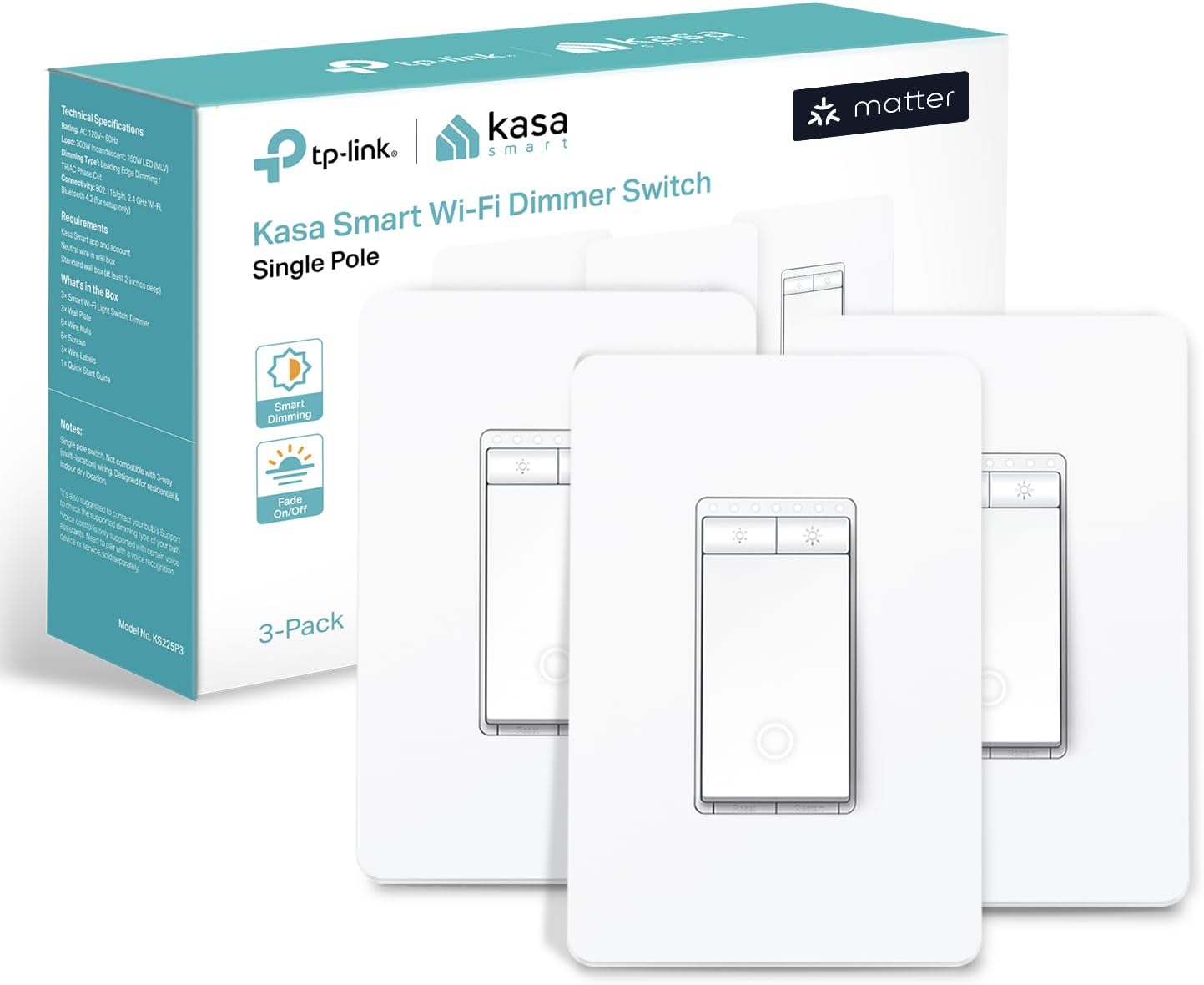
I have had a smart home with 50+ devices for about a decade, since Apple first brought out its HomeKit smart home system. I have a lot of experience with the benefits and also the many hassles of smart home devices. Firstly let me comment on the physical product itself, and the company behind it. Great design. Great quality. Committed brand, with a good track record I think you can trust. Easy to physically install if you are comfortable with connecting wires, and can turn off a circuit breaker. You MUST have white "neutral" wires, which typically any electrical system done since the 1980's will have. Instructions are straight forward. You might discover some of your existing switches are not wired in typical ways. If this is the case and you don't fully understand it, get an electrician. I think most people will be okay. BUT … from an all around software setup perspective, this is by far the most aggravating installation experience I ever had - until it wasn't. This is the FIRST Matter protocol device I have installed in my Apple Home. I DO have the required Matter/Thread routers that are needed. In this case of an Apple Home, several Apple TVs and HomePods. If you use Google Home, or Alexa, or other you MUST also have in your home a “Matter Hub” capable product from Google or Alexa respectively. I spent almost a full time week, googling, trying various things, getting frustrated, and I would rate myself a 9/10 on expertise in this area. Until I learned the best trick. You HAVE to FULLY commit if you want to move to the Matter, protocol and I think you SHOULD. Even if you do at first get it working without this drastic step, I think you are just pushing hidden problems into the future. Start FRESH. All those smart home rules, profiles, pairings, etc you have built over the years - you should DELETE THEM ALL, and FACTORY RESET ALL your smart home devices. Delete your ENTIRE home profile. Start over completely. Drastic yes. But just like it is much easier to build a quality new home from scratch, rather than patchy renovations to an existing home, the same applies to a smart home when moving to a very different technology, in this case “Matter”. If you want to get into the Matter ecosystem, and I think any serious smart home enthusiast SHOULD, you have to understand that you are much more on your own right now than by sticking with a current proprietary ecosystem. The attempt to make Matter work with many different platforms, means the ability for product manufacturers, and Ecosystems - like Apple, Google, or Alexa support, to assist you is very limited, even when they want to. One MORE step. Do the same with your router. FACTORY RESET. It also plays a core essential role in the reliability of your smart home. If you have a cheap router you should really consider something higher end. When I took the deep dive, and started from scratch, I was able to set up all my Matter devices with ease. Another suggestion - just because matter claims to be able to support multiple home ecosystems out of the box, DON’T do that. You are asking for trouble, Pick 1 like HomeKit as I did, or Google Home, or Alexa, or SmartThings, or other platforms, and do EVERYTHING on that ONE platform. Also install the manufacturer specific apps for direct control of your devices, outside of any ecosystem. Reduce complexity, don’t embrace it. Yes, Matter is still quite frustrating, but most of the issues should be solvable through updated ecosystem software and product firmware. I still believe it will become THE standard, likely the ONLY standard in the future. So unless you need features not yet supported by Matter, I think Matter devices are worth the initial pain, to future proof your investment. Hope that helps !