
DOWNLOAD THE APP


Customer Services
Copyright © 2025 Desertcart Holdings Limited
DOWNLOAD THE APP

⚡ Power your smart life with speed and stability—no compromises!
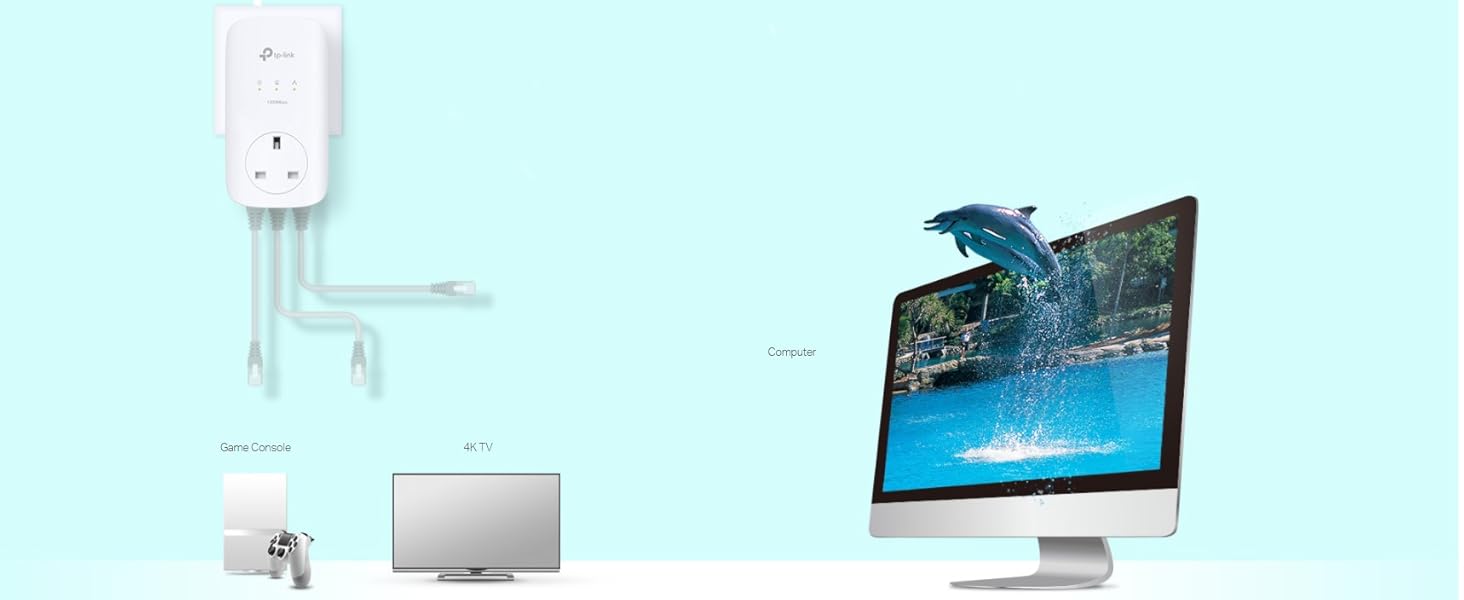
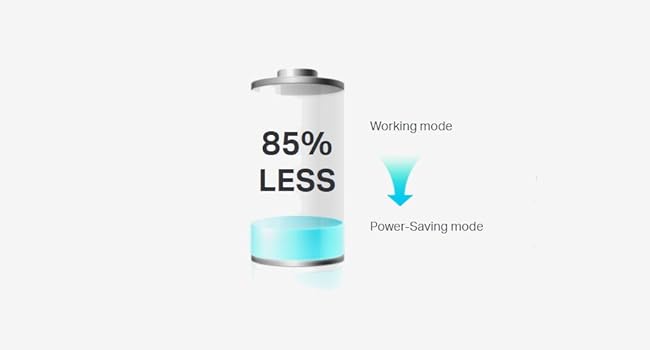
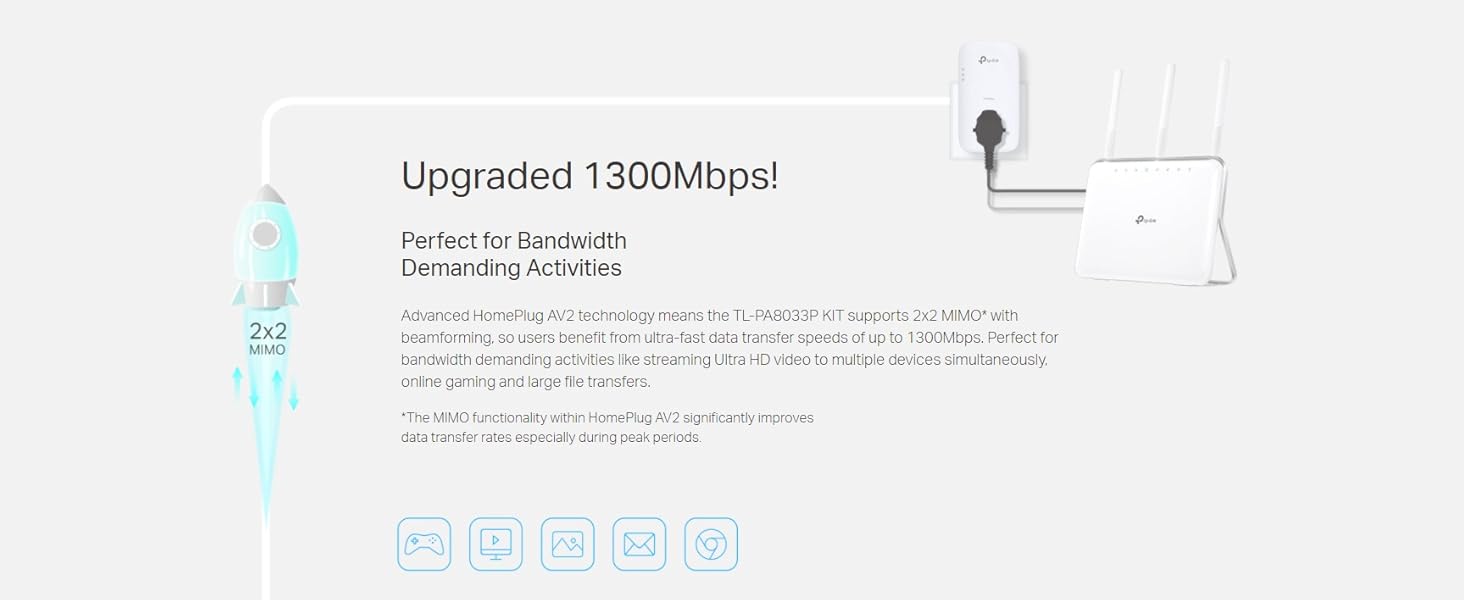
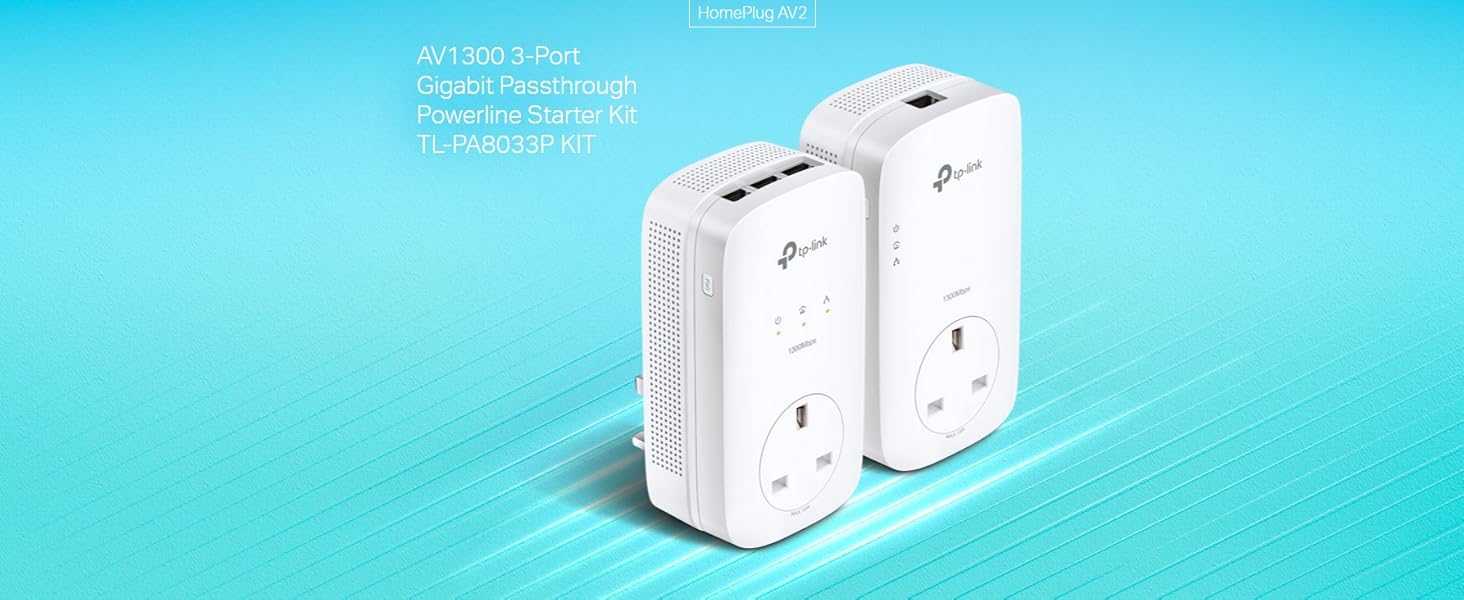
The TP-Link TL-PA8033PKIT is a high-performance AV1300 powerline adapter kit featuring 2x2 MIMO technology and an integrated power passthrough socket. Delivering up to 1300Mbps over your home’s electrical wiring, it creates a reliable wired network ideal for smart TVs, game consoles, and multiple devices via its 3 gigabit Ethernet ports. With effortless plug-and-play setup and energy-saving features reducing power consumption by up to 85%, it’s the perfect solution for professionals demanding fast, stable connectivity without sacrificing power outlets.





| ASIN | B07GFHQXBP |
| Are Batteries Included | No |
| Best Sellers Rank | 3,356 in Computers & Accessories ( See Top 100 in Computers & Accessories ) 13 in Powerline Network Adapters |
| Brand | TP-Link |
| Colour | White |
| Customer Reviews | 4.2 4.2 out of 5 stars (2,032) |
| Date First Available | 10 Aug. 2018 |
| Guaranteed software updates until | unknown |
| Item Weight | 500 g |
| Item model number | TL-PA8033PKIT |
| Lithium Battery Weight | 2 Kilograms |
| Manufacturer | TP-Link |
| Operating System | Linux,Mac,Vista,Windows 2000,Windows 7 |
| Product Dimensions | 7.2 x 4.2 x 13.1 cm; 499.86 g |
K**D
Fast, Easy to Setup, Reliable and Good Value Gigabit Powerline Adaptors
These powerline are adaptors are very easy to set up (basically just plug them in, connect up the Ethernet cables and go). They are fast, using MIMO technology to improve connection speed. The mains passthrough was essential for me. I can't afford to lose one of my wall sockets. I have used them to setup a network connection to our annexe (Wifi didn't work well, since the intermediate walls are thick stone!), one is connected to the ADSL router, and the other to an external ethernet cable that runs through to the annexe. I am getting about 350Mbps this way over a distance of about 50', which I am happy with (my best wifi setup was < 1Mbps with frequent dropouts and only partial coverage). As a bonus, I have been able to wire up my Sky TV box and Apple TV, giving a more reliable and faster network connection. There is a button on the side that allows you to secure the network when you set things up. I have done this, though it probably doesn't matter much in my home setting. In a public setting, this would be essential of course. One of the adaptors has three Ethernet ports and the other has only one. This works for me, but since my router only has two ports, I've had to buy an external ethernet switch as well. This was still cheaper than the starter package that has two 3-port adaptors. These ones have no Wifi (I didn't really need that, and again the price was high to add it - about £40). In service, the adaptors have been reliable. The only connection problems I've had have been with loose connections (old cables). Do make sure you use high-speed Ethernet cables and buy new ones if you need to. Good Cat6a ones can be had very cheaply now, though Cat5e/Cat6 should be good enough. Once I'd replaced my old cables with new Cat6a ones everywhere, my network has been running well. The only other problem I have is that my subwoofer is picking up interference. The network management app lets you see the point-to-point throughput rate and change a few simple settings (whether the LEDs are on, traffic prioritisation, name). It's basic, but works well. You need to be connected to the same subnet as the adaptors to use it (I can't connect to it from my laptop via wifi for example). The adaptors themselves are quite sleek and modern looking, but mine are hidden away, so appearance wasn't a deciding factor. Overall, I'm pleased with these. I would happily buy more if I needed to connect anything else directly. They are a lot less trouble than wifi and are a valuable addition to my network kit.
M**R
Better than expected
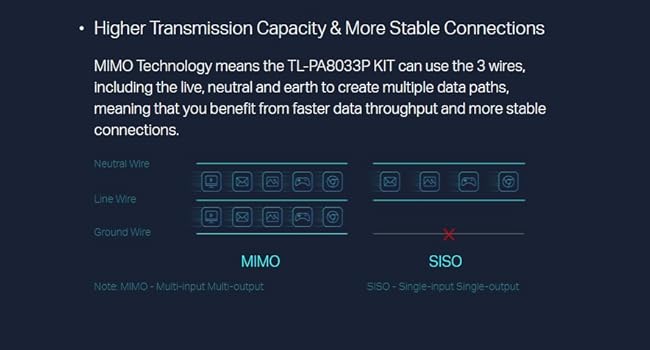
Review of TP-Link TL-PA8033PKIT. I purchased this powerline kit to use with my new Freely internet based TV located in an upstairs room. Having already tried a wi-fi extender with little success & not wanting the hassle of routing an ethernet cable between floors I decided powerline was the best option. As our house is an early 70's build & still using the original red & black wiring I wasn't sure how well powerline would work, but I'm pleased to say that it works a treat. My connection speeds are exactly the same through powerline as they are when plugged directly into my router & I can now enjoy my Freely TV without any picture freezing or connection dropout. As this version has three ethernet ports I now also have a wired connection for my PC & internet radio in the same room. Speeds will vary depending on the wiring in your home, I was lucky in getting a good result but others may find it doesn't work for them if they have split circuits between floors going to separate consumer units for example. It probably helps that this powerline device uses all 3 wires, Live, Neutral & Earth for its data path, lesser versions only use Live & Neutral, so it's worth the extra spend for this feature alone. My only criticism of this unit would be the location of the three ethernet ports exiting out of the top of the plug, it would have been far neater & more convenient if they'd been located at the bottom, they also get quite warm in use. Because these units are not wi-fi you cannot use the TP-Link Tether app to customise your settings, instead there is a Utility on the TP-Link website that you can download on to your PC which will let you access the device settings, I've only used it to turn off all the LED's on both plugs. Overall a great device that has given me a reliable & more secure wired connection vs wi-fi for my devices.
G**K
Nice and Simple, wish the speeds were realistic - do some research before you buy
Bought to replace a pair of TP-link "500mpbs" powerline adapters. First of all - you should know TP link and competitors claims on the speeds of these adapters are not much better than blatant lies. My old "500mps" adapters only actually had 10/100mbps ethernet ports on, which means there's absolutely no way you could ever get over 100mbps from it. These 1300mbps adapters do actually have a full 1000mbps ports (which I confirmed on the router when I got them) so I expected better results than the old set. TP-link provide a utility you can download which allows you to tweak some settings and shows a link speed between adapters. There's a photo on one of the reviews. This is also nonsense - you are not getting this speed for actual data transfers. If you're getting these to use to provide broadband speeds around the house, you're probably fine, they'll be quick enough. If, like me you're using them to network a NAS / storage device and stream video, copy files etc, then the speed actually matters. The good news is, these aren't bad for what they are & the price. From the old 500mbps adapter I actually got about 60mbps. I live in an older house, but the wiring is new, and the speed between adapters not actually that far, so I'm confident this couldn't be made any better by fiddling about with things. With the new 1300mbps adapters I've measured I'm getting around 125mbps, so a decent speed up and in-line with what I expected given a google about for the actual speeds to expect from these things (well worth a search and a read as there are some brilliant comparisons between these types of devices and actual measured speeds) All in all - super easy and quick to setup (plug in and go!) and a decent speed up for my home network setup, allowing me to stream HD video. Wish TP link wouldn't fabricate the speeds of these. Independent tests with the two adapters next to each other have shown these simply aren't true!
V**S
Bought this to upgrade from my old Netgear ethernet extender that was getting 350-400mbs, my Internet speed is 500mbs. The new TP-Link was only getting 40-50mbs which was a big disappointment for what money it is.
أ**ي
فك ازمه عندي
A**I
Brought down the speed from 200mbs to 5 mbs and only works if it’s in the next room, different floors doesn’t work
Trustpilot
4 days ago
2 weeks ago