


🔑 Unlock smart home mastery—control everything, anywhere, effortlessly.
The YoLink Mini On/Off Fob is a compact, rechargeable smart remote that wirelessly controls up to 128 YoLink devices within a 1/4 mile range. Featuring eco-friendly USB-C charging and seamless device-to-device pairing via the YoLink app (hub recommended), it offers reliable, internet-independent smart home management in a sleek, portable design.
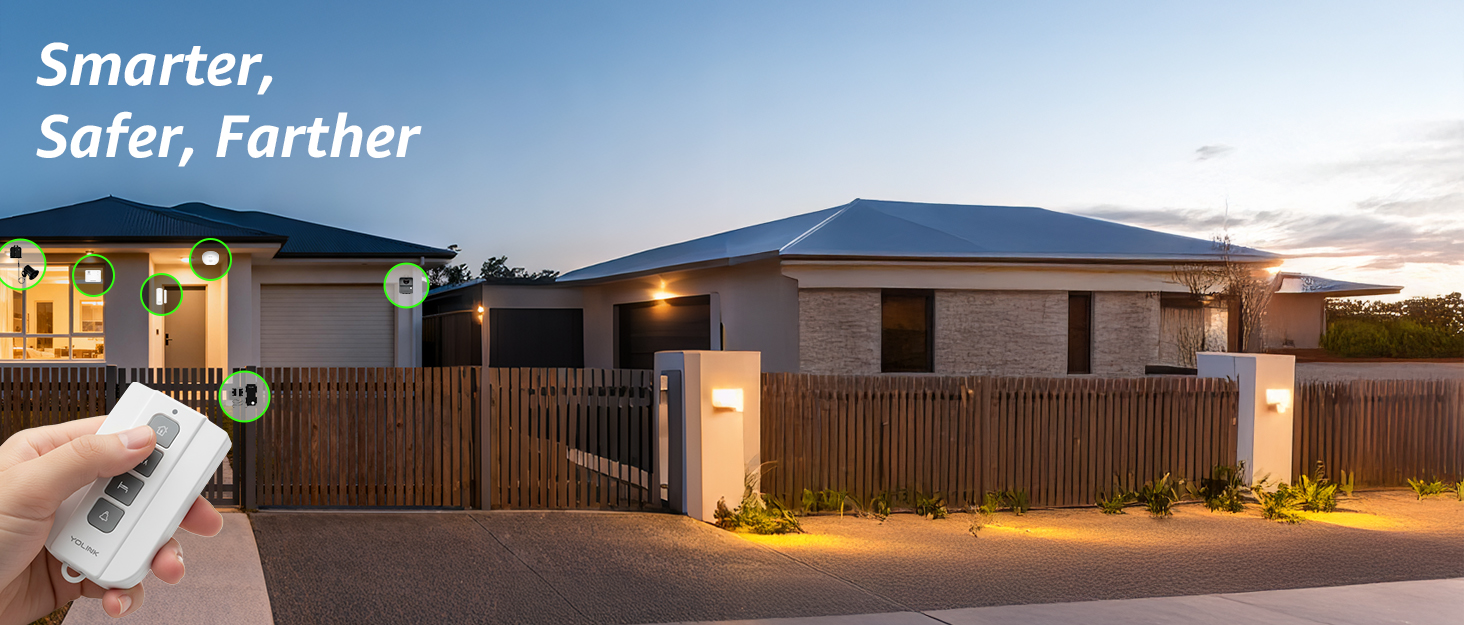
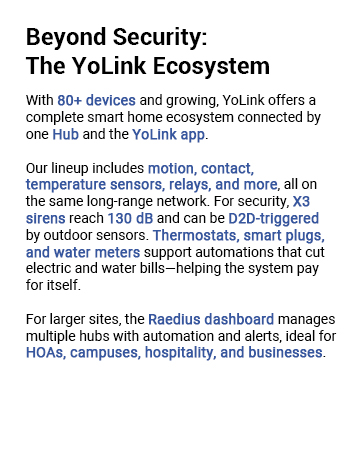
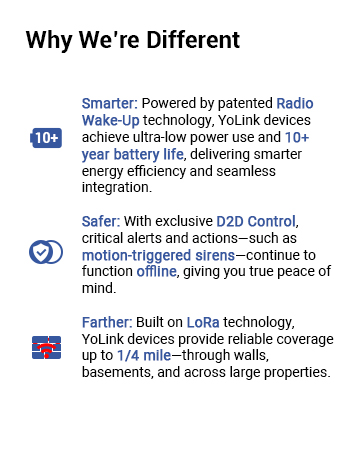
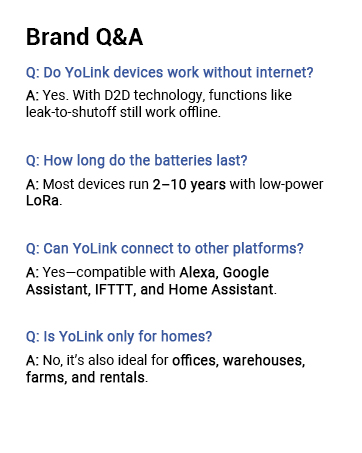

| Brand | YoLink |
| Compatible Devices | YoLink smart plugs, outlets, light switches, relays, valves, locks |
| Connectivity Technology | LoRa |
| Installation Type | Self-Adhesive |
| Item dimensions L x W x H | 1.02 x 2.67 x 0.55 inches |
| Power Source | Battery Powered |
L**E
Allows me to restart my internet router because it is not dependent on WIFI or the internet
I really like YoLink's technology and products. already have a hub, siren and door/ window sensors that provide an alarm when doors to access the pool open. I purchased this because I wanted a way for my wife to restart my internet modem/router that was having issues regularly. Yolink devices provide a solution that was not too expensive and is not dependent on internet connectivity. This along with one of their smart plugs provided a perfect solution.
S**.
I like it, works great!
Using this with the Yolink garage door control to replace a remote that died after many years. This was easy to program and works great. Small, easy to place in my vehicle where it’s not noticeable. Really liking this Yolink system. I have their monitors in all of my fridges and freezers, water monitors under the dishwasher, and sensors on all the overhead doors and mailbox.
V**R
Great for device to device control of shut off valves
Used it to link directly to a automatic shut off valves on a rental property to allow tenants to quickly restore water in case of an accidental sensor trigger without having to go to the utility room. Small and reliable with long battery life. Would definitely recommend to enable control of valves that will work despite any network / hub connectivity when paired in device-to-device mode.
J**N
Reverse the QR colors
The item works as intended. There is a problem with the QR code printed on the switch, it does not have sufficient contrast to be picked up by the camera. The solution was to take a picture of the QR, use an app or a website to REVERSE the colors and the camera will immediately pick up the QR. After this minor inconvenience everything works as intended.
M**B
Works great for locks, once you turn on a hidden setting.
Got this for my yolink deadbolt. Easy to add to the network, just scan the QR code on the fob. For the life of me I couldn't figure out how to get the deadbolt to show up as a device for this to control in the yolink app. Turns out you have to go into the app settings and set it to allow the app to control security devices. Found it by accident, didn't see this mentioned in any of the documentation or online anywhere. Works great now. Range is pretty long, doesn't matter where I'm at in the house. I have a yolink sensor on the door as well, so I set the long press modes to check if the door is open or closed. Great for making sure the door is locked without having to unlock my phone and go into the app. Now I just wish yolink made an automatic door closing/opening mechanism so I can automatically close and lock my office door when I forget to close it. P.S. the Device to Device (D2D) pairing mode didn't seem to work with my yolink deadbolt. I've been using computers since the 80's and couldn't figure it out. But I didn't need that once I found that setting I mentioned.
A**R
Great device, but held back by a major issue that some(or most) may never solve.
I'm writing this just to thank Wayne Manion, who wrote the 2nd review on this. Like him and the first person, I could not get the Yolink app to scan the QR code. Tried different angles and lighting, but nothing worked. Then I checked reviews here to see if others had my problem and came across his post where he mentioned inverting the colors. So I took a picture with an old phone, inverted the color, and then used my new phone to scan the QR code and it finally worked. So if you see this Wayne, thanks for the advice. As for the Yolink Mini Fob itself? It works great and is perfect addition to my key ring. Each button can do single press and hold for a total of 4 functions. I'm a Home Assistant user so I've enabled it to turn on and off my DIY security system, open the garage, and unlock my front door. So I really like it, but no way does it deserve 5 stars. The QR code issue is too problematic to ignore. I was able to dig around an find an answer. But I imagine there will be plenty of others who will be frustrated that they're unable to add it and then just return it. Yolink has to fix that issue first before getting glowing reviews. I hope they're aware of this and are working on it because I think this is a really good device for its intended purpose.
J**F
Great Addition for Yolink, Using as Garage Remote
Working great so far. Range is real good
A**.
Easy & works well
Bought for my wife. She loves it. Easy enough to use & works well.
Trustpilot
3 weeks ago
2 weeks ago



