Desert Online General Trading LLC
Dubai, United Arab Emirates
Desert Online General Trading LLC
Dubai, United Arab Emirates
![SD Card Reader, QimKero Dual Connector USB 2.0/USB-C Memory CardReader Adapter, [Card not Included], Compatible for SD/Micro SD/SDHC/SDXC/MMC, MacBook Pro/Air, Chromebook Galaxy S21, S22/ iPhone 15](https://m.media-amazon.com/images/I/614mhOASeeL.jpg)


⚡ Unlock dual-card speed and universal power—never miss a byte!
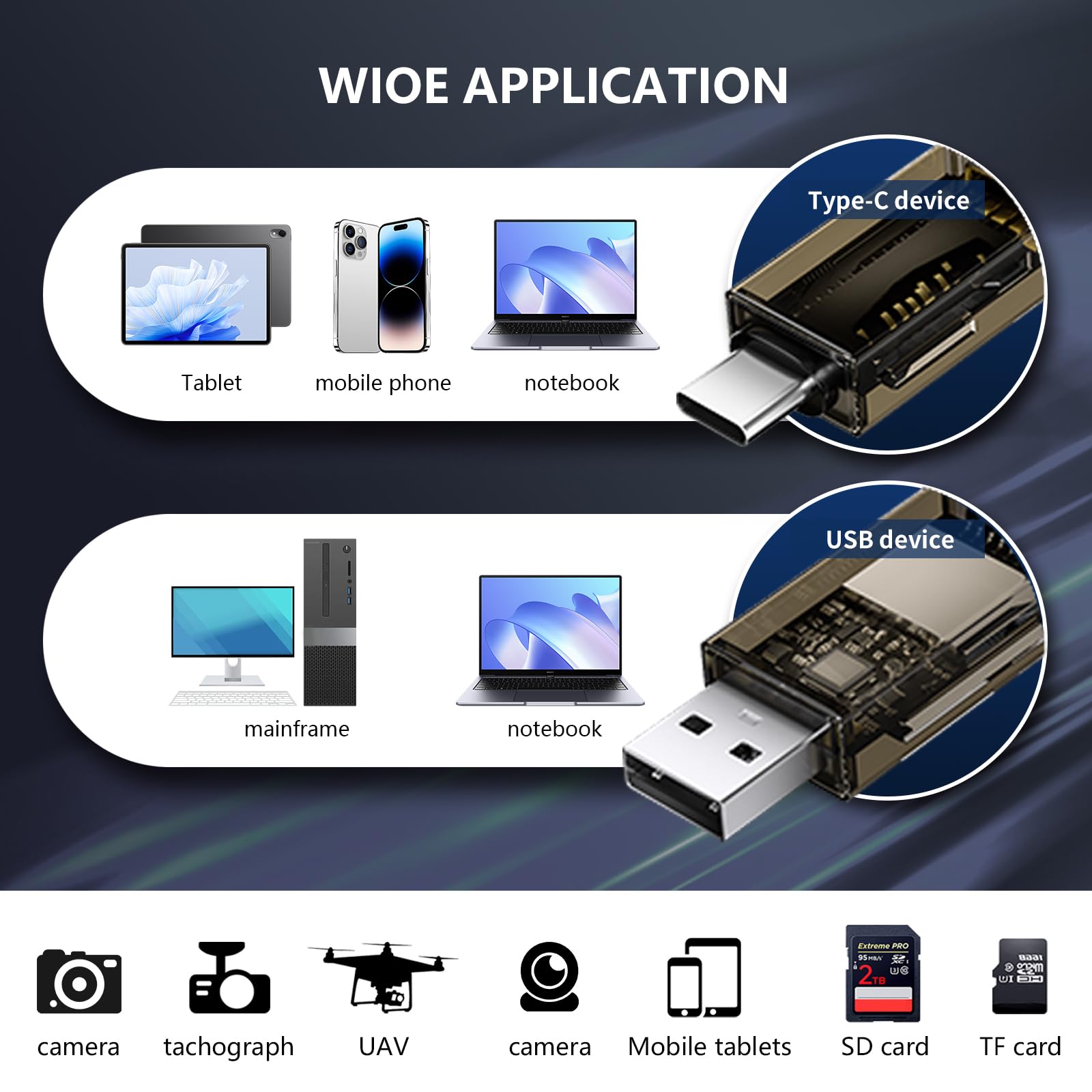
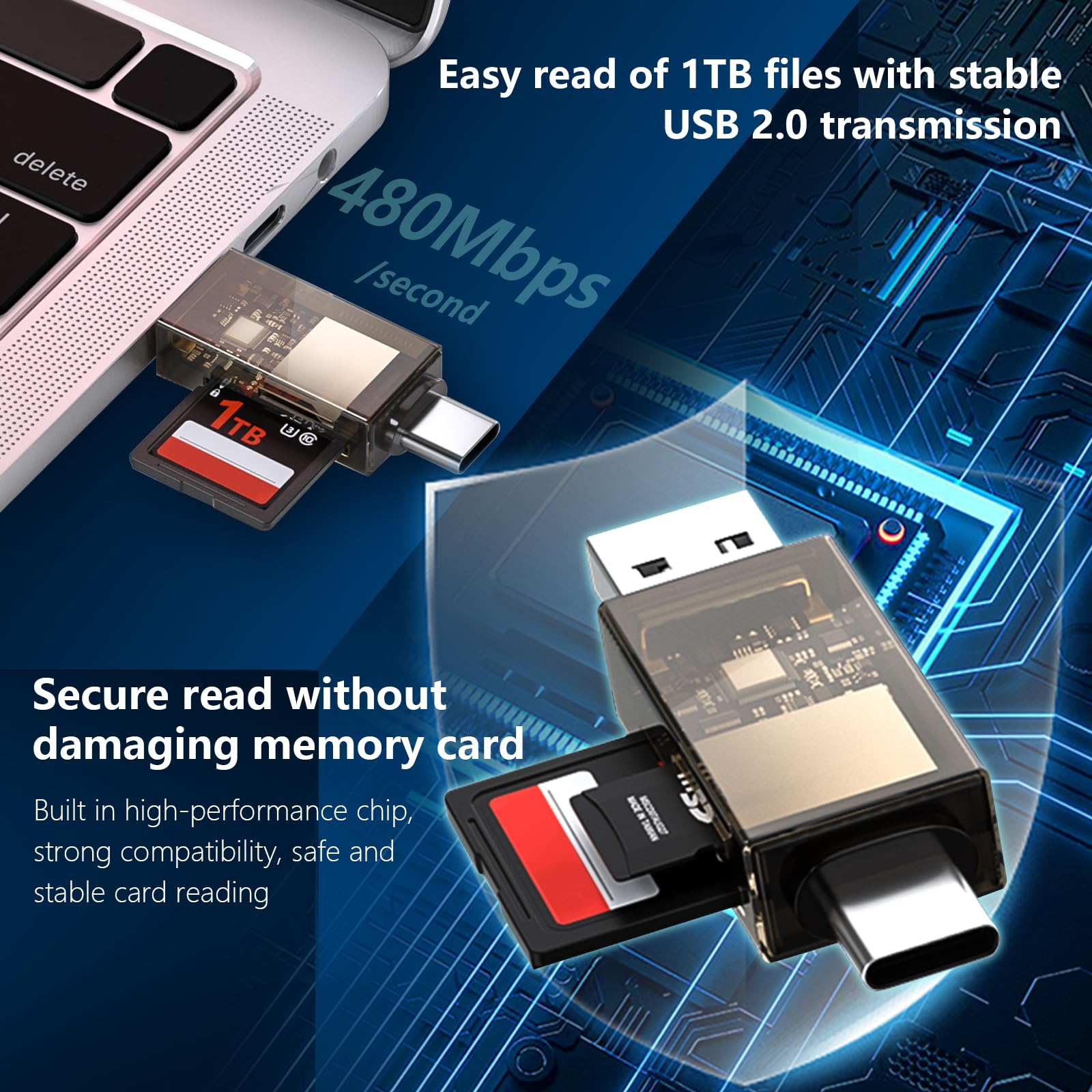
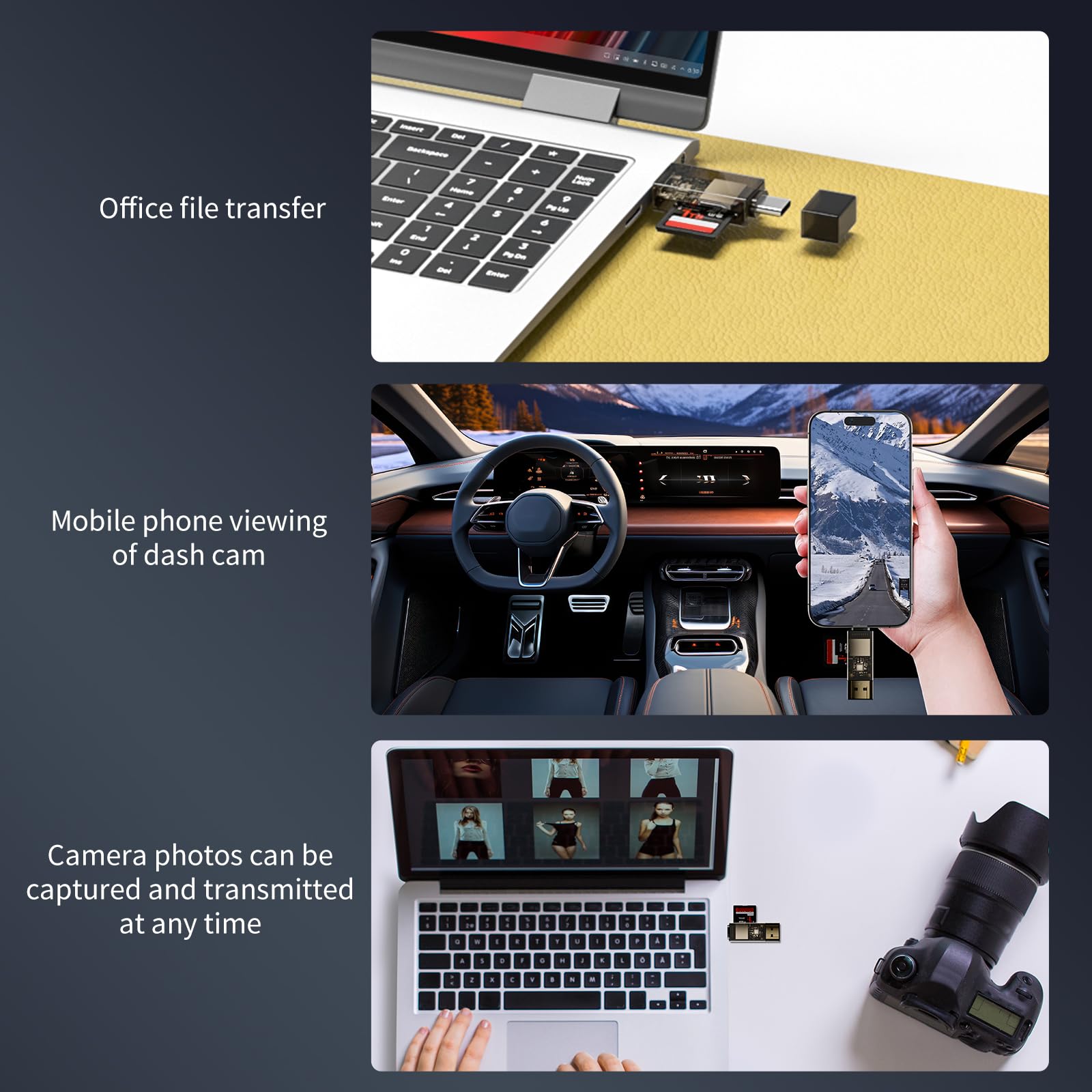
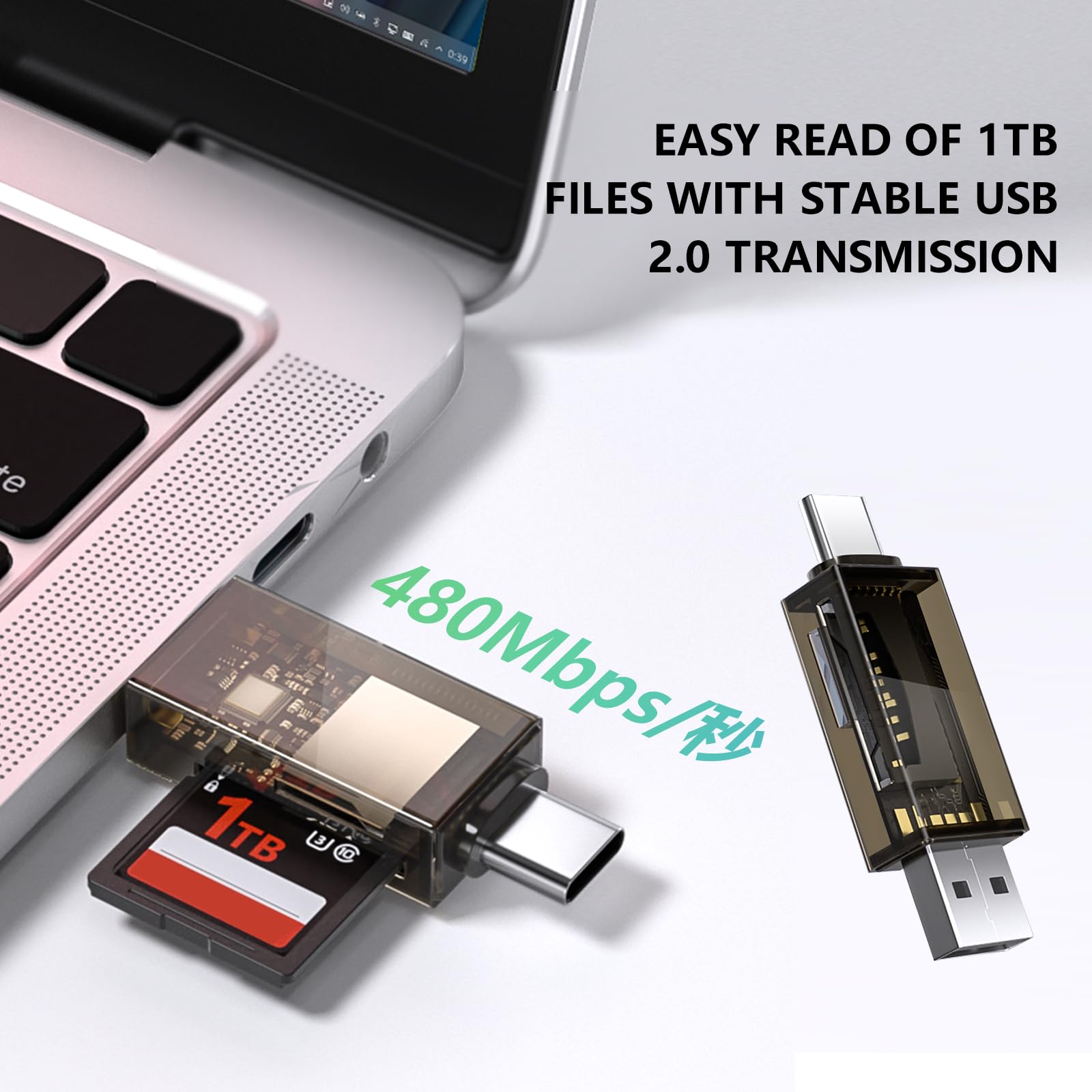
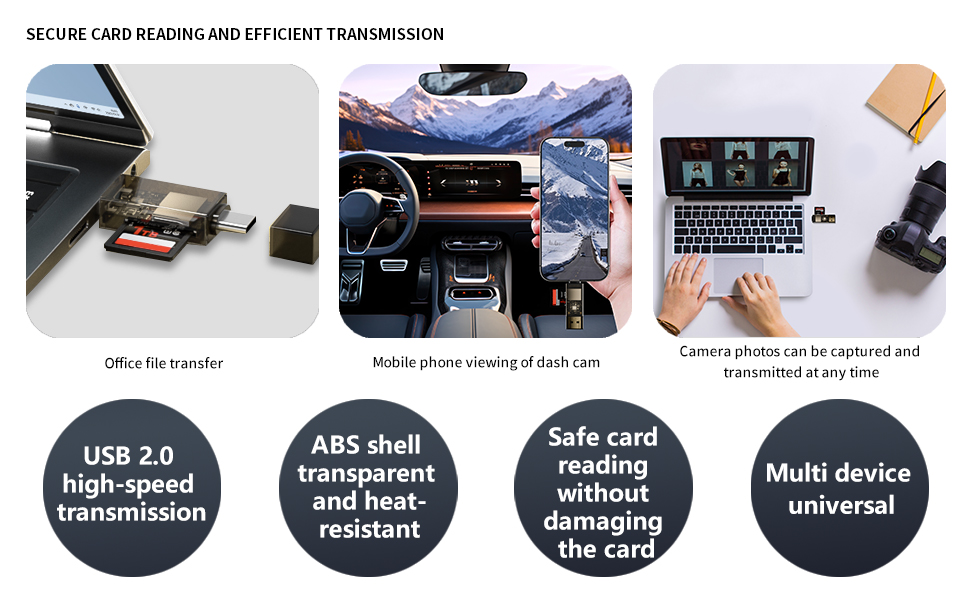
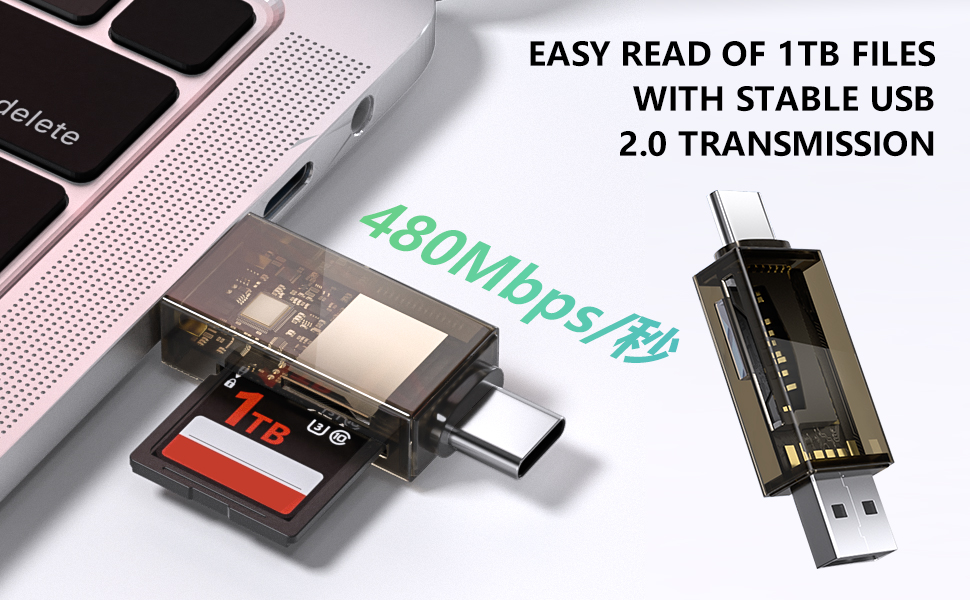
The QimKero Dual Connector SD Card Reader offers simultaneous reading and writing on two memory cards via USB 2.0 and USB-C, compatible with a wide range of devices including MacBook Pro/Air, iPhone 15, and Samsung Galaxy series. Its slim, dust- and liquid-resistant design ensures durability and portability, while plug-and-play functionality requires no drivers across major operating systems. Backed by 33 months of customer support, it’s the perfect tool for fast photo transfers, video editing, and secure data access on the go.




| Brand | QimKero |
| Series | USB+TYPE C |
| Item model number | USB+TYPE C |
| Operating System | Windows, Mac OS, Android |
| Item Weight | 0.32 ounces |
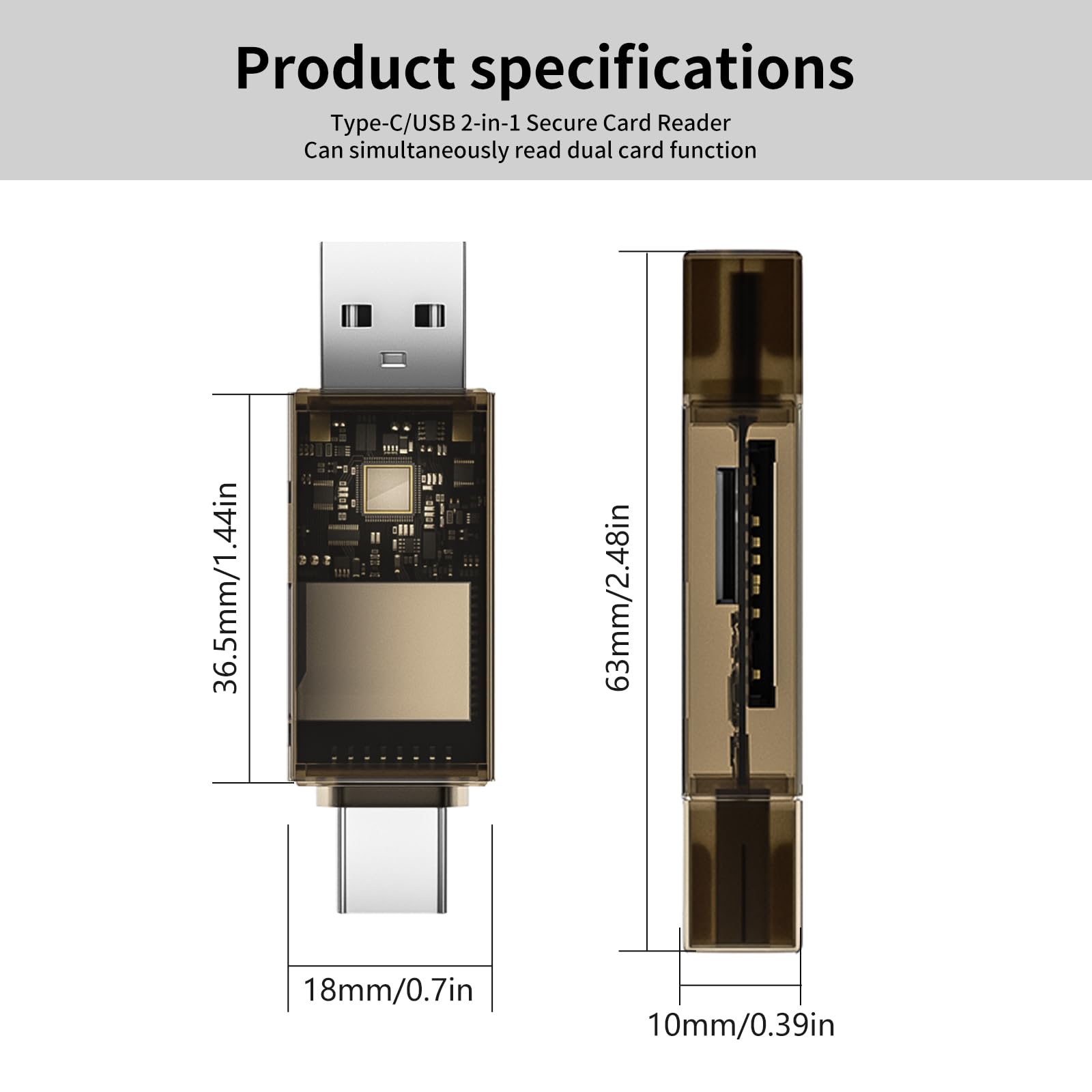
| Product Dimensions | 2.48 x 0.7 x 0.39 inches |
| Item Dimensions LxWxH | 2.48 x 0.7 x 0.39 inches |
| Color | Brown |
| Manufacturer | QimKero |
| ASIN | B0D4JS3H22 |
| Date First Available | May 19, 2024 |
J**K
Versatile and easily transported.
bought it for the versatility provided by the USB A and C connectors. Works well, No issues with the operation. Recommended
M**.
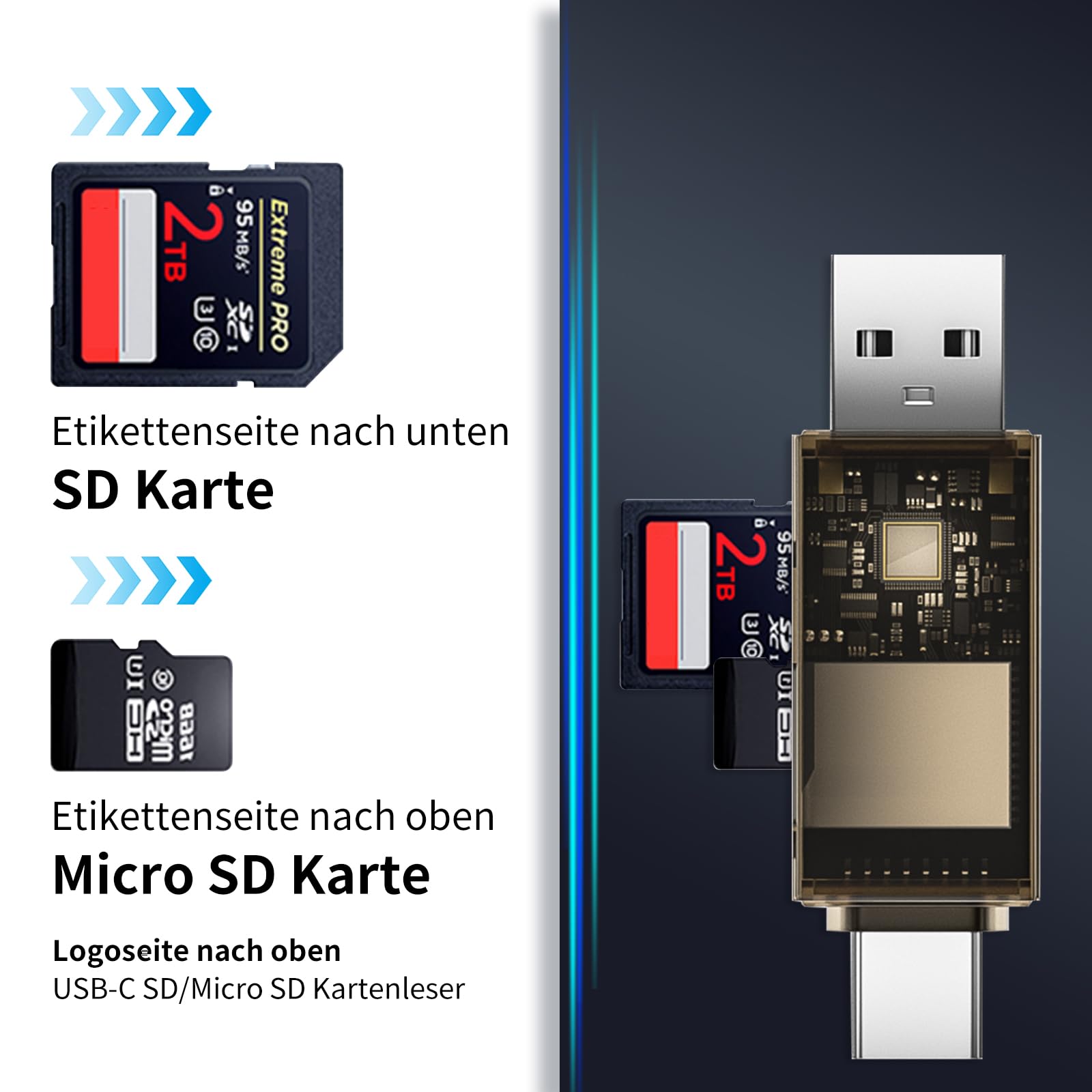
Insert Micro SD Card with the Label Facing Up
Worked great the first and only time I used it. I wanted only to transfer a 572 Mb sound file of white noise from my Windows laptop to a micro SD card, to play on a loop through a Bluetooth speaker that supports a micro SD card.My only trouble was concerning the orientation of the micro SD card for insertion into the port on the card reader. Should the card go in label facing up or down? The card reader comes without instructions.Holding the card reader lengthwise, with the micro SD slot positioned above the longer, regular SD card slot, I tried inserting the micro SD card with its label facing up.That was the way. I pushed the card in with my fingertip, and it clicked into place. I got lucky on the first try.With the micro SD card ready, I simply inserted the USB 2.0 end of the card reader into the USB port on my laptop. No installed driver needed. 100% plug and play.It took less than 10 seconds to transfer the file. I didn't need it to be any faster than that.I don't know if I'll ever use the card reader again, but the QimKero brand was the cheapest I could find at $4.77. There was no reason for me to pay more.
A**R
Nice card reader
This card reader works great. I use it on my Android phone to check game trail footage while in the woods.
B**
I like it
Works great
A**L
Happy
Met my needs. Works.
R**B
Works on Android
It works fine with my 512 GB microSD card on Android and plugs into the phone with the case on nicely!
R**N
Compact card reader with both USB A and C connections
SD Card Reader, QimKero Dual Connector USB 2.0/USB-C Memory CardReader Adapter is very stylish and attractively priced.I do have a couple of card readers and sometimes they come in very handy when using TF or SD media. This does have USB C while my older one does not. It's a little easier to put a card in this and plug it in rather than look for the slot on the side of the laptop, especially, in dim light.I do like the look of the transparent smoked plastic. This comes with a cover for the end connections but not the center. This is how most card reader are that I've owned. Sometimes they have a cover for the end but never the card slots. The end covers are really more for looks I think. The only problem I found with the end covers are that they were a bit hard to remove.It is nice to have this as a backup card reader or to use on the go in your camera bag. For the money, two would be affordable.
C**I
Agradecido
Excelente producto
Trustpilot
5 days ago
2 months ago
![SD Card Reader, QimKero Dual Connector USB 2.0/USB-C Memory CardReader Adapter, [Card not Included], Compatible for SD/Micro SD/SDHC/SDXC/MMC, MacBook Pro/Air, Chromebook Galaxy S21, S22/ iPhone 15](https://images-na.ssl-images-amazon.com/images/I/614mhOASeeL._AC_UL116_SR116,116_.jpg)