🖨️ Elevate your workspace with speed, style, and smart printing.
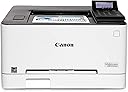
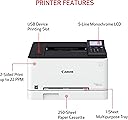
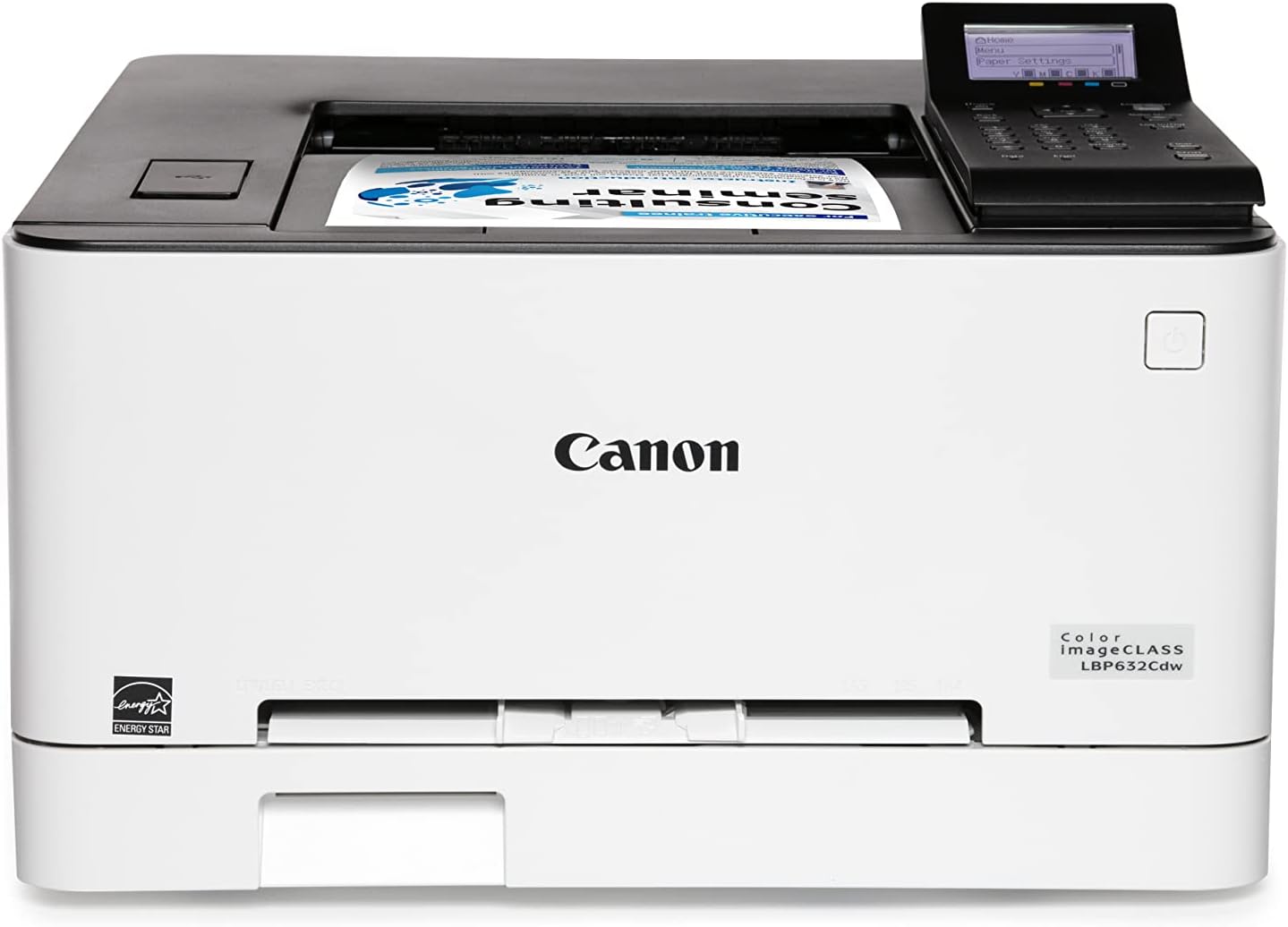
The Canon imageCLASS LBP632Cdw is a high-performance color laser printer designed for small to medium businesses. It offers fast 22 ppm print speeds, wireless and USB connectivity, and automatic duplex printing to boost productivity while reducing paper waste. With a 250-sheet capacity and crisp 1200 x 1200 dpi output, it delivers professional-quality documents consistently. ENERGY STAR and EPEAT Silver certified, it balances efficiency with eco-consciousness, backed by Canon’s reliable 1-year warranty.


| ASIN | B0BSMJM9W1 |
| Additional Printer Functions | Print Only |
| B&W Pages per Minute | 22 ppm |
| Brand | Canon |
| Built-In Media | Cartridge 067 Starter: CMY 680 / Black 910 Yield, Documentation, LBP632Cdw Product, Power Cord |
| Color | LBP632Cdw |
| Color Pages per Minute | 22 ppm |
| Colour | LBP632Cdw |
| Compatible Devices | Smartphones |
| Connectivity technology | Ethernet |
| Control Method | App |
| Controller Type | Amazon Alexa |
| Customer Reviews | 4.1 out of 5 stars 899 Reviews |
| Display Type | LCD |
| Dual-sided printing | Yes |
| Duplex | Automatic |
| Global Trade Identification Number | 00013803342079 |
| Hardware Interface | Ethernet |
| Initial Page Print Time | 10.3 Seconds |
| Ink Color | black, cyan, magenta, yellow |
| Is Electric | Yes |
| Item Dimensions D x W x H | 41.9D x 43.2W x 28.7H centimeters |
| Item Weight | 35.3 Pounds |
| Manufacturer | Canon |
| Maximum Copy Resolution Black and White | 1200 dpi or higher |
| Maximum Copy Resolution Color | 1200 x 1200 dpi |
| Maximum Copy Speed Black and White | 22 ppm |
| Maximum Media Size | 8.5 x 14 inch |
| Maximum Print Resolution Black and White | 1200 x 1200 dpi dots_per_inch |
| Maximum Sheet Capacity | 250 |
| Maximum print Resolution Color | 1200 x 1200 dpi |
| Model Name | iC LBP632Cdw |
| Model Number | 5159C003 |
| Model Series | imageCLASS |
| Model name | iC LBP632Cdw |
| Number of Licenses | 1 |
| Number of Trays | 2 |
| Other Special Features of the Product | Auto-Duplex, Display Screen, EPEAT Silver, Energy Star, Network-Ready |
| Output sheet capacity | 250 |
| Paper Size | 3 x 5, 8.5 x 14 |
| Print media | Paper (plain) |
| Printer Connectivity Type | Ethernet |
| Printer Output Type | Color |
| Printer Type | Laser |
| Printing technology | Laser |
| Resolution | 1200 x 1200 |
| Scanner Type | Sheetfed |
| Special features | Auto-Duplex , Display Screen, EPEAT Silver, Energy Star, Network-Ready |
| Specific Uses For Product | Home Office |
| UPC | 013803342079 |
| Unit Count | 1.0 Count |
| Warranty Type | 1 Year Warranty |
| Wattage | 2 watts |
R**.
Fast, value, quick setup, print quality, and double sided
Printing with Ubuntu (Linux), installed nothing, just took it out of the box, took the tape off, entered my Internet KEY, put in some paper, and ready to go. Printing in color, printing both sides of the paper, printing from my Android phone without adding any software. Quality is awesome in BW or color. Finally a printer that doesn't waste all your time trying to make it work. Very impressive. Toner cartridges can print 3000 pages, which for me will be a couple years. I love this machine!. To get from wait state to 1st page is about 15 secs, then cranks out pages 22/min. I can't believe what this cost!! $300. I've only had it 2 days, but I anticipate no probs.
R**A
Excellent print quality and fast duplex printing
I’m very happy with the Canon imageCLASS LBP632Cdw. Print quality is excellent—text is sharp and colors are clean and professional-looking. Print speed is impressive, and duplex printing is fast and reliable, which is a big plus for everyday office or home office use. Setup was straightforward, and once running, the printer performs consistently with no issues so far. The only minor downside is that it’s a bit noisy while printing, especially compared to smaller or inkjet printers, but it’s not excessive and finishes jobs quickly. Overall, this is a solid, high-quality color laser printer with great performance. Highly recommended if you want speed, sharp output, and dependable duplex printing.
H**K
Good value - but chromebook/chrome OS users be aware
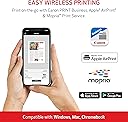
We had suffered with an early Brother color laser printer with "wireless" connectivity but just suffered from constant disconnects and sleep mode the printer would not wake from. Grabbed this during Prime Days and after a couple weeks just incredibly impressed. Wireless connection super easy on all of our Windows PCs/Laptops, and Canon Print app on Android works great from those devices. Quality is good as well. But the big issue (and why I docked this a full star) is the mark indicating Chromebook compatibility is inaccurate. We have a couple chromebooks as well that will not connect natively. There apparently are certain Canon models listed on their website that are chromebook compatible and apparently this is not one of them. Thankfully there is a work-around using the ezeep cloud printing chrome extension, but that's more than basic setup. So be aware of this if chromebook compatibility is an issue. You will need more than beginner skills to make this printer work with chrome OS.
E**E
print quality is great, user experience not so much
You would think that in 2024 getting a network-attached printer to print from a modern OS like Windows 11 would be trivial right? Unfortunately that's not the case. First problem: This printer refuses to work with my wireless network. I have a Wifi 6 mesh system in my house and this printer sits less than 4 feet away from the main unit. It can detect the wifi network with no issues, but rejects my password EVERY SINGLE TIME. I've even tried changing the network password to 1234 to make mistyping it literally *impossible* but each time the printer will tell me that the wifi password is not correct (spoiler alert: it is not). This is the ONLY network device I have bought in the past 10+ years that I've had trouble getting to connect to wifi, and it's supposed to be easier than ever these days. Okay fine- I'll connect it wired- like I said, the device is 5 feet away from the router so I'll just plug it in. Network detected, great! Now I'll just set up an IP reservation for this device so it always has the same local IP address.. nope, my router doesn't see it. Like it literally _does not show up_ in the list of clients, even though the printer says it's connected. So even though it's 2024 and I've bought a _wireless_ printer, I'm stuck with a ridiculously long USB cord and using windows printer sharing so everybody on my network can print. Absolute disappointment.
R**N
For a low priced printer, this does extremely well
My first Canon Printer of any kind, also my first Laser printer of any kind. I needed a laser printer for art projects, but I also use it for regular printing too. First, it is sooo fast! Color rendition, 80% ~ which is fine for my needs, It does what I need it to do. I have used it for 6 weeks and still satisfied, and still on the starter toner cartridges. I had difficulty setting it up, I only have an iPad and I bought this because of price, and the mobile connection. I was very frustrated, so I called Canon support. The support agent was superb, he stayed with me for an hour while I slowly set it up, he was knowledgeable about iPads, connections etc. My only cons are the Canon mobile print apps for this . First, the permissions required to give all your data do not sit well with me, so I do not use them, 2nd, the mobile app itself isn’t that great. Otherwise I am very happy with this printer and would recommend it.
Trustpilot
3 days ago
3 weeks ago