We remain fully operational. Our teams are working around the clock to ensure your deliveries continue safely.

DOWNLOAD THE APP


Customer Services
Copyright © 2025 Desertcart Holdings Limited
DOWNLOAD THE APP

🚀 Elevate your Raspberry Pi projects with a touchscreen that’s as smart as you are!
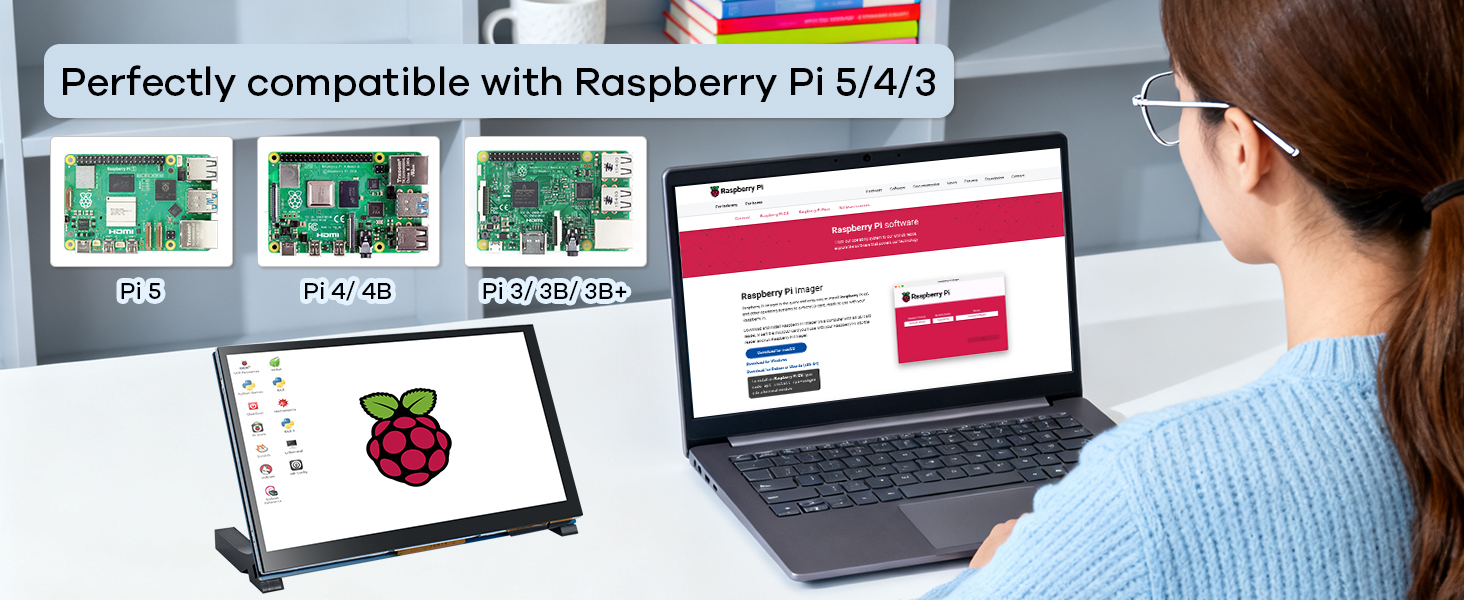
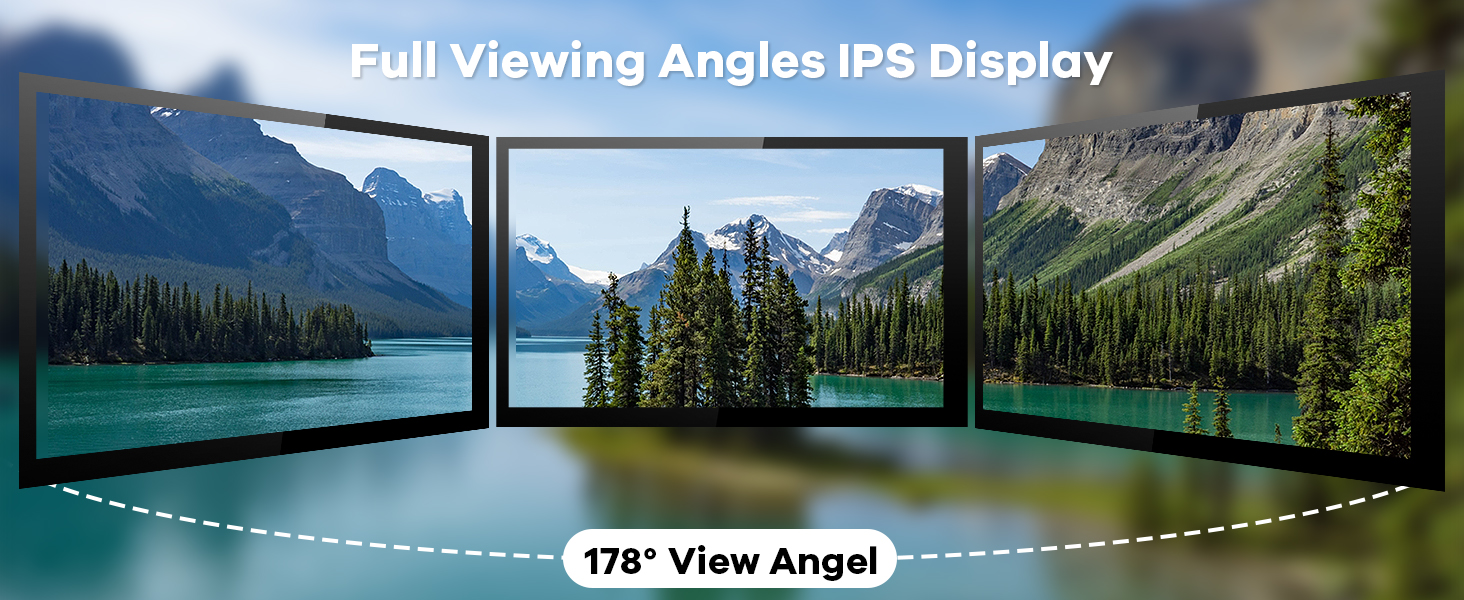
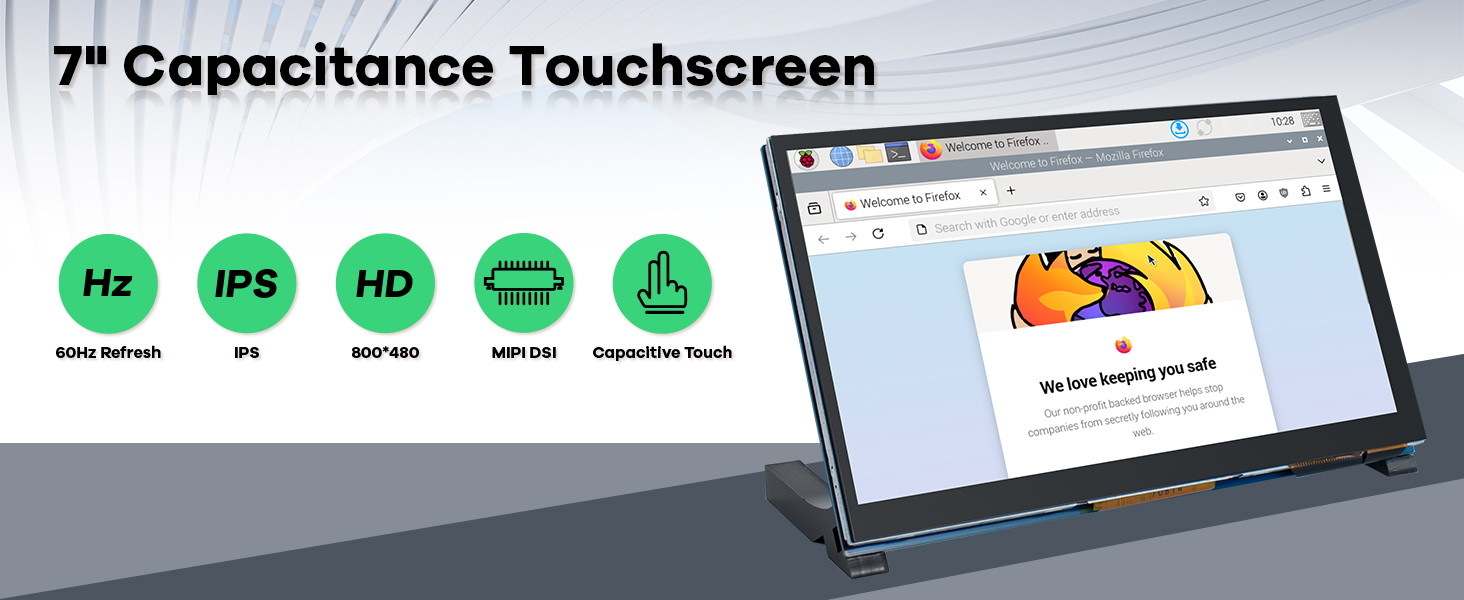
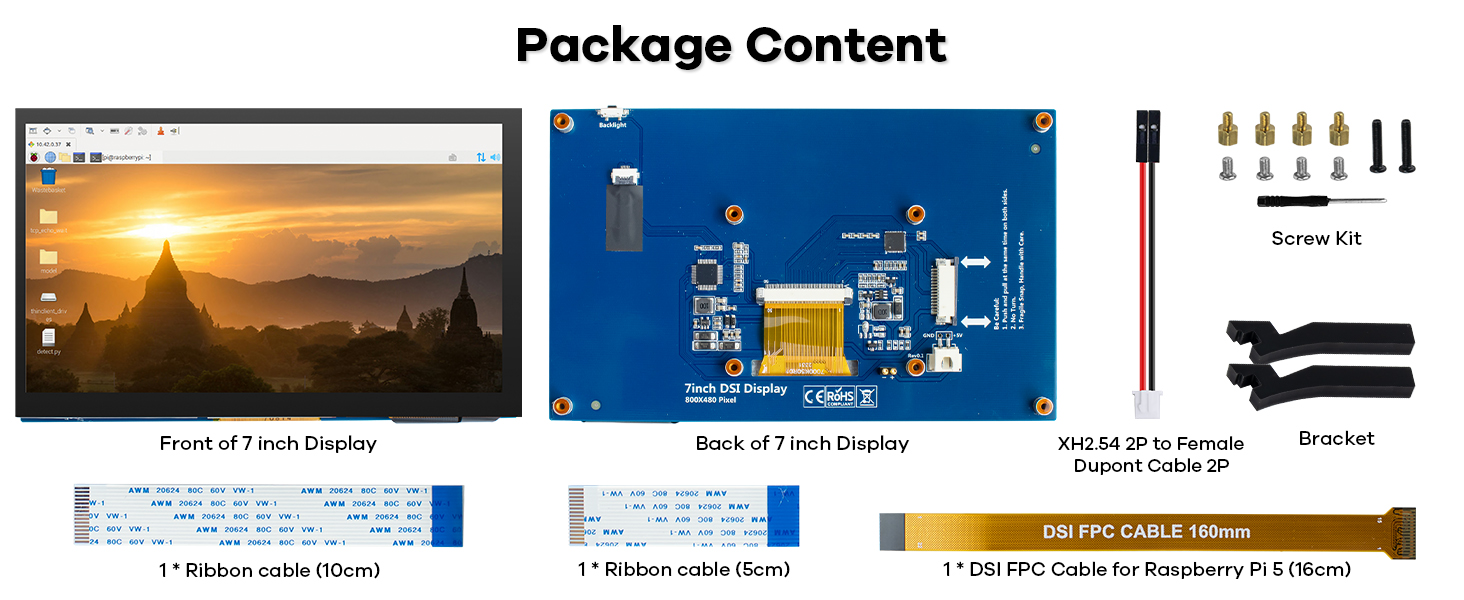
The Hosyond 7 Inch Touchscreen IPS DSI Display offers a sharp 800x480 resolution on a vibrant IPS panel with wide viewing angles. Designed exclusively for Raspberry Pi models 5, 4, and 3, it connects effortlessly via the MIPI DSI interface without requiring additional drivers. Its capacitive touchscreen delivers smooth, accurate touch response, making it perfect for custom control panels, kiosks, and smart home projects. Lightweight and compact, this plug-and-play display is a must-have for makers seeking professional-grade visuals and intuitive interaction.


| ASIN | B0D3QB7X4Z |
| Aspect Ratio | 5:3 |
| Best Sellers Rank | #3,181 in Electronics ( See Top 100 in Electronics ) #140 in Computer Monitors |
| Customer Reviews | 4.2 4.2 out of 5 stars (259) |
| Date First Available | May 9, 2024 |
| Item Weight | 11.7 ounces |
| Item model number | 7 Inch Touchscreen IPS DSI Display |
| Manufacturer | Hosyond |
| Package Dimensions | 8.31 x 5.98 x 2.05 inches |
| Resolution | 800x480 Pixels |
| Standing screen display size | 7 Inches |
E**N
Crisp, Responsive Touchscreen – Perfect for Raspberry Pi Projects
I used this 5" IPS touchscreen from Hosyond on a custom Raspberry Pi oven controller project, and it’s been fantastic. The display is sharp, bright, and has great viewing angles, even in a workshop environment. Touch response is smooth and accurate—perfect for a touchscreen UI. It connected easily via HDMI and USB (for touch), no special drivers needed on Raspberry Pi OS. I set it to auto-launch a Flask web dashboard in fullscreen, and the interface looks professional on this screen. What really impressed me is how compact but readable everything is at 800x480 resolution. It’s just the right size for embedded control panels, kiosks, or smart home projects. Highly recommend this display for DIYers and makers looking to build custom interfaces with Raspberry Pi. Works flawlessly and looks great doing it.
A**7
Easy plug and play screen for Raspberry Pi 5
I paired this screen with my Raspberry Pi 5 and it works perfectly. Easy to install, just one ribbon to connect which is plenty long. The screen is responsive and easy to use, the color and details look great. For quick work on my Raspberry Pi it is perfect. For longer extended sessions I still use an external monitor but normal quick work, this is perfect and convenient
S**E
Great little display
Very sharp monitor, plug and play with DSI, touch works great. A little heavy because it's metal and glass, but it's solid. DSI is the way to go for a small device, because there are no loose cables, just the one ribbon for power, touch and graphics.
D**E
8 hours later and Kali Linux works
It does in fact run kali but you have to modify files and update some thing’s if you want the startx command to work The 1 star is for: 1. The misleading advertisement that Kali Linux works on it out the box 2. The instructions that come with it lead you to their website and are for a raspberry pi 4 so the screen display cable is going to be different and it matters which display port you use on the raspberry pi 5 3. The feet are brown and black not completely black as shown 4. It’s not a screen used commonly on the raspberry pi from what I could find so using AI to troubleshoot it is going to be a headache (it’s literally just 2 updates and adding nomodeset to the cmdline.text file nothing else)
K**A
Great 7" display for my Raspberry 4b. Plug and Play including the touchscreen.
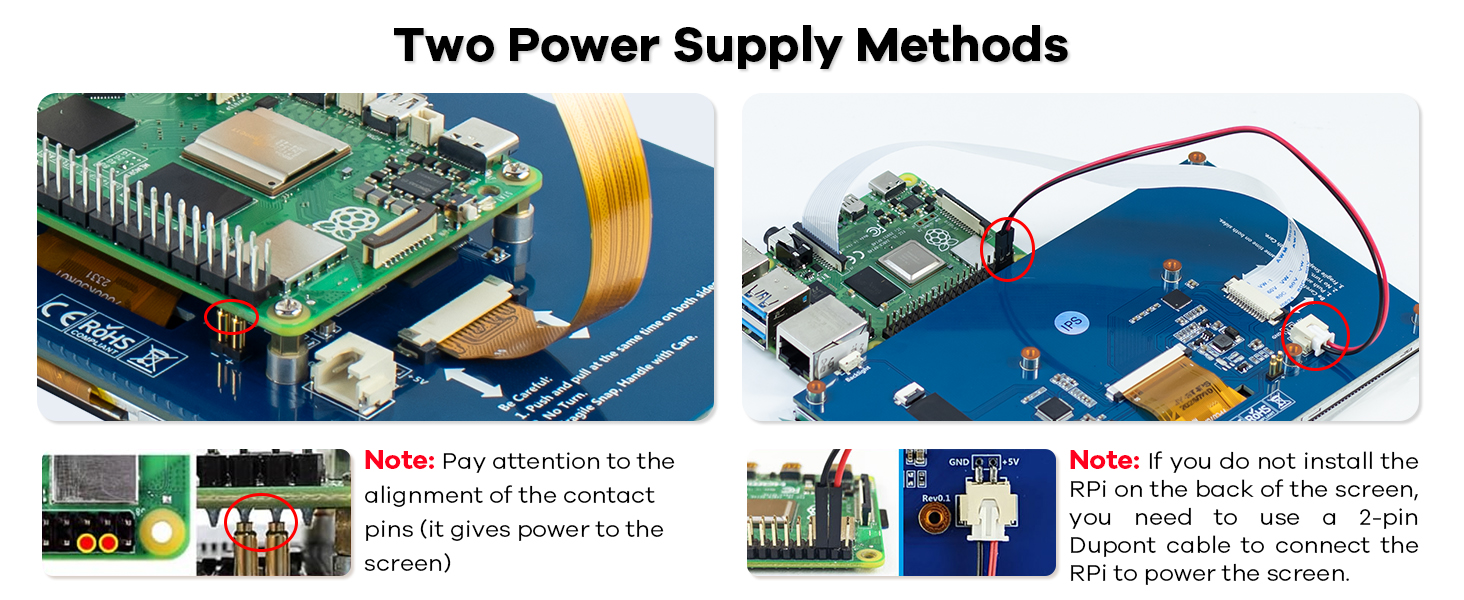
Works perfectly with RP4b. Powered by a pin contractor which connects to the back side of the GPIO connector of the RP4b, so no cable was required for power. Product comes with multiple length ribbon cables for attaching the video to the RPi. No printed instructions were included, but there was a card referencing a website. Not hard to figure out how to put it all together, except for the legs. Had to this about how to install the, but they work just fine. No drivers required, just worked out of the box.
D**Y
Perfect display for small projects
I purchased display to go along with a Pi 4 I wanted to setup for watching retro game playthroughs. I printed and painted an old tube TV frame to place it in. Ended up working wonderfully. The Pi installed on the back with no issues and I mounted the entire assembly with no trouble at all. The screen looks perfect and the touchscreen has no issues at all. No flickering, no dead spots, no glitches. I would suggest it to anyone looking for a smaller display to pair up to a Pi
D**N
Nice easy Pi screen.
Good screen and touch worked flawlessly at a good cost. Simple to install my pi3B+, and the apps had immediate use without installing or changing a thing. printed a new frame to go around it and the pi, but worked perfectly.
S**R
Great Display
Awesome little screen! I wanted it so that I could run a little program I wrote that displays the current status of my stock options. The program works great and little display is short and clear and the perfect size to sit under one of my computer monitors. I even 3D printed a little case for it but ended up not using that because it's fine the way it is with the little stand it includes.
S**Y
This touch screen is excellent for trouble free interface with Raspberry Pi5.
Trustpilot
4 days ago
2 days ago