Buy anything from 5,000+ international stores. One checkout price. No surprise fees. Join 2M+ shoppers on Desertcart.
Desertcart purchases this item on your behalf and handles shipping, customs, and support to Iceland.
🎶 Command your sound, anywhere, anytime.
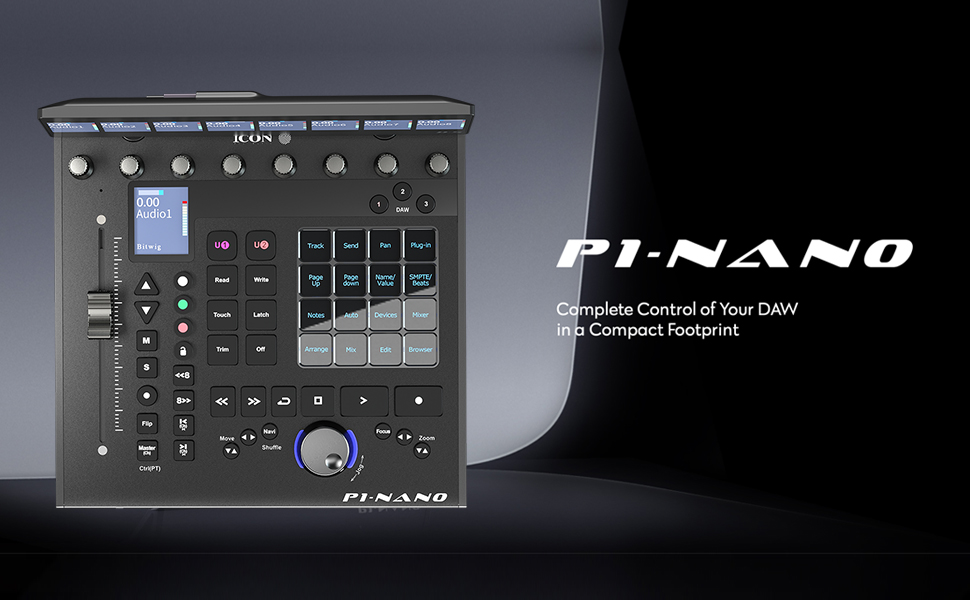
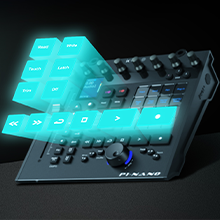
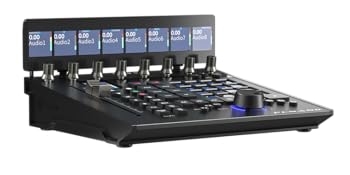
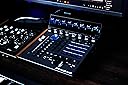
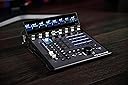
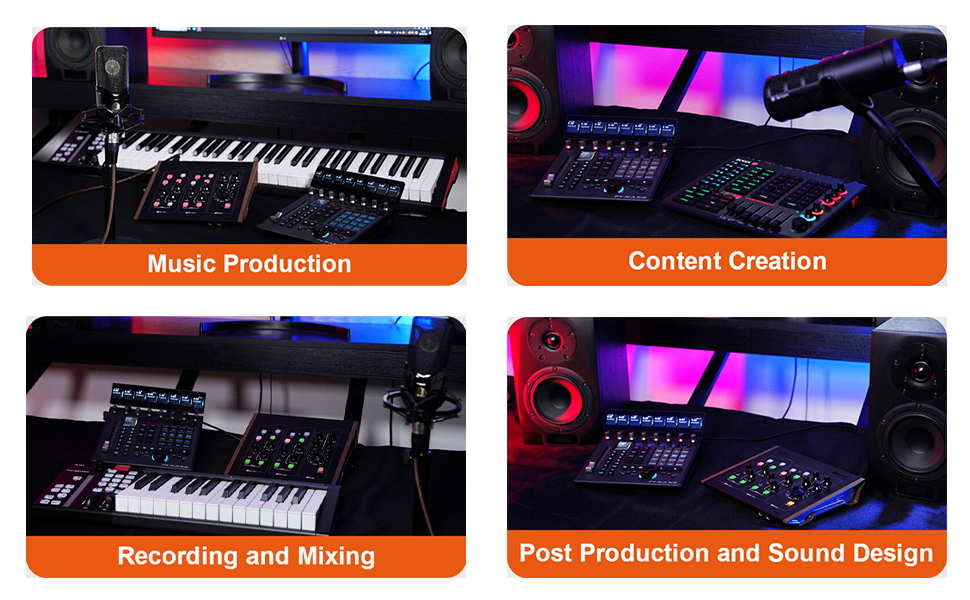
The Icon Pro Audio P1-Nano is a premium, compact DAW control surface featuring a 4-inch customizable touchscreen, 12-bit motorized fader, and multi-DAW compatibility. Designed for professional music producers, it supports up to three DAWs simultaneously, includes the D5 display for enhanced control, and offers robust build quality with USB-C connectivity and footswitch support—all in a portable metal chassis weighing under 2 pounds.



| Best Sellers Rank | #88,831 in Musical Instruments ( See Top 100 in Musical Instruments ) #65 in Digital Audio Workstation Controllers |
| Customer Reviews | 3.5 out of 5 stars 5 Reviews |
C**S
Amazing controller I wrote some tips that will save you time
This is amazing and I am glad that I got it. I use it along side Softube Console 1 and I love it. It would work fine all alone as well. If you decide to get this here is a few tips that will get you going. There are three DAW buttons to assign to different DAW’s there are 4 midi ports/outputs/inputs. Never connect anything to midi port 4 that is for the companion app that needs to run prior to opening your DAW. Let’s say you assign button 1 to Pro Tools. You will go to Setup/Peripherals/Midi Controllers you will use type HUI only use midi icon p1 nano port 1 for input and output to match button 1. Let’s say you have Cubase on button 2. You will go to Studio/Setup/ hit the + add Mackie Control midi input and output will be only icon p1 nano port 2 for input output for Cubase. You guessed it if you have Logic on button 3 you will got to LogicPro/ControlSurface/Setup New install MCU Pro and input output port icon p1-nano 3. Then you can assign anything you want to the buttons the basics are already there. This is everything you need and it does not require any major permissions and it just does whatever you need it to do. I am very happy with this and you will be too. It’s easy to setup if you follow my tips up will be mastering it in no time at all.
C**K
Reaper Functionality Limited
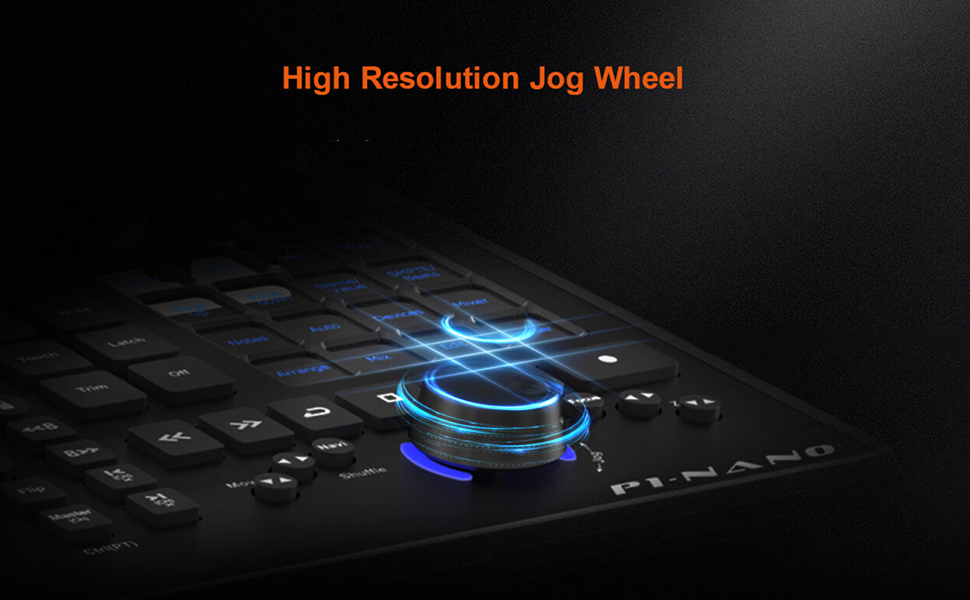
Reaper compatibility very limited, even with third-party tooling: add-on VU displays don't update. Physical buttons are the "squishy rubber" type. Jog wheel very small. Overall this feels more like a toy than a serious DAW controller. I ended up returning this.
A**D
Very Good!
Amazing!
C**.
Don’t waste your time
coming broken. Screen is not working and Amazon take 10000 years to process the refund. Also they gave me a voucher for compensation and after they cancel without any reason! Bravo Amazon. building customer loyalty
Trustpilot
2 months ago
2 weeks ago