
DOWNLOAD THE APP


Customer Services
Copyright © 2025 Desertcart Holdings Limited
DOWNLOAD THE APP
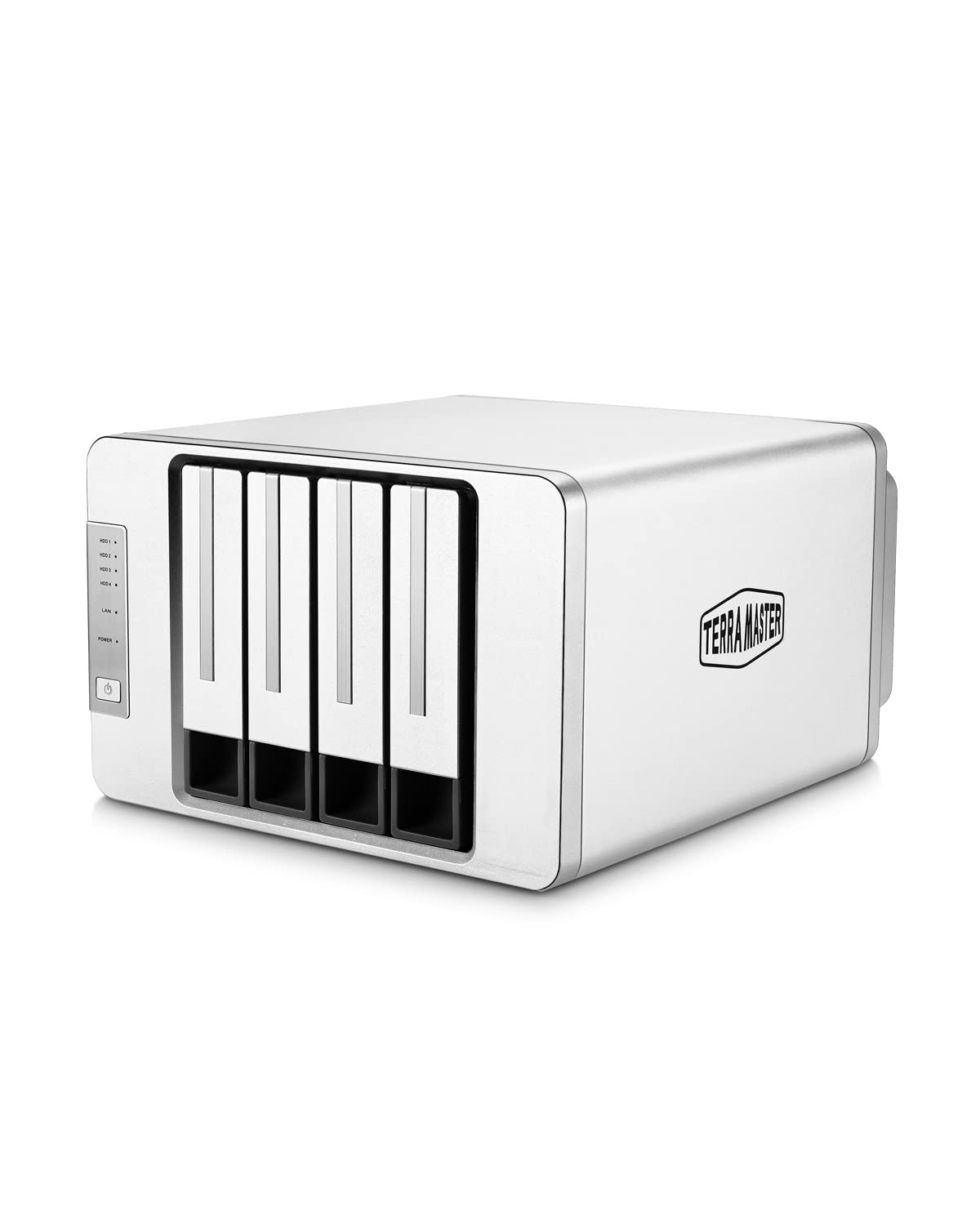




🚀 Elevate your home network with power, speed, and style — your private cloud just got smarter!
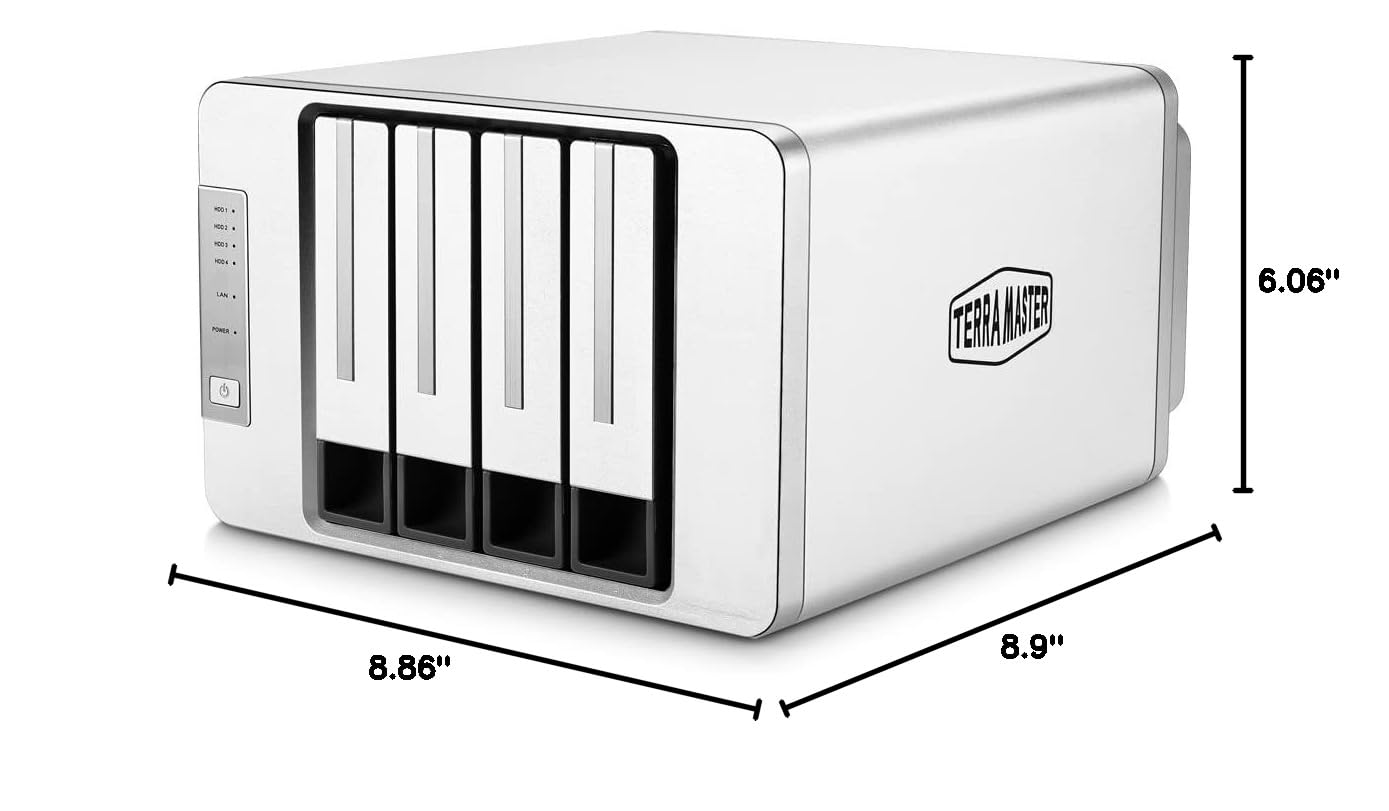
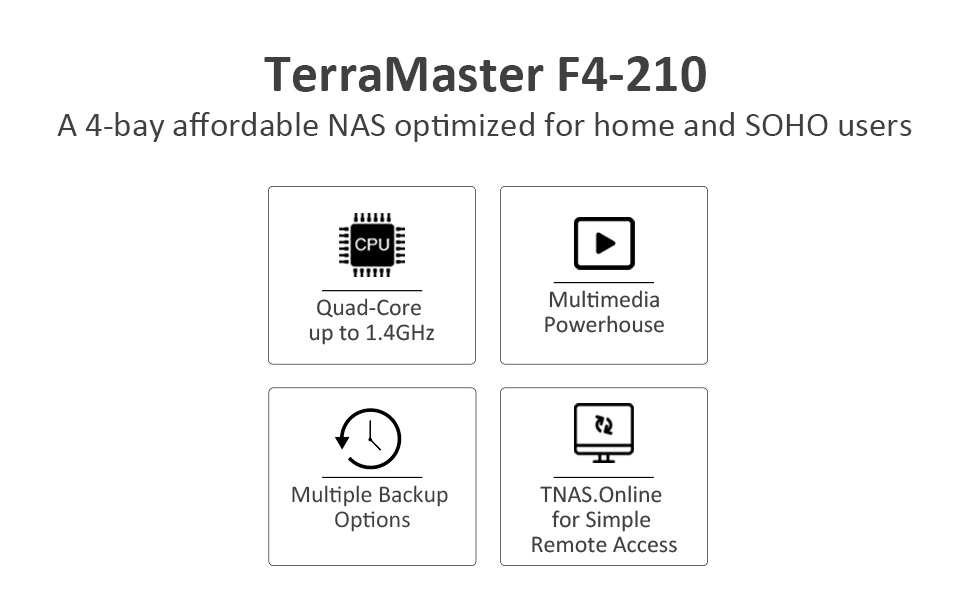
The TERRAMASTER F4-210 is a sleek 4-bay NAS designed for home and small office users, featuring a quad-core 1.4GHz ARM CPU and 1GB RAM. It supports up to 88TB of storage with ultra-fast SATA III drives, hardware encryption, and runs the latest TOS 4.2 OS. With native Plex and Emby media server compatibility, Docker support, and remote access via mobile apps, it offers a versatile, secure, and user-friendly private cloud solution.


| ASIN | B07ZV7K7GX |
| Best Sellers Rank | #62 in Network Attached Storage (NAS) Enclosures |
| Customer Reviews | 3.7 3.7 out of 5 stars (2,418) |
| Date First Available | November 1, 2019 |
| Item Weight | 5.5 pounds |
| Item model number | F4-210 (1GB) |
| Manufacturer | TERRAMASTER |
| Product Dimensions | 8.94 x 8.86 x 5.35 inches |
R**.
Simple NAS for anyone to use
Getting frustrated on having my Wi-Fi losing signal every 2 days with a USB drive attached, I went with this option seeing it receiving a full 5 stars and wanting to set up an NAS for my home. Installation and set up was relatively simple; install the hard drive, hook it up to your network, add power, run the setup program, and you're good to go. Transferring files is easy; you can either transfer from your computer to the TNAS (through the Terramaster OS, or TOS) or, if you have the files you want to transfer on a USB hard drive or flash drive, you can use the USB 3.0 connectors on the back of the unit to transfer the files over via the TOS. Couldn't be simpler to get things up and running out of the box. However, there's some things I'd nitpick at. 1. The program that you need to install isn't verified by Microsoft. The app is in the same state, where your phone/tablet warns you that the app isn't verified in the Google app store. There *shouldn't* be any problem with it, just a caveat for future purchasers who are leery of what they install on their computers and devices. 2. As convenient as it is, I really dislike the web interface for file transfer. As mentioned, you can use a USB drive as well to transfer your files, but I personally would like to be able to drag and drop from my Windows desktop without needing to have a web browser open. Again, I'm nitpicking, but it's all preference. (I'd really give this a 4.5 stars just for this.) The TOS interface looks and works familiar with Linux users. There are TNAS/TOS specific apps available to install. I mainly use it as a multimedia server for my home and, since remote access to the NAS is possible, from my phone or tablet when I'm out. Honestly, for what it is, it works great. Simple enough to set up and use for any user. Worth getting if you just need a simple NAS for your home.
R**S
Does the job
I'm quite pleased with this Terra-Master NAS. Consider my rating a strong 4 stars, just shy of 5. It took me a while to get it set up properly but Tech support was very good. I initially fit it with one drive and then decided to add a second after I'd set up the first. This raised the issue of how they should be formatted -- as single drives or JBOD (just a bunch of drives). Stuff I found online (not from Terra-Master but other sources) was mutually contradictory. Some sources said that JBOD would give me access to each drive separately while Single Drive would treat both drives as one large driv, i.e., two 8TB drives would appear as one 16TB drive. Other sources said the exact opposite. Another issue is that there are different terms for the storage areas, with a nested hierarchy. None of that was readily apparent to me initially, which made the setup process fairly confusing. But tech support responded within 24 hours and provided me the information I needed to get everything up and running properly. I think that if I had decided from the get-go to set up the NAS with drives in both bays, things would have been simpler than first setting it up with one and then adding a second after the fact. By the way, to have each drive accessible as a separate drive location (e.g., two separate 8TB drives rather than a single 16TB storage area), the Single Drive formatting is the way to go. I mapped them as network storage locations and now have icons on my desktop for each drive. Once everything was set up, it's been completely straightforward to use them. While the documentation could be better for people like me who are less familiar with network storage protocols, tech support got me up and running and the drive works very well with a couple of Seagate NAS drives installed. Once everything is set up, the user interface is actually pretty slick and user friendly. It runs inside your web browser. There's also a utility program that can be used for managing the NAS but after setup, I don't think most users will need to access it. The NAS comes with a bunch of apps that can be downloaded and installed. Again, better documentation would help. While I suspect that people who do a lot of network stuff would be familiar with these apps, I wasn't and had to look up what they were individually. Turns out, I had no use for most of them but people in a business context well may. There's definitely a learning curve to setting up a NAS for the first time but I think Terra-Master does at least as good a job of preparing you for the process as their competitors do and their quality-to-cost ratio was very attractive. For me, even as is, the Terra-Master gets close to a 5-star rating. If the documentation were better, both for the setup and for the apps, it would be a solid 5 in my judgment.
V**O
E' un buon prodotto. Ho preso il nas che mi sembrava più economico nel rapporto qualità/Prezzo. Ho acquistato il modello F2-210 senza dischi; ho aggiunto successivamente due HD WD Red da 3 TB ciascuno e configurati in Raid 1. La configurazione del nas non è difficile, anche utenti non esperti possono fare tranquillamente le impostazioni di base, l'interfaccia si può configurare in italiano. La guida fondamentale per l'installazione e le configurazioni di base è in italiano e la procedura è abbastanza semplice. Adopero il nas soprattutto come file server in modo che io e la famiglia di mia figlia possiamo archiviare e condividere fotografie e documenti in sicurezza: configurare gli utenti e le condivisioni è semplice. L'accesso al nas tramite Tnas PC presenta un interfaccia pulita e ordinata da cui si può accedere a tutte le configurazioni del Nas. Anche la configurazione del Nas come Server Web multihosting è semplice; comunque è una funzionalità che io non uso. Le impostazioni di sicurezza oltre ai certificati di sicurezza gratuiti e la protezione DoS, opzionalmente, prevede anche la configurazione di un firewall, cosa comunque non semplice nel definire le regole. Gli aggiornamenti software del sistema operativo TOS non sono fastidiosamente frequenti ed è raccomandato l'aggiornamento online: finora è stato solo necessario dare il consenso all'aggiornamento e tutto è filato liscio. Si può programmare l'orario di accensione e spegnimento del Nas: suggerisco di mettere il Nas a valle di un piccolo gruppo di continuità, comunque non dedicato al solo Nas. Oltre alle configurazioni di base di un Nas: RAID, gruppi, utenti, impostazioni di condivisione, di rete, Backup, Antivirus ecc. per gli appasionati si può utilizzare il Nas come server web, si può installare joomla o wordpress, e sql server come MariaDB e innumerevoli altre applicazioni. Unico difetto: la guida per l'installazione e configurazione iniziale e l'interfaccia è anche in italiano, mentre la guida online è in inglese, ben documentata e di facile comprensione. C'è in Tedesco, e addirittura anche in Ungherese, sarebbe bene ci fosse anche in italiano. Comunque buon acquisto.
A**R
This NAS software is quire buggy and you can't pass the wizard without checking YouTube and Reddit tons times.
M**F
ممتاز
A**R
Great
V**N
This device was acquired for a small budding company to replace an older model (an F2-NAS2) which became unusable due to the deprecation of the SMB1 network protocol in the recent Windows 10 builds. At present we've only installed a single 2TB hdd in it. We thought copying the data from the older TerraMaster would be difficult but in the event it wasn't because in our network we still have some old Windows XP machines. They had no problems accessing both NASs and so it was simple to copy the data over from the old to the new. I did try to see if connecting the hdd from the older NAS to the USB port of the new to do the copying but the new NAS did not recognise the filesystem of the old so trying to copying data over that way would not have been possible. If we didn't have a Windows XP machine we would've had to get help from TerraMaster who offered help which in the event we didn't require. However, I did wonder whether TerraMaster could include in their firmware for the F4-210 to support the filesystems in their older NASs through the USB connection.
Trustpilot
2 days ago
1 day ago