
DOWNLOAD THE APP


Customer Services
Copyright © 2025 Desertcart Holdings Limited
DOWNLOAD THE APP

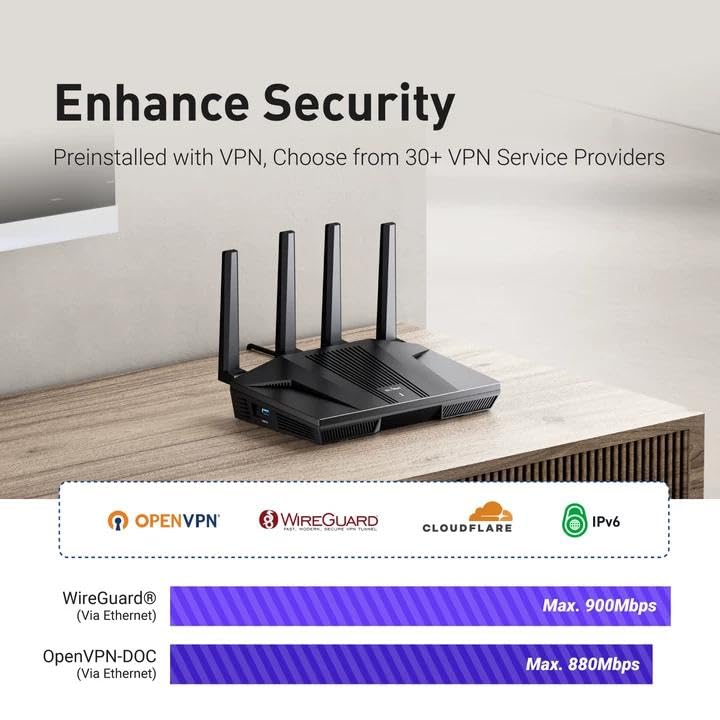
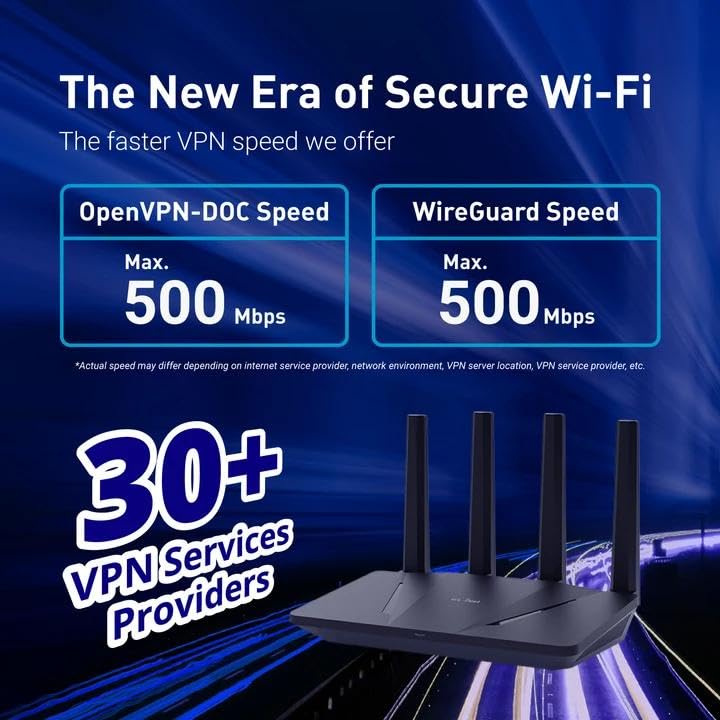


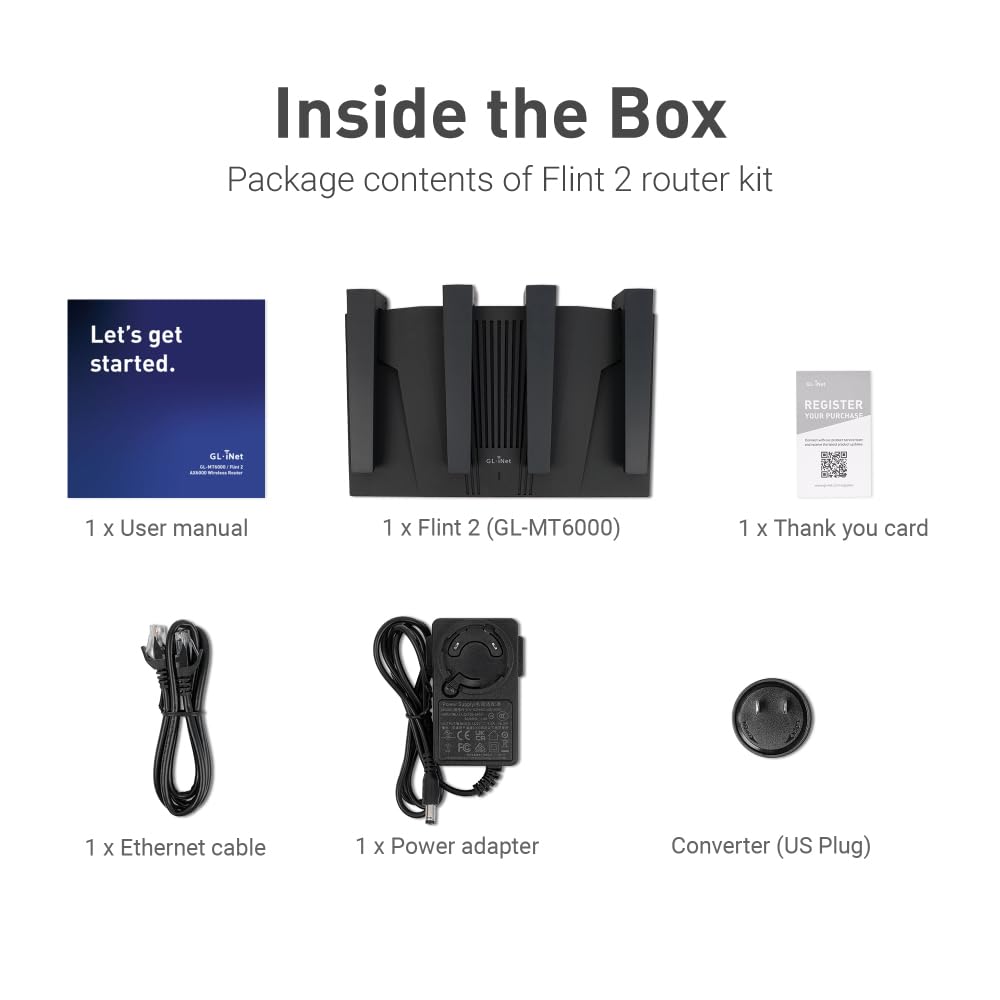
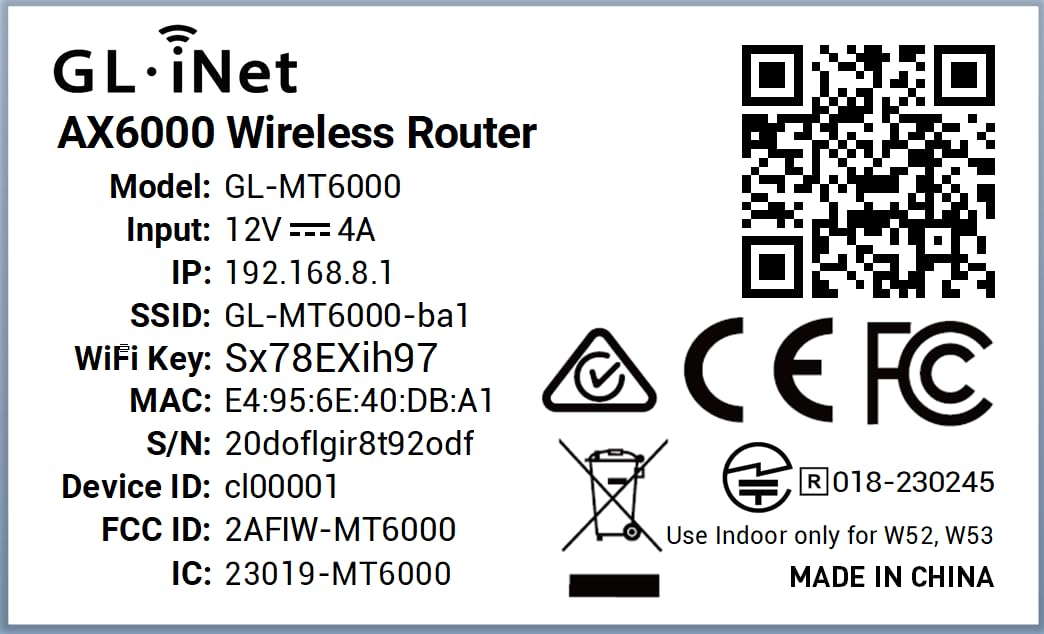
🚀 Dominate your digital domain with Flint 2 — where speed meets security in style!
The GL.iNet GL-MT6000 (Flint 2) is a high-performance WiFi 6 router designed for gamers, streamers, and professionals demanding ultra-fast 5GHz wireless speeds up to 6 Gbps, dual 2.5G Ethernet ports, and robust VPN capabilities with WireGuard and OpenVPN. Featuring 1GB DDR4 RAM, 8GB eMMC storage, and built-in AdGuard Home, it supports over 100 devices with advanced network customization via OpenWrt. Ideal for secure, low-latency connections in home or business environments, Flint 2 combines cutting-edge tech with flexible control for the savvy user.


| ASIN | B0CP7S3117 |
| Are Batteries Included | No |
| Best Sellers Rank | 1,825 in Computers & Accessories ( See Top 100 in Computers & Accessories ) 10 in Routers |
| Brand | GL.iNet |
| Colour | Black |
| Customer Reviews | 4.5 4.5 out of 5 stars (2,298) |
| Date First Available | 12 Dec. 2023 |
| Guaranteed software updates until | unknown |
| Item Weight | 761 g |
| Item model number | GL-MT6000 |
| Manufacturer | GL.iNet |
| Operating System | Linux |
| Product Dimensions | 13.7 x 5.3 x 23.3 cm; 761 g |
| Series | GL-MT6000 |
| Voltage | 5 Volts |
| Wireless Type | 802.11ac, 802.11ax, 802.11b, 802.11g, 802.11n |
G**N
Solid router for home VPN use
I’ve been using the Flint 2 mostly for VPN at home and it’s been great. Setup was simple; I got WireGuard up and running pretty quickly. The speeds are solid and I haven’t noticed any slowdowns even with multiple devices connected. Wi-Fi coverage is strong throughout the house and the signal stays stable. I also like that it has 2.5G ports, which are a nice bonus if you’re doing any heavy data transfers or just want fast wired connections. One feature I really like is the built-in AdGuard Home support. It blocks ads and trackers across the whole network so I don’t have to mess with browser extensions on every device. It’s super useful for a cleaner, faster browsing experience and for keeping things a bit more private. What I appreciate most is the flexibility. It runs on OpenWrt, so if you’re into tweaking settings or setting up custom configurations, it gives you the room to do that. That said, it still works great out of the box if you don’t want to mess with anything. Overall, it does exactly what I need: fast, reliable, and secure VPN for home use with a few extra features that make a real difference. Would recommend.
C**W
Secure, Powerful, and Worth the Effort
This router has truly proved to be an efficient, powerful, and remarkably flexible piece of kit. I initially planned to use the Flint 2 simply as a VPN front-end for my existing Google Nest WiFi mesh system, allowing the Google hardware to handle the Wi-Fi. However, once I started the setup, I quickly realized the Flint 2 was capable enough to stand on its own, and I opted to remove the entire Google mesh network and use the Flint 2 exclusively. The performance has been exceptional. Performance & Features VPN Excellence: The WireGuard client performance with my Surfshark subscription is stellar. The ability to run full-speed VPN and configure Domain-based Split Tunneling (to exclude services like Netflix, Disney+, BBC iPlayer, ITVX, and Channel 4) directly on the router is a game-changer for UK streaming. AdGuard Home: The integrated AdGuard Home feature provides network-wide ad and tracker blocking, creating a cleaner, faster browsing experience across all devices. Network Segmentation: I appreciate the ability to use a Guest Network for low-trust IoT devices (switches, smart plugs) for superior security, keeping my high-value devices segregated on the main network. The Learning Curve (Why it's not 'Plug and Play') To be transparent, this is not a product for beginners. It is a powerful piece of hardware that requires an understanding of network principles to unlock its potential. As the manufacturer states, it's not a plug-and-expect-everything-to-work device. It has taken a couple of days of focused tweaking to get every setting perfectly optimized (especially integrating the VPN, AdGuard, and resolving connectivity issues on devices like Google Nest Hubs due to advanced Wi-Fi features). The Gemini Advantage: This is where modern AI assistance (specifically Google Gemini) made setting things up a breeze. By feeding the logs from both the Flint 2 and AdGuard directly into Gemini, I received simple, step-by-step instructions and troubleshooting advice to resolve tricky blocking and Wi-Fi compatibility issues. As someone with a technical background, Gemini made the configuration process highly efficient and straightforward. Conclusion: I absolutely do not regret buying this. It has replaced a complex mesh network with a single, highly capable device. The flexibility and raw performance are outstanding, and I am confident that my home network is now fast, highly secure, and optimized for both privacy and streaming performance. If you have some technical knowledge and want the absolute best control over your home network, the Flint 2 is the clear choice.
A**H
Amazing value, much improved our home network
Brilliant router. Often available on offer so great value for money. Wifi range is great and fast, 2.5gb ports work nicely. Router doesn't looked ridiculous like some of the gaming ones available and has holes in the back for wall mounting, so this is easy to hide away. User interface is a nice layer over openwrt and all the openwrt settings are available too. Support is good with regular firmware updates and because it's based on openwrt, this will keep running and be updatable even after the manufacturer stops supporting it.
F**Y
🌟🌟🌟🌟🌟 Absolutely Unmatched – Hidden Features That Make This a Dream!!!!
If I could give this 10 stars, I would. This isn't just a router — it's a full network control centre hiding in plain sight - even for me that knows next to nothing about networks. I bought the GL.iNet Flint 2 expecting decent Wi-Fi and a few nice extras, but this thing has completely changed how I run my home network. --> Here's what nobody is talking about in the reviews: 1. Drop-In Gateway Mode (The “Secret Weapon”) This feature lets you add the Flint to your existing network without replacing your old router — and still get full control over everything. This should be one the front of the box as it is mind blowing!! That means: - No weird setup clashes - No “double NAT” problems (where you have two routers trying to be the boss) - No IP conflicts - No headaches I was able to move all my smart home gear over to the Flint (like cameras, sensors, smart plugs, etc.) without touching my old PlusNet router settings. It just worked — like magic. I still do not have nay idea how they did this! 2. Built-in NAS (Network Attached Storage) I plugged in a USB solid-state drive (SSD), and within 30 seconds, I had a shared network folder for my whole house. No extra software. No technical setup. It's like having a mini file server built right into the router. The only thing it will not do is file sync between devices, but hey, bung a 1Tb USB3 SSD onto this and you have a discount network storage system, you cant have it all. 3. Tailscale, AdGuard, and VPNs – Built In!!! These just work, and using the Drop-In Gateway Mode, this all just happens behind the existing router. It is mind blowing, this all just works with the existing IPS provided router sitting there with no idea all this is going on! - Tailscale: Secure, encrypted connection to your home network from anywhere in the world. Works across phones, tablets, laptops, even while on 4G or public Wi-Fi. No port forwarding needed. ---> One note on this: You can't set Tailscale as an exit node in Drop-In Gateway Mode, which is a bit annoying. Suppose it just is not able to configure enough settings to run this way when it is not in main control? But...it works a dream as an exit node once it is the main router. That means any device with Tailscale can connect to, and use your home network securely from anywhere in the world, which is amazing! - AdGuard Home: Blocks ads, trackers, and malware at the network level. All devices benefit automatically — no need to install ad blockers on each one. - WireGuard & OpenVPN: These are VPN (Virtual Private Network) options that protect your traffic and can let you appear as if you're browsing from home when away. Great for remote working, bypassing restrictions, or accessing local devices securely. 4. Full OpenWRT Access for Advanced Users If you know what OpenWRT is (a Linux-based open-source router OS), then you already know why this is amazing. You can: - SSH into the router - Install custom packages (like fail2ban, iperf, etc.) - Tweak firewall rules - Monitor logs in real time It’s like having your own little Linux server at the heart of your network. This router should be called “The FlintForge” — it’s a network Swiss Army knife disguised as a consumer router. This is the first product I’ve bought in years that exceeded every expectation. I’ve already ordered another for a family member, and I’m not done yet. If you're even slightly technical — or just want more privacy, more speed, and total control — this is the best 100 odd quid you’ll ever spend.
J**D
Router uses a custom openwrt firmware, you can flash normal openwrt on it but i decided to stay on the custom version. It’s great with good specs.
R**S
I've tried my fair share of routers, but the Flint 2 (GL-MT6000) has actually outdone my expectations, considering that I value privacy, speed, and control of the network most. Setup: The configuration is simple and easy to use. The web user interface (available through both GL.iNet and LuCI) is suitable for beginners and power users. I set it up with ProtonVPN directly on the router itself, so no VPN client software is required on every device now—a huge convenience. Performance: Performance is impressively high on the 2.4GHz and 5GHz Wi-Fi bands. Even when the VPN is running continually through the router, the speed loss is only minimal. The streaming, browsing, and video calling are uninterrupted and smooth. In addition, I have DNS filtering done through AdGuard Home, and the Flint 2 takes it all in stride with no noticeable slowdowns. Security & Privacy: • Full VPN tunneling to protect all devices that are connected • DNS-over-HTTPS (DoH) for encrypted DNS queries • A customizable kill switch that prevents data leaks if the VPN connection drops • The ability to skip the VPN on a certain device or app Network Management: I like the convenience of having independent SSIDs, deciding whether to give both bands the same or different names, and the ability to isolate devices when necessary. Also nice is the feature of labeling some devices such as my work laptop or guest device to a non-VPN Telus connection for selective access. Extras: GL.iNet updates the firmware for performance and security on a regular basis, and the community support is good. The device is also quiet and does not use a fan, ideal for home use. Final Thoughts: If you want a robust, privacy-orientated router that is capable of running an entire VPN client, ad- and tracker-blocking, and sustaining maximum speed, Flint 2 is a winner. The best for those that must have end control of the network but will not compromise speed in the least. Highly recommended!
O**R
I had a Synology RT6600ax that I bought just under a year ago. I really like that router, but I didn't like the fact it only has one 2.5Gb LAN port and the WAN port is only 1Gb. I upgraded my internet plan to 2.5Gb, so that router would no longer work for me. I could have connected the single LAN port to my 2.5Gb switch, but the internet would be limited to 1Gb. I tried various workarounds, but decided it needed to be replaced. I did some research and people were raving about the GL.iNet GL-MT6000 (Flint 2) router. I was a bit unsure, but the price was so good I decided it wouldn't be too big of a risk. The risk has so far paid off and this is an exceptional router. It runs on OpenWRT, but configuring it wasn't too difficult because GL.iNet has a custom GUI which simplifies things. I like the custom GUI, but I also like that the OpenWRT GUI is still accessible for more advanced settings. Once I got the router up and running, I was shocked at the WiFi performance. In addition to the Synology router, I had three Synology MR2200ac access points. Even with the GL-MT6000 (Flint 2) router in the basement, it still had a much faster speeds than the Synology access points. I almost didn't connect my Synology access points, but I thought it would be best to do so since I have IoT devices outside the house and the signal might not go that far (especially seeing as how the router was in the basement equipment room). Configuring the Synology MR2200ac access points without the Synology router was still possible. I was able to have the wireless devices that connect to the main network via the Synology APs appear on my GL-MT6000 (Flint 2) router and be handled via DHCP. I still need to figure out VLAN on OpenWRT to have my IoT devices be handles by the GL-MT6000 (Flint 2) router DHCP. These devices are currently being handled by the Synology APs, and it they are working fine. I originally bought this router expecting to use it until I found something better. I don't know if I will be replacing it anytime soon. Though not as simple to configure as a Synology router, it outperforms my Synology RT6600ax router in many other ways.
R**S
This is the best router ever! It has tons of possible configurations. I bought it primary for blocking youtube on my "smart" TV and my kids phones. And it works. Under Parental control you can ad a profile and under that profile you ad the devices you want to be able to connect to internet. If they are not on a list they will be blocked. Even if they are connected to the network, and this is a must. Then you ad a a rule set under witch you can add all youtube sites to block. I asked an AI for that. There are a lot of sites you need to block. After this you can also ad time windows where these rules applies. Awesome! I also tried to add an M.2 SSD via the USB3 on the side. You set it up under Applications/network storage. My SSD is NTFS formatted but AI told me ext4 is best. Follow the guide and give the disk a UN och PW. Then I added a network drive in my computers file explorer pointing to the one configured in the router. Bam! 256GB on the network for moving files in the network (in Linux Mint, the manual says windows works to). AdGuard Home is a built in feature. It can also block sites and ads! Check out NetworkChuck on YT for more information. Awsome! No more ads. I also connected my old TP-Link P7 mesh network downstream the Flint 2 to extend the range. The rules set in the Flint 2 now also applies to the old P7 mesh network as they work as extenders from now on. AI helped me do this to. Now I have 4 access points for my devices with awesome range! I an go on and on. Best money ever spent on a router! Just buy!
U**N
Excellent
Trustpilot
3 weeks ago
2 weeks ago