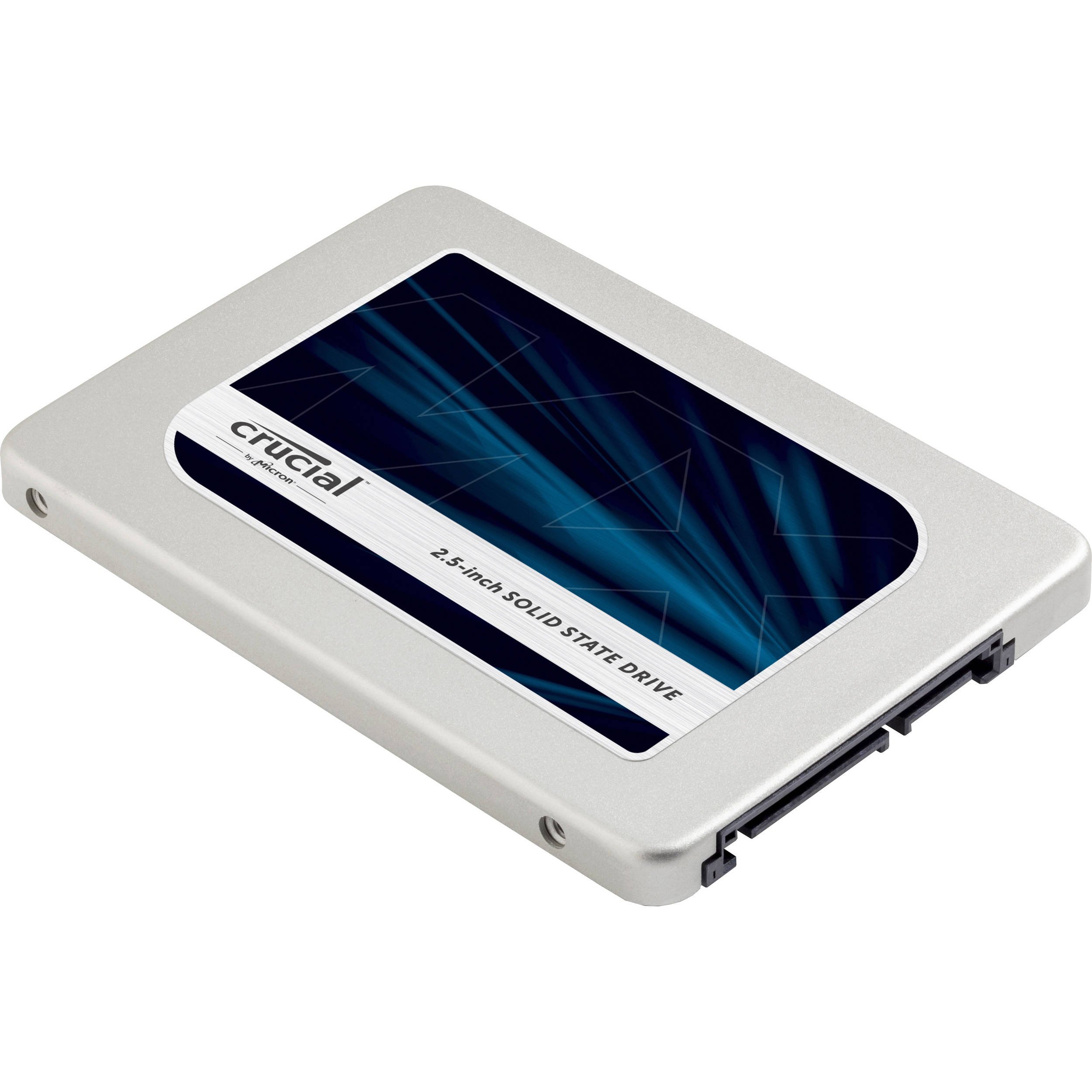
🚀 Upgrade to speed, security, and storage that means business.
The Crucial MX500 2TB SATA SSD delivers ultra-fast 560/510 MB/s read/write speeds powered by Micron 3D NAND technology, fortified with AES 256-bit encryption and power loss protection to keep your data safe and your workflow uninterrupted—all in a sleek 2.5-inch, 7mm form factor ideal for modern professional setups.


| Brand | Crucial |
| Product Dimensions | 7.62 x 1.27 x 5.08 cm; 9.07 g |
| Item model number | CT2000MX500SSD1Z |
| Manufacturer | Micron |
| Series | Crucial MX500 |
| Colour | Metallique |
| Form Factor | 2.5-inch |
| Processor Count | 1 |
| Hard Drive Size | 2 TB |
| Hard Disk Description | Solid State Drive |
| Hard Drive Interface | Serial ATA-600 |
| Are Batteries Included | No |
| Item Weight | 9.07 g |
| Guaranteed software updates until | unknown |
F**A
Excellent upgrade for speed.
I purchased the Crucial MX500 1 TB SSD to upgrade my old Sony laptop, which had been getting painfully slow. The installation process was straightforward, and once I had everything set up, the difference in performance was night and day. My laptop now boots up in seconds, and programs that used to take forever to load are now lightning fast.The build quality of the SSD is excellent. It’s compact and fits perfectly into the 2.5-inch drive bay of my laptop. The included instructions were clear and helpful, making the upgrade process smooth even for someone who isn’t particularly tech-savvy.Packaging was sturdy and ensured that the SSD arrived in perfect condition. The delivery was impressively fast, arriving well before the estimated date, which is always a plus when you’re eager to get your device up and running again. Amazon’s service was impeccable, as always, providing a seamless purchasing experience.In terms of value for money, the Crucial MX500 is outstanding. The speed increase alone is worth the investment, but the additional storage capacity is a huge bonus. If you have an old laptop that’s slowed down over the years, I highly recommend this SSD. It’s an easy and cost-effective way to breathe new life into your device and significantly improve its performance.
P**H
Happy bunny
As usual, the drive capacity is rather less than the 1TB description suggests, because of drive manufacturers' habit of using misleading terminology that looks better (the drive should be described as 1TiB but isn't); it's actually about 931GB. That said, the drive is so far performing perfectly, and has made a substantial improvement to the performance of my seven year old Fujitsu laptop running Windows 7. Boot-up to a usable state now takes little more than a minute, whereas it had been taking ten minutes or more. Cloning the old HDD was simple using the Acronis True Image software supplied as a free download through Crucial's web site, plus the USB to SATA cable which has to be purchased separately. The kit includes an adaptor plate for mounting the new SSD in place of a thicker HDD, but it was not needed on this occasion. Having installed the new drive the computer restarted as if nothing had happened, except for being so much faster. Pricey (although less so than when I first looked into this a year ago) but well worth doing. Bear in mind that you should no longer try defragmenting: it will achieve nothing other than reducing the life of the SSD.Update: Having now been in use for nearly three months, the SSD is still performing well and I am very happy with it. I did have a problem with a persistent BSOD which occurred within a few minutes of booting; this was caused by mticache.sys which is part of the Crucial Storage Executive software. The cure was to uninstall CSE, which does not affect the operation of the SSD.Further update: July 2020: still running well. A very good investment.
H**S
Crucial 1tb SSD, You want speed? You got it.
After getting my ssd I thought it would be plain sailing as I have fitted hundreds of HDd’S, it wasn’t, and after connecting my usb sata dock I expected it to find it in the disc manager, wrong, it wasn’t there. After fiddling about trying a new sata lead still no joy, ended up connecting as an internal, didn’t work either, I thought I had a duff one. One last attempt I cleaned the sata connector on the drive and hay presto it found it, I initialised it, quick formatted it and installed windows. Working fine so far. Crucial s answer is to return it. Didn’t contact Amazon so can’t comment on what their solution would have been. A good ssd drive, but if you have trouble set it up as an internal, initialise it and quick format itBefore you try using it as an external, doing this eliminates any fault other that the drive itself. I hope this helps other purchasers. A good drive once you get it working. My machine now boots in 30 seconds or less, a big difference from the 3-4 minutes it use to take.Having experienced the speed increase the SSD has made, I’ve now purchased another one, no problems this time, just fitted it and installed the OS and that was it, no messing about with this one. and it has, like the other, given my lappy a new improved speed increase. Great product. Recommended productI have now been using both my 1tb SSDs, and they have been faultless, the speed increase has given my machines (laptop and desktop) has taken them back to faster speeds then i got when they were new. Unless Microsoft continue to slow things down so you purchase new machines, mine will last another year or two before I have to replace themUPDATE,Well it’s 2022 and yes the SSDs are still working without errors, and yes I’m still using both desktop and the same lappy, (although I do have others all fitted with the SSDs.) so I still recommend them, and I have even experimented installing windows 11 without the TPM and yes, just as fast, but I’m back on win10, just can’t get to like 11 layout but keep buying the Crucial SSDs, I have hammered mine and they have proved very reliable, I don’t know what their eventual life span is as they do wear out but so far so good.
Trustpilot
1 week ago
4 days ago



