
DOWNLOAD THE APP


Customer Services
Copyright © 2025 Desertcart Holdings Limited
DOWNLOAD THE APP


🖥️ Elevate your workspace, elevate your game!
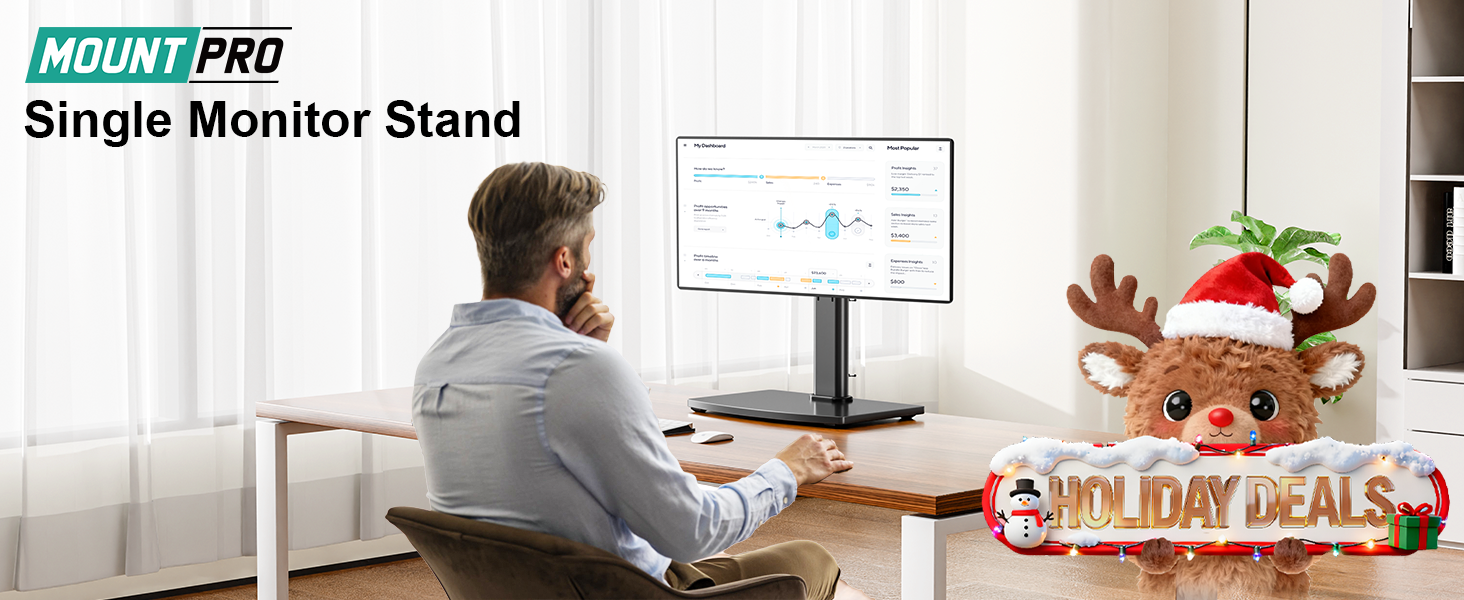
The MOUNT PRO Single Monitor Stand supports screens up to 32 inches and 17.6 lbs with a sturdy tempered glass base. It offers 6.89 inches of height adjustment, 360° rotation, ±45° swivel, and ±30° tilt for ergonomic comfort. Free-standing design requires no drilling or clamps, includes cable management, and assembles quickly to transform your desk into a sleek, productive zone.


| ASIN | B0B5DMSW9T |
| Item model number | PR4011 |
| Manufacturer | MOUNT PRO |
| Package Dimensions | 44.7 x 22.91 x 8.79 cm; 2.74 kg |
S**.
It's pretty darn stable. It was easy to assemble, even if the directions were a bit weird at times. I mean, they included drawings to show what to do and when to do it, but there were a few parts left over at the end that left me scratching my head. I have a five-year-old 22 inch monitor on it - which is slim but not sleek and lightweight like monitors being released now. Once I put the monitor on the stand, I waited for it to topple forward. It did not. It has not even hinting at being unable to handle the monitor. I also LOVE how easy it is to turn the monitor itself. The stand mount itself has a turning feature so you can turn the monitor without having to turn the stand. That's super nice and reassuring. It also has a tilt feature but that one requires you to read the instructions to figure out. Basically, you have to loosen a screw on the tilt feaure just a bit to adjust it, then tight the screw back up to hold it. The adjustable height is old school - but you can adjust it. You could probably do it while leaving the monitor on, if you have someone to hold the monitor for you while you do the screw removal and such. The base is thick and you have an option to have a glossy "mirror" side or flat matte finish (which I chose). It works and looks fine either way. Instructions, while clunky just in a few places, are pretty good. Overall, it's a great stand for a really good price.
M**E
My monitor is within the weight range (28lbs), but the base isn't heavy enough to counterweight it. The monitor, when attached, sits too far in front of the base, causing it to tip at the slightest push. I had to weigh the base down with barbell weights to prevent it from tumbling over.
J**E
Does exactly what it’s supposed to . Bottom screen is slightly bigger than recommended but the weight is fine, does not affect anything . Easy setup, had it done in 20 minutes. Top screen is 32” ultrawide and bottom is 34” ultrawide curved and looks amazing in person .
D**E
It works as advertised. Sturdy stand for my 32” monitor. Height adjustment is difficult once the monitor is on the stand , so best get it right before mounting the monitor. Swivels quite easily.
T**Y
I paid for three of these with my own money. No one gave them to me, and they didn’t pay me back for them, First off I’m already doing things that are not intended for. The screen on the left is a 43” TV standing on edge, it’s holds it just fine. But if you do things like that and something gets broke that’s on you. It’s a TLC Roku TV and the bracket that came with the base worked perfectly. I can’t sweat it would hold it in landscape but I feel like it would. The middle set are 32” normal monitors. On the right, the bottom one is a 22” all in one PC, the base of the all in one is on the stand (not compatible to add to the base, but it did allow me to get the second monitor above it. These things are well build, easy to assemble and a GREAT value for the money. I’ll be getting a few more soon!
Trustpilot
3 days ago
3 weeks ago