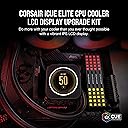
🖼️ Elevate your rig’s IQ with a splash of color and real-time flair!
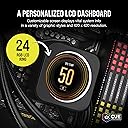
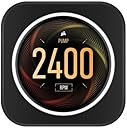
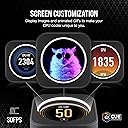
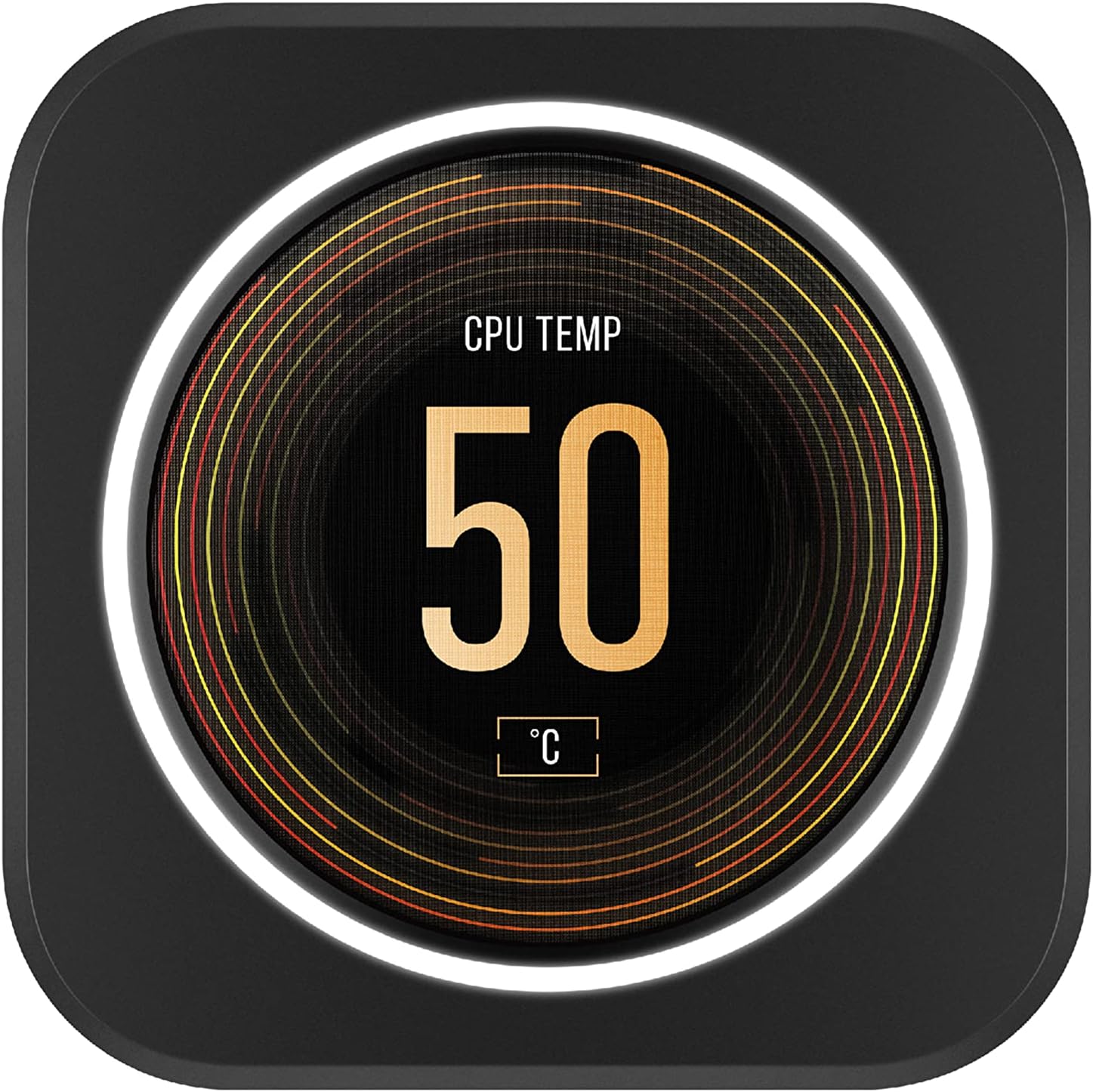
The CORSAIR iCUE Elite CPU Cooler LCD Display Upgrade Kit enhances your ELITE CAPELLIX liquid cooler with a vibrant 2.1” IPS LCD screen featuring 480x480 resolution and 24-bit color depth, displaying over 16.7 million colors. It includes a 24 RGB LED ring and integrates seamlessly with CORSAIR’s iCUE software for full customization of graphics, system stats, and synchronized lighting, all installed easily via magnetic mounts.


| ASIN | B09J8WVSGD |
| Best Sellers Rank | #184,421 in Electronics ( See Top 100 in Electronics ) #3,804 in Computer Monitors |
| Brand | Corsair |
| Brand Name | Corsair |
| Compatible Devices | Desktop |
| Cooling Method | Water |
| Customer Reviews | 4.5 out of 5 stars 746 Reviews |
| Global Trade Identification Number | 00840006646198 |
| Item Dimensions L x W x H | 2.87"L x 2.87"W x 1.89"H |
| Item Weight | 0.29 Pounds |
| Manufacturer | Corsair |
| Material Type | Polycarbonat |
| Maximum Rotational Speed | 1800 RPM |
| Model | CW-9060056-WW |
| Number of Items | 1 |
| Part Number | CW-9060056-WW |
| Power Connector Type | 4-Pin |
| Product Dimensions | 2.87"L x 2.87"W x 1.89"H |
| UPC | 840006646198 |
| Unit Count | 1.0 Count |
| Voltage | 12 Volts |
| Warranty Description | 5 year manufacturer |
C**N
Great upgrade
This is very easy to install if you know what you doing. Installation takes two minutes, messing with the cables on the back and making sure everything thing looks neat and clean 15 minutes. After the installation when I turned the computer on during the boot I saw the Corsair logo and the CPU temp., so I was happy, after the boot was completed and Windows 11 took over, the LCD display and all the fans connected to the Command Core start flashing red. Ok, so I went to the ICUE software I saw the the message Unknown Device, I was like no way, I have the latest ICUE update and the latest firmware. No problem, on the ICUE there is an option to reset and restart the ICUE, I did both (still the red flashing), them I restart the computer. Once the computer finished loading Windows 11 the LCD display and all the fans connected to the Command Core were working properly. I opened the ICUE and was able to see the CPU LCD Display. So if you see red flashed after you install the LCD Display, don't panic, and do what I did. By the way, this display looks super very cool on the computer case, and it has a lot of options to customize. No regrets, I'm very happy.
R**T
Great little monitor
Bought for my Asus 670E motherboard and 9850x3d CPU. Looks way better than the stock Corsair H150i cooling block, enhancing the PC's overall look. Great upgrade; integrates with existing iCue software. Would definitely buy again.
M**N
The finishing touch.
The iCue 4 software is confusing and lacks functionality, but once you get past the lousy software the upgrade is a great finishing touch
V**E
works perfect!
Easy to install if you have the correct Corsair pump, Screen is super clear. Would buy again
G**D
Do not take shortcuts disassemble everything
Do not take shortcuts, and make sure to unscrew the back of the actual lcd screen if it does not fit on your cooler
A**.
works great
I got this because my Elite LCD cooler had a bad pump. Instead of making sure I bought a new LCD I ended up getting a capellix by mistake. So, to get a temp readout I bought this. It was easy to install and worked right away.
R**T
Red triangle
It worked for about 3 days, then I booted my computer and it now shows a red triangle and after watching numerous videos to fix it, it still hasn’t worked.
D**R
Fun gadget or purposeful device is up to the user
Put together a new system over the holidays and wanted a way to display both CPU and GPU temperatures when gaming. Came across this Corsair water pump cap with an IPS display that fits my H150i Elite Capellix AIO and can be programmed via iCUE to display pretty much anything one could imagine - including gifs! It took under 30 minutes to swap out the old pump cap for the new one with the only tool needed being an allen wrench included with the kit. After updating iCUE and the firmware for the display it took about five minutes to add the display to my "mural" and program it for the two temperature readings. Then, for when the grandkids come by, I set up a gif of them celebrating the New Year :) Cheers!
E**Z
Schermpje
Good
R**D
looks good
it does what it says on the tin screen quality is great and does look nice in a completed build , especially in my corsair build :-) "could do with a bit more schemes to use tho , it feels to basic considering the price"
天**タ
透明感あって綺麗
アルベドがいつもながら輝き妖艶に見えた。 全然商品のデビューでは無いがw まぁ、1番のポイントは好きなGIFや写真やらエッなやつとかをこのキッドを使ってパソコンに組み込めるとこですかねw それに尽きる。最高👍
K**S
Really happy about it!!!
The ICUE CPU Cooler LCD Display looks really amazing and doesn't take up much space on the board. It functions very well. Limited only to pictures, gif and temp status. Installing it was easy and straight forward. Scan the qr code on the box for instructions. The cable is long enough to be tucked away. It gives any build a futuristic vibe. It's definitely worth it's price.
C**0
Dobry produkt.
Używam od kilku lat i to naprawdę jest świetny dodatek do chłodzenia. Upiększa wnętrze obudowy i czyni przyjemniejszą w użyciu.
Trustpilot
3 weeks ago
1 month ago