
DOWNLOAD THE APP


Customer Services
Copyright © 2025 Desertcart Holdings Limited
DOWNLOAD THE APP
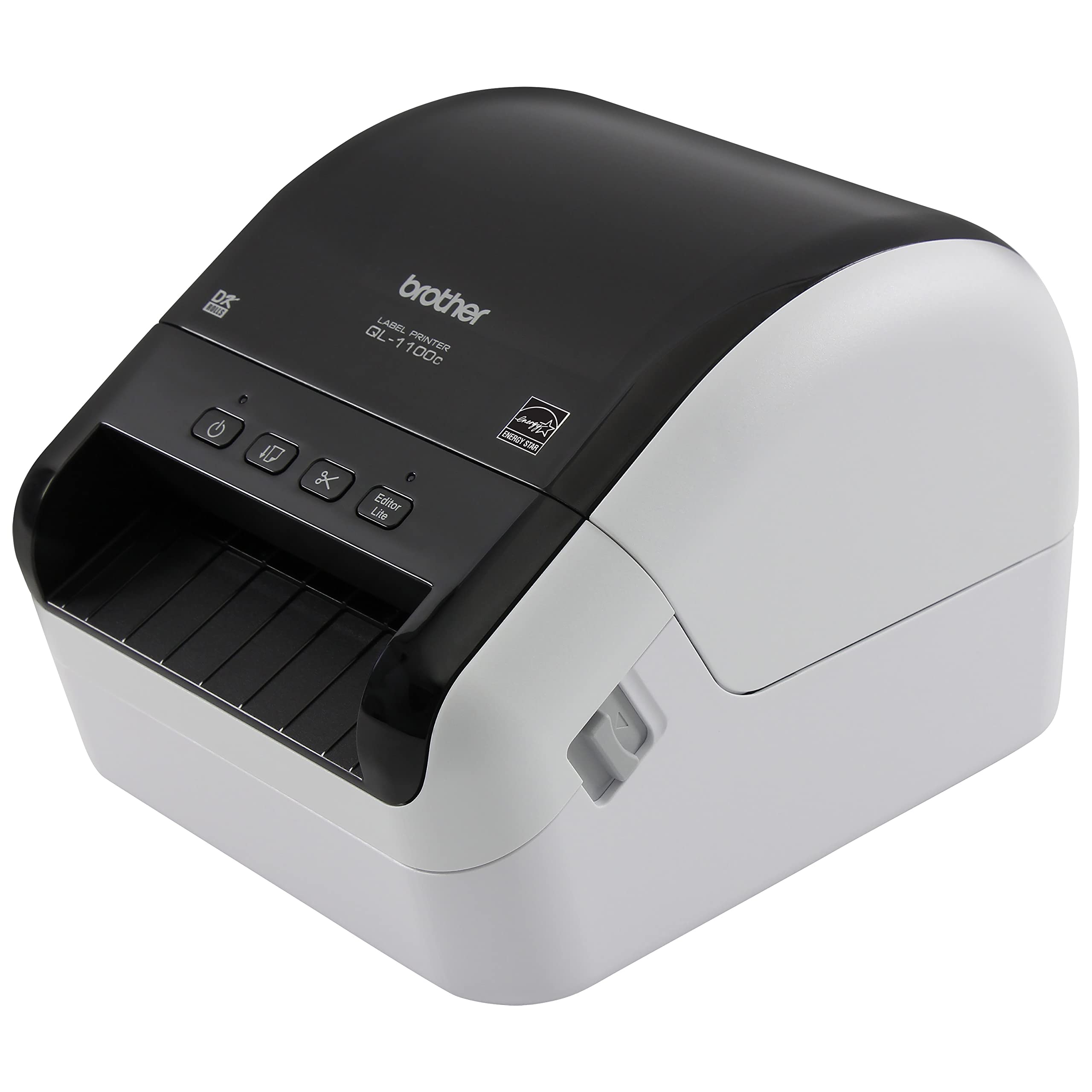




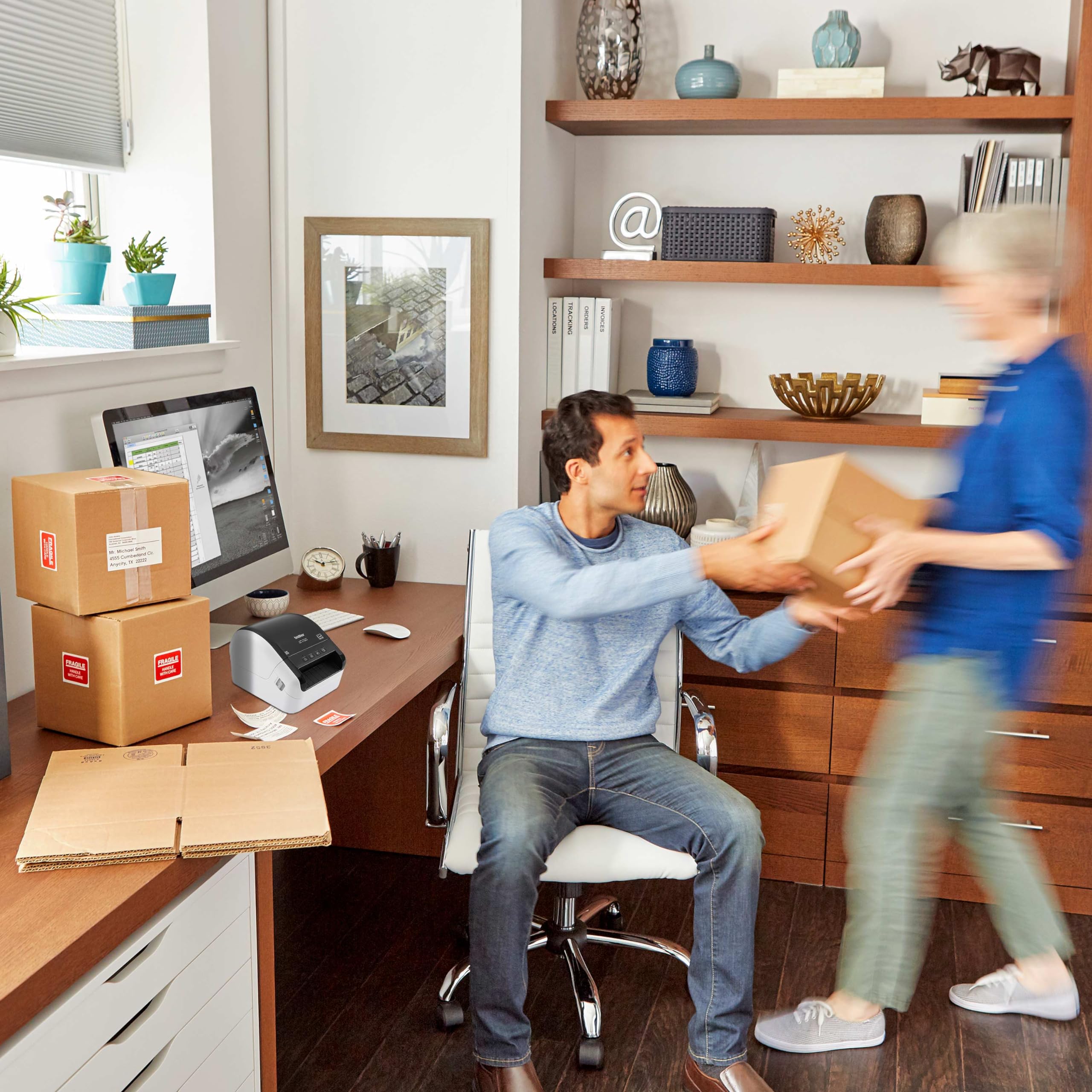
🚀 Print Fast, Ship Faster — The Label Printer Millennials Trust!
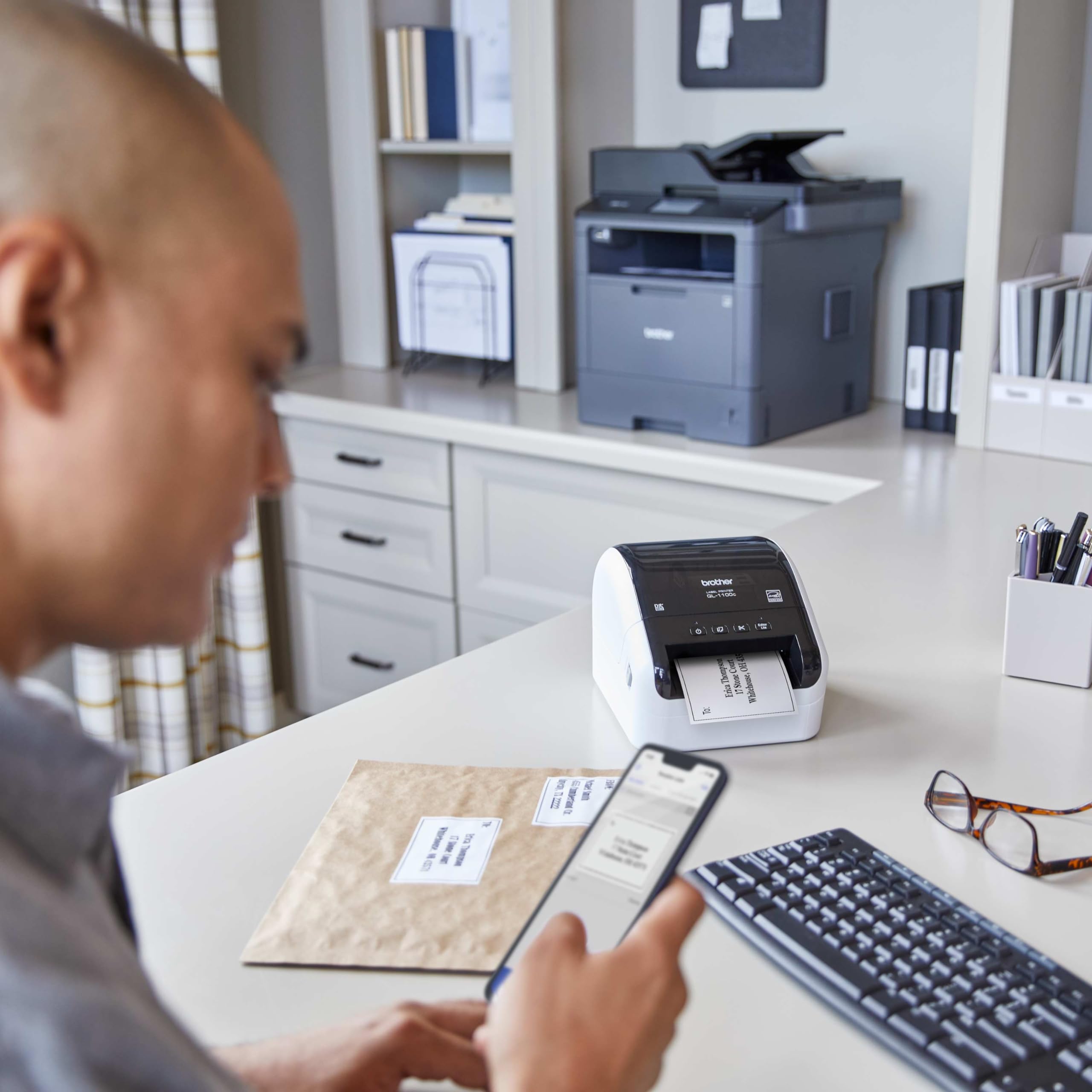
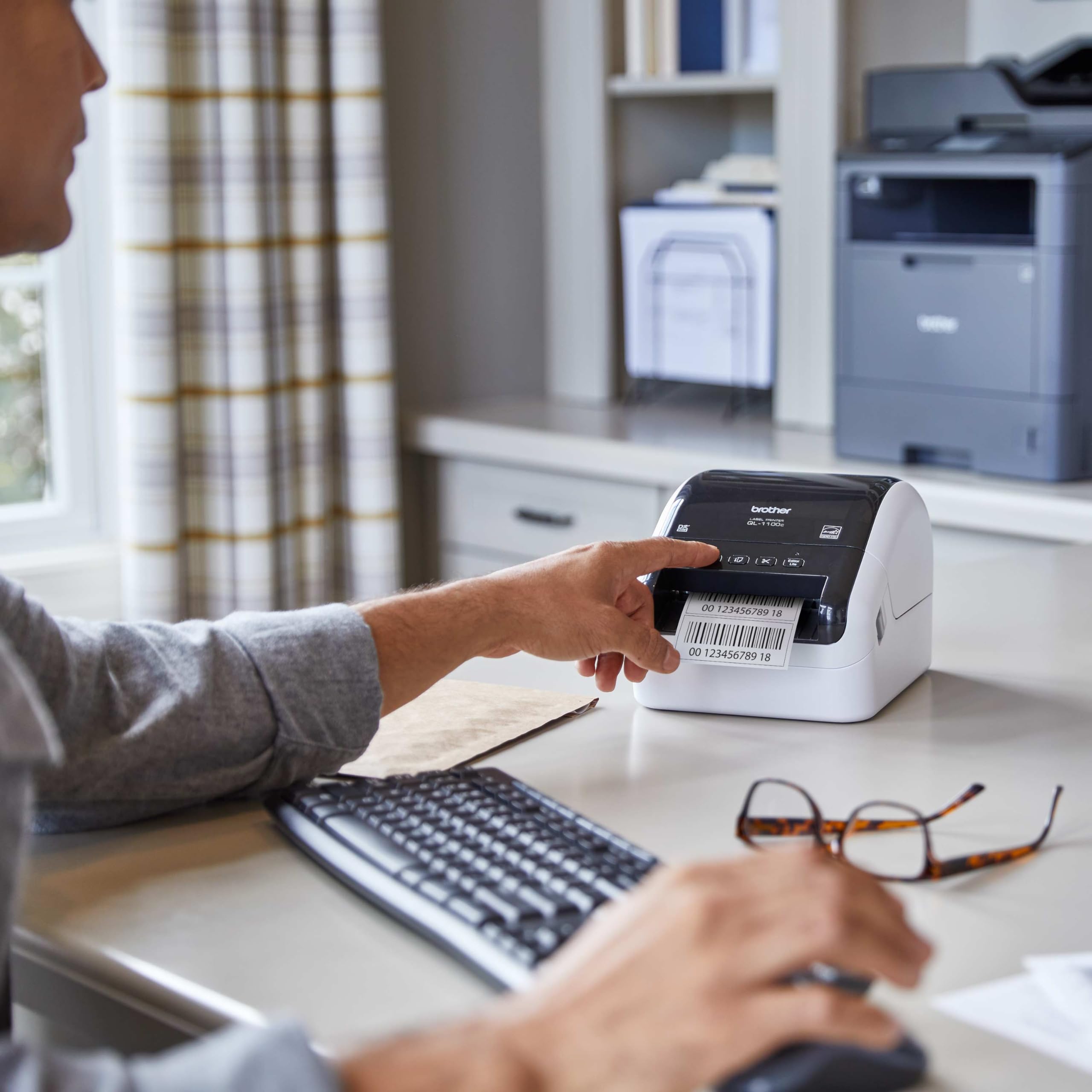
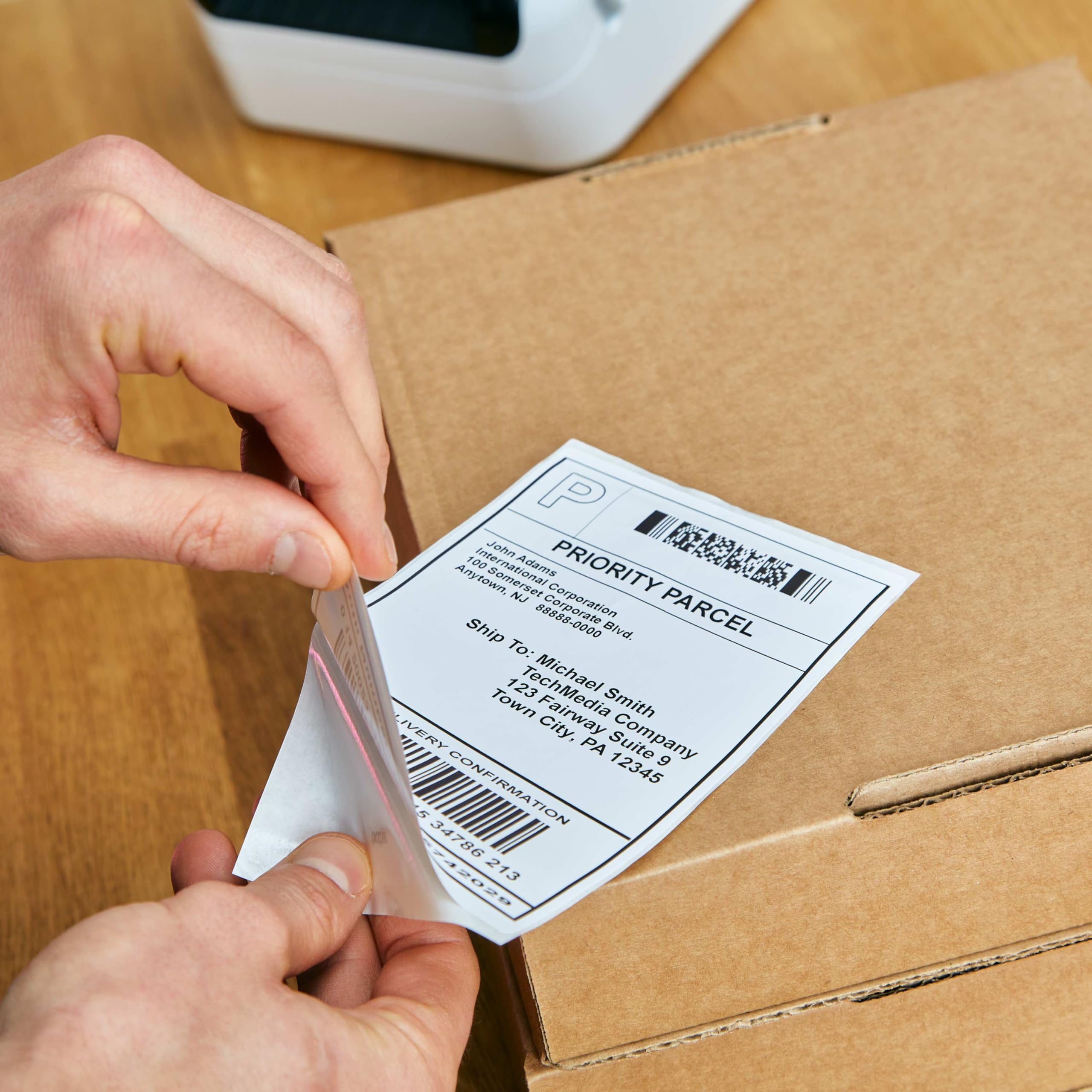
The Brother QL-1100C is a compact, high-speed direct thermal label printer designed for professionals who demand efficiency and quality. It prints wide-format 4-inch labels at 300 dpi, delivering up to 69 labels per minute with automatic cutting and plug & play USB connectivity. Compatible with Windows and Mac, it supports seamless printing from Microsoft Office apps without software installation. Ideal for shipping, postage, and barcode labels, it uses easy-drop-in Brother DK rolls, eliminating the need for ink or toner and minimizing downtime.


| ASIN | B0BRM56YY1 |
| Additional Printer functions | Print Only |
| Best Sellers Rank | #37,613 in Office Products ( See Top 100 in Office Products ) #109 in Desktop Label Printers #208 in Other Office Equipment |
| Color Depth | 1 bpp |
| Compatible Devices | Laptops, PC, Smartphones |
| Control Method | App |
| Controller Type | Android, iOS |
| Customer Reviews | 4.4 4.4 out of 5 stars (936) |
| Date First Available | January 3, 2023 |
| Dual-sided printing | No |
| Duplex | Automatic |
| Global Trade Identification Number | 00012502671954 |
| Hardware Interface | USB |
| Included Components | Brother QL-1100 Label Printer P-touch Editor Software & Driver AC Power Cable USB Cable Starter Rolls: DK-1247 Diecut Large Shipping Labels (41 labels) DK-2205 Continuous Length Paper Tape – 2.4" (62mm) x 16.4' |
| Ink Color | Black |
| Item Weight | 3.65 pounds |
| Item model number | QL1100C |
| Manufacturer | Brother |
| Max Input Sheet Capacity | 69 |
| Max copy resolution black-white | 300 x 300 |
| Maximum Black and White Print Resolution | 300 x 300 dpi Dots Per Inch |
| Maximum Media Size | 4 x 6 inch |
| Maximum copies per run | 9999 |
| Memory Storage Capacity | 64 MB |
| Model Series | QL1100 |
| Number of Trays | 1 |
| Number of USB 2 Ports | 1 |
| Print media | Labels |
| Printer Ink Type | None (Direct Thermal) |
| Processor Count | 1 |
| Product Dimensions | 6.7 x 8.7 x 5.9 inches |
| Scanner Type | Sheetfed |
| Sheet Size | 4 |
| Total USB Ports | 1 |
| UPC | 012502639275 012502671954 |
| Warranty Type | Limited |
J**W
High quality printing, affordable generic supplies available & user friendly!
This printer has been a lifesaver! I can print multiple shipping labels super quick, all at once, and it cuts between each one automatically. I also use the smaller 2.4” wide label to print product labels. The reason I hated printing labels with my laser printer is because the ink would smear, I would have to tape over the label to protect the barcodes, which defeated the purpose of printing on a label in the first place. I used so much packaging tape (and time!!). Sure the labels from Brother are expensive, just buy the generic ones! All you have to do is look for ones that are compatible with this device (I bought BETCKEY brand and I don’t see a difference). I bought TEN rolls of 4” wide continuous rolls for 4x6” shipping labels, and after 3 months and MANY labels printed, I still have some left on the first roll! Buying 10 rolls at once cut the individual roll price in half, so I figured I could resell some if I wasn’t going through them quickly. I also don’t understand why other customers had issues with printing. I first downloaded the driver directly from Brother’s website. I select the option on eBay and Etsy to print 4x6 labels in PDF form. After I purchase the labels, the PDF opens or downloads, I plug in the usb cord to my laptop, click print and make sure to select the right printer and size of labels (with the Brother sample labels it came with, I had to select something like 4.06” wide, whatever it was it was slightly over the 4x6, because it wouldn’t print with the 4x6 option selected. It would say the size of labels in the printer and what was selected didn't match. When I switched to the generic, it wouldn’t print with the same setting and I found I just had to go back to 4x6. If you get the message that the size doesn't match, but pick some other similar sizes until it does). I’ve even made my own custom labels with Microsoft Word for the 2.4” wide labels. I just set up the size in page setup and plug and print. Super simple. The printing is dark, super clear, excellent quality. And no smearing! And no having to buy ink or toner. Occasionally the blade starts not cutting all the way through, but that's the only problem I've had. This little printer was definitely worth the money and then some. I save so much time buying my labels in bulk, hitting print once, having each print and cut SUPER fast, and just peel & slap them on the envelope. If you do a decent amount of online selling and find yourself spending a lot of time trying to fulfill orders, I recommend you get this printer. You’ll thank me! Update: About one year later and this printer is still going strong with no issues!
R**R
Great shipping label printer
Great shipping label printer. Use it all the time. Easy to connect and setup. Did I say it works great!
G**Y
Worth the extra expense compared to the bottom barrel $75 models
I was simply trying to save some money hoping one of the cheaper models might just get me by when it came to printing shipping labels. I was very wrong. Now maybe some of the cheaper models perform better but all I needed was one failure to say it was not worth trying another cheap model. So I went ahead and spent the extra on the Brother QL-1100c. Boy was it a difference between night and day! Coming from the cheaper model I was absolutely blown away by the jump in quality. The complex 2D/dense QR absolutely wrecked the cheap model. The Brother just laughs those off and they come out crisp and clear as if they were hand drawn by an artist.
L**E
Works with Etsy & Pirateship, and Generic Label (Confirmed & linked)
I have always loved Brother products, especially since their monochrome printer 5340D that I bought here on Amazon in 2009 is still going strong! This does not disappoint! It is not plug and play though (always read directions first! lol). Here is a few things I learned to help someone else doing this for the first time. I am so glad I purchased this. saves me so much time from printing, cutting out label and then taping it on for my little craft business! I had troubles feeding the paper this being my first label make. When you open the top and put the paper roll through, you will see on the right hand side a white sticker with a yellow triangle with 2 gears printed on top of a rectangular plastic piece, you need to feed the paper underneath this! I had it going over and when I tried printing it would not work. Hope this helps someone! The other issue I had was which things to download (step #3 below) In the manual is the website to go to install.brother, and do this: Step 1: Product categories click "compact label printer," Step 2: Click your operating system and verison (64 bit etc), Step 3: Here is where I got confused. On this page, there is (4 selections: a. Software/Document Installer b. drivers c. editor tool d. firmware). All you need to do is download the first one a. Software/Document installer. This will install all 4 sections (a, b, c, d) at one time for you. The only scenarios you need the others is if something does not go right and you need to say reinstall drivers then you would download b. drivers only. Or if software is not working right you can reinstall c. editor tool. I am sure most people will not have any issues, as even my issues with minor, I had it up in running in no time. Text is clear, I love that it cuts the labels for you. It comes with labels to start you off, 2 different sizes. I bought these labels (Edit: Confirmed they work, with some instructions below- I have not found any other label yet to work with these) https://www.amazon.com/gp/product/B01H1CGLIE/ref=ppx_yo_dt_b_search_asin_title?ie=UTF8&th=1 You do need to adjust the paper size for these labels for Etsy & Pirateship. Go into control panel --> Hardware & Sound --> Devices And Printers, then right click on Brother QL-1100, then click on printer properties (not just properties), then on General tab, go to bottom and click on preferences, paper size drop down menu click on 4X6 label in the drop down box. Hope this helps :)
S**0
The Brother brand is great, we have a multi printer, scanner etc so I it was an easy choice to go for a Brither label printer. However I won't go for a refurbished version again as when I plugged this in I heard a pop, saw smoke from the back of the machine and a horrible smell. Sending straight back and will buy a new one instead.
C**H
Funcionaba correctamente pero después de una actualización de controladores dejó de funcionar y no actualizaron para este modelo en específico… quedo inutilizable y no tienen atención a clientes
C**R
I love this printer. It turned out to be bigger than I realized it would be and still great. Doesn't take up too much space and it's light weight. It's way easier to use than the Dymo 450 label printer. Right off the bat my first shipping labels came out perfect and no labels were wasted. There were no errors and the printer didn't go crazy like the trying the Dymo 450 for the first time a little while earlier. It works seamlessly as long as you know how to crop an image, put in the correct settings and print! The labels come out very fast and clear.
M**Z
i bought 2 Dymo printer and it was a horrible experience until i got this printer
E**A
Product is good, but we Have to buy the special label, same size label is not suit for it
Trustpilot
2 months ago
5 days ago