

Desert Online General Trading LLC
Dubai, United Arab Emirates
Desert Online General Trading LLC
Dubai, United Arab Emirates


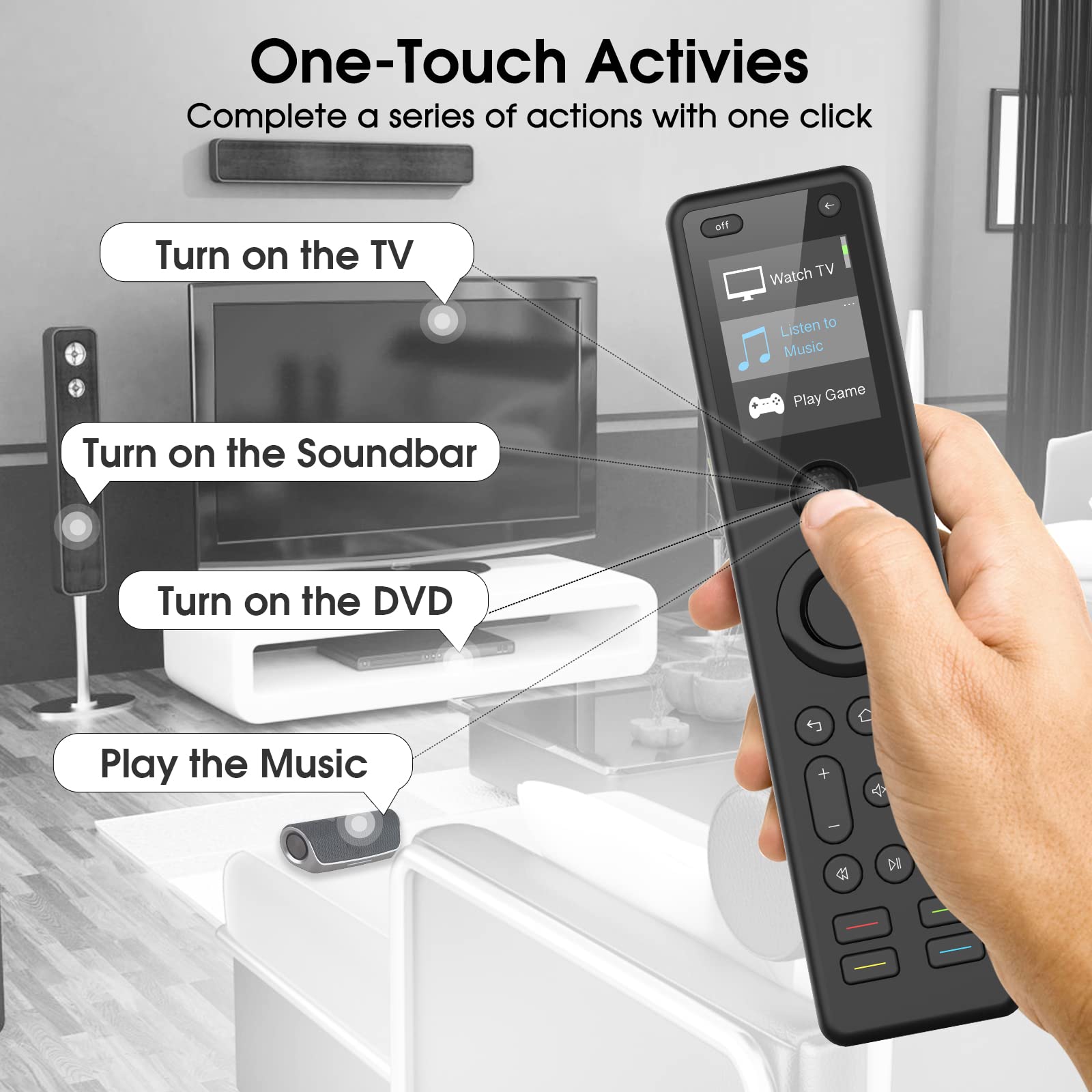


🎮 Elevate Your Entertainment Experience!
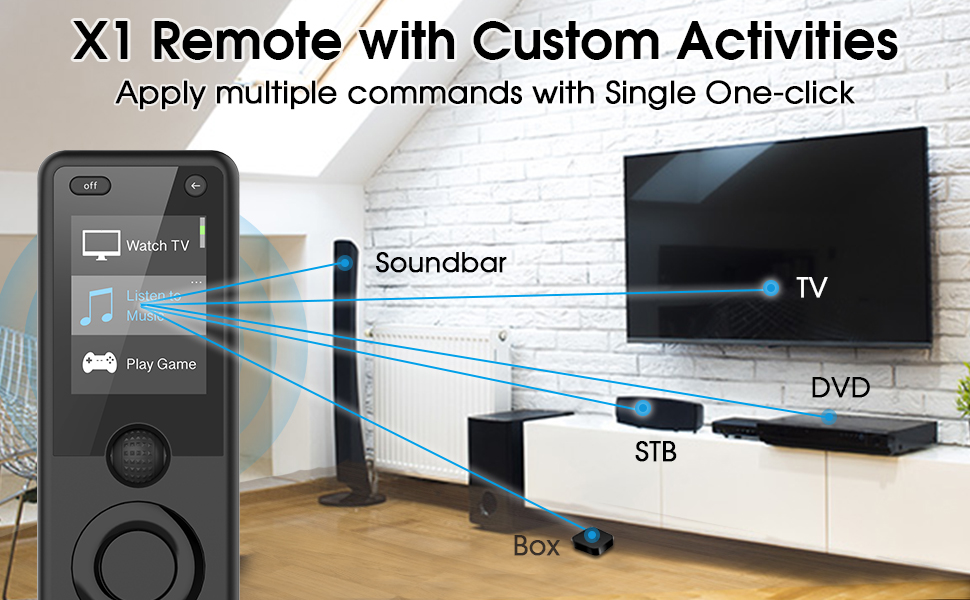
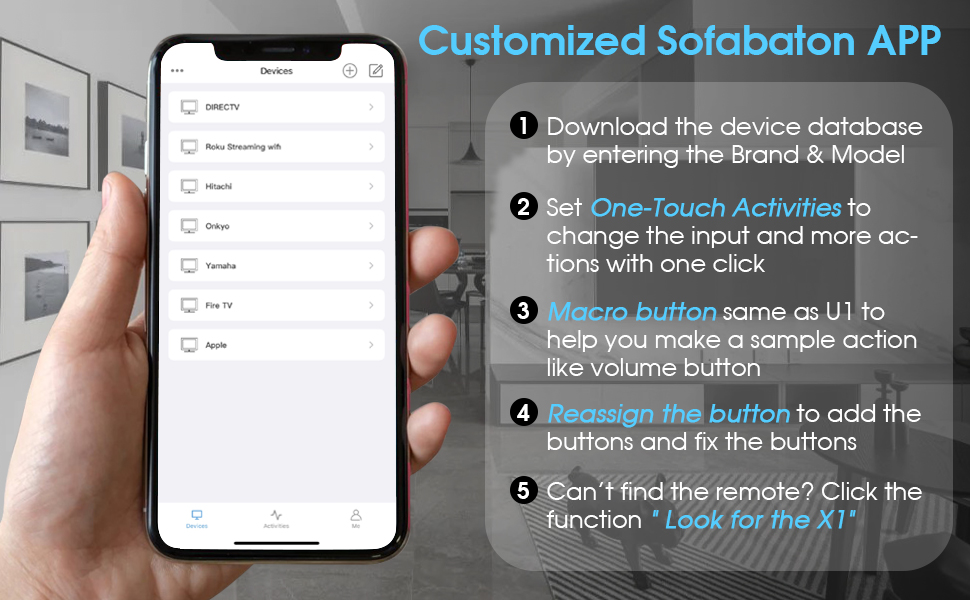
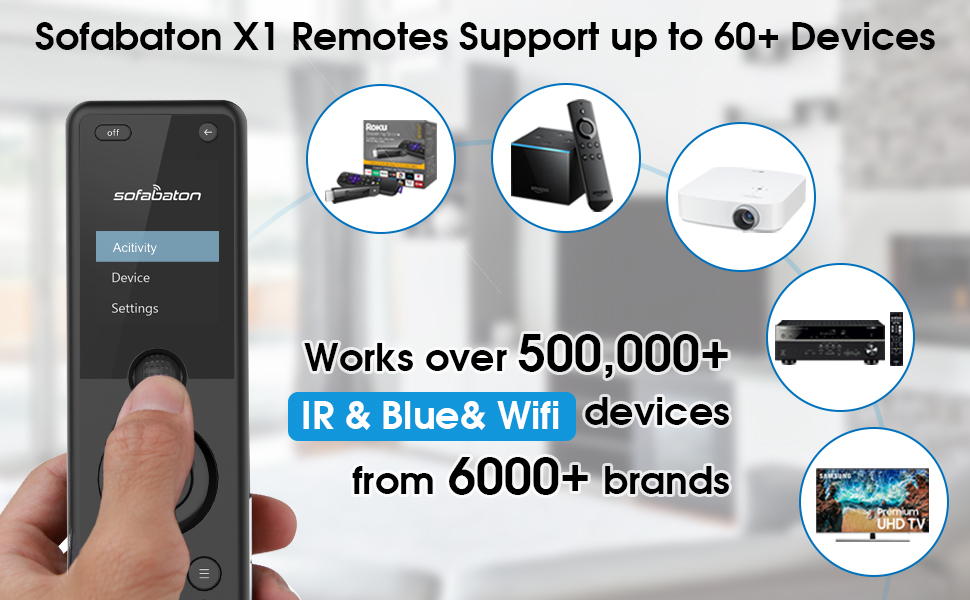
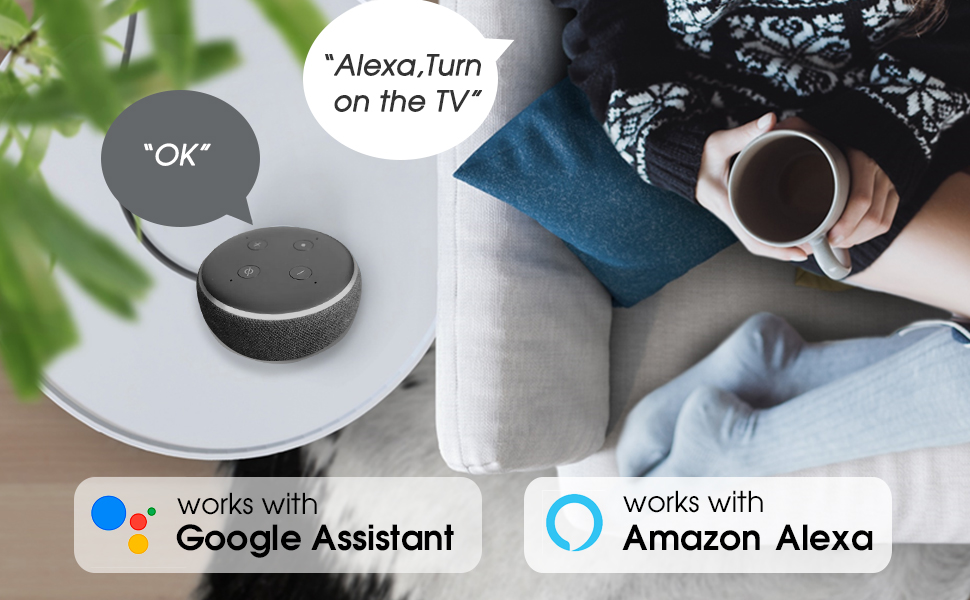
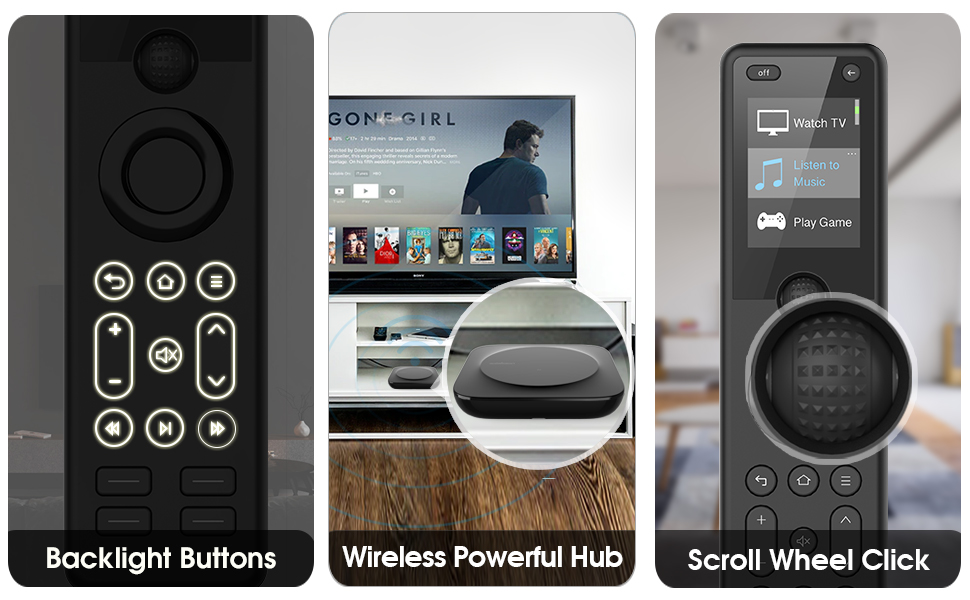
The SofaBaton Universal Remote is an all-in-one smart remote control that seamlessly integrates with over 500,000 entertainment devices, including TVs, soundbars, and streaming players. With its customizable app, one-touch activities, and compatibility with Alexa and Google Assistant, it offers a powerful and intuitive control experience. The included X1 Hub ensures strong signal reach, allowing you to manage devices even in closed cabinets.

S**N
Not for the easily frustrated
So this product is built well and looks similar to the product I bought it to replace, which is the harmony. When I got into the app, however, I found it incredibly slow making the setup process very frustrating.It supports a lot of devices but the library is no where near harmony’s library and my projector wasn’t on there. Furthermore, the device categories are frustrating because they don’t make any sense.It has wi-fi capabilities but they only support roku, hue, and sona. I thought these could be virtual roku’s or hues so I could control my theater lights from an activity but no joy, they need to be uber recent versions of these devices for some reason (and none that I could tell), so the emulated roku and hues won’t be discovered. So there is no way to connect it to a home automation system that isn’t hue itself.The control is okay and the activities are pretty easy to create unless you want to make an activity. The activities need to sync with the controller (or cloud) at each step and doesn’t cache the loads of the buttons on the device, so you need to wasted 5-15 seconds on each step for the buttons to load so you can select them. Then, the app randomly crashes loosing your entire sequence. I’ve tried making an 8 step macro about five times with no joy. App crashed every time. It’s okay if you have a 1 or two step macro, but that kinda defeats the purpose of a macro.Synching with the remote is a painful process. It’s very slow and error prone. I don’t know how many times I waited five minutes for a sync only to notice that the activities didn’t get transferred or I was missing some devices. If you get it to sync… We’ll the controller works pretty well albeit with a noticeable (but maybe manageable) delay.Also sofabaton promised a local api which hasn’t been delivered yet and supposedly they have a cloud api which I’m having trouble locating, but given the slow speed of absolutely everything, I’m very wary of.I kinda feel like the issue with this control is mostly software and that maybe the hub is a bit underpowered in processing power. Hopefully this will fix itself over time.It is definitely, right now, a very immature and frustrating system to deal with, but with the control and hub appearing to be well made, maybe a facelift of the software can compensate for its many shortcomings. I believe this is the case with their mobile app which can do a lot more to compensate for the lack of processing power in the hub.Sofabaton seems to have a guaranteed 2 day return time on their support which is outstanding if it works. I have a ticket in to see. This *might* turn out to be a great device, but it certainly isn’t there yet.[Updated] Moving this to one star as more information came in. The day after setup I discovered the app wouldn’t connect to the hub. I rebooted the hub and my phone. The app finally did connect but it took several tries between the app erroring out or crashing.Trying to used the controller to watch tv with my kids, I noticed that if I was more than about 10’ away from the hub, the controller couldn’t connect to the hub. When they were side by side it worked great, but I have my hub in front of my projector screen and I control it from my chairs which are about 20’ - 25’ back. This was too much for the control.Additionally, wi-fi control of my ultra was super laggy and unreliable . I’ve disconnected this controller and am going back to my harmony.Given the hub/remote configuration, I would have thought they would use a more powerful Bluetooth radio for the hub and controller.
P**L
GREAT customer service
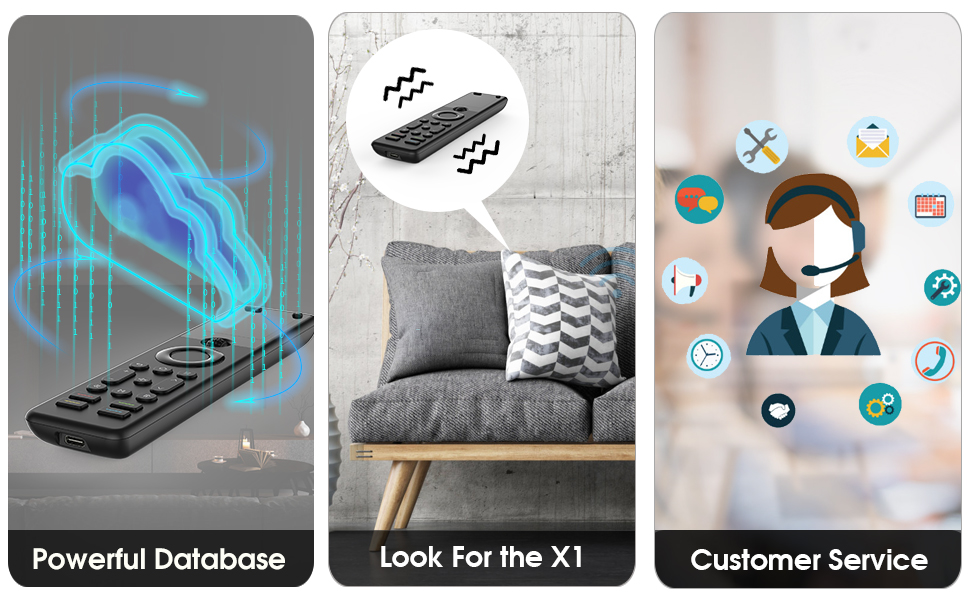
I've had this remote for 2 years and it is the best universal remote you can get for under $200. In fact, you would have to spend more than $400 to get a better remote. the data base for equipment is extensive. The only negative about the remote is the programming part. It's not perfect, but every universal remote takes some tweaking to get what you want out of it. The remote simply works and it works well. Customer service is great. If you contact customer support over the app you will be chatting with a real-life human technician as soon as you send a message. And your problem will get fixed.UPDATE: I recently purchased the SofaBaton X1S and i would recommend that remote over the regular X1 for the following reasons: a) better font on the screen. b) the X1S "wakes" when you pick it up and has backlit buttons.
W**.
Not your harmony remote
I really wanted this to replace my Logitech Harmony which quit on me after a decade of use. The details of my experience with the SofaBaton are below. In the end I think I'll be keeping the remote, but there are a long list of shortcomings if you compare it to the Logitech Harmony. However, logitech is no longer selling or supporting the Harmony remotes and this does seem to be the only unit that does everything I need it to do; controlling several different devices in a single activity. Each activity works, in theory, meaning that if everything is off and each device picks up the signal, it sets it up the way I want it. After a couple weeks my experience is that the activity works about 60-70% of the time.Day 1: Just received today. I’m pretty tech savvy and spent two hours trying to get the hub to connect. The app/hub gets stuck in the initial connection process. Based on searches it maybe that our internet is a mesh system and according to some users the Baton can’t be used with this kind of WIFI.Day 2: Still haven’t heard from support. Moved to a different network to try. Now I think the flaw is in the App which doesn’t seem to recognize that my iPhone 14 Pro Max is connected to WiFi. Unfortunately the entire family upgraded for Christmas so no one has an earlier phone to try.Day 3: I pulled out my sons old iPad downloaded the app and was able to connect to the device and get the firmware update. This allowed me to then restart with connecting the device to my phone and the mesh network I wanted to use.Day 4: I started programming one Saturday morning, and by late on Saturday I had devices and activities programmed. I have 5 devices and 4 activities. What I did not realize when I purchased the SofaBaton was that they are basically croud-sourcing the codes/signals for each device. So, in order to get my Xbox to work, I had to look online and find a "model" that someone else had entered in properly. I just by chance found this on Reddit, and also by chance everything works great. While I tried to search for brand and model of my device to have it upload the remote schema automatically, none of my devices worked properly. So I spent the day programming in each button I needed from my original remote to the SofaBaton. Overall, the manual programming was relatively easy, but a very long process to manually program all the necessary buttons for all the devices. I found the actual application to be a little clunky. It works and after several hours, I got used to its nuances but it wasn't simple. Multiple times I had to delete the entire device and start over because I couldn't fix certain aspects in the app.Week 1: I've been using the remote. This is controlling my "man cave" theatre system so it isn't necessarily being used daily. The times I've used it, it works most of the time (60%) - meaning that it setup the activity properly so I can go directly watching that activity. The other percent of the time something goes wrong. Usually what I have to do is go back and turn everything off again, and press the activity again and it then works. So, in pressing it twice once I've manually reset all of my devices, it works about 90% of the time.
Trustpilot
4 days ago
1 month ago
5 days ago
1 month ago