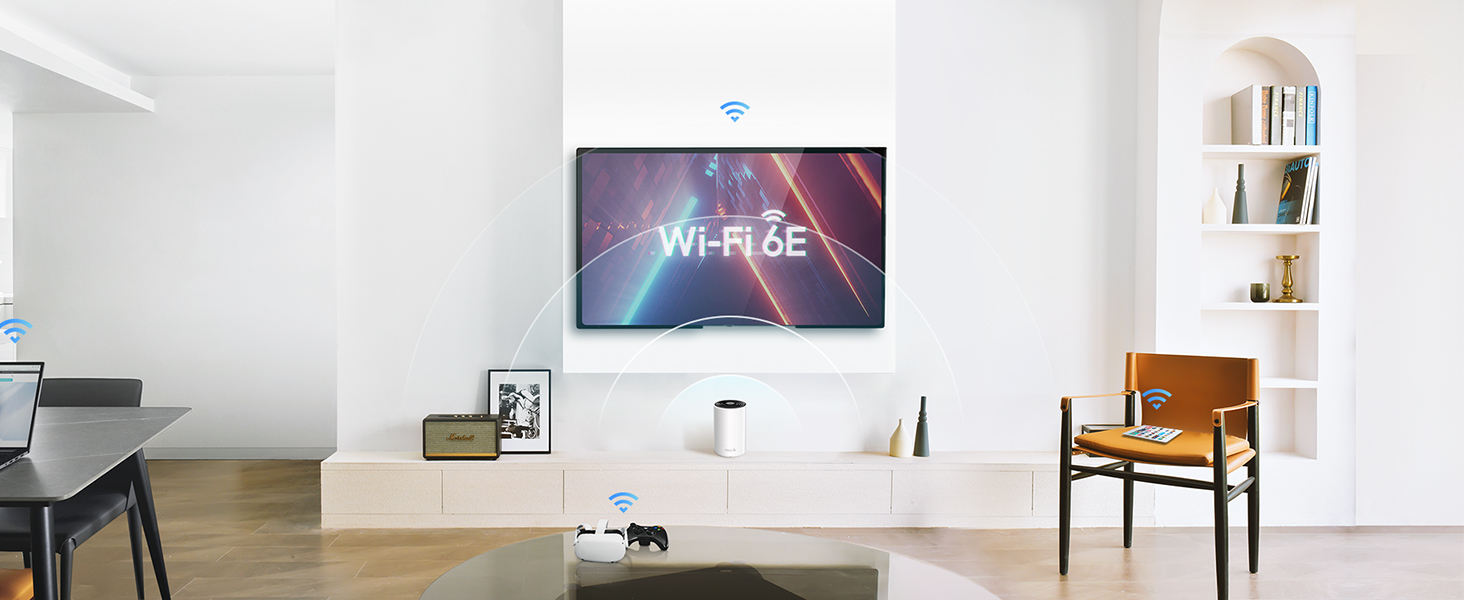
🚀 Upgrade to the future-proof WiFi that keeps your entire smart home effortlessly connected!
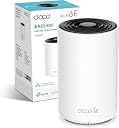
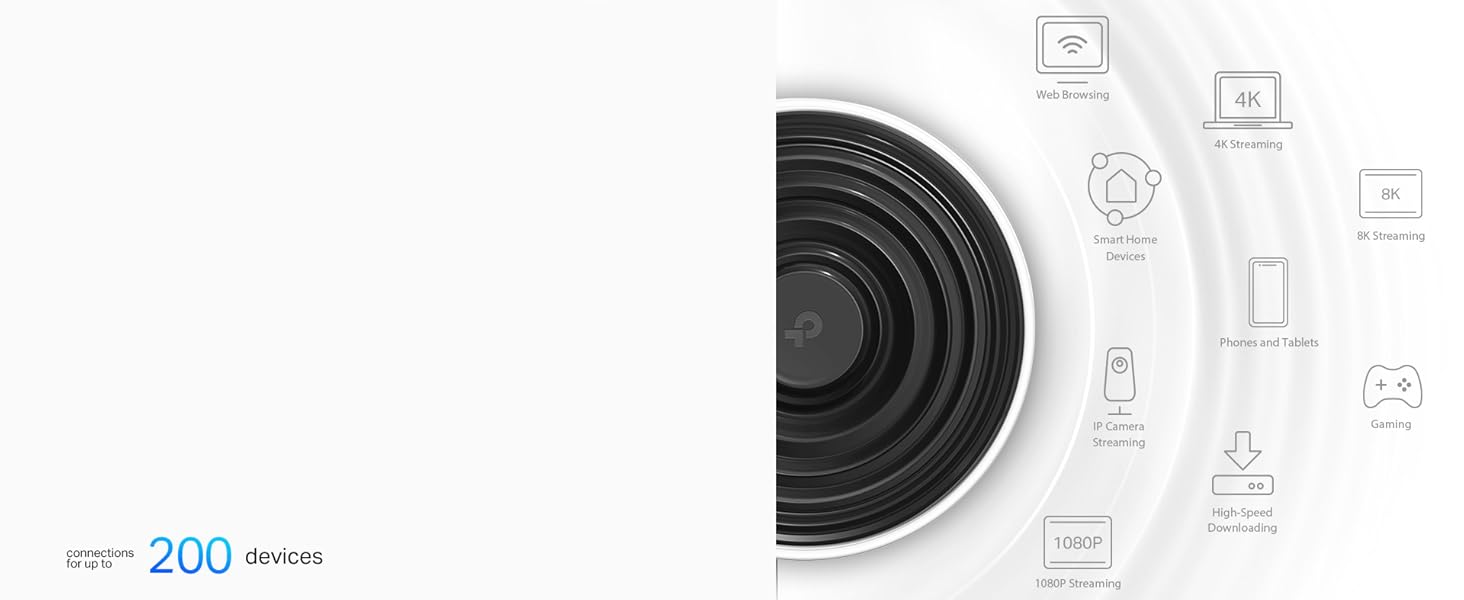
The TP-Link Deco XE75 is a cutting-edge WiFi 6E mesh system delivering tri-band speeds up to 5400 Mbps, covering up to 2,900 sq ft and supporting 200 devices simultaneously. Featuring AI-driven mesh technology for seamless roaming, robust HomeShield security, and an easy-to-use app, it’s designed to future-proof your home network with ultra-fast, reliable connectivity ideal for 8K/4K streaming, online meetings, and smart home integration.


| ASIN | B0BKTD5PQK |
| Antenna Location | Business, Home |
| Antenna Type | Internal |
| Best Sellers Rank | 1,567 in Computers & Accessories ( See Top 100 in Computers & Accessories ) 7 in Whole Home & Mesh Wi-Fi Systems |
| Box Contents | Deco XE75(1-pack) |
| Brand Name | TP-Link |
| Colour | white |
| Compatible Devices | Laptop, Personal Computer, Smart Television, Tablet |
| Connectivity Protocol | Wi-Fi |
| Connectivity Range | 2900 Square Feet |
| Connectivity Technology | Wi-Fi |
| Control Method | App |
| Controller Type | App Control |
| Country of Origin | China |
| Coverage | 2900 m² |
| Customer Reviews | 4.4 4.4 out of 5 stars (162) |
| Data Transfer Rate | 5400 Megabits Per Second |
| Frequency | 6 GHz |
| Frequency Band Class | Tri-Band |
| Is Modem Compatible | Yes |
| Item Dimensions L x W x H | 10.5L x 10.5W x 16.9H centimetres |
| Item Weight | 1.19 Kilograms |
| LAN Port Bandwidth | 1000 Mbps |
| Manufacturer | TP-Link |
| Manufacturer Part Number | Deco XE75(1-pack) |
| Maximum Upstream Data Transfer Rate | 5400 Megabits Per Second |
| Model Name | Deco XE75 |
| Model Number | Deco XE75(1-pack) |
| Number of Antennas | 3 |
| Number of Ports | 3 |
| Operating System | TP-Link OS |
| Other Special Features of the Product | Remote Access |
| Product Warranty | 3 Years |
| Security Protocol | WPA2-PSK |
| Wi-Fi Generation | Wi-Fi 6 |
| Wireless Compability | 802.11ax |
D**G
Pretty fly for a WiFi
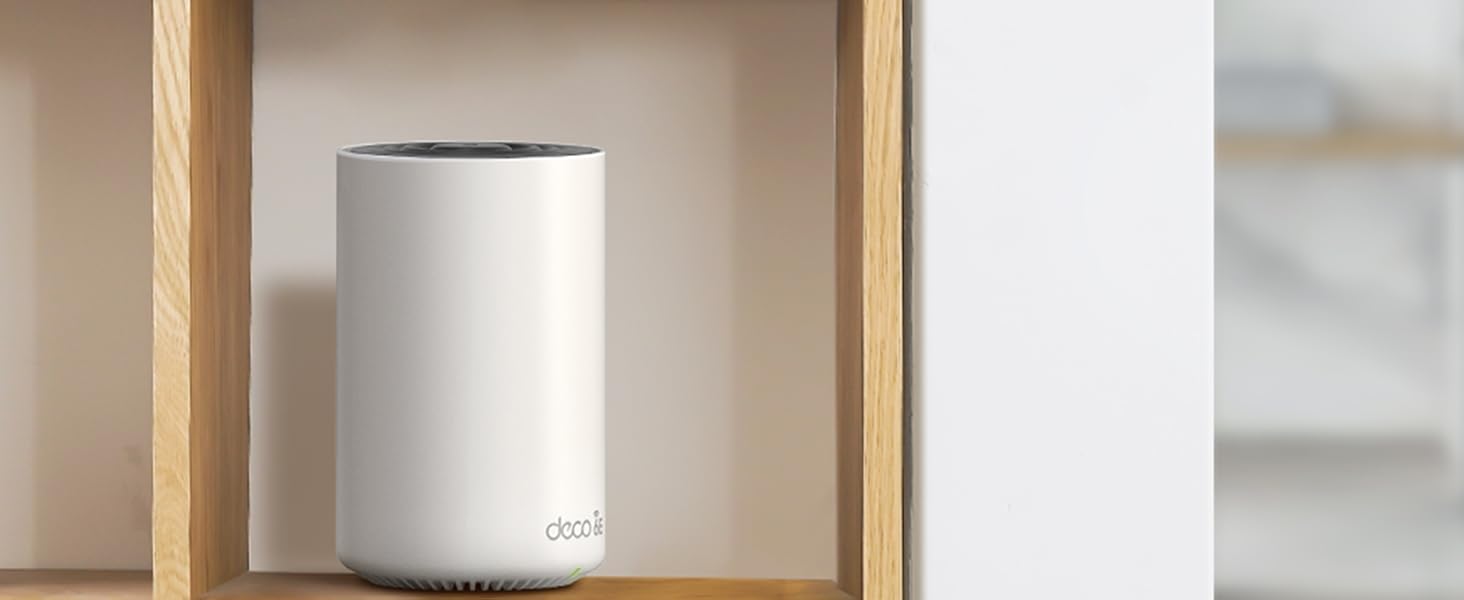
Great mesh solution, works as expected and the connectivity is good - range is clearly much better than using the Wifi provided by your ISP. Wife didn't even mind the aesthetics - looks like a small speaker (or the big Amazon Echo Studio speaker, but white) or an air freshener. Easy to set up with the app, also easy to maintain and view connected devices, bandwidth etc.etc. on the app as well. It has Wi-Fi tri-band - so 2.4GHz, 5GHz and 6GHz - but unless you're sat on the device, 6hz is pointless - very very fast - but doesn't travel at all though anything. I don't think this is the products problem but a 6GHz one, but it should be mentioned. Also the 6GHz signal has it's own name "YOURWIFINAME_6Ghz" that you need to add to your devices if you want to use it. Mesh is seemless, you can't tell when you're going from one of the routers to the other. Yes, they're pricy - but so are all the competition so what can you do? I've had wifi extenders before - much cheaper and you can tell why, you have to have them on different WIFI names and your devices will stick to one or the other until it loses range, regardless of the quality of the connection, so I would avoid and stump up the cash for a mesh solution like this and never worry about it ever again.
C**N
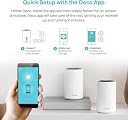
Super design, easy to set up and works superbly
We live in an old house with lots of very thick walls, so getting a good WiFi network has always been problematic. Using hardwire connections to use a laptop in blank spots worked pretty well, but obviously this didn’t help with devices that couldn’t be plugged in - like iPads for example. And there were always some places - indoors and out - where there was either no signal at all, or not enough for anything to work reliably. Switching to the Deco6 mesh system has changed all this. For the first time ever we now have WiFi throughout the house, and pretty much everywhere outside too. In the one room where previously we really wanted to use iPads but couldn’t, it’s now easy to browse the web in comfort. And the signal is so good that we can even watch movies without using hardwired connections. What’s more, the units themselves actually look good. They’re very much in keeping with the Apple design aesthetic - clean, simple and minimalistic - and so look great next to a Mac, MacBook or iPad. And if you choose to have the small LED light on, it’s creates a lovely, peaceful, soft green glow. The set up is also really straightforward too - a huge leap forward from any other router I’ve ever used. But it’s not foolproof. I’d watched several videos and read quite a few reviews so ended up slightly over-confident, and missed one key bit of information that’s there in black and white in the instructions. It’s this: you will need to have the Deco app installed and have access to it when you start. I’d installed the app, but had disconnected the old router and had no phone signal either. I had to reconnect it to the old WiFi network to be able to open the app. But from there on it was simple. Just make sure you’ve got your existing network user name and password to hand, plus your ISP user name and password. Should take 5 - 10 mins at most to be up and running. I found the best location for the 2nd unit by testing it in several positions, and then running speed tests on the network. Although the app is well designed, and easy to use, it is a bit lightweight and could easily be much more useful if TP-Link reviewed it and updated it to add more features. But that is about the only criticism I have of the Deco XE75. It’s every bit as good as I’d hoped it would be and a substantial upgrade to our internet experience.
B**0
Reliable Whole Home Coverage
I recently purchased the TP-Link Deco to address the Wi-Fi dead zones in my home, and I'm thrilled with the results. The setup was a breeze, thanks to the intuitive app, guiding me through each step. The three units provide seamless coverage throughout my house, eliminating any connectivity issues. What impressed me the most is the consistent and stable connection. Whether I'm streaming, gaming, or working from home, the Deco delivers reliable performance. The adaptive routing technology ensures optimal speed and minimal interference. Additionally, the parental controls and security features add an extra layer of peace of mind. I can manage and monitor my network easily, ensuring a safe online environment for my family. Overall, the TP-Link Deco has transformed my home Wi-Fi experience. It's a worthwhile investment for anyone seeking dependable, whole-home coverage.
P**R
Good signal, but with a big caveat.
I was suffering from blackspots in Wi-Fi coverage in my house, and wanted to improve the coverage of by EE/BT TV. I supply the TV via the internet rather than from an ariel. The setup of the system is very simple from the downloaded app, and it is very simple to create a mesh system that I can get throughout my house. I do not have any blackspots at all. I have 500Mb fibre broadband, and following the setup of these deco's, I get rock solid 450Mb Wi-Fi connections everywhere. The reason for marking the XE75 down to 4 stars, is that it cant handle the EE TV signal. There is no configuration to allow Multicast or configure IMPG Snooping. Both of which are required for EE/BT TV. As an FYI if you are interested, I ended up having to put them into AP mode and use the EE hub to provide the signal to the EE/BT TV box. Unfortuantely, this hub was what I wanted to remove from the system. In summary, I would recommend, but only if you have another way to stream EE TV
M**H
Great
Tested lots of mesh systems, for me the XE75 is the best balance of performance and ease of use. highly recommend. Also seamless to pair with other models like the outdoor x50 and the poe ceiling mounted x50. Using wired backhaul in an old large house, 6 units total. very happy.
J**G
Easy to set up and easy on the pocket. Wifi 6e is worth it ...
M**S
Easy to install and connect. I now have a better and more stable connection in all bedrooms.
F**I
أفضل جهاز ميش من خلال تجربتي وقد قيمت سابقا المجموعة التي تأتي من ثلاث قطع
A**R
Purchased 4 (2 sets of 2) for a large house, replacing older Aruba access points. With a real WIFI provider access points are on different channels as to not interfere with each other, not with Deco, all 4 on the same channel, massive interference, use these now just for 6GHz, have had to turn back on the Aruba for 2.4 & 5GHz because coverage is better. Also purchased in Australia, from Amazon Australia, UK version shipped, no way to change country in the firmware. Would not recommend to anyone.
Trustpilot
3 weeks ago
1 month ago