Buy anything from 5,000+ international stores. One checkout price. No surprise fees. Join 2M+ shoppers on Desertcart.
Desertcart purchases this item on your behalf and handles shipping, customs, and support to Iceland.
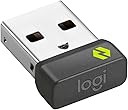
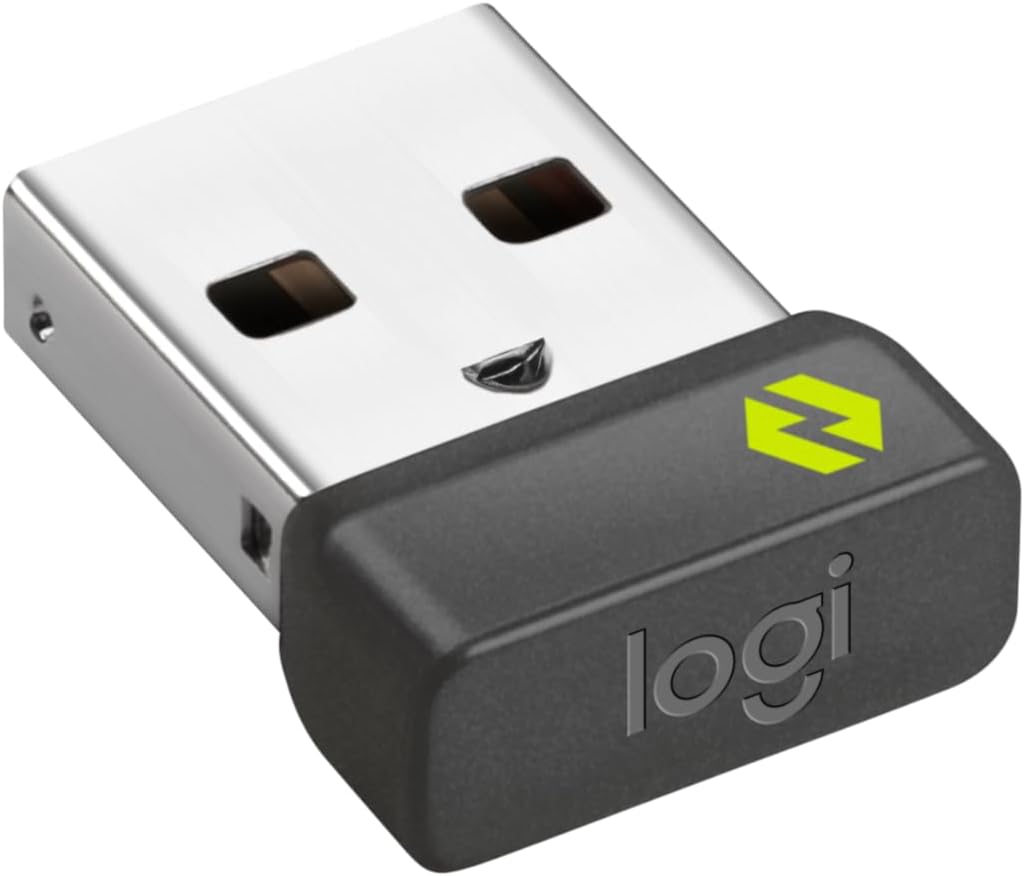
๐ Unlock wireless freedom with the Bolt USB Receiverโyour multi-device, multi-computer game changer!
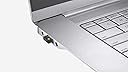
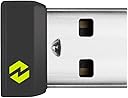
The Logitech Bolt USB Receiver offers a secure, high-performance wireless connection for up to six Logi Bolt devices simultaneously. Compatible across major operating systems, it ensures reliable, no-drop connectivity up to 10 meters, ideal for professionals juggling multiple devices or workspaces. Compact and discreet, itโs designed for seamless plug-and-play use, making it the perfect backup or multi-computer companion.
| ASIN | B09JL9Y1WS |
| Best Sellers Rank | 1,191 in Computers & Accessories ( See Top 100 in Computers & Accessories ) 59 in Mice |
| Box Contents | Logi Bolt USB-A Receiver |
| Brand | Logitech |
| Brand Name | Logitech |
| Colour | Graphite |
| Compatible Devices | Laptop, Personal Computer |
| Compatible devices | Laptop, Personal Computer |
| Connector Type | USB 2.0 |
| Connector type | USB 2.0 |
| Customer Reviews | 4.4 out of 5 stars 2,384 Reviews |
| External Testing Certification | Nรฃo aplicรกvel |
| Global Trade Identification Number | 00097855168283 |
| Item Dimensions | 27 x 17 x 9 millimetres |
| Item Length | 0.73 Inches |
| Item Weight | 2 Grams |
| Item dimensions L x W x H | 27 x 17 x 9 millimetres |
| Manufacturer | Logitech |
| Manufacturer Part Number | 956-000007 |
| Model Number | 956-000007 |
| Number of Items | 1 |
| Number of Ports | 6 |
| Package Quantity | 1 |
| Power Plug Type | No Plug |
| Smart Home Compatibility | Not Smart Home Compatible |
| Specific Uses For Product | PC |
| Specific uses for product | PC |
| UPC | 097855168283 |
| Unit Count | 1.0 count |
W**R
Works well with mouse, can be paired on Linux using Solaar app.
I wanted this for use with a Logitech Pebble 2 M350s mouse on a Linux laptop. Whilst Bluetooth connection worked, the mouse movement was very jittery and unsatisfactory. This device solved the problem. It is possible to pair the mouse to the receiver in Linux (specifically Kubuntu 24.04) by using software called Solaar, which should be in your app manager. I had to remove the mouse from Bluetooth devices, switch off Bluetooth on the laptop, plug in the USB receiver, open Solaar and follow the instructions to pair, after which it works perfectly. Also note, up to 6 devices can be connected using this method (as you can if using Windows and the Logitech app).
A**A
Works well
Works as intended, brilliant for my Windows machine as I didn't want to connect the mouse via Bluetooth. Unfortunately, I didn't manage to get it work throughout several devices but it's probably an issue on my side. So, for now, I use it only for one machine.
J**B
Solved keyboard bluetooth issues - Highly Recommended!
I had originally connected both my MX Keys S keyboard and MX Master 3S mouse to my Mac Mini via bluetooth. I found the keyboard would occasionally be unresponsive or loose keystrokes. Now that I've connected the keyboard via the Bolt USB receiver the keyboard is working perfectly. In theory I could also connect the mouse to the same receiver but I haven't tried it, preferring to leave well alone :-).
J**D
Annoyed I had to purchase this separately but works
I am somewhat annoyed that I had to purchase this separately for a new Anywhere 3S mouse so I could use it on a computer without bluetooth. Works however.
V**B
Works well.
Works perfect for my Pebble Key 2 K380s and Pebble mouse 2 M350s.
K**E
Logi Bolt Transceiver
Arrived quickly and works as expected
J**N
Does not work with USB switch boxes
Unlike its predecessor (the Unifying receiver with a red star), Logitech expect this receiver to be plugged in directly to your computer. They do not support the use of USB hubs or switch boxes! I use a switchbox (UGREEN) to move my devices between a home and work computer. The work computer is locked down, so installing Logitech software is off the table. The Unifying receiver worked perfectly, but this new Bolt receiver refuses to work at all, unless I plug it directly into one computer or the other. This makes it spectacularly useless in my situation.
C**M
Ingenious tech
Needed this to connect my Logitech MX mouse to my laptop whilst on the desk. Just downloaded the Logi app, plugged the Bolt in and one mouse now controls both my PC and laptop at the touch of a button. it has full functionality and there is no lag in connection.
Trustpilot
1 month ago
1 month ago