
DOWNLOAD THE APP


Customer Services
Copyright © 2025 Desertcart Holdings Limited
DOWNLOAD THE APP


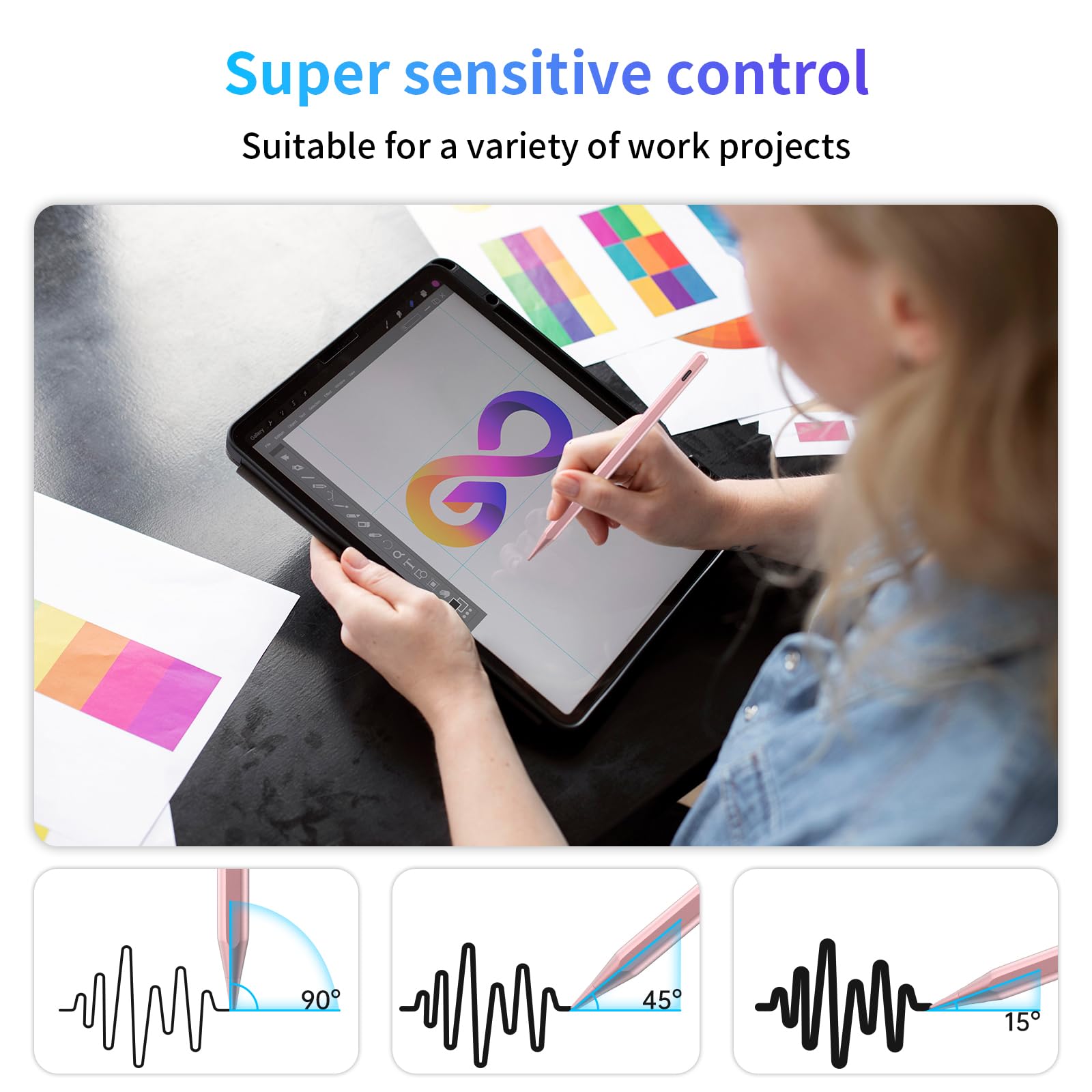


⚡ Draw, write, create—fast, precise, and always ready to go!
The ANYQOO Stylus Pen is a USB-C fast-charging active pencil compatible with a wide range of Apple iPads from 2018 to 2025. It offers tilt sensitivity for nuanced artistic control, palm rejection for comfortable use, and a magnetic grip for secure attachment. With a quick 30-minute charge delivering up to 12 hours of use, it’s designed for professionals and creatives who demand precision and convenience on the go.


| ASIN | B0986T591L |
| Batteries | 1 A batteries required. (included) |
| Best Sellers Rank | #18,820 in Cell Phones & Accessories ( See Top 100 in Cell Phones & Accessories ) #486 in Styluses |
| Customer Reviews | 4.4 4.4 out of 5 stars (6,565) |
| Date First Available | June 18, 2021 |
| Item Weight | 0.102 ounces |
| Item model number | A2-PRO |
| Manufacturer | ANYQOO |
| Product Dimensions | 6.3 x 0.35 x 0.35 inches |
Trustpilot
2 days ago
1 week ago