
DOWNLOAD THE APP


Customer Services
Copyright © 2025 Desertcart Holdings Limited
DOWNLOAD THE APP
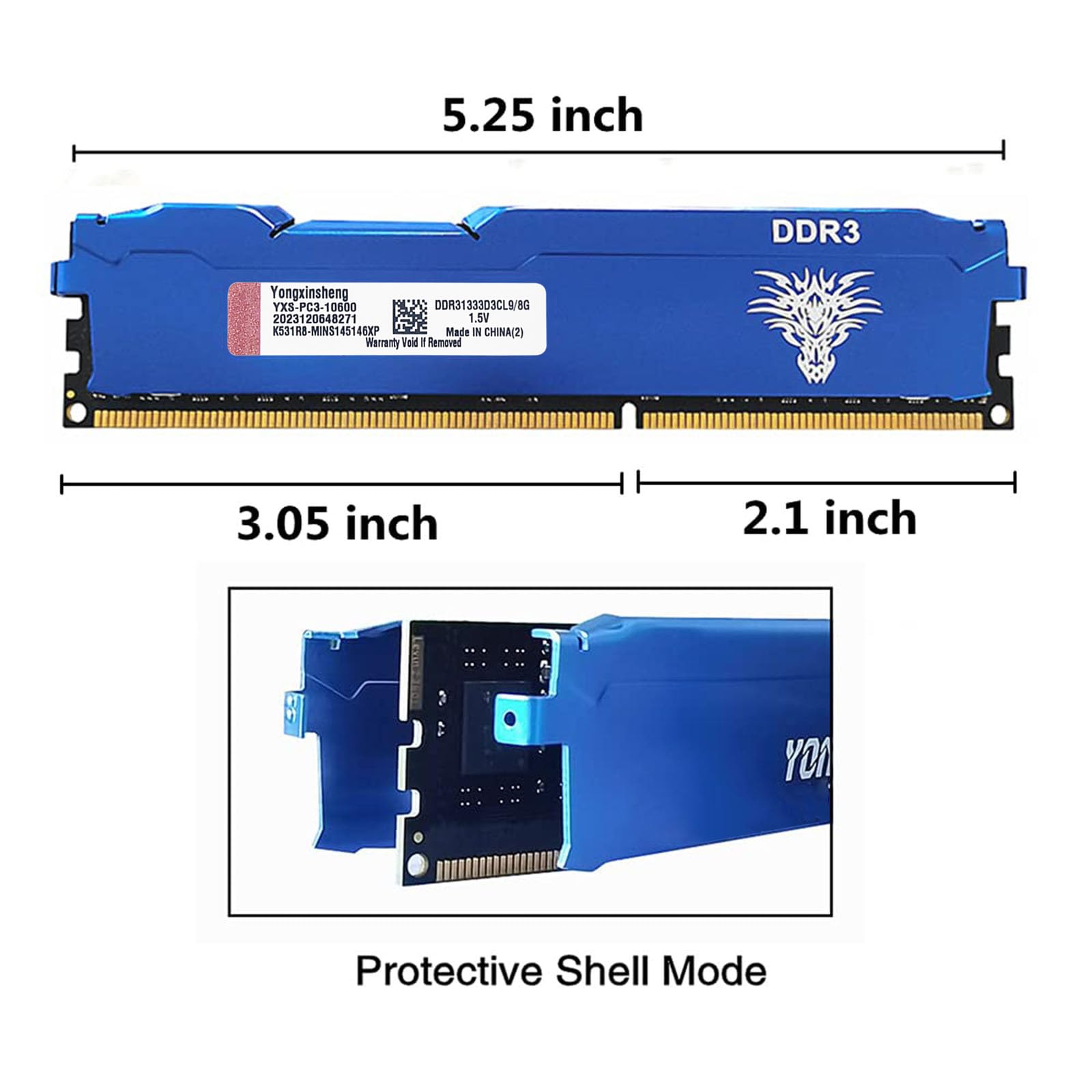


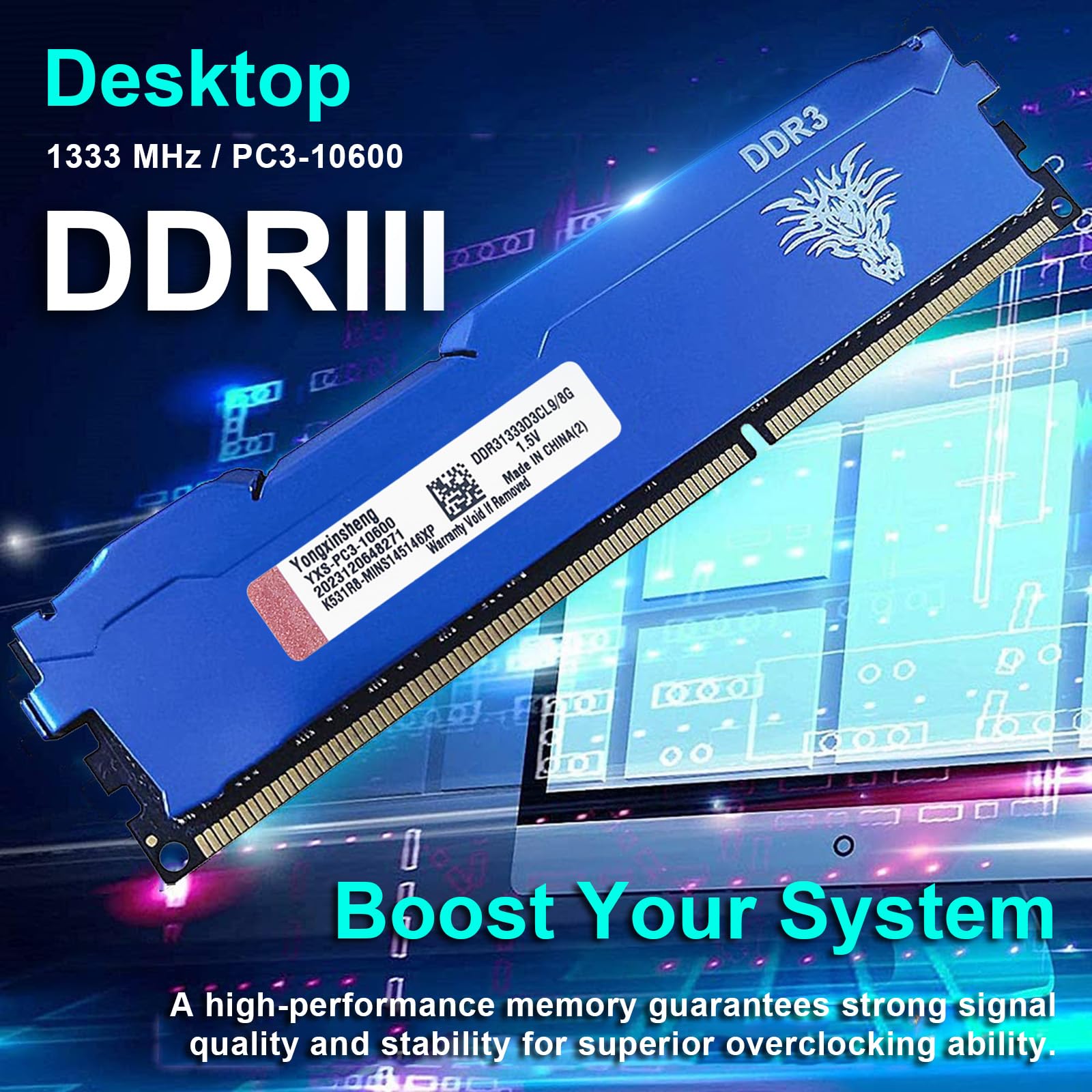

⚡ Upgrade your desktop’s heartbeat with Yongxinsheng DDR3 RAM — speed meets stability!
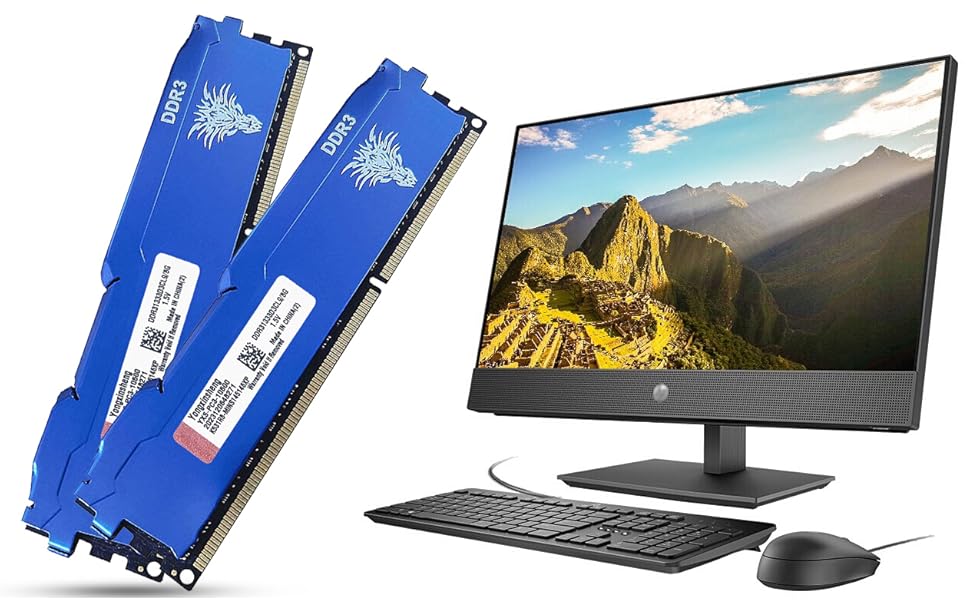
The Yongxinsheng DDR3 16GB Kit (8GBx2) offers a reliable 1333MHz memory upgrade with dual-rank 240-pin modules designed for desktop PCs. Operating at a stable 1.5V with CL9 latency, it features aluminum heat dissipation for enhanced thermal management and is compatible with a wide range of motherboards. Perfect for professionals seeking to extend the life of older systems with a hassle-free, high-performance memory boost.




| ASIN | B07TD2NMS5 |
| Additional Features | High-performance |
| Brand | Yongxinsheng |
| Column Address Strobe Latency | 9 |
| Compatible Devices | Desktop |
| Computer Memory Size | 16 GB |
| Customer Reviews | 4.5 out of 5 stars 3,978 Reviews |
| Data Transfer Rate | 1333 MHz |
| Form Factor | DIMM |
| Item Height | 1.06 inches |
| Manufacturer | Yongxinsheng |
| Memory Speed | 1333 MHz |
| Model Name | Desktop memory DDR3 |
| Number of Pins | 240 |
| RAM Memory Technology | DDR3 |
| RAM Size | 16 GB |
| Special Feature | High-performance |
| UPC | 793513038195 |
| Voltage | 1.5 Volts |
M**O
My 8 year old desktop PC has been revived and runs better than ever!
So I was sitting here with an 8 year old HP desktop and pondering a full upgrade. I was running Windows 8, and the stock configuration which included an HHD and 8GB of DDR3 ram. Instead of splurging and spending $500+ for anything decent and new, I decided to do 3 things. 1. Got a free upgrade to Windows 10 which I didn't even realize I could do. 2. Upgraded the hard drive from an HHD to a Samsung SSD. And then 3. Upgraded the ram from 8gb to 32gb of this. And yeah, I think I'm all set for AT LEAST a year, if not more. My computer runs like a dream, it boots up extremely quickly and the lag is gone when I toggle between sites or add new tabs. I don't play any games, but I do often have 10+ tabs open in Chrome with spreadsheets and other things like that. Installation is a breeze, I simply popped out the old RAM and put this in. It took about 5 minutes total. You unscrew the computer case, swap RAM, and you're done. No setup needed at all, the computer recognized it and I was all set. I did have one instance, and only one, where I was toggling between tabs and the computer totally froze up. I just did a hard reboot and it was fine, nothing lost etc. Since I use the computer daily that's pretty good. Make sure your system can handle this RAM but otherwise no sweat, just buy it and enjoy. Looking back, instead of spending $500-1k+ on new hardware, I spend $0 for windows upgrade, and around $65 each for the SSD and 32GB RAM. So about $130 will buy me at least a year if not multiple more years of what I need. A great deal, and by the time I finally do upgrade my hardware (now I'm maxed on RAM since this machine only can handle 32 GB) things will be much more advanced and who knows how much faster and better things will be. Anyway, just buy this RAM, pop it in, and you're good to go. A great value. I would also highly recommend upgrading to a SSD hard drive (my samsung works well) if you have an older machine running an HHD.
M**L
works with Dell Optiplex 9020
My son was complaining about Fortnight freezing up, then the computer started BSODing (Blue Screen of Death) after startup, and would go into a reboot loop after signing in. Every time it would BSOD it would give a DIFFERENT error as to why it was crashing. At first, I thought it was the hard drive I just got from the month before, but after scanning the hard drive for system errors and viruses, I moved on to the next culprit - an NVIDIA driver update (I still haven't ruled that out), but then I went through the DELL system diagnostics partition on the hard drive, and it said that of the four memory modules I had installed (which two were 8GB chips and two were 4GB chips) it was only reading 20GB. The diagnostics determined that I had one bad RAM chip. I decided to replace all four RAMs, since one of the remaining good ones was a lower MHz reading - cant remember right now, it was like a 1200 MHz, while the other two were 1600 MHz. Anyway, for around $50, I was able to replace all four RAM sticks and boost the computer to its intended 32GB, which I verified after start up and running System Information. Me and my son played Fortnight for a good 2 hours, one day, and BeamNG the next day for another 2 hours. He was bragging that his game loaded faster than mine. ,but then again, he has a desktop with a 1080TI gpu, a now fully working 32 GB RAM, and a 650w psu, while I have a laptop with a 1060 and only 8GB RAM. After a couple of days, the RAM seems to be doing great. My 10 year old was able to install one of the RAMs himself. There have been no BSDs or freezing in any of the games since the installation of the memory. I like how the memor is sheilded. This is a good product for the time we have been using it.
M**Y
Great Value for Increased RAM capacity
I have a 10 year old desktop PC that I originally built for gaming, 3D CAD modeling, and photo editing. The PC is running a first generation i7 930 CPU which uses DDR3 memory in tipple channel configuration. Although the processor is old technology by today's standards, it's still capable of performing all the tasks without issue. I was having a problem because software uses so much more memory than it did 10 years ago, and I was constantly running out of available memory. I installed three of these 4 GB RAM sticks to replace the three 2 GB sticks I had in the system to double my RAM from 6 GB to 12 GB. Before this update, running lightroom or photoshop would max out my available memory, and I was also running into issues with web browsers and windows using well over 5GB of memory. I was experiencing a lot of slow downs as a result, especially when switching between programs. After increasing my RAM to 12 GB, it brought my computer back to the snappy performing system that it has always been. The CPU is still old and outdated, but the RAM was acting as the bottleneck. The comments above would be true for any RAM upgrade when the memory is the bottlneck of the system. This particular Yongxinsheng RAM set has performed without issues. The memory sticks are a great price (roughly half of what other DDR3 memory sticks are selling for as of the time of this review). I didn't have any issues with them booting up in my system. The RAM timings are a little slower than my old gaming RAM sticks (CL11 vs CL9 in the old RAM modules), but it's not enough to notice any performance impact in the real world and even in gaming. I would recommend these to anyone looking for inexpensive DDR3 RAM sticks.
J**E
Finally a product that impressed
I rarely leave reviews anymore, as nothing has truly impressed me lately. However, these DDR3 RAM sticks changed that. My 12-year-old Linux PC is a hobby project, and I wanted to see its potential. These sticks delivered! Benched at 31GB (system reports over 32GB), the performance is night and day. I did have a 'no signal' error on the first boot, but reseating them fixed it instantly. For $40, this is an incredible value and a testament to extending the life of older hardware. If you're a Linux enthusiast or hobbyist, don't hesitate!
J**Z
Great upgrade/replacement for old tower
Great replacement for old tower I have and use for testing. The RAM has allowed me to use an old chassis to virtualize multiple OS both Linux and Windows Compatible and saved me from having to purchase a new machine. The speeds are as expected with the MHz and GB stance. snaps right in and is easy to install as long as you have some knowledge of your device. Good quality memory for a decent price (At time of purchase, I cannot state what it goes for now or in the future)
F**H
Works great
Works great. I've been using this RAM for about year. No issues to report.
L**A
Good. Fast. DDR4 Ram
Good , fast DDR4 ram. Would recommend if your in need of cheaper gaming ram.
S**A
very pretty and new!
these sticks work precisely as expected, but what was unexpected was new ddr3 at this price. i examined it carefully and it was completely untouched, despite ddr3 being hard to find new in general anymore. the white-branded black metal casing is very pretty. it actually looks a lot nicer than in the pics, including a large milled silver finish logo on the side facing away from the cpu that is smart rather than garish as it could have easily turned out. i doubt i will ever need ddr3 again but if i did i would definitely buy this. don't look any further! update: winsat reports speeds of over 21GB/sec which is around 60% faster than nominal for this type of ram, meaning it went into dual channel mode automatically as soon as i installed it. the motherboard is from 2012 so i am very impressed with this performance.
Trustpilot
3 weeks ago
3 days ago