We remain fully operational. Our teams are working around the clock to ensure your deliveries continue safely.

DOWNLOAD THE APP


Customer Services
Copyright © 2025 Desertcart Holdings Limited
DOWNLOAD THE APP
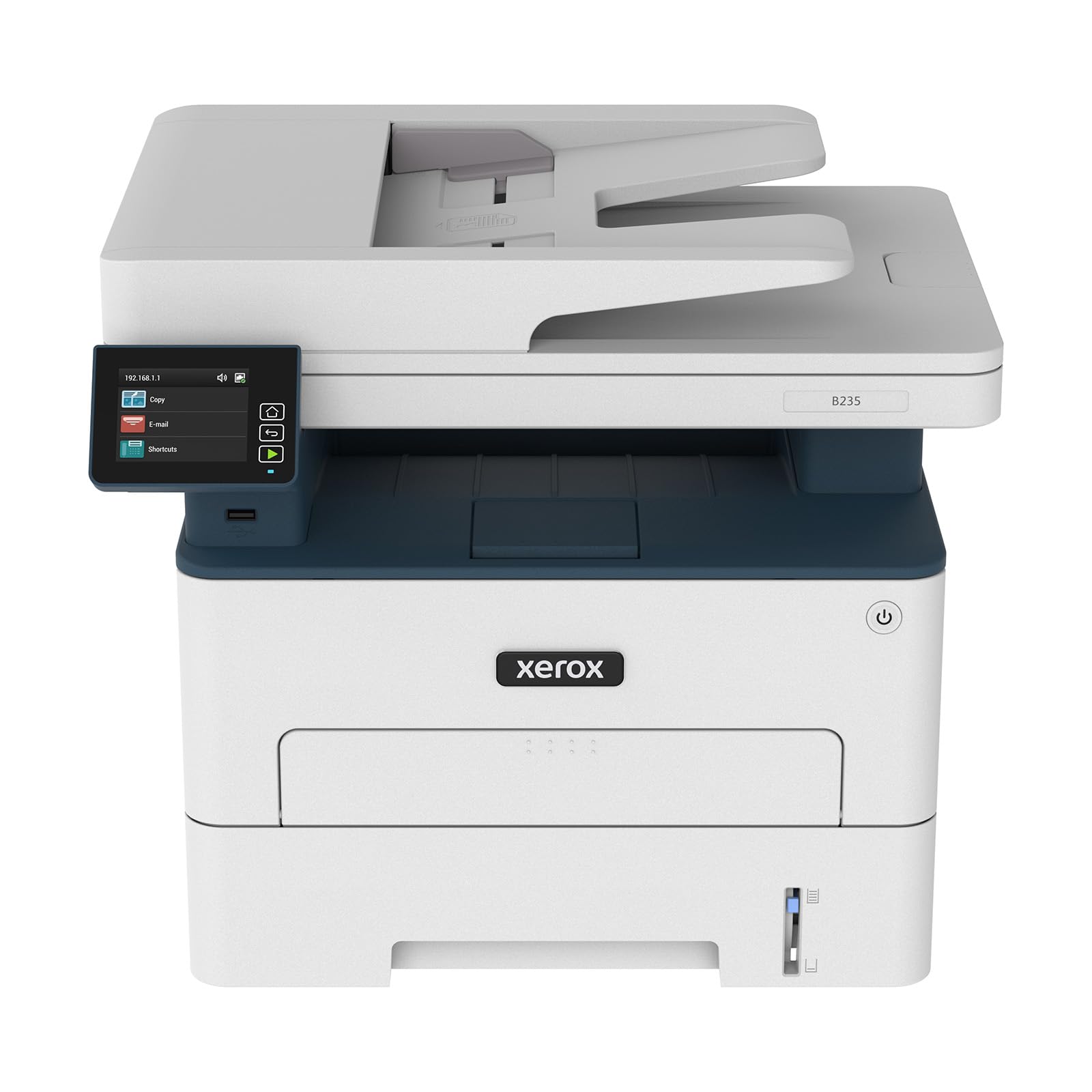

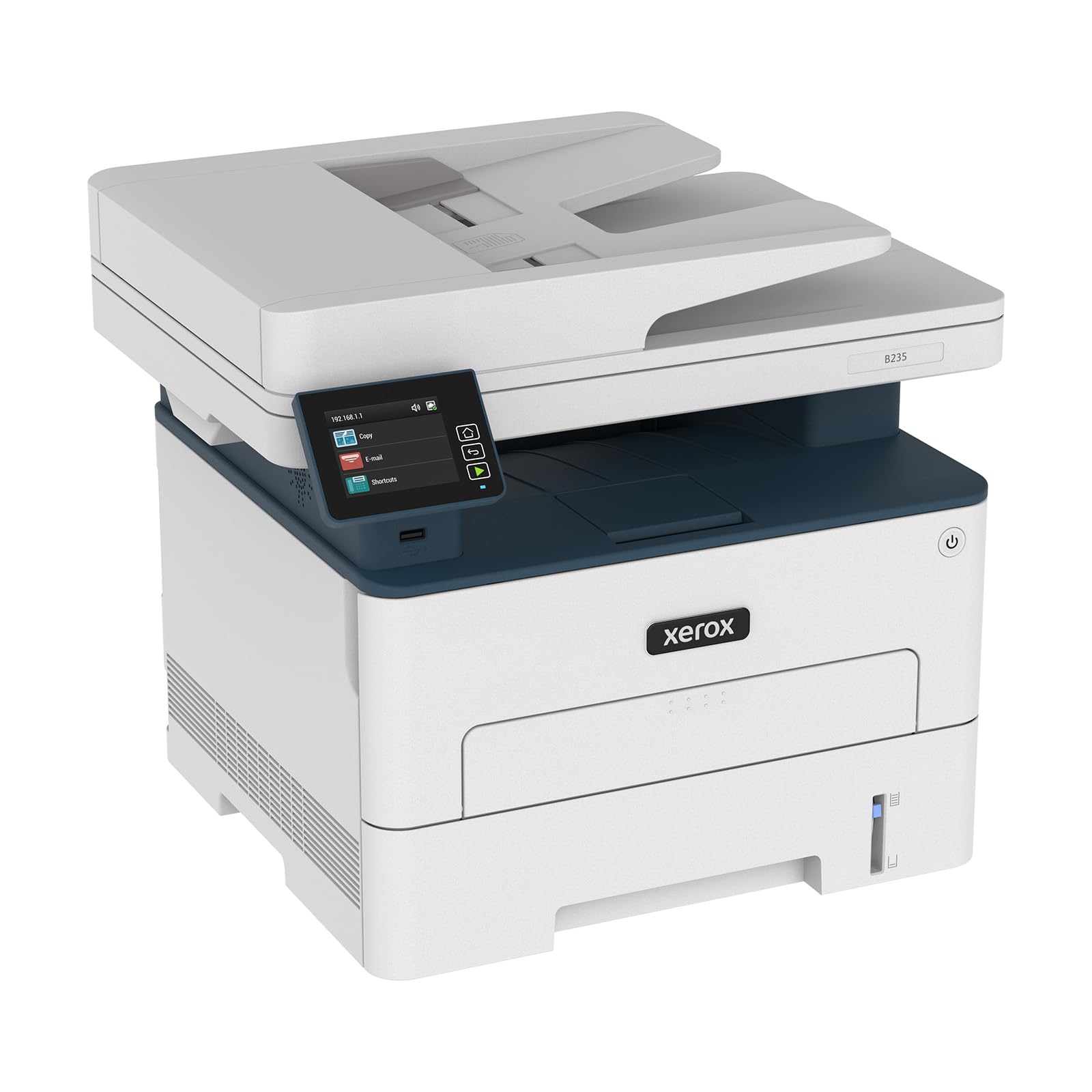
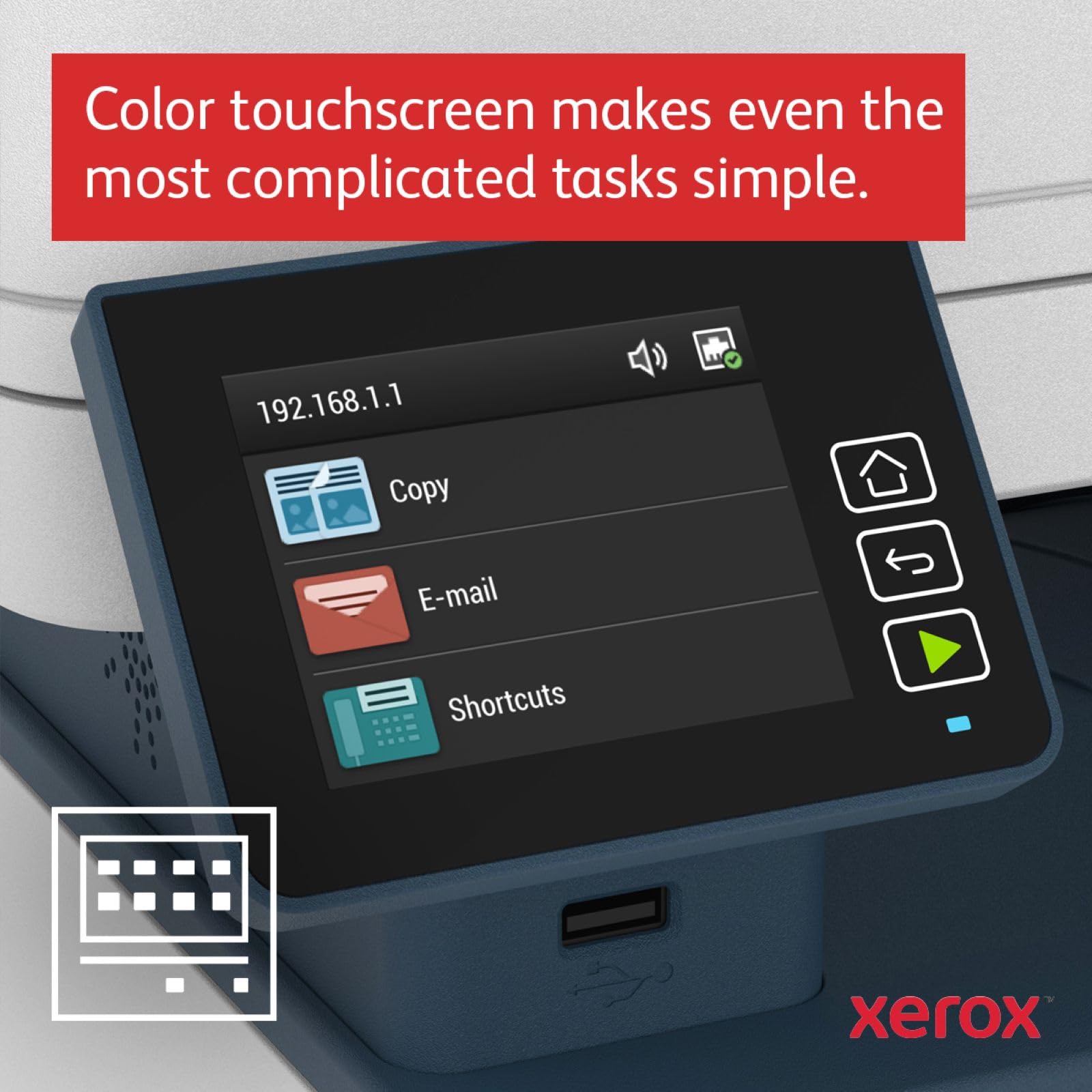
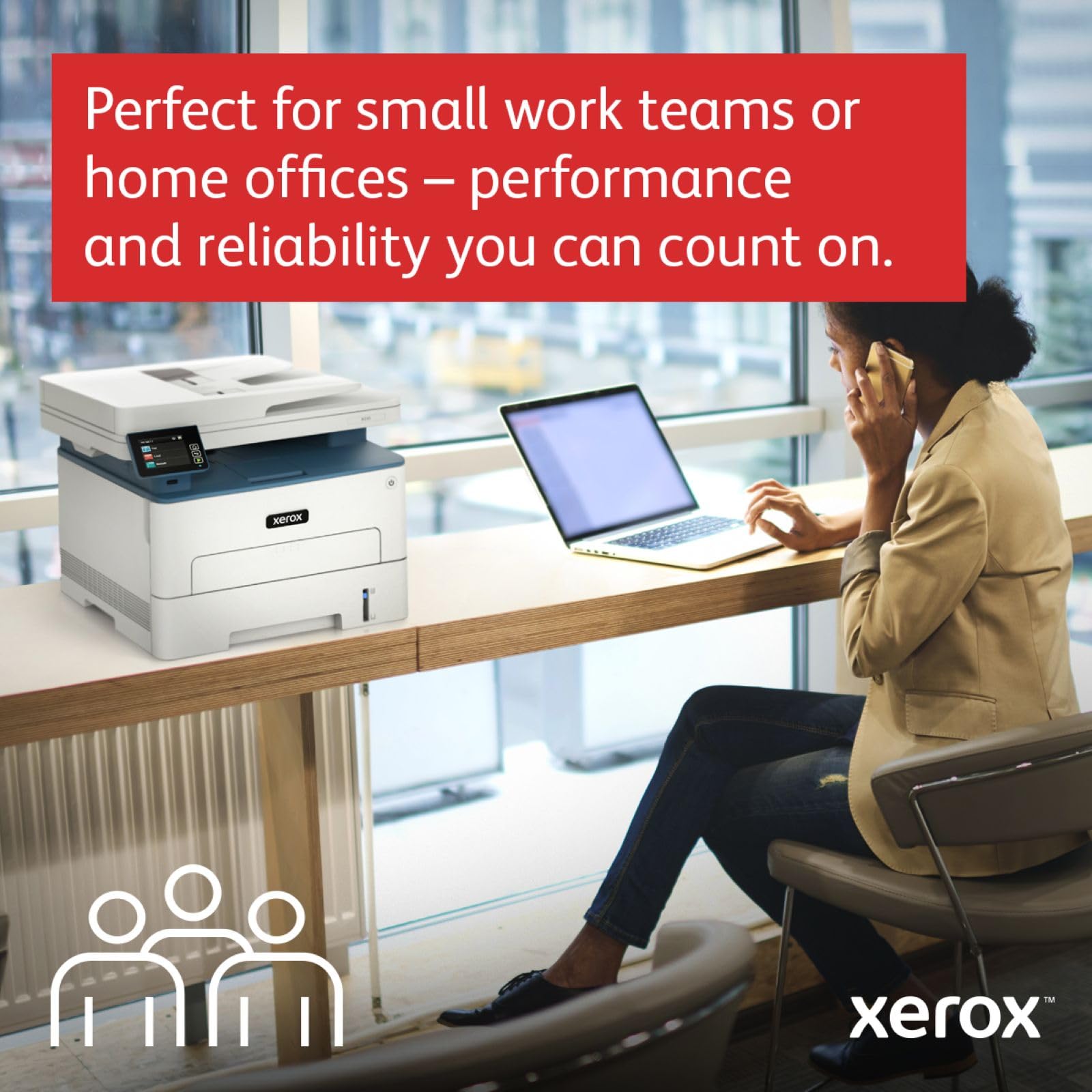


🚀 Elevate your home office game with Xerox B235dni — fast, smart, and wirelessly unstoppable!
The Xerox B235dni is a compact, wireless black & white laser multifunction printer designed for small teams and home offices. It delivers high-quality prints at 34 A4 pages per minute with automatic duplex printing, supports a wide range of mobile devices via Wi-Fi, and includes robust security features. Backed by a 3-year warranty, it combines reliable performance with easy setup and intuitive controls to boost productivity in tight spaces.


| ASIN | B09B18P491 |
| Are Batteries Included | No |
| Best Sellers Rank | 6,933 in Computers & Accessories ( See Top 100 in Computers & Accessories ) 125 in All-In-One Printers |
| Compatible devices | Laptops, PCs, Smartphones & Tablets |
| Connectivity Type | Wi-Fi |
| Controller type | Android |
| Customer Reviews | 3.4 3.4 out of 5 stars (34) |
| Date First Available | 21 July 2021 |
| Dual-sided printing | Yes |
| Form Factor | All-in-One |
| Guaranteed software updates until | unknown |
| Included components | Installation Guide, Pre-installed Starter Cartridge – 1,200 pages, Product Safety Sheet, Software and Documentation CD (with User Manual, Quick Install Guide, Safety, Regulatory, Recycling and Print Drivers), Xerox B235 Multifunctional Printer |
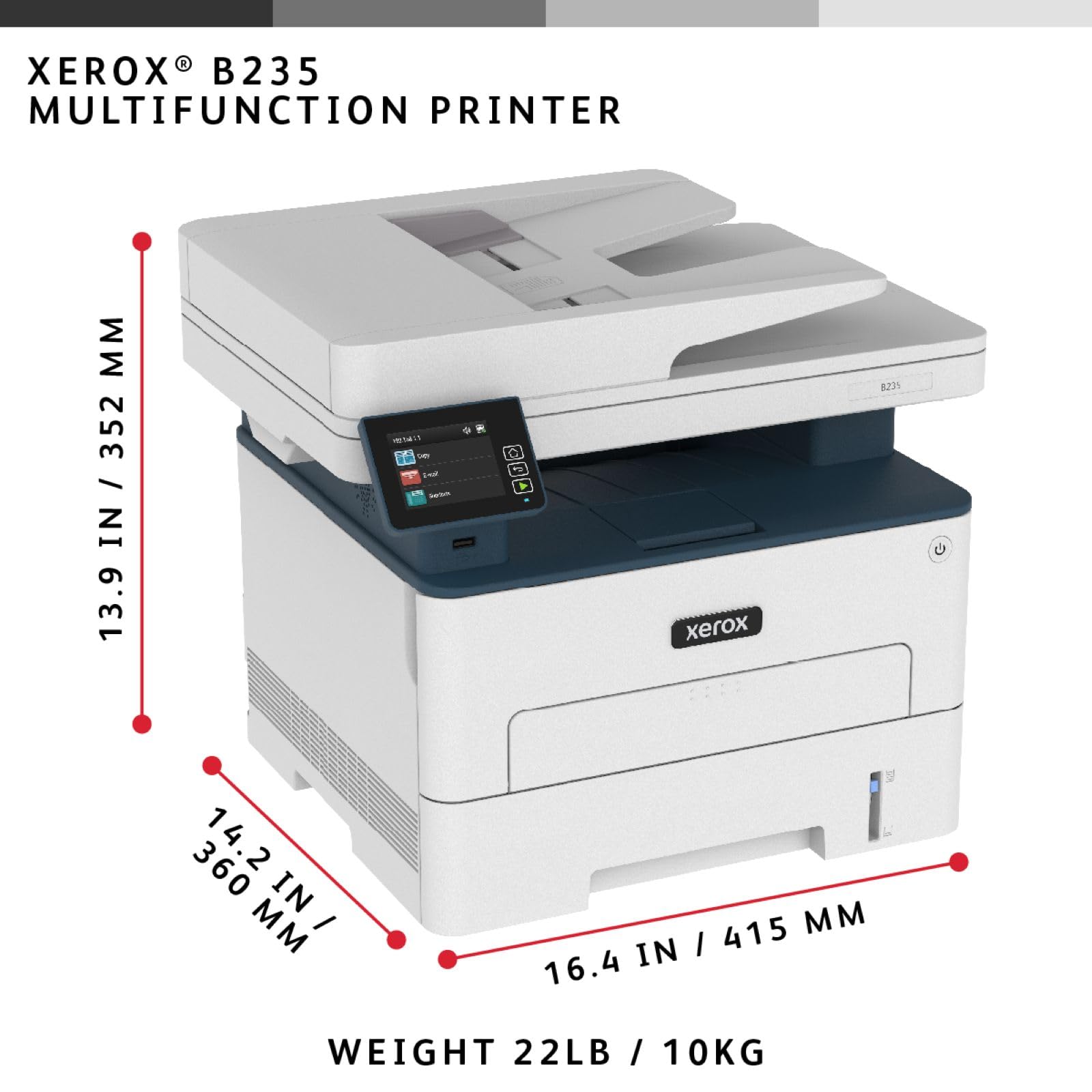
| Item Weight | 14 kg |
| Item model number | B235V_DNIUK |
| Manufacturer | Xerox |
| Max copy speed (black and white) | 34 ppm |
| Max input sheet capacity | 100 |
| Maximum Supported Paper Size | Legal |
| Maximum black and white print resolution | 600 dpi |
| Operating System | Windows, Mac IOS, Linux, Android |
| Print media | High-resolution paper, Paper (plain) |
| Product dimensions | 17.1D x 21.7W x 18.3H centimetres |
| Scanner type | Flatbed |
| Sheet size | A4, Letter, Legal |
| Warranty type | Limited |
S**M
Pretty good
Well the price is jumping all over the place. I bought it at £140, and then it jumped up to £220. Its a fair deal at £140, but the old model i had, which is basically the same machine only cost me £115, so only fair value for money. It worked at first, then stopped working for no reason. A few days later, after spending a couple of hours messing around with technical issues and installing drivers, its up and working again. Is it good ? yes its good. I strongly recommend a purchase, provided you get it at the right price. Its quality. You won't go far wrong with this. Theres a bit of banding when you print images, but its not really designed for this, and the printing of text is high quality. I'm happy to recommend it strongly for others like me after a budge laser jet.
P**M
Broken scanner feed delivered
Really poor product. The scanner feed does not work.
J**D
So far so excellent!
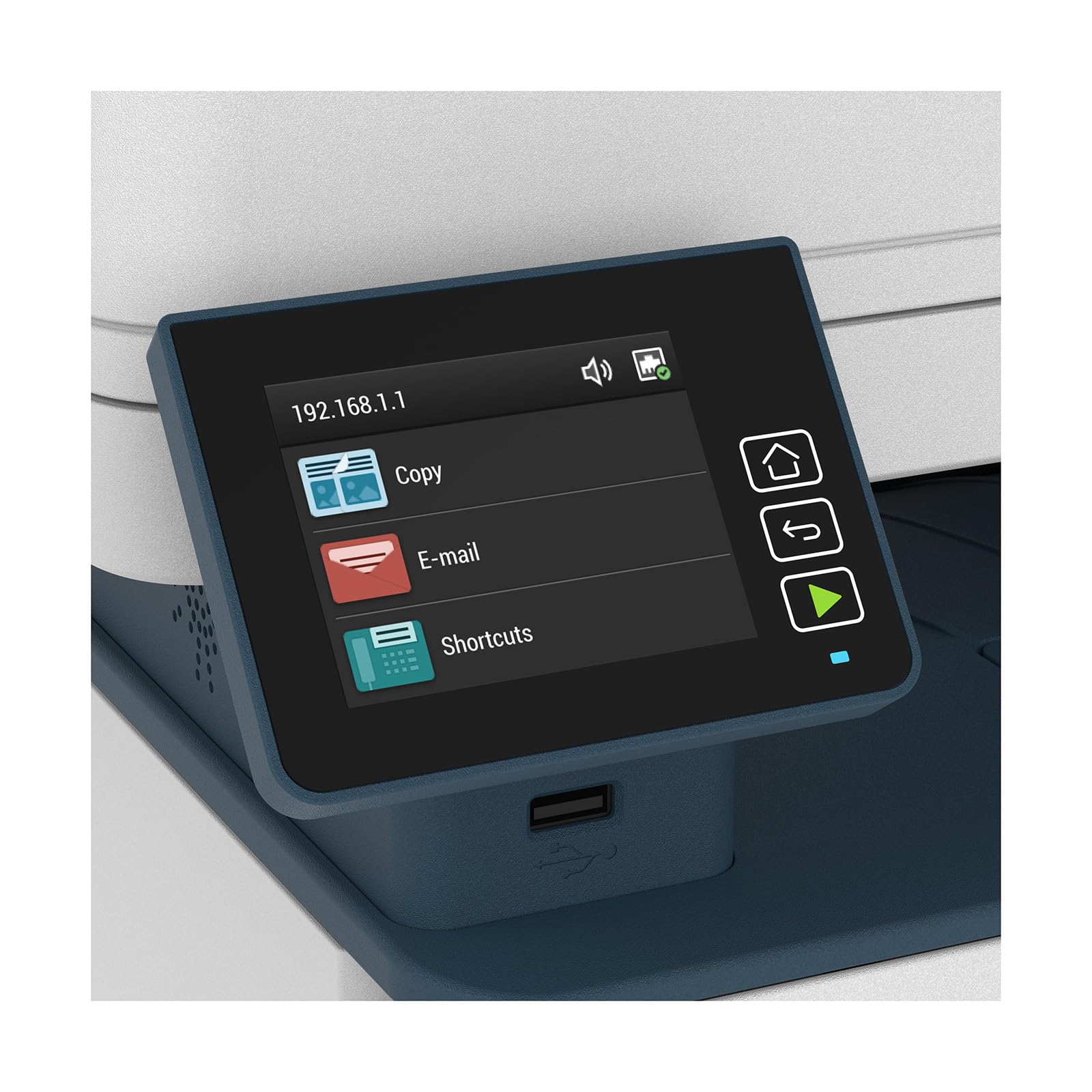
I love this printer. It's my first home office laser printer and I will not be returning to an inkjet ever again if I can help it. The set up was not easy but it generally runs so quickly, quietly and easily compared to my old printer that I am won over thusfar. First I should say that I bought this out of the Warehouse at a discount, and it arrived a little batterd and dinged up at the back and missing all the documentation, but it is still functional. I've had a couple of weird errors that resolved after pulling out the toner section and just re-inserting it, but I can remember fixing errors on the office laser printer 20 years ago exactly the same way. Let's just hope I don't eventually get an error message to call out the technician like I used to. So what's good and bad? This is a Xerox printer so there are a LOT of settings and options you can adjust. I am sure this could be used in a formal office environment and set up by an IT guy there are that many settings I'll never use. I highly recommend you download the manual and simply search it when you want to change something. Most settings can be adjusted but you'd spend forever trying to cycle through the touchscreen menus manually. I mean you can actually even add items to the touchscreen menu itself... Enough said. The physical touchscreen on the printer itself is sometimes a bit laggy, and that can be annoying, but mostly it's fine. Also I had to find a way to hard reset the printer - because the original purchaser had password protected the printer - grrrr - which took me hours to figure out, but I eventually found the answer between the manual and the Xerox support website. So if you set and forget a password, all is not lost. The printer itself sleeps and wakes quickly, prints very quickly, prints text very clearly (not printed any graphs), photocopies very clearly and prints double-sided. It works off my home network 50ft from the router without any issues - although I did connect up the printer while plugging it in beside the router, and then moving it once the first connection was made. It also supports direct printing and printing through the Mopria print service depending on what your mobile phone/tablet supports. I recommend downloading the Xerox software from their website for scanning through windows. I find it to be excellent and much better than anything HP ever produced. You can scan to pdfs, including scanning multiple documents into one pdf file with relative ease. I have not had to replace the toner yet and am not particularly looking forward to doing so given the price of replacements but I expect the toner to have a lot more range than any of the inkjet cartridges I have owned. I will update once I reach that point.
G**S
Xerox B235dni A4 34ppm Black & White (Mono) Wireless Laser Multifunction Printer
Very quick service and excellent machine. Easy to set up on Windows 11 and works as expected. Overall good product for a reasonable price.
K**R
Set up not quite as straight forward as claimed for mac
Too early to say overall first print looks cool. Only giving it 3 star as setup was a struggle. Supposed to be apple complaint which it is once you get it going but t disk it tells you to use isnt able to be read by the mac 🤦♂️ not a good start. Need to download t app instead and QR codes, lots of running back and forth between t printer and router as seemed to hav trouble connecting. Finally said detail put in different router from t phone which wasn’t teue then a hiccup latter all ok. Got their in the end, I hope🤞🏻
J**.
Lack of support
The printer arrived about mid-day and I spent the next 5 hours trying to get drivers for it. Those supplied on CD errored so I contacted Xerox customer support who ran me round in circles and wouldn't help as "the item has not yet been registered". Then they said that support finishes at 5pm until next working day (Monday) I was not prepared to wait until then to get a printer to work. Xerox's Smart Start isn't ... Printer seems well made but the size of the screen lets it down and Technical Support is awful.
K**E
Nice multifunction printer for the home office and easy to use!
Bought this printer for my home office! Really delighted with the print and scan functionality! Installation process as wireless printer was straight forward, everything works perfectly. Love it and highly recommend it!
A**K
Xerox B235. it works
Best printer I have ever had. this printer works well all the time. it does not clog up like inkjets do. I did not need tech support to set it up, just plug it in connect to the internet put in the DVD that is all you need to do.
Trustpilot
2 weeks ago
2 months ago