Desert Online General Trading LLC
Dubai, United Arab Emirates
Desert Online General Trading LLC
Dubai, United Arab Emirates




🚀 Elevate Your Display Game!
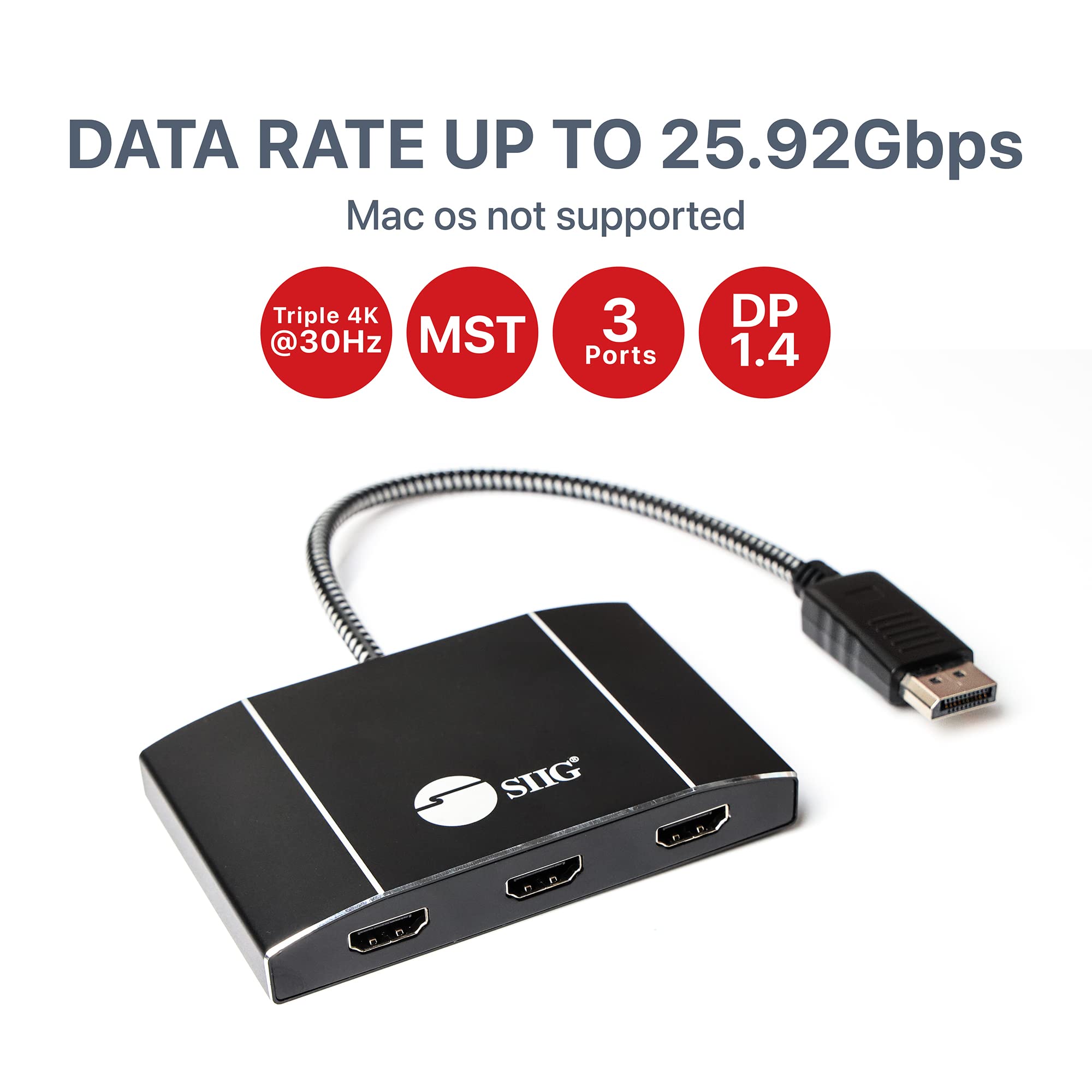
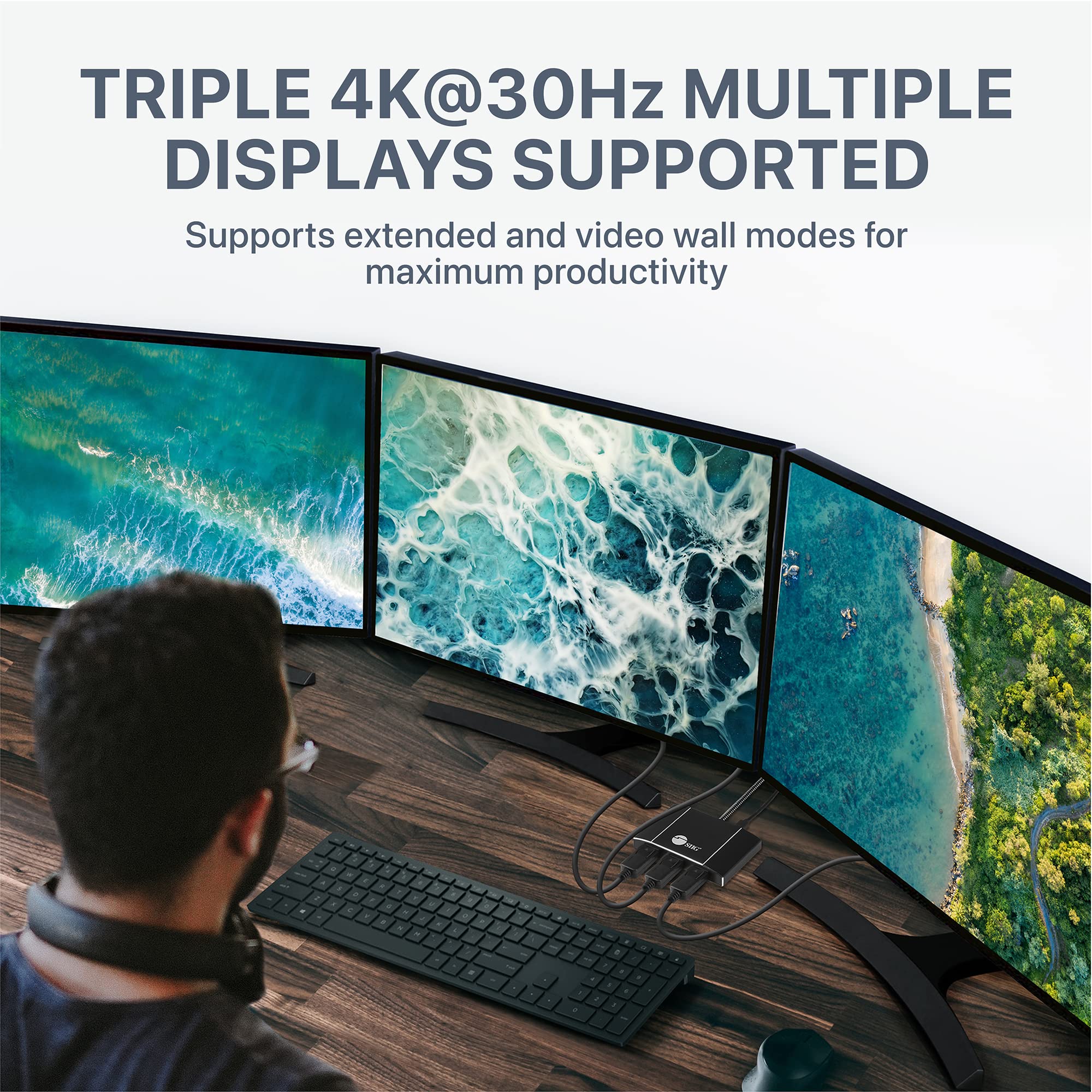
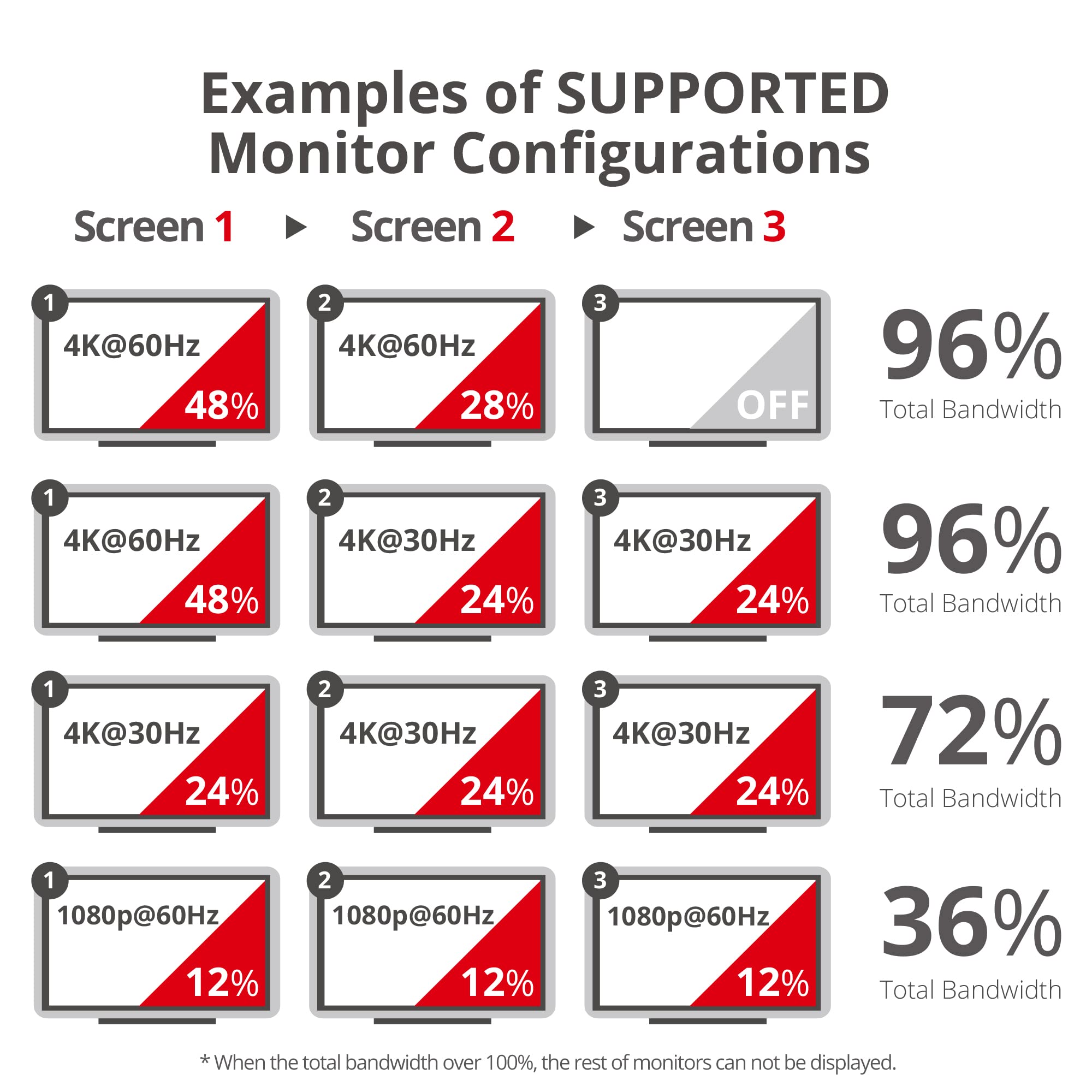
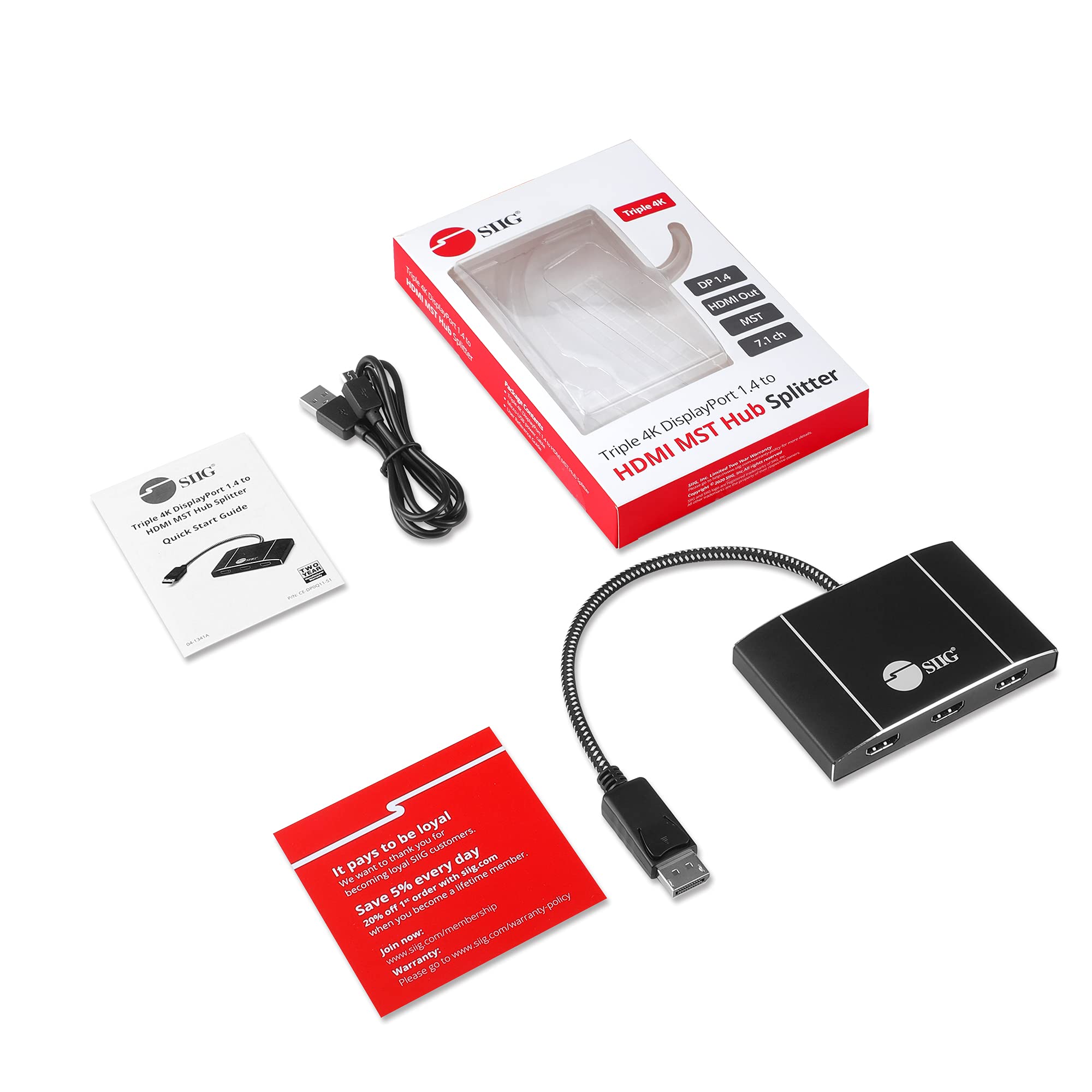
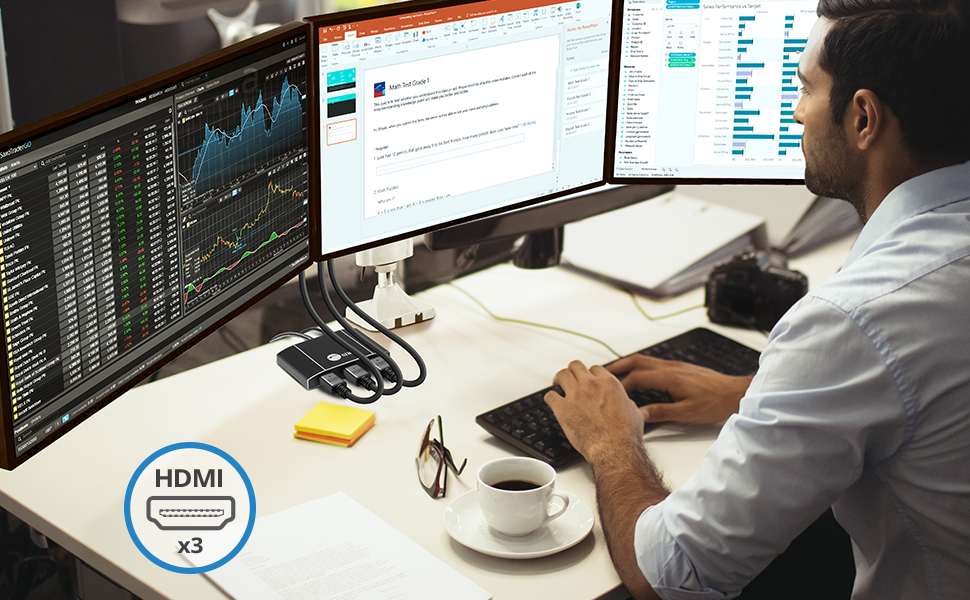
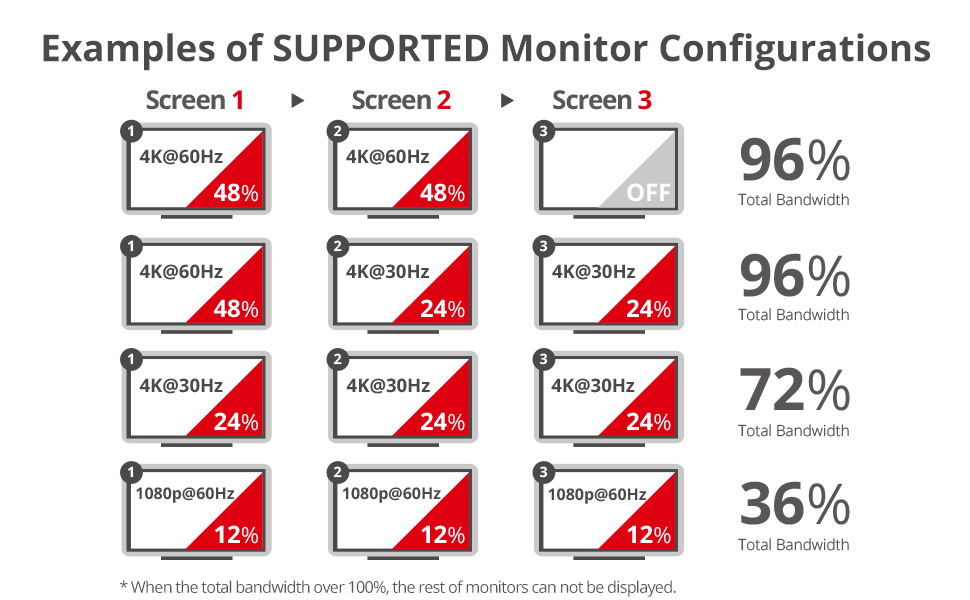
The SIIG MST Hub DisplayPort to HDMI Splitter allows you to connect three HDMI screens to a single DisplayPort 1.4 output, enhancing your productivity with multiple display modes. It supports 4K HDR and requires USB 3.0 power, making it a perfect fit for Windows PCs with compatible graphics cards. Note: Not compatible with MacOS.



T**R
Works Acceptably Well (not like the two cheap ones I sent back)
From my experience and what I've been told, Displayport splitters are not a solid solution. Looking at the reviews, they all seem to have between 15% and 25% one- and two-star ratings, for flaky performance and/or durability.Still, before installing a graphics card in my Dell XPS 8960 and upping the power consumption, I gave splitters a try - or three tries, actually. The other two splitters, half the price of the SIIG, were glitchy.So far the SIIG has worked not perfectly but acceptably, with a few tweaks required. I bought the three port splitter (2 DP 1.4, 1 HDMI) to be able to try different configurations for my two monitors, and that was handy. For example, Windows 11 always recognizes the farthest right port as monitor #1, but with three ports I was able to get that to be the monitor I wanted.About once a day the monitors blink for a second. Once in a while when it wakes from hibernation the monitors don't come on until I power cycle the SIIG. And I power it from a 120v to 5v charger adapter, not a USB port - not sure but I think it makes it more stable. I can live with all this.And SIIG gave me good technical support by email prior to the purchase. So - with fingers still crossed - I'm enjoying my two monitor setup.
J**S
Great little gizmo!
I thought the only option to run 3 external monitors from my laptop was to buy more expensive models that can daisy chain (each has a DP out port that can be used to run another monitor). But my docking station has 2 DP ports, so one goes directly into a monitor and the other goes into this handy device. Now I have 3 matching external monitors and my laptop lids closed - exactly what I was going for.***PSA***Note to anyone going for this setup: it was a little fidgety for me. I can't run my laptop (I have the original Surface Book with a dock) AND the 3 external displays at the same time, and when I try to 'extend desktop', initially only 2 of the displays would work. But under Display Settings, I was able to select the laptop's built-in screen, and choose 'Disconnect this display' under the Multiple displays settings. I had to scroll down a bit to find it - initially it was set to 'extend desktop to this display'. But through a little trial and error I was able to get the 3 external monitors to work.
N**S
Short lifespan
Worked for 1.5 months, just a week after the return window closed. Now only 3 monitors work.
E**P
Good product to extend one Display Port to three
Had to update for 3 monitor set up for work and home office use during COVID. Connect it to a high-end workstations with high-end graphics card ... had 3 x 27" monitors setup. This product works extremely well. Only cons, I had to buy an extending display port cable to be able to put this device on the desktop. Also, as other reviewers noted this thing runs really, really hot. I sort surprised that it has not burn out yet due to the heat in the 3 years I've been using this product.
S**O
Very Happy
Worked great!
I**Y
This is a high quality connector
I purchased a less expensive one the first time. It developed problems with the second monitor going dark occasionally then quit working at all for the second monitor. I went to unplug it from the back of the computer & it came out in pieces. Problem found.This splitter was more expensive to begin with but the quality far exceeds that of the first one. The monitor connections are firm, solid & "click" into place. The connection for the computer was also much more robust thank you the other one. The USB power had a much longer connecting cable.Wish I had spent the money for this to begin with. I will be using this vendor going forward.
K**R
Works as advertised
Takes a couple of seconds to negotiate/identify screens before screens display. Not really a problem if you can type blind to pause bootup to allow screens to catch up.
J**R
Was great....Until.
I really enjoyed this product. I had read some reviews indicating there was some possible issues with the screens blinking, but believed the majority of posts stating they had no problems.It had been working great for the past 2 months. I run 3 monitors (only two on this device) and had no issues. Suddenly this week, the two screens start blinking. It is like it needs to reset. So frustrating. Gonna give it some more time before I toss it into the trash, but very disappointed in the quality.It is awesome when it works, but....
Trustpilot
1 week ago
4 days ago