Buy anything from 5,000+ international stores. One checkout price. No surprise fees. Join 2M+ shoppers on Desertcart.
Desertcart purchases this item on your behalf and handles shipping, customs, and support to Iceland.
๐ฑ๏ธ Keep your workflow alive, even when you step away!
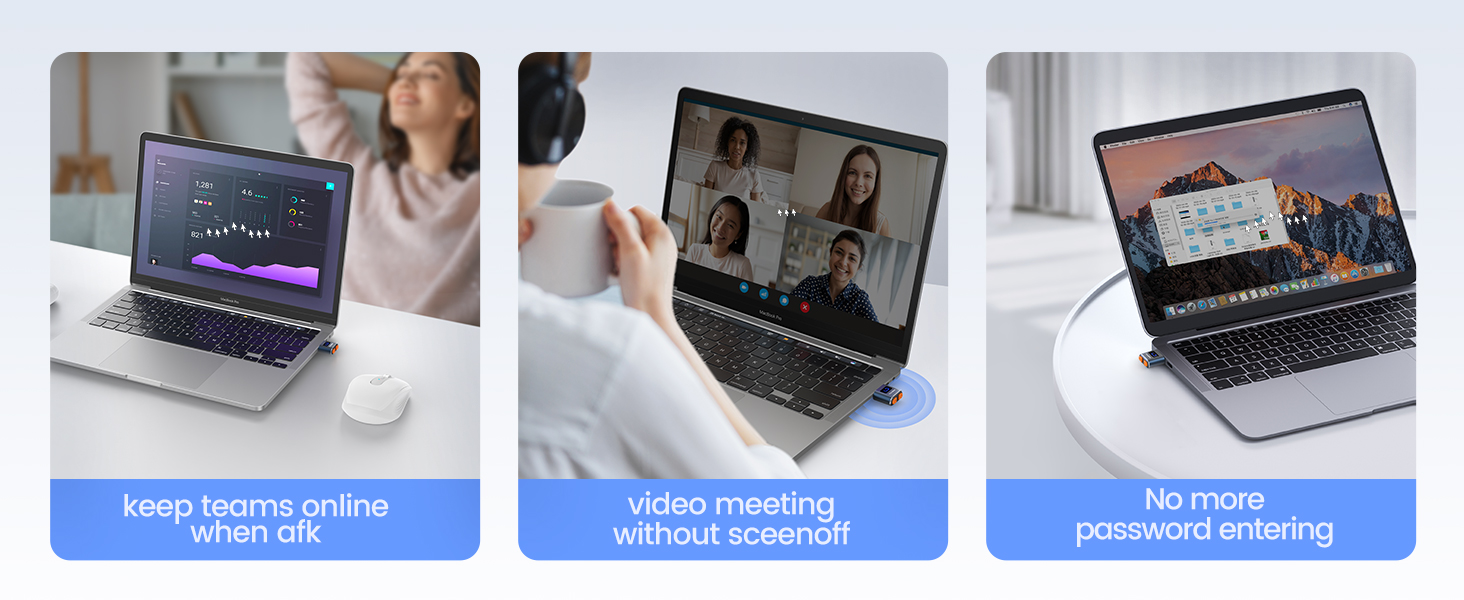
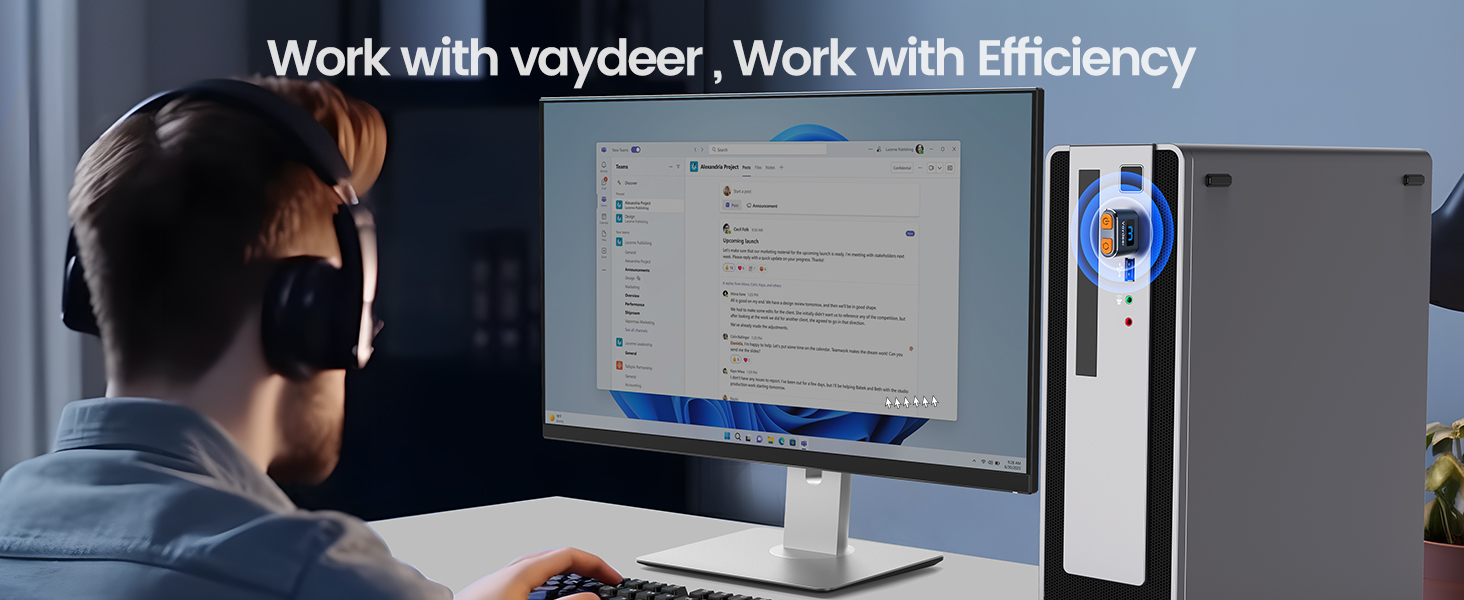
The Vaydeer Tiny Mouse Jiggler T3s is a compact, premium aluminum USB device designed to simulate natural mouse movements with 3 randomized tracks. Itโs 100% undetectable by IT systems, requires no drivers, and features a durable metal shell with a 6-year warranty. Compatible with all major OS platforms and mouse types, itโs the ultimate stealth productivity booster for professionals on the go.


| ASIN | B093WN48SD |
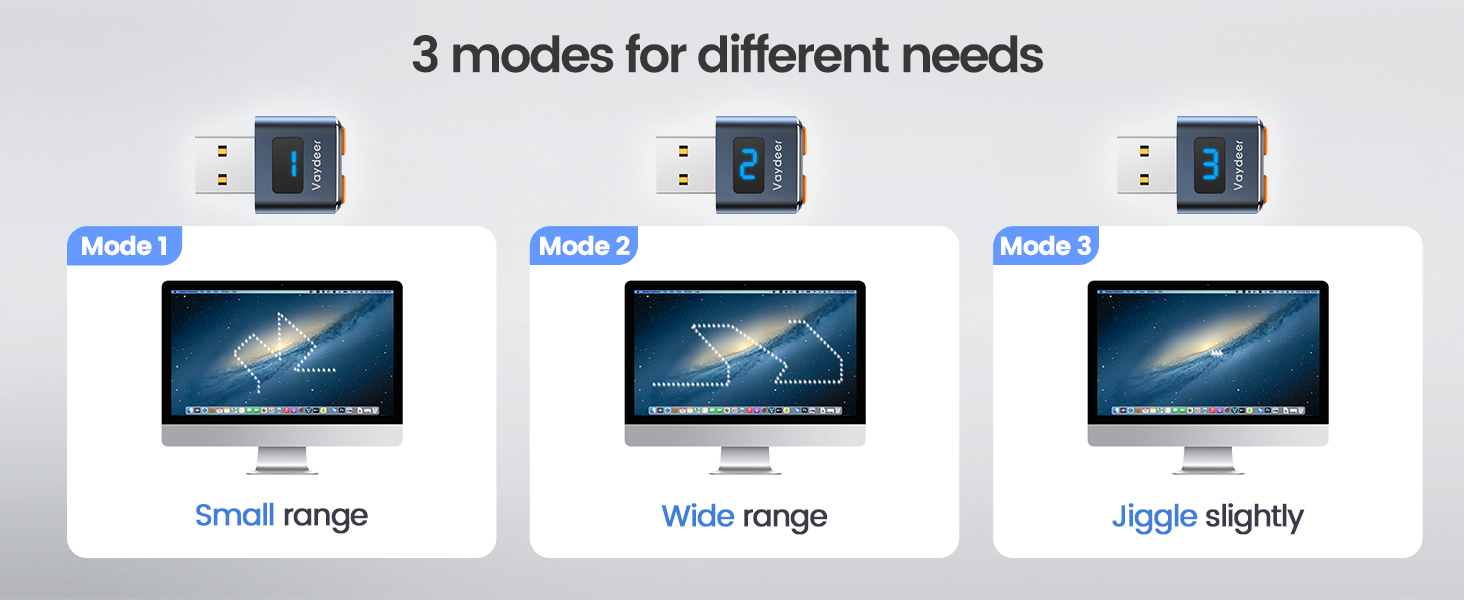
| Additional Features | premium metal shell, longer life span, 100% undetectable, 3 random and natural tracks |
| Antenna Location | Office |
| Are Batteries Included | No |
| Are Batteries Required | No |
| Best Sellers Rank | #497 in Computer Mice |
| Brand | Vaydeer |
| Button Quantity | 1 |
| Color | Black |
| Compatible Devices | Personal Computer |
| Connectivity Technology | USB |
| Customer Reviews | 4.4 out of 5 stars 4,761 Reviews |
| Enclosure Material | Plastic |
| Hand Orientation | Ambidextrous |
| Hardware Platform | PC |
| Item Dimensions L x W | 0.97"L x 0.74"W |
| Item Weight | 0.1 Grams |
| Manufacturer | VAYDEER |
| Model Name | Mover T3s |
| Model Number | Metall Mouse Jiggler |
| Movement Detection | Optical |
| Movement Detection Technology | Optical |
| Number of Buttons | 1 |
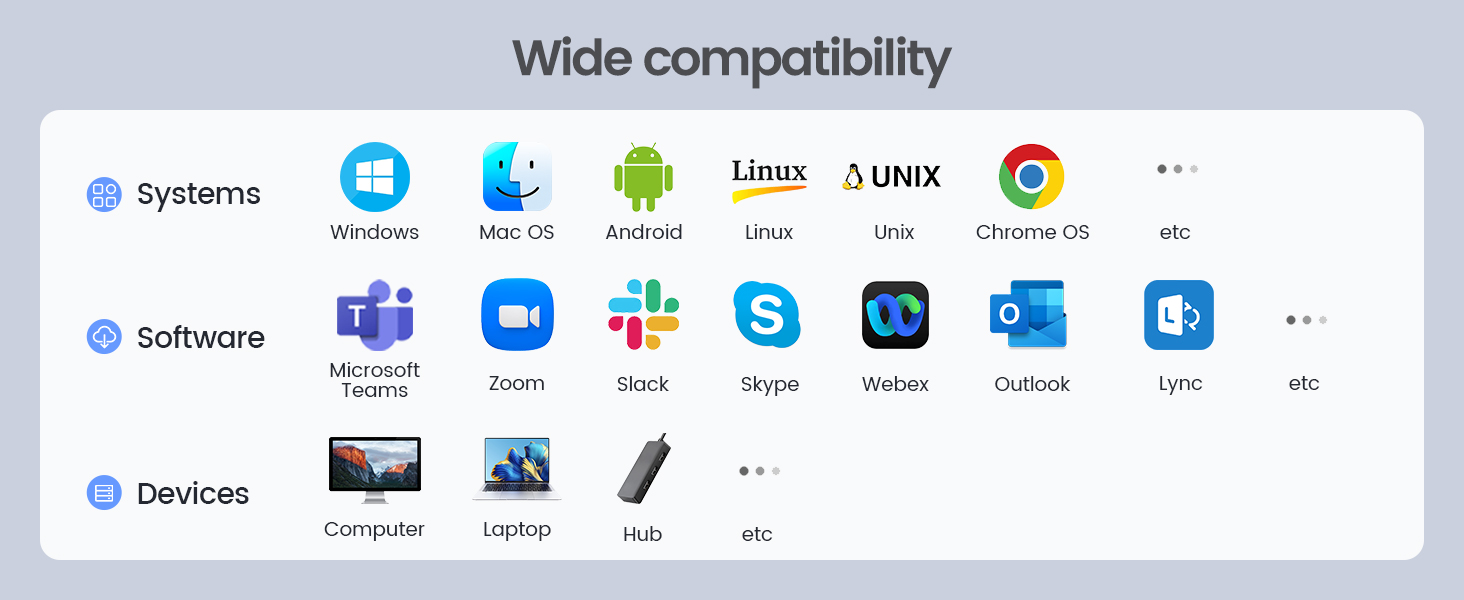
| Operating System | Chrome OS, Linux, Mac OS, Unix, Windows |
| Power Source | Usb |
| Range | 3.0 meters |
| Special Feature | premium metal shell, longer life span, 100% undetectable, 3 random and natural tracks |
| Style Name | 1 button |
| Unit Count | 1.0 Count |
| Warranty Description | 6-Year Warranty |
T**P
Cool!
really cool! Does the job rather than having to install a program.
C**L
VAYDEER Tiny Mouse Jiggler USB
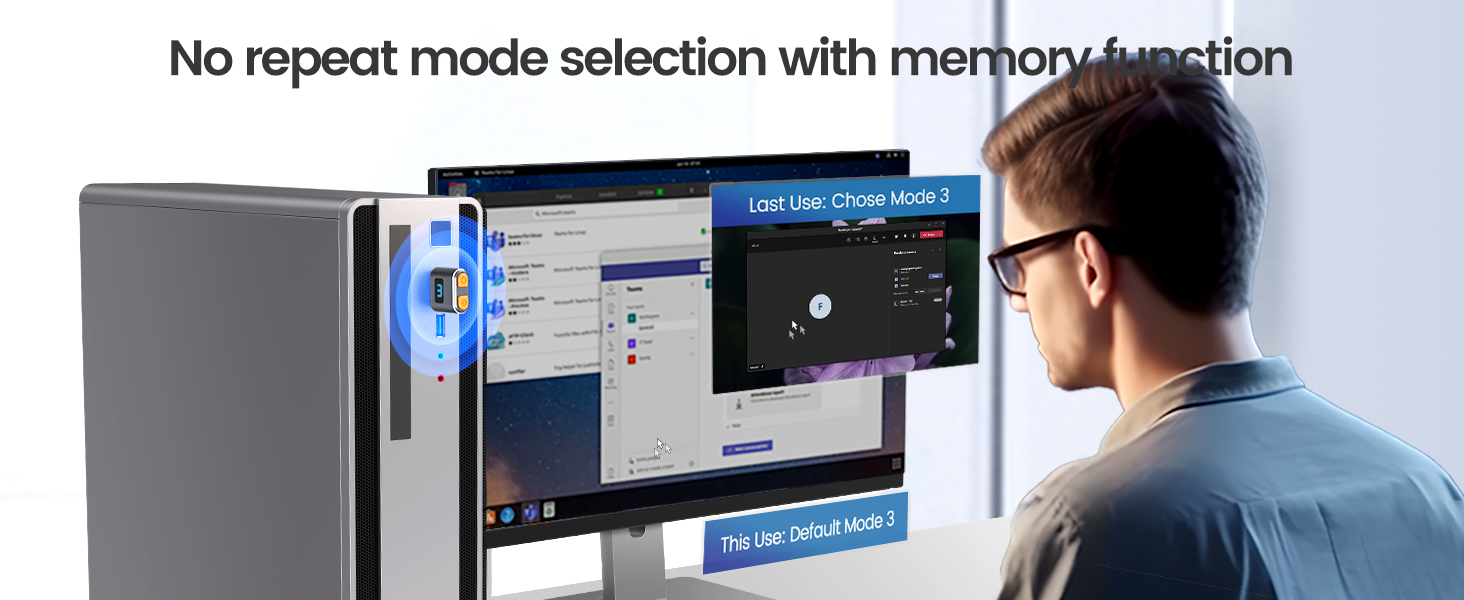
Received Oct 25/22. It's been about a week now. Works great!!! I leave it plugged in to my PC. To turn it on, you have to hold the button for about 3 seconds. Once on, there are 3 settings of how you want your mouse to move. I use setting #3. Just press the button for a second for setting #1 , then again for setting #2, then again for setting #3. You will notice that setting #3 moves the mouse very little. The other 2 settings the mouse move around a little too much for me. Microsoft Teams stays on , no matter how long you are away from your PC. Another nice thing is, when it's on setting #3, once you return to your PC and press a key, it just resumes as normal. Note: if you completely turn off your PC , the jiggler turns off, you have to turn it back on. When I am done working for the day , I also turn the jiggler off. Then in the morning I turn it back on. This jiggler is really worth the buy. I have seen reviews of it not working after a few weeks or so or falling apart. It's only been a week, but working good, as I said I just leave it plugged into my USB port on my PC. I dont see a need to keep pulling it out and placing it back in the USB port. My return date is not until Jan 31, 2023 so that gives me quite a while to really test this out and see if it lasts for a few months. Update: Dec 20..still working great!! Glad I purchased this.
M**E
Easy install. Works great. Thanks
Perfect makes the day so much easier. Thanks. My computer does not shut off.
M**.
Essential Peripheral for Remote Workers: It Works When You Don't Want To!
If you work remotely, you worry how it's going to look when you haven't touched your mouse in a while and people can see by your status on Teams or Slack that you aren't active at your desk, working. What about those times during business hours when you need to take a nap or just otherwise want to LOOK like you're working? The mouse jiggler is your answer. Plug it into a USB port, and it should install without drivers. Press/Hold its button for a full second or two. The blue light comes on, indicating it's active. Notice how your mouse pointer reacts. It's moving, as if by magic. Press the blue button until you find the setting where the mouse limits its movements to 1 pixel up, 1 pixel left, over and over again. It's hard to accurately gauge just how much this little beauty pays for itself in terms of employee freedom and stress reduction. It also keeps your sessions from timing out when you actually are in work mode, so you don't have to keep logging in. Big kudos to the person who invented it. It goes undetected by corporate IT. Even if your USB ports are locked down to data thumb drives, this mouse jiggler will still work. Really, the only risk is forgetting to Press/Hold the blue button at the end of your work day (when YOU decide to stop working) to turn it off. If you forget and keep it on, activity logs could potentially show that you are working around the clock, and that might raise questions. GET ONE! (They also make great stocking stuffers.)
F**2
Replacement still working after 1-yr
I bought the Vaydeer Mini Mouse Jiggler back in August 2023. About a year later (July 2024) it stopped working. Since it had a 1-year warranty, I figured why not and filed a warranty claimโฆ yes, for something under $10. ๐ I sent them my Amazon order number and explained what happened, and they actually sent me a replacement right away. The new one didnโt have the Vaydeer logo, but honestly, itโs been working great ever since. Fast forward to now (September 2025) and I still use it A LOT with no problems. The only weird thing that happened was when IT updated my work laptop. When I plugged the jiggler directly into the laptop, I got a popup about needing a driver. Thought IT blocked it, but turns out it worked fine when I plugged it into my docking station instead. All in all, super happy with it. Solid little gadget, and the customer service was better than I expected for such a cheap item. ๐
B**N
Great purchase.
I love this. It works great. I really like that it has 3 different settings.
P**.
Ordered 2 -- both did not function as expected and were returned
I've owned 2 of these -- but a prior version that worked very well. While traveling, I gave away to a friend the one I brought with me . Then I ordered a replacement Veydeer one using Amazon's "buy again" function. This first replacement failed so I returned it and -- thinking it was just a bad unit -- I ordered another -- which also failed. Both had the same two failures: 1) Indicator light doesn't work so it's impossible to know if it's turned On, and 2) it only has one "wide movement" mode -- so it can't be plugged in while using computer b/c the cursor is moving all around the screen. Thus, you need to plug it in and start it jiggling whenever you walk away, and unplug it when you return to using computer. (In the prior version, you could turn it On and Off by "long pressing" the button until the blue indicator light came On or Off, then (when On) give short taps on the button to select one of 3 movement modes. I always used the "1 pixel" move mode which enabled me to work using the mouse while the jiggler was doing it's tiny motion, and I could step away and return at any time and find the screen not timed out and the cursor where I left it onscreen. ) I see there are now many companies offering ones that have better features for the same low price: separate On/Off button with indicator light, and separate button for choosing one of three modes (including a mode that basically moves the cursor in 1-pixel movement so you can keep it on all the time while using the mouse). Some also include a small LCD that shows exactly what mode is set. I've ordered a couple of those from separate companies to test. My perception of merchandise sold on this site is that if they look alike, they are probably from the same manufacturer, so likely any with same oval shape and silver border will act like the 2 I returned -- but YOUR experience may vary.
G**H
Keeps me active online all day long
These things are not detectable like the roller ones that take the mouse off the edge of the screen. They are perfect for keeping me logged in even when I have to run downstairs and manage some laundry or anything. I hate coming back 5-6 minutes later and having to log in all over again. Plus My boss was asking me when I appeared inactive. I am never inactive while this is running. This got the boss off my back. I think he had software that monitored our active status. As soon as we would go off he would literally call us on our personal phones. This cured this.
Trustpilot
2 months ago
2 weeks ago