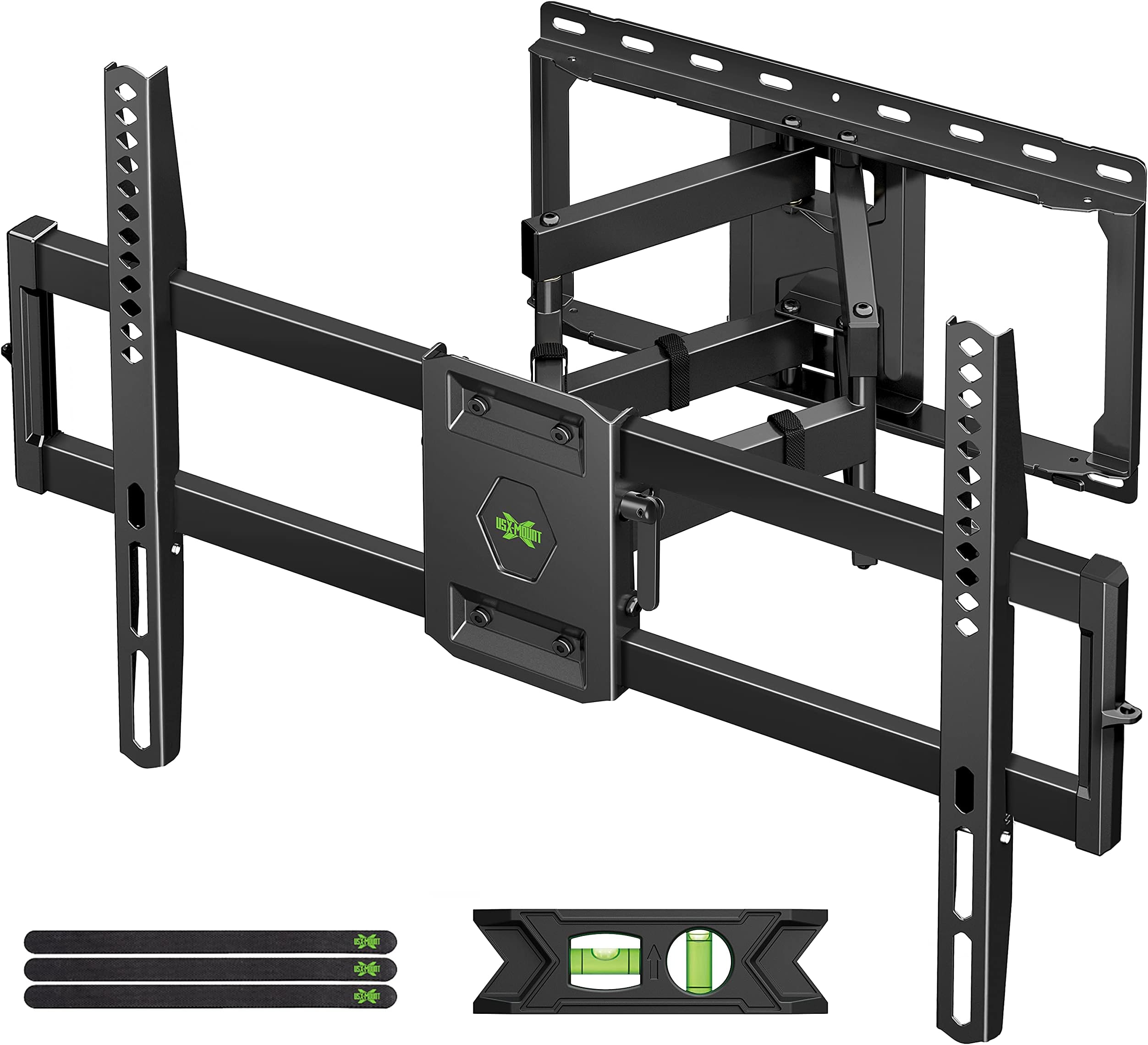
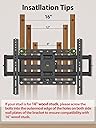
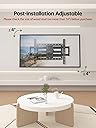
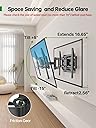
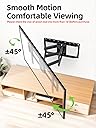
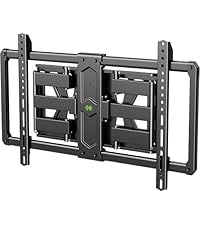
I have to say, this was one of the most well-thought-out products I've ever purchased. The item arrived well packaged in a sturdy box (inside another Amazon box) with everything well laid out inside. All of the fasteners were individually packaged so there's no fishing around for the right part. For the record, I used this to mount a 65" TV that weighs about 50 lbs. It is definitely sturdy and can hold much more. Additional tools you will need: Tape measure, stud-finder, drill w/drill and screwdriver bits, wrench & socket set (SAE). Mounting on the wall was a breeze. My advice to other buyers that you will need to locate the wall studs accurately and you will need drill the pilot holes as close to the center of the studs as possible - particularly if you're mounting a heavy TV. There's just no getting around that. Use the "stud-finder" to mark the edges of the studs, then use those marks to determine the mid-point. Make a couple of passes to be absolutely sure. Included in the package is a peal-and-stick cardboard template and two bubble levels. Don't bother with the one that you're supposed to stick on the template, just use the big plastic one. You're going to want to do some measuring here to make sure you place the mount exactly where you want it. I was lucky that the center of the TV was almost dead-center between two studs. You'll also want to measure the height of the mount by test-fitting the part that goes on the TV and doing a little figuring on how much to move the mount up or down so that the TV is where you want it. Once you've drilled the holes, screw the bracket to the wall and use a wrench to snug the screws tight. Don't over-tighten or you'll strip out the holes. Make sure you put the mount right side up (Yes, I made this mistake). Next, attach the brackets to the TV. The kit comes with an assortment of screws, washers and bushings to accommodate any TV. Each TV is different and you're just going to have to use common sense. Don't over-tighten these screws either, but the brackets need to be snug. Before hanging the TV on the wall mount, ensure that the side-to-side and front-to-back tilt adjustment screws are tight and relatively level. You can adjust them later to get them perfect, but you should have them close to where they need to be now and tightened down so the mount doesn't move when you're trying to hang the TV on it. Have someone help you lift the TV onto the wall mount. It just hangs on there (at first), but it's much easier if you have someone to help guide it into place. Attach the locking brackets to the bottom of the TV brackets and you're done!!! Operation of the mount is very smooth, though it takes just a little bit more effort than I'd like. I attribute that to the fact that it's brand new and I'm certain a few drops of oil strategically placed will resolve that. BY NO MEANS would I suggest getting a different mount based on that purely-subjective opinion. This mount is perfect for a big TV. It's a little pricier than most, but worth every penny. Read less