
DOWNLOAD THE APP


Customer Services
Copyright © 2025 Desertcart Holdings Limited
DOWNLOAD THE APP


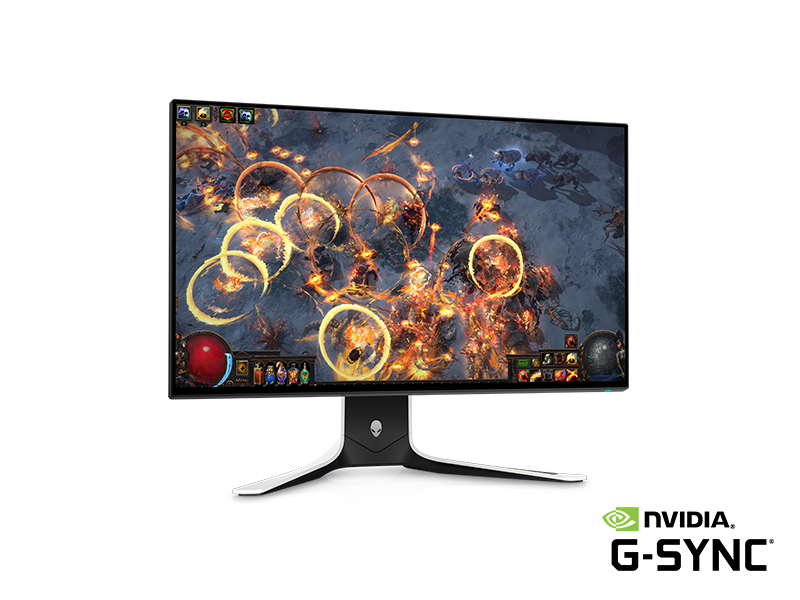
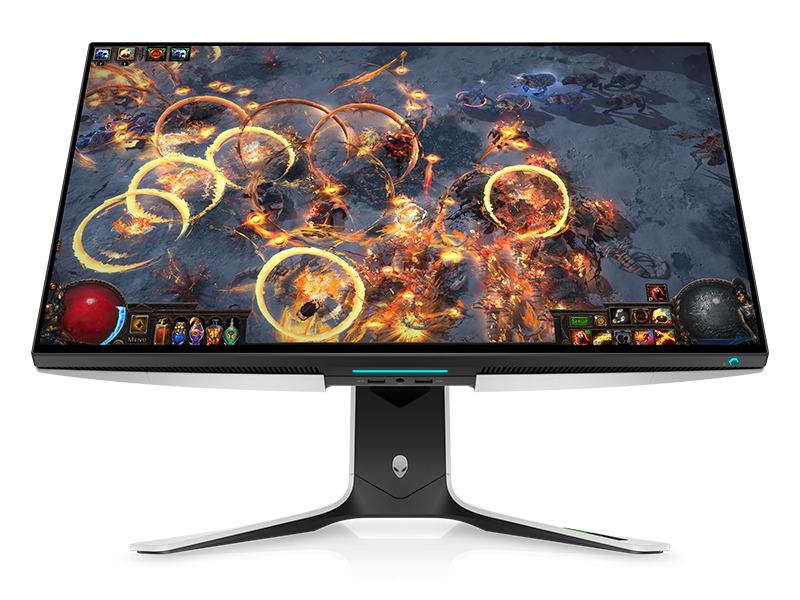
⚡ Dominate your desk with Alienware’s 240Hz QHD powerhouse!
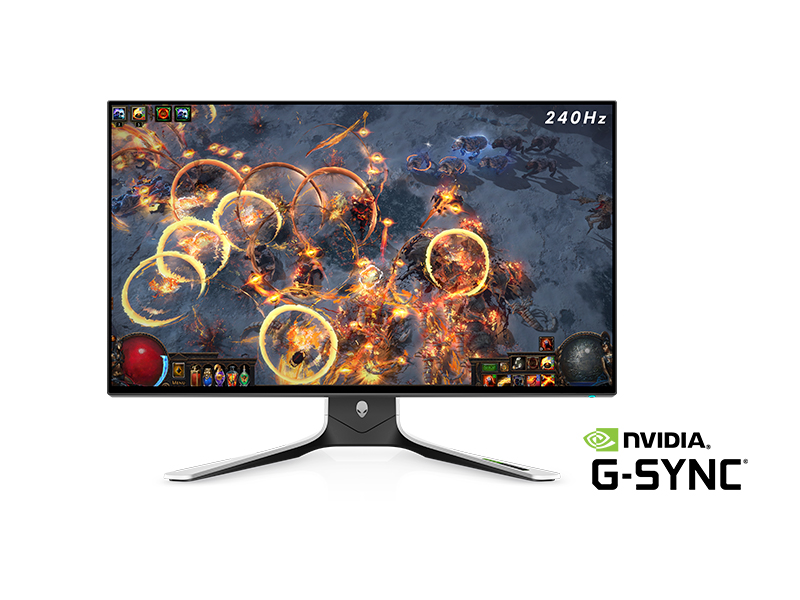
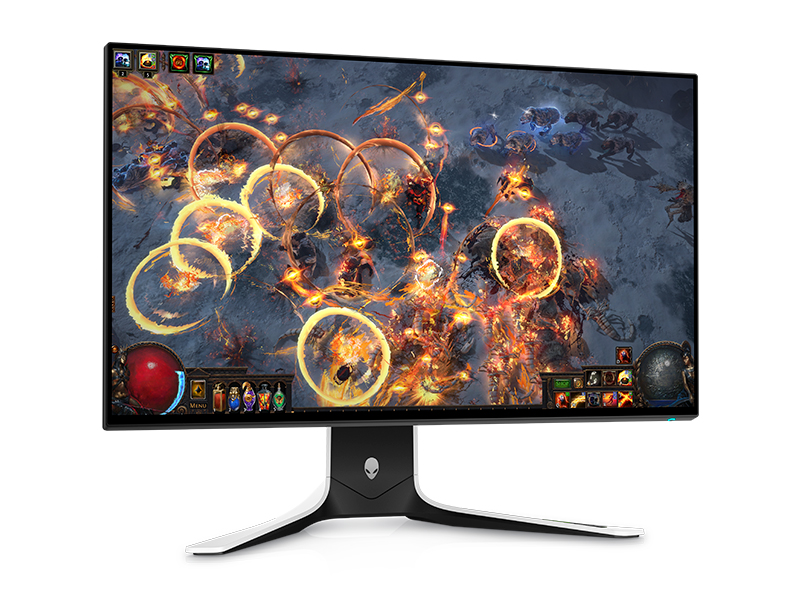
The Alienware AW2721D is a 27-inch QHD gaming monitor featuring a lightning-fast 240Hz refresh rate, NVIDIA G-SYNC Ultimate hardware certification, and HDR 600 support. Its Fast IPS Nano Color technology delivers 1.07 billion colors with wide 178° viewing angles, ensuring vibrant, tear-free visuals. Designed for pro gamers and multitasking millennials, it combines eye comfort features with a sleek, minimalist white design and robust build quality backed by Dell’s 3-year warranty.
| ASIN | B08LR145ZY |
| Best Sellers Rank | #488,998 in Electronics ( See Top 100 in Electronics ) #9,499 in Computer Monitors |
| Brand | Alienware |
| Color | White |
| Customer Reviews | 4.4 4.4 out of 5 stars (1,046) |
| Date First Available | October 23, 2020 |
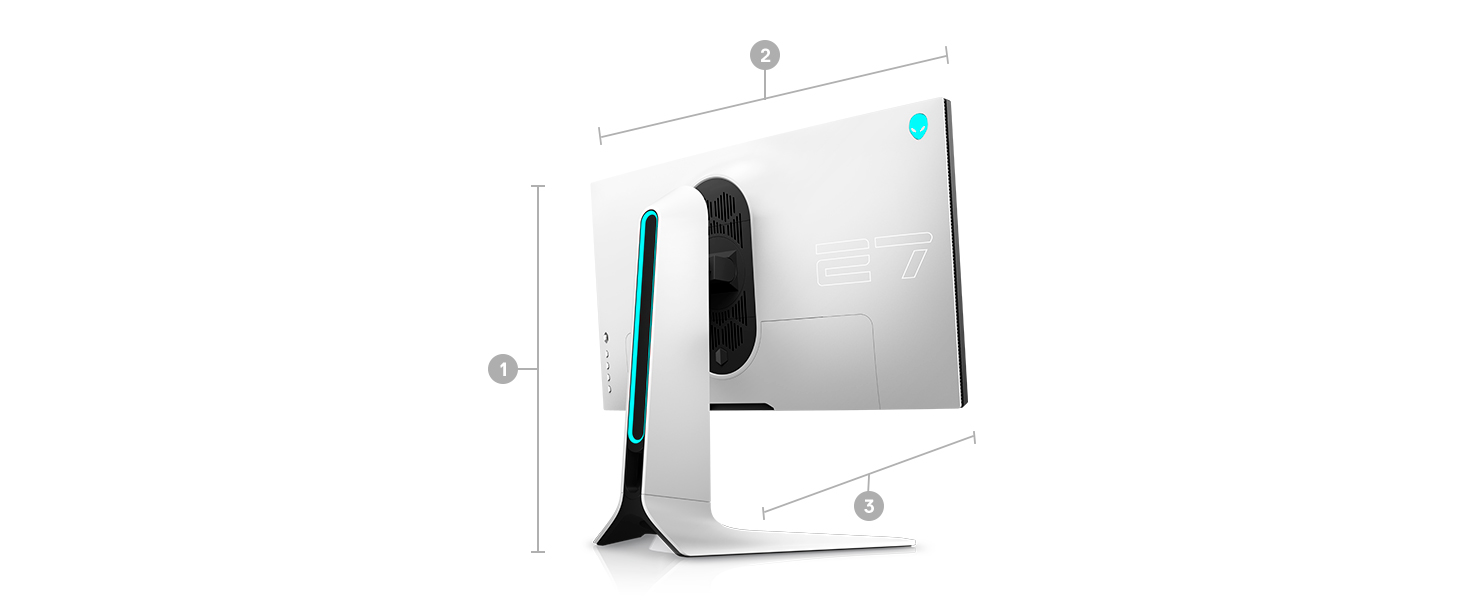
| Item Dimensions LxWxH | 3.24 x 23.93 x 14.02 inches |
| Item Weight | 13.89 pounds |
| Item model number | XW3CK |
| Manufacturer | Dell |
| Max Screen Resolution | QHD 240Hz Pixels |
| Number of Processors | 4 |
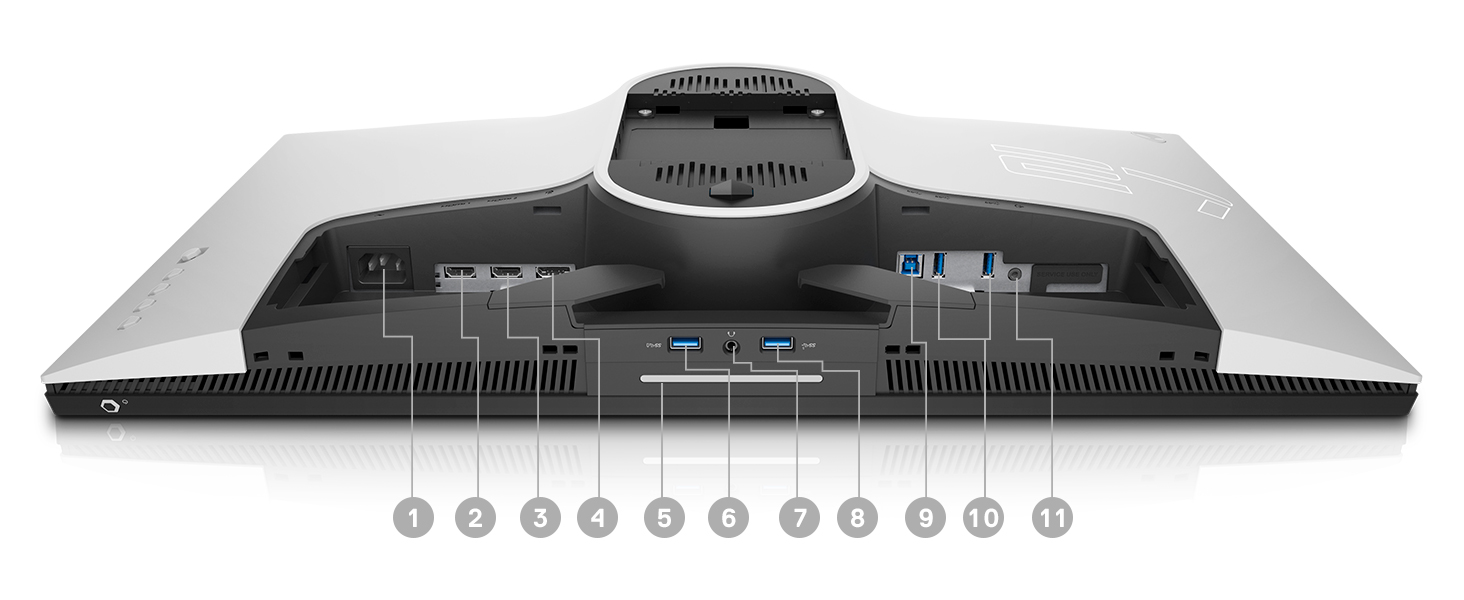
| Number of USB 3.0 Ports | 5 |
| Product Dimensions | 3.24 x 23.93 x 14.02 inches |
| Screen Resolution | 2560x1440 |
| Series | AW2721D |
| Standing screen display size | 27 Inches |
| Voltage | 240 Volts (AC) |
O**S
straight fire
i bought this used for a huge discount off the original price and was pleasantly surprised when it came basically looking absolutely brand new and none of the defects that were listed on amazon were present. before this i tried a bunch of monitors and found that all of them have their pros and cons, and this monitor hits the sweet spot of the pros outweighing the cons. i tried the 27GN950 (4K 144HZ) and loved how sharp the monitor was with text and gaming, but what made the monitor so good (4k resolution) also ended up being its biggest downfall, since modern GPU technology just isnt capable of playing most games at a smooth refresh rate at 4K. and refresh rate ties into input lag, so a low refresh rate means high input lag which means a not so pleasant PC gaming experience i tried the LG CX48 which had the best picture quality ive ever seen (OLED, infinite contrast), but as a monitor it was impractical i tried the 240HZ 1080P XL2546 and realized 1080p has no place in 2021 all monitors suffer from poor picture quality in regards to content consumption because of contrast ratio in LCD technology, so if you're looking for a monitor for productivity, gaming and shows/movies you will be disappointed no matter how much money you spend in regards to the 3rd. get a TV + a monitor if you care about picture quality for shows/movies. i remember watching wandavision on my 27GN950 in HDR and couldnt believe it, it looked like someone was shining a flashlight on my screen, you could barely see anything. cheap black friday TV's have better pictures than that. so the AW2721D really shines out of all these options for monitors because a. 1440p is sharp enough to not impact performance in modern games, and modern GPU's are more than capable of playing games at 1440p at 144FPS especially with DLSS b. g-sync ultimate. 99% of monitors have software level g-sync, which just removes tearing at the cost of a slight hit to input lag. this monitor however has a hardware level g-sync module *built in*, which means you get the smoothest possible picture with 0 inconsistencies in frametimes + no screen tearing, and you actually get input lag so incredibly low you'd find it difficult going back to anything without it. c. this is kind of irrelevant to the monitor itself but dell has a whopping 3 year warranty on their monitors, so you know you're safe if anything ever happens to it. also the packaging is really nice compared to most monitors. the design and aesthetics are minimal and clean. ultimately, this monitor should be the endgame for a lot of people unless you have a preference for ultrawides. now it is expensive, and i think its overpriced but that's not a fault of the monitor but a fault of monitor technology still being years behind TV's. i think for 800+$ you should be able to have a good content consumption experience when it comes to TV shows/movies, which is why i wanted to save as much money as possible and bought a used version. anyone who complains about IPS glow/backlight bleed needs to realize these aren't meant for content consumption, and for the large majority of your usage with a monitor those things aren't noticable unless you spend most of your time staring at a black screen. for what this thing is intended for, like most monitors, which is the smoothest most responsive gaming experience, and a sharp productivity experience, it is the best on the market.
J**.
Great monitor for gaming and mixed use.
Of course it goes on sale a week after I purchase it! ugh. This is a short term review, as I've only had it for a week. Pretty much echoing what other people have said, the colors and brightness are fantastic compared to my other gaming monitors (I own a 240hz zowie, 240hz alienware, 144hz zowie, and a 1440p 165hz 27" asus), and for that reason I love it. I was afraid it'd ruin my other gaming monitors for me, and it definitely did, it'd be hard to go back to every day use of my other 1080p high refresh rate gaming oriented monitors after this bad boy. Aesthetically it's got a clean, gamer style look to it, I don't hate it, but this is subjective of course. I also never look at the back of my monitor anyway, plus I use desk mounts for them so I don't use the standard, out of the box stands. Oh it's also pretty heavy compared to other monitors I own. I have it on a standard vizio extra tall pole style monitor mount, but it seems to be ok so far. The OSD is fine, pretty much the same as my Alienware AH2518H, but a couple more things, and the joystick style controls it's a hell of a lot easier to navigate. It's 240hz which is nice, it's hard for me to use anything less than 240hz now, as I was a OG gamer that started out on CRTs back in the day, I'm sensitive to motion blur and lower refresh rate lcds. 1440p 240hz is going to be the new sweet spot for gaming monitors IMHO, with GPUs getting more powerful (if you can even find one to purchase at MSRP lel). The motion blur on this monitor in faster paced fps/Afps games isn't too bad, but I would have liked to have some sort of strobing/blur reduction option like the G7. The only downside to this monitor is the price IMHO, if it was constantly around the 700 mark (it's on sale as of 3/4/21 for 769) with price drops to 6-500 I think it'd be worth it for sure, but at full MSRP or even at the 800 mark it's up there in price for a gaming monitor. If you have the money, and want a 27" 1440p, 240hz monitor with great colors and brightness out of the box, this might be the one for you. I love it, and if it was cheaper I'd probably buy a second one. If you want a good monitor that's 1440p 240hz, but with lower motion blur, and don't mind the dumb curve it has (that's the deal breaker for me on that monitor) check out the Samsung odyssey G7. I might update this review at a later date if anything changes on it.
C**E
Great quality panel and stand, good gaming features.
Coming from a 1080p 240 hz aw2521hf. This monitor AW2721D is much more fun to look at. The 1440p really is the perfect fit for this sized screen. The fast ips has more depth and a bit richer than the tn display but comes off a bit cooler (bluer) at the same time. Once you get used to the cooler colour you'll really like it. I've had a few hiccups were the screen will go black when fiddling with settings sometimes but only like 4 times in the first 5 weeks i've had it. The brightness is a bit insane, this baby can get bright af. Especially when you turn on HDR. The one thing that is a bit unsettling is that when HDR is on and you are playing a dark game, all the bright lights tend to cause some pretty extreme (in my opinion) ips glow. You'll see when you have a torch for example in a game and you're traversing a dark area. The bottom of the monitor will really light up. You can mitigate this effect by using variable backlight options in the settings or adjusting the brightness in nvidia control panel. But this is something i've gotten used to and its not very bothersome. The HDR during well lit games is amazing though. The only other minor complaint I have is that the panel I got has 2 very minorly effected pixels that are ~10-15% dimmer than the other pixels, they are not dead pixels but seemed to be maybe underpowered? Its impossible to see on photos but they're there. They are imperceivably unless you have a monocolor bright background and look real close for them. This may be rng also. Overall i would rate this monitor 94/100
G**L
Amazing monitor. Ultra smooth; response time even on fast mode is lightning quick. Bought on a warehouse deal with “cosmetic damage” and there is absolutely nothing wrong with it. Have it in a naturally lit room and glare is not an issue. I’d recommend this monitor to anyone; especially if you can find a warehouse deal like mine!
M**E
When you say money well spent .. this is the case. Switch my Asus 144hz for this monitor. I couldn't believe it. I played Sea of thieves at first and wow !! I'm so happy Color and graphics are just perfect now. I don't regret it even if it was expensive a little bit. It worth every penny. Alienware !!
C**E
I had the monitor over a week now and get over the Quality of this monitor the colours are very vivid a little bit expensive but worth every penny!
G**E
It is a nice upgrade for me. I have been wanting this for a long time now. There was no backlight leaks or anything like some reviewer has been mentioning. I got mine on a perfect condition ans also tried and played FPS games like Apex and Warzone to try it out. no problems at all! It's a good buy and would definitely recommend. I am just hoping that this monitor will stay like this for the longest time. Perfect match for my 3080 Ti indeed.
M**N
THIS is a really good screen for 1. BRIGHT images (peak nit) 2. Color (calibration) (use rtings) 3. Smoothness(240hz( 4. Design (base + backate) 5. Gsync 6. HDR 600 7. Dell warranty on dead pixels It’s a bad sceen for only 1 thing after 1 month of use. 1. The blacks are ATROCIOUS in HDR. Why ? Because of the zones. If you have dark colors in the way of bright spots in an image, they’ll over contrast and will make ips glow very vad. It’s a poor design. Not enough zones is OBVIOUSLY the culprit here. 1000 zones (even then it’s noticeable) would be much better but $$. If you’re not using HDR you can always change the black options in the panel config and that fixes it. It’s a shame once you use HDR you can’t do it. But mind you, i’m STILL playing my games in HDR because my god the colors and brightness over compensate for the poor blacks. It’s worth. I paid 900$CDN and i’m very happy with my purchase. I’m even contemplating buying another one so my monitors are the same.
Trustpilot
2 months ago
1 day ago