🚀 Upgrade to the Wi-Fi your home deserves—fast, smart, and boundary-free!
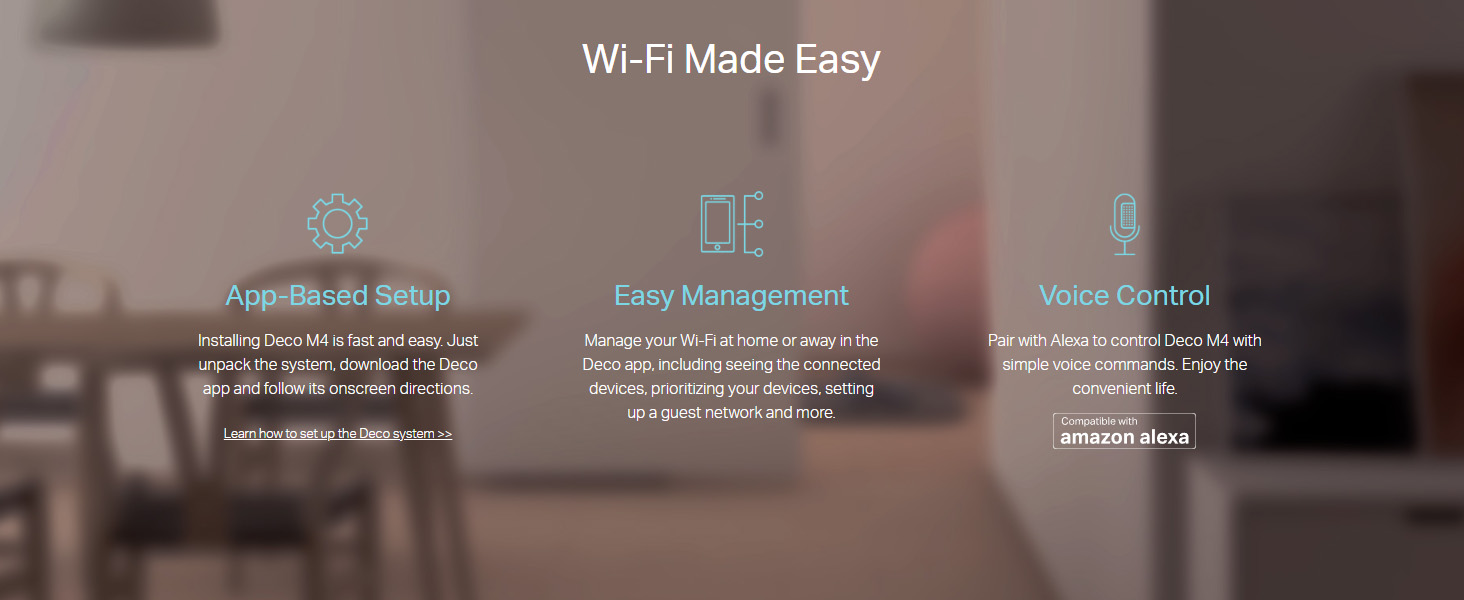
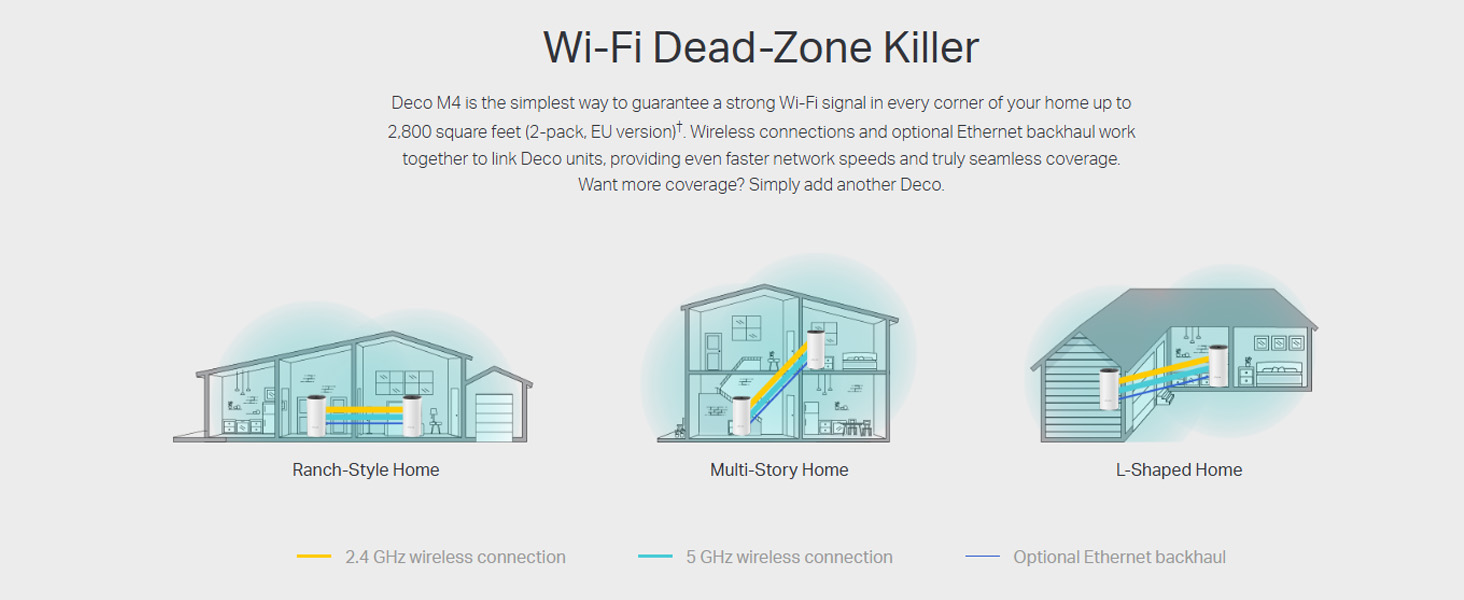
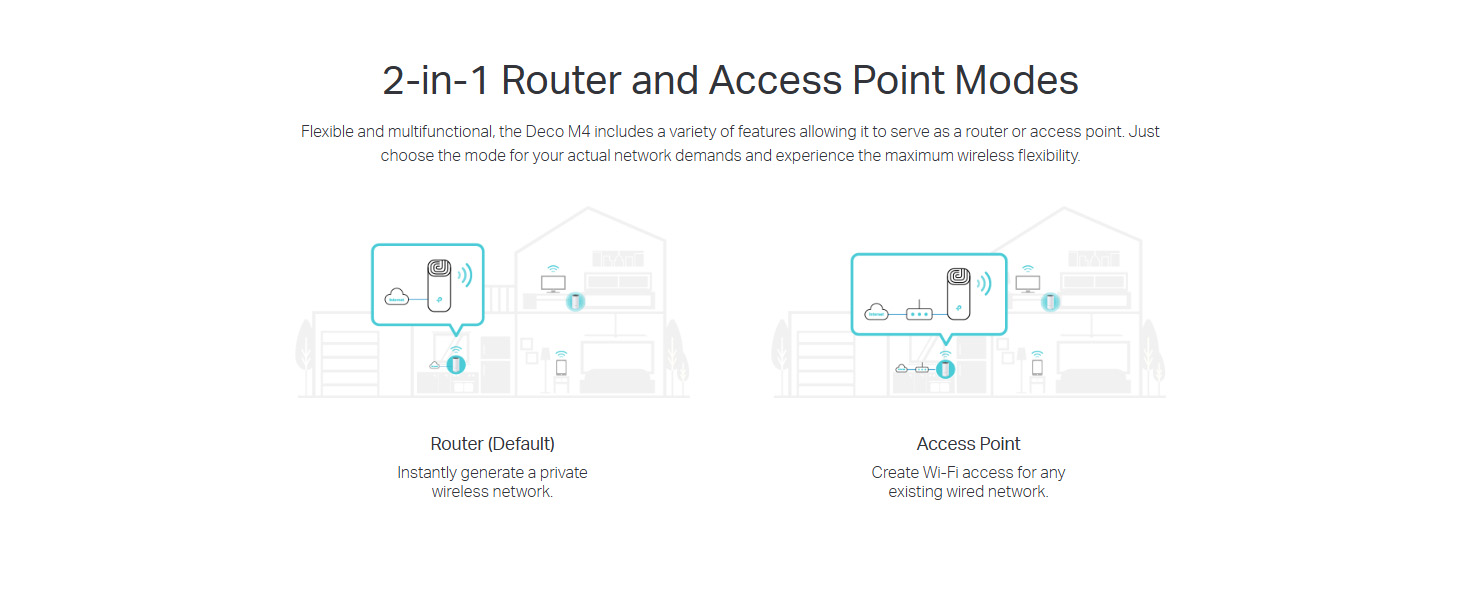
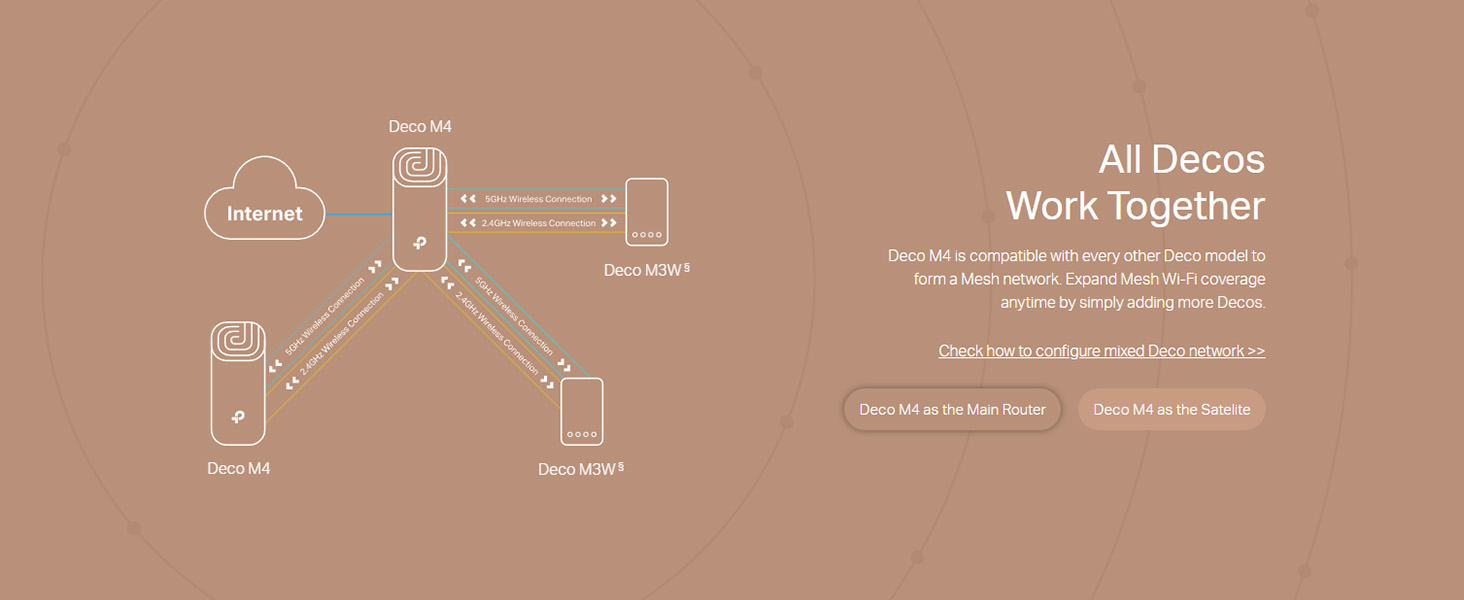
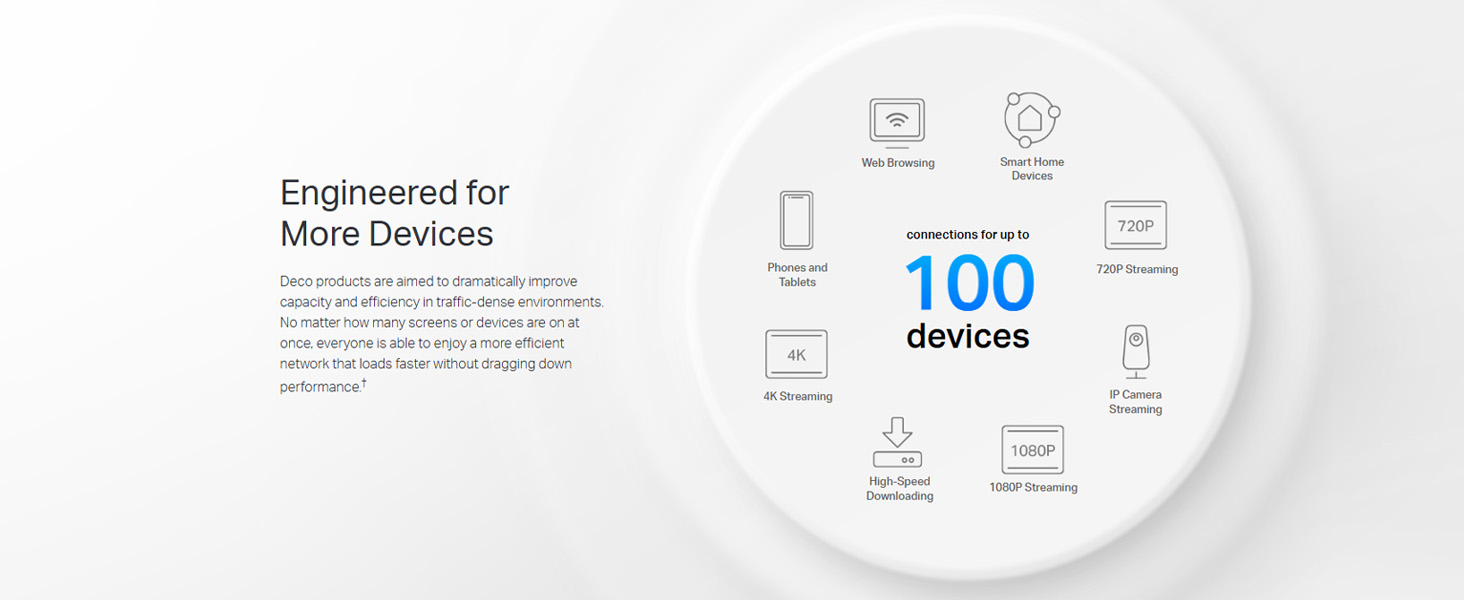
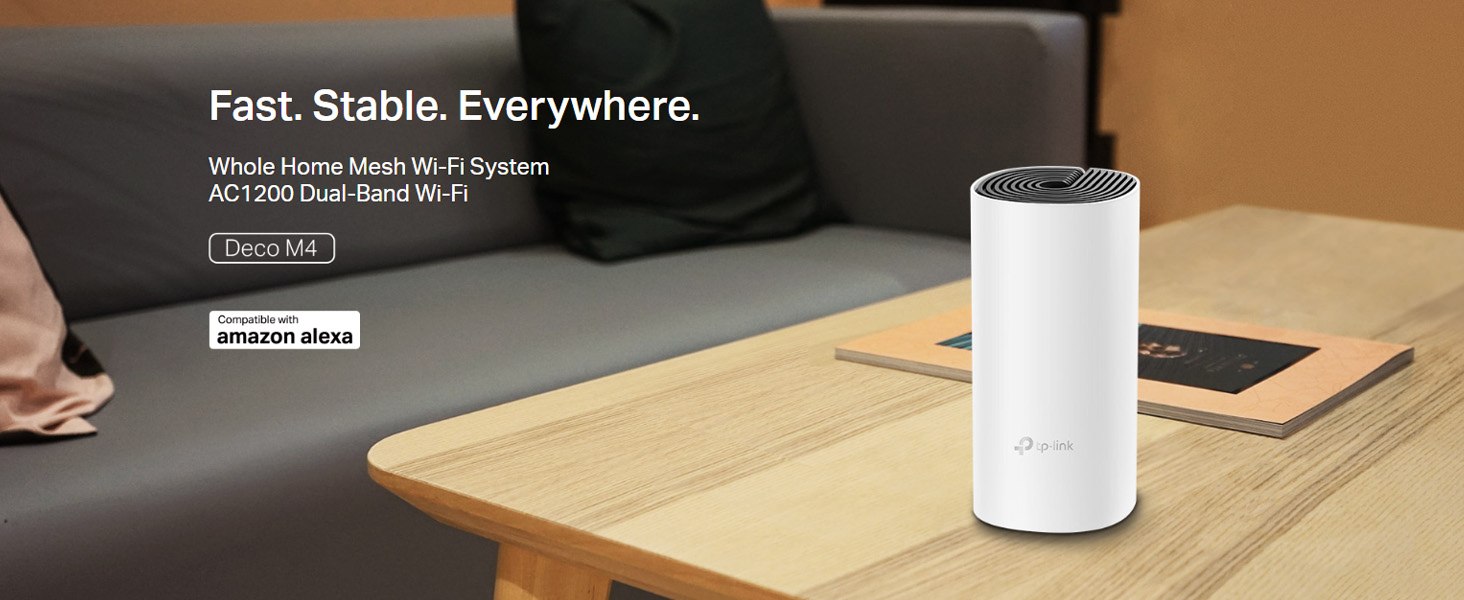
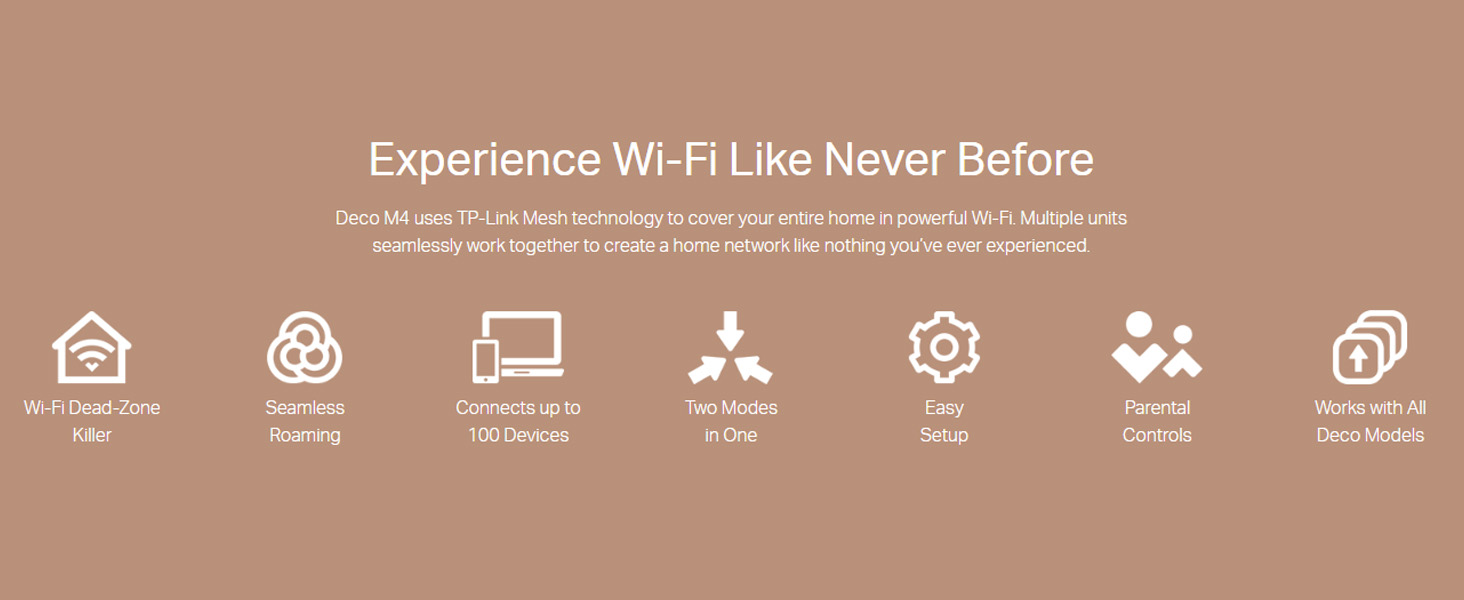
The TP-Link Deco M4 is a powerful AC1200 dual-band mesh Wi-Fi system designed to deliver seamless, high-speed internet coverage across up to 2,000 sq.ft. With Qualcomm CPU-driven performance, it supports up to 100 devices simultaneously, integrates effortlessly with Alexa for voice control, and offers robust parental controls. Easy app setup and multifunctional use as a router, access point, or range extender make it the ultimate solution for eliminating dead zones and future-proofing your home network.


| ASIN | B07L44RHC2 |
| Antenna Location | Home |
| Antenna Type | Internal |
| Best Sellers Rank | #255 in Computers & Accessories ( See Top 100 in Computers & Accessories ) #1 in Whole Home & Mesh Wi-Fi Systems |
| Box Contents | 1 Deco unit |
| Brand | TP-Link |
| Brand Name | TP-Link |
| Colour | white |
| Compatible Devices | Alexa, Amazon Echo |
| Connectivity Technology | Ethernet, Wi-Fi |
| Control Method | App, Voice |
| Controller Type | Amazon Echo, Alexa |
| Country of Origin | India |
| Coverage | 2000 sq. ft. |
| Customer Reviews | 4.3 out of 5 stars 32,376 Reviews |
| Data Transfer Rate | 1200 Megabits Per Second |
| Frequency | 5 GHz |
| Frequency Band Class | Dual-Band |
| Global Trade Identification Number | 06935364084394 |
| Importer Contact Information | TP-LINK India Private Limited, Green Industrial Park, Dongri Pada, Poman, Kaman-Bhiwandi Road, Vasai East, Palghar, Maharashtra – 401208, Contact: Toll Free 1800 2094 168, [email protected] |
| Is Modem Compatible | Yes |
| Item Dimensions L x W x H | 9.1L x 9.1W x 19H Centimeters |
| Item Height | 19 Centimeters |
| Item Type Name | Mesh Router |
| Item Weight Unit of Measure | 0.37 Kilograms |
| Manufacturer | TP-LINK CORPORATION LIMITED, TP-LINK CORPORATION LIMITED, Room 901,9/F., New East Ocean Centre, 9 Science Museum Road, Tsim Sha Tsui, Kowloon, Hong Kong |
| Manufacturer Contact Information | TP-LINK CORPORATION LIMITED, Room 901,9/F., New East Ocean Centre, 9 Science Museum Road, Tsim Sha Tsui, Kowloon, Hong Kong |
| Maximum Upstream Data Transfer Rate | 1167 Megabits Per Second |
| Model Name | Deco M4(1-Pack) |
| Model Number | Deco M4(1-pack) |
| Number of Ports | 2 |
| Operating System | Windows |
| Other Special Features of the Product | Alexa Compatible |
| Packer Contact Information | TP-LINK India Private Limited, Green Industrial Park, Dongri Pada, Poman, Kaman-Bhiwandi Road, Vasai East, Palghar, Maharashtra – 401208, Contact: Toll Free 1800 2094 168, [email protected] |
| Special Feature | Alexa Compatible |
| UPC | 840030700101 |
| Unit Count | 1 Count |
| Voltage | 12 Volts |
| Warranty Description | 3 years warranty |
| Wireless Communication Standard | 802.11ac |
| Wireless Compability | 802.11ac |
T**R
Good investement
Brilliant , does what it says, setup is also easy. Good speeds too , full home coverage. A good product and a good investement
A**S
S7 Mesh (Wifi 5)
My main router (zyxel wifi5 provided by Airtel fibre-300mbps) was outside my room, and there were still plenty of dead zones in specific corners, especially the reading corner of my room (probably due to the thick brick walls). I had researched quite a lot, and ended up with buying a single unit of the Deco S7 at first. Connected it via a Cat6 Lan (with the main router), installed the Deco app, and the setup took less than 5mins. The main router 2.4 Ghz range was plenty, but what I lacked was the speedy 5Ghz. Although the S7 is dual mode, you can programme it to work in only one Frequency (5Ghz for me). Concrete brick walls are not even an issue now. Excellent throw. Now, one info is that if you have multiple floors, S7 has excellent horizontal spread, but less of a vertical spread (not too bad, but still less if mono-5Ghz used). Unless you connect multiple units via Ethernet from the primary. (If using on purely satelite mode, ie Non-ethernet, I will not recommend this). Wall mounting the M5 would be better (since S7 doesn't provide a wall mount). 3 Gigabit ports per unit works great (Disclaimer: Not exactly 1Gbps as the company says, slightly lesser). No hiccups. The unit's Wifi transmission is as good as the M5. M5 has more antennas, but not much real time difference (if ethernet back haul is used). The latest 1.4.1 firmware update of the S7 Deco has cleaned out most of the bugs. No drops of internet seen till now. And even if you are outside, and not connected to the wifi, you can still control the wifi settings (included in the new update)..."beware children". Provision of Parental Controls, Sleep time, Guest Mode, Network Optimization will be a benifit for those who need it. Also, in case you still have a main router, try not to use the primary Deco S7 as the router, and stick to the AP mode. I have heard complaints of when the S7 gets used as the router. For AP mode, it's brilliant. Or, you can just set the main router in bridge-mode (no wifi), and let the S7 units do it's thing. P.S.Every unit has its own proprietary power pin, so click a picture of the power adapter values, and buy an extra for emergencies (cheap enough). Overall, a good purchase.
S**Y
Excellent long term solution
Build quality: Very nice product and finishing. Formfactor will accomplish the home interior unlike other boxy routers. As I read in some blogs, Deco M5 should be placed Horizontal on table or flat surface as antenna are placed horizontally. I have no option to place horizontal and for me those are hanging vertical on the wall. Should have been shipped with mounting holder Ease of use: Very easy to set up. Even pure non technical person can just follow instructions and set up in just few minutes. Technical: I have purchased 2 Devices to cover my 3 floors approx 3000 sqft) . ISP router at Ground floor- First/ Main Deco (Ethernet connected) on first floor and Second Deco (Wirelessly connected) to second Deco. Mandatory to connect the first Deco M5 to ISP router can be little clumsy unless you already have Pre wired house. Second Deco M5 can be Wirelessly connected to First Deco. However it must be in proximity of better WiFi range otherwise it shows Weak Signals. Performance of WiFi coverage is Preety decent in most areas of the house except the 2nd floor where Second Deco is connected wirelessly to first one. For 100Mbps connection I get around 90+ Mbps almost everywhere and around 30-40 Mbps on second floor with my phone/ Laptop connecting to Deco over Full WiFi. Meaning the WiFi connection between two Deco is not that great. Roaming from floor to floor or in the house is damn seamless without any interruptions or any signal drop I am still figuring out better position of second one and will update my review upon receiving any better results. Reconnection of Deco device to main ISP router or Deco to Deco connection are seamless in case of Reboot or Power outage. Operations: Managing Deco M5 Mesh network is super easy via app provided. Dashboard is very dynamic to display all information of real time data transfer/ connected devices/ internal Deco to Deco connectivity/ overall Internet speed at main Deco/ individual Deco device speed etc. Conclusion: Overall it’s decent device if you are looking for robust solution of whole house coverage. It great value for money. Total worry free once you set up correctly. It is fully scalable to accommodate any mode and speed you have subscribed. This devices are excellent and worry free long term solution compared to any other range extender or second router comnfigured as bridge/ extender.
M**M
Excellent product
In the past I have changed ISPs, routers, and used extenders to get a seamless WiFi at all corners of the house. I live in a 2 bhk flat so I thought it’ll be an overkill, but due to all the interferences and everything, getting the only router signal steadily at every corner was a challenge. Then I came across Deco M4 and bought a set of 2. It works perfectly and whether I am siting at my work desk or in the hall or in back side balcony, it covers everything well. The phone or laptop never hunts for the WiFi coverage. You have various options to manage the network efficiently through the highly functional app. Overall, it’s a great purchase and a great value. I plugged it to the LAN port of my existing ISP router, turned off the router WiFi access points, the app seamlessly set up a new Deco network. The deco is being used in Router mode. No issues whatsoever. I used the same network name for Deco so I didn’t have to sign in any device separately, including bulbs and printers.
N**K
Reliable Whole Home Coverage with Easy Setup!!
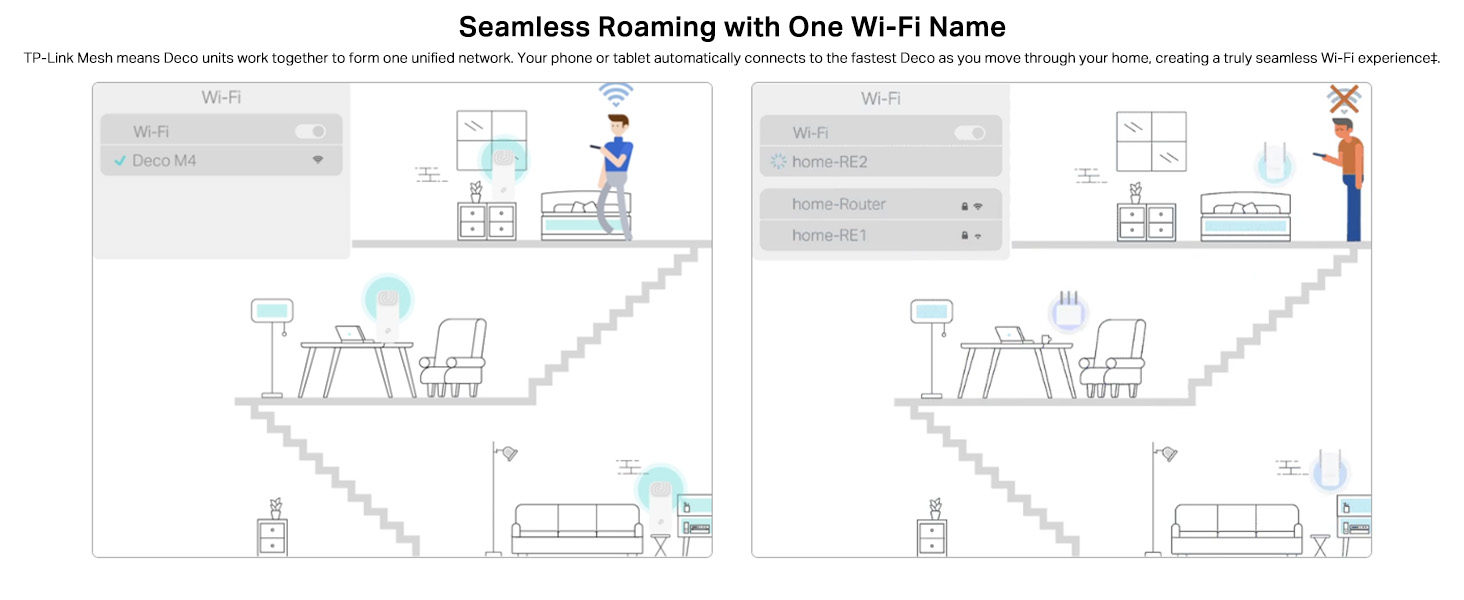
I’ve been using the TP-Link Deco M4 for a while now, and it has completely transformed my home Wi-Fi experience. The setup was quick and straightforward using the Deco app, and the step-by-step guidance made it effortless, even for someone not highly technical. The coverage is excellent — I get strong, stable signals in every corner of my home, with no more dead zones. Seamless roaming works perfectly; I can move between rooms without experiencing drops or buffering, whether I’m on a video call, streaming, or gaming. Performance-wise, the AC1200 speed is more than enough for my needs, and it handles multiple devices without slowing down. The Qualcomm CPU ensures smooth performance even when several people are connected. I also appreciate the parental controls, which make it easy to manage and monitor internet access for the kids. It works perfectly with my Amazon Echo, and Alexa integration makes basic Wi-Fi management hands-free. Overall, the TP-Link Deco M4 is a reliable, high-performing mesh system at a very reasonable price. If you want whole-home coverage, easy setup, and useful smart features, this is an excellent choice. Rating: ⭐⭐⭐⭐⭐ (5/5)
M**U
Junk product, zero support
Terrible experience with this product. The satellite Deco hasn't been working properly since the day I installed it. Speed - I have a 100mbps fibre connection, but the satellite barely went up to 2mbps - all while being on the same floor, just a few rooms apart from the main one. Stability - Every few hours the satellite just disconnects from the network and starts pulsing red. The only option is to take it back close to the main deco, and transfer back again. Support - TP Link offers NO offline support! I had 2 rounds with their junior engineers, who gave some super basic tips. Their technical knowledge seems elementary and their communication even more so. For example, they didn't explain how to modify settings in the app after interchanging the devices. The third time, I was just told that a 'senior' team will get in touch. No SLA, no guarantee. Basically, its been three frustrating weeks, I can't work from my home office at all. No connected devices work. Literally forced to ensure 2 hours of commute because this 'premium, marketing leading brand' sold a junk product, offers no support, doesn't accept returns or replacement, AND gets upset when I call it out. Try another brand and product.
V**N
Good mesh router
Good wifi range, easy setup, user guide manual should be more elaborated. This product is very good than wifi extender or wif repeater. Lacks WPA3. Status leds would be better if they are on front side rather than on top side.
A**Y
Awesome product
Does as it says... And does it perfectly. Setup is simple. Just connect the deco to router using the included cable and follow the instructions. I did the setup in 15 mins. Entire house now has proper 5ghz network. Worthy investment for the peace of mind it offers.
Trustpilot
2 days ago
2 weeks ago