Desertcart purchases this item on your behalf and handles shipping, customs, and support to Iceland.
🚀 Double your screens, double your impact — the ultimate dock for the multitasking pro.
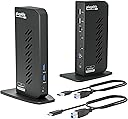
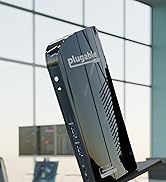
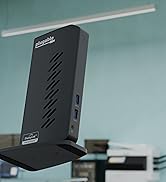
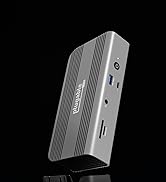
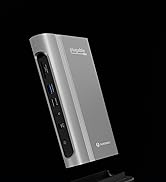
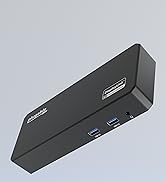
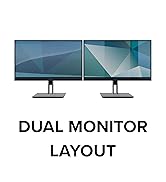
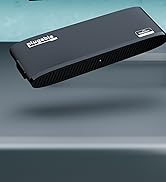
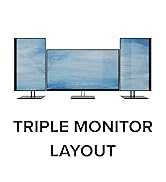
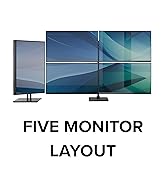
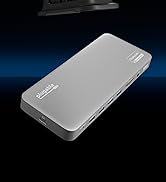
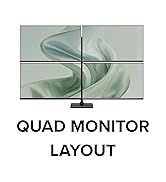
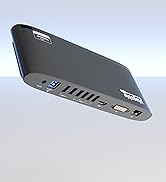
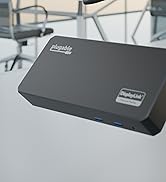
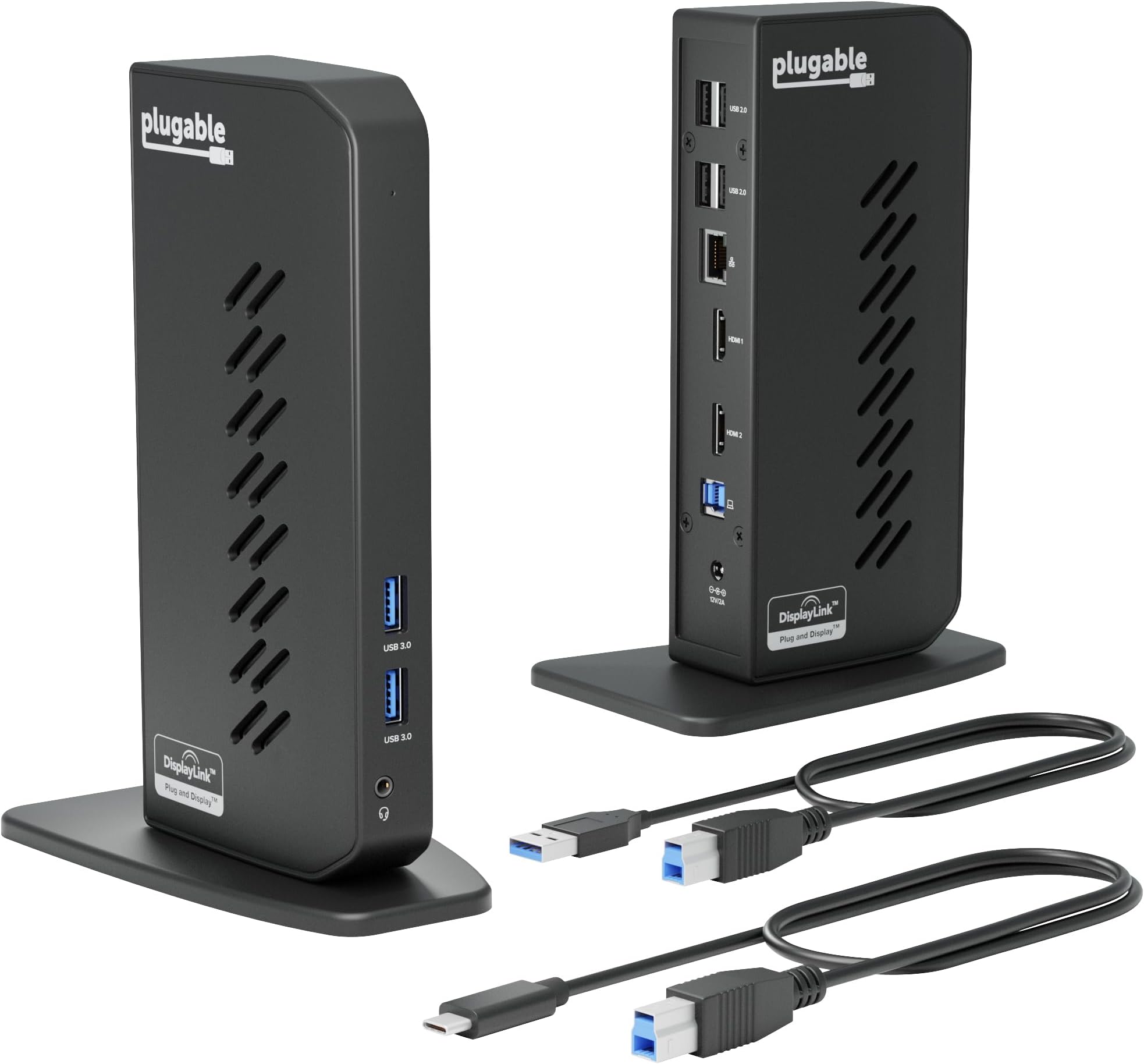
The Plugable UD-3900Z is a compact, universal docking station designed for professionals seeking to expand their workspace with dual 1080p HDMI displays via a single USB-C or USB 3.0 connection. Featuring 10 versatile ports including Gigabit Ethernet and multiple USB options, it supports Windows, ChromeOS plug & play, and macOS with DisplayLink software. Ideal for mixed-device fleets, it enhances productivity by enabling multi-monitor setups on MacBooks typically limited to one external display, all backed by expert lifetime support.


| Asin | B08B6FMPTP |
| Best Sellers Rank | #387 in Computers & Accessories (See Top 100 in Computers & Accessories) #41 in Laptop Docking Stations |
| Brand | Plugable |
| Built In Media | USBC/USB 3.0 Dual HDMI Dock |
| Color | Black |
| Compatible Devices | macOS (with DisplayLink driver installation) 11+, Windows 10+, and ChromeOS 100+ systems including: Apple MacBook Neo, MacBook Air, MacBook Pro (Intel / M1 / M1 Pro / M1 Max / M2 / M2 Pro / M2 Max / M3 / M3 Pro / M3 Max / M4 / M4 Pro / M4 Max / M5 / M5 Pro / M5 Max), HP Spectre x360 / Pavilion / Envy, Dell XPS / Precision / Latitude, Lenovo ThinkPad / IdeaPad / Yoga / Flex, Surface Pro 7 / 7+ / 8 / 9, Surface Laptop 3 / 4 / 5 / Go / Go 2 / Studio / SE, Surface Go / Go 2 / Go 3, Surface Book / Book 2 / Book 3, LG Gram, Acer Aspire / Swift / Spin, ASUS Zenbook / Vivobook, & thousands of other laptops |
| Customer Reviews | 4.5 4.5 out of 5 stars (1,995) 4.5 out of 5 stars |
| Hardware Interface | USB 3.1 Type A, USB 3.1 Type C, USB Docking Station, USB Type C |
| Input Voltage | 12 volts |
| Item Dimensions L X W X H | 5.31"L x 2.76"W x 7.48"H |
| Item Weight | 333 g |
| Manufacturer | Plugable |
| Mfr Part Number | UD-3900Z |
| Model Number | UD-3900Z |
| Number Of Items | 1 |
| Number Of Ports | 12 |
| Total Number Of Hdmi Ports | 2 |
| Total Usb Ports | 6 |
| Unit Count | 1 Count |
| Upc | 819927012030 |
| Warranty Description | 2 Year Limited Parts and Labor |
| Wattage | 24 |
User
Excellent dock with great compatibility
This was exactly the docking station I needed to complete my home office setup. It allows me to switch between my newer work laptop and my old home-use-only laptop that essentially functions as a desktop because the battery died long ago. This docking station is compatible with a wide assortment of computers, which made it perfect for my use-case. Another benefit to this docking station is that the cable that connects to the computer is not attached to the dock and can be switched out. This allowed me to get a longer cable so I could put the docking station in a side cabinet on my desk and keep the laptops in the front "keyboard tray" drawer, which was too far for the original cable to reach.The only potential drawback to this dock is that it's not going to charge your laptop when plugged in like the USBC / thunderbolt docks. However, that was never in the cards for me anyway because my old laptop doesn't charge by USBC. I've also come to view this as a positive thing for my newer laptop because it allows me to unplug it from power while using the dock in order to better preserve battery longevity. My thunderbolt dock at work is always charging my work laptop while in use and I worry that this degrades the battery faster.Lastly, this docking station just works. It was dead simple to power it on and plug in. Every day when I want to use one or the other of my computers, it's as simple as plugging in the USB and powering on the laptop. This is a great product and comes highly recommended for anyone with a use-case similar to mine.
User
Grate customer support
I got a plugable docking station 1 year ago and it was easy to setup and worked wonderfulThen a year later it stopped working not to worry plugable has a two year warranty.I emailed them and the next day I got a replay asking me to run a test and send it to themI didI needed the docking station now so I ordered one from amazon got it the next day set it up andagain it worked just fineI thought that plugable would send me another one i told Michael that I had a new one already and could he just send me a refund he said no problemMichael was my service rep and was fantastic at his job he said that the test showed a bad unitand that he would get me a refund it might take a couple of days to show on my credit cardIt was on my card the next dayThe docking station is fantastic and the customer service it better
User
Great Docking Station for a Productive Workspace
Setup was quick and easy, and it allowed me to connect two monitors without any issues. The picture quality is clear, and everything runs smoothly.
User
Great product
Plugged it into my dual monitors, dowloaded the driver and it started working immediately. Was very easy to install and works exactly as advertised. I bought this to use dual monitors on my MacBook Pro M3 and it works flawlessly.
User
Only one dock
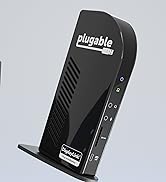
Picture of this item is a little misleading as it shows two docks and I couldn't find where it stated only one.....I figured it was only one but was hoping to be suprised and find two.... There is only one, but its super easy to setup and works well.Plus it has a two year warranty that comes from the manufacturer, so that is nice.My last dock was by the same manufacturer and is almost 11 years old and just started to have the screen flash on and off. They make good docks that last.
User
Late Review
This is a late review on the Plugable USB 3.0/USB-C docking station.Have had this for about 4 years, originally connected to a Dell Insprion with the standard (old?) USB cable. Upgraded to a Dell Vostra 5620 about a year ago and thought I would need a new docking station since the new Dell had a USB-C port and not the older regular USB 3.0 port. Remembered the docking station came with an extra USB-C cable and was able to find it. Got connected and was able complete my station setup and move forward.This week I started to experience some problems with the display of my extended monitor - an LG - which was connected via the docking station via one of the HDMI ports. Intially it was acting funny where everytime I attempted to move the mouse onto the extended monitor, it would go blank on my and few seconds later, it would come back. It kept on doing that and I was unable to use the monitor. Had experienced similar issues previously but not to that extent. Decided to restart my computer, hoping that would clear up the issue. Well that didn't work and I could no longer access my extended monitor - kept saying it didn't have a connection. Did a quick Google search and didn't find any solutions but did see an issue where they had a HDMI port issue and were told to reach out to Plugable Support, which I did.They were quick to respond back and asked for the order # and had me load an app to generate a log file for them to review. In the meantime, since I needed to continue working, I plug the HDMI cable from the monitor directly to the computer. Once I got the email response from Support, I replugged the HDMI port back to the docking station and low and behold, the monitor was working. I still ran the debugging tool they recommended and sent them the file. About an hour later, they responded that the issue may be with the DisplayLink driver - it was "a little outdated". I followed there instructions for updating the driver and have not had an issue again.5 stars for the docking station not previously causing any problems5 stars for including an extra USB-C cable with the docking station5 stars for Support working with me to solve the problem and being very responsive.Thanks Plugable! Will not hesitate purchasing your products in the future!
User
DisplayLink over USB-C
Works perfect. Easy to install, good price. This allows me to have multiple monitors even though my Laptop’s USB-C port doesn’t support DisplayPort nor Thunderbolt. This adapter uses DisplayLink technology to make it work. Fast and great resolution. No extra software required, it uses standard DisplayLink drivers from Microsoft.
User
Solid Choice!
Using this for a MacBook Air m2 series and this doc is perfect. All it needed was a driver download (per the instructions) and a couple of permission allowances and I was good to go. This will be my future go to for docking needs.
User
Easy to set up and works well (Mac M2) but streaming might be tricky!
(NOTE: I've only had this product for a few days, so not comment on the longevity)For my work, I need to have multiple windows open, and my MacBook Air (M2) wasn't cutting it. I bought a 27-inch BenQ monitor, but it wasn't enough, so I got this to add another monitor (a 21-inch Asus) that was just sitting around.Set up 1: You go to their website and download and execute the driver. Very easy.Set up 2: You connect the dock to your laptop (USB C for me), then to the monitors (HDMI-HDMI for me). HDMI cables were NOT provided.Set up 3: Go to your Mac preferences and arrange the screens the way you like them. That's it. Just make sure that you have the screen recording permitted, otherwise it doesn't work.Con 1: It DOES NOT charge your laptop or monitors, so you'll need to power two monitors and the laptop all separately (i.e., you need a big power bar). A LOT of cables everywhere, and it's a bit inconvenient.Con 2: For Mac OS users, HDCP won't work. So technically, no streaming services (just audio and no visual). However, I contacted them and they showed me a way around it.Overall, I'm very happy with everything.Price: ReasonableEase: Very easy to set up and usePerformance: GoodLongevity: Don't know yet.Customer service: GreatRecommend: Highly
User
Excelente producto
Excelente! Su función permite sincronizar los dos monitores sin mayor problema.
User
Plug & Play, Works out of the Box
Wish I would have found this dock earlier. Worked like a charm, literally Plug & Play. No hassle.
User
Works well with Mac
Turned my M2 mac pro into a 3 display unit.Compatible with a wide array of monitors. I'm using a a Dell 24" and a acer gaming monitor. works totally fine..
User
Excellent two-screen dock for my Mac—reliable and sturdy!
This Plugable dock works perfectly with my MacBook and lets me use two monitors with ease. Setup was simple—just plug it in and install the DisplayLink driver, and both screens worked right away with clear picture quality. I use it for work every day, and switching between my laptop and dual external monitors is fast and smooth.The dock offers plenty of ports: two HDMI for monitors, several USB 3.0 and USB 2.0 ports for accessories, plus wired Ethernet and audio jacks. I can connect everything I need—keyboard, mouse, hard drive, and even my webcam—without any problems. The connection is stable, and performance stays fast even with lots of devices plugged in.It also helps keep my setup tidy; I only need one cable to my Mac for everything. The dock feels sturdy and reliable, never needing to reset or unplug. I highly recommend this docking station for anyone wanting a simple, powerful solution for two displays on a Mac
Trustpilot
1 month ago
3 weeks ago