
DOWNLOAD THE APP


Customer Services
Copyright © 2025 Desertcart Holdings Limited
DOWNLOAD THE APP
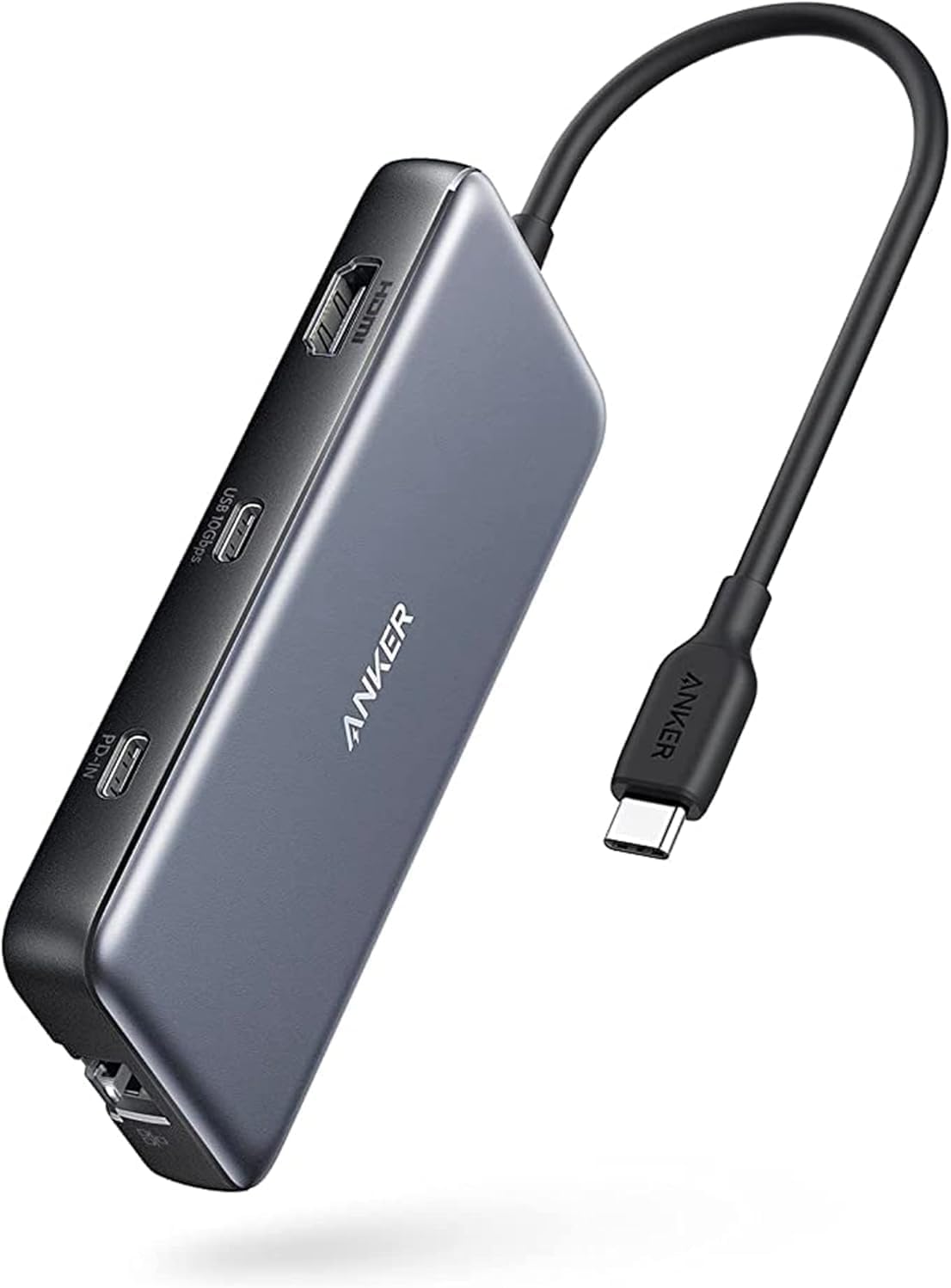
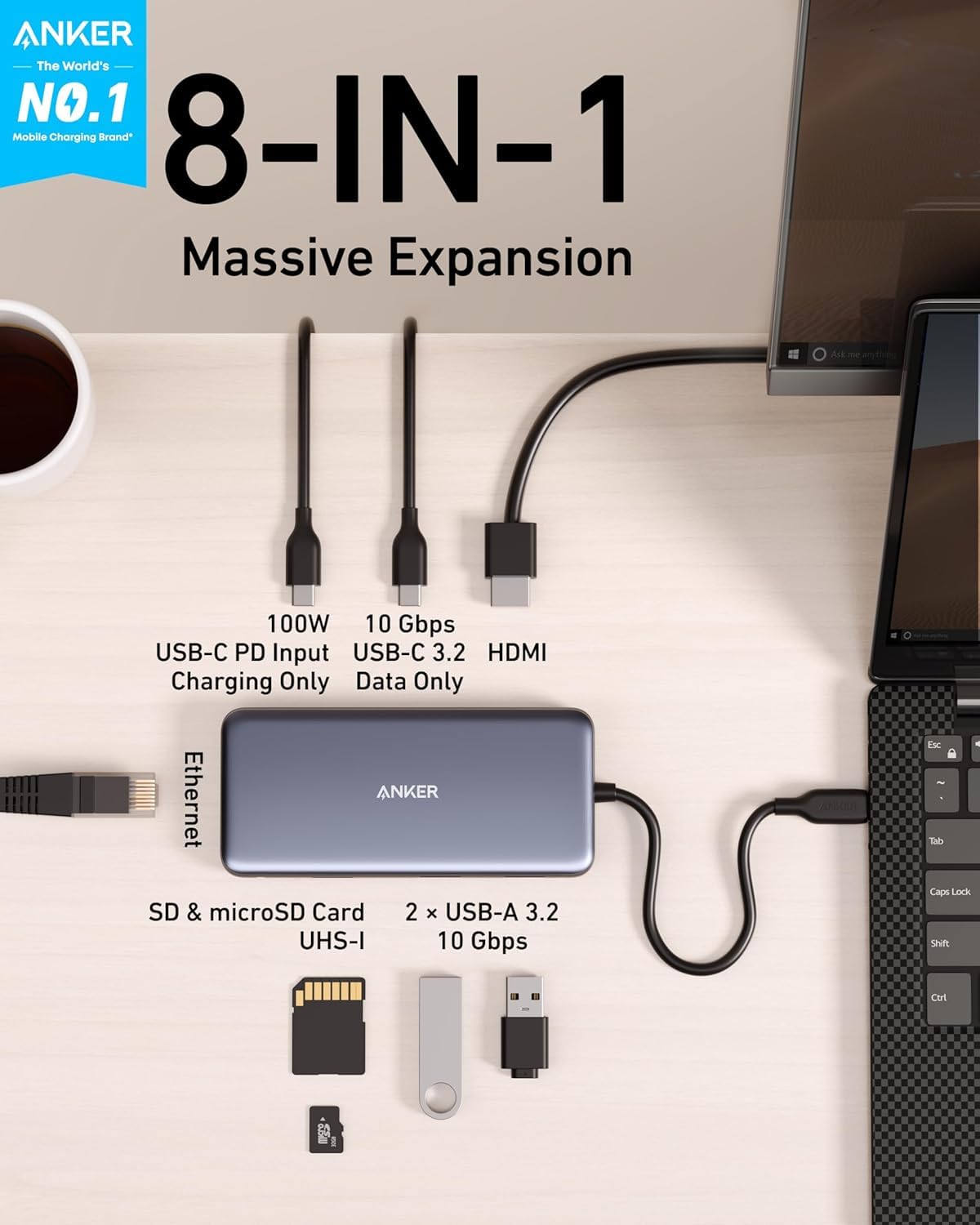
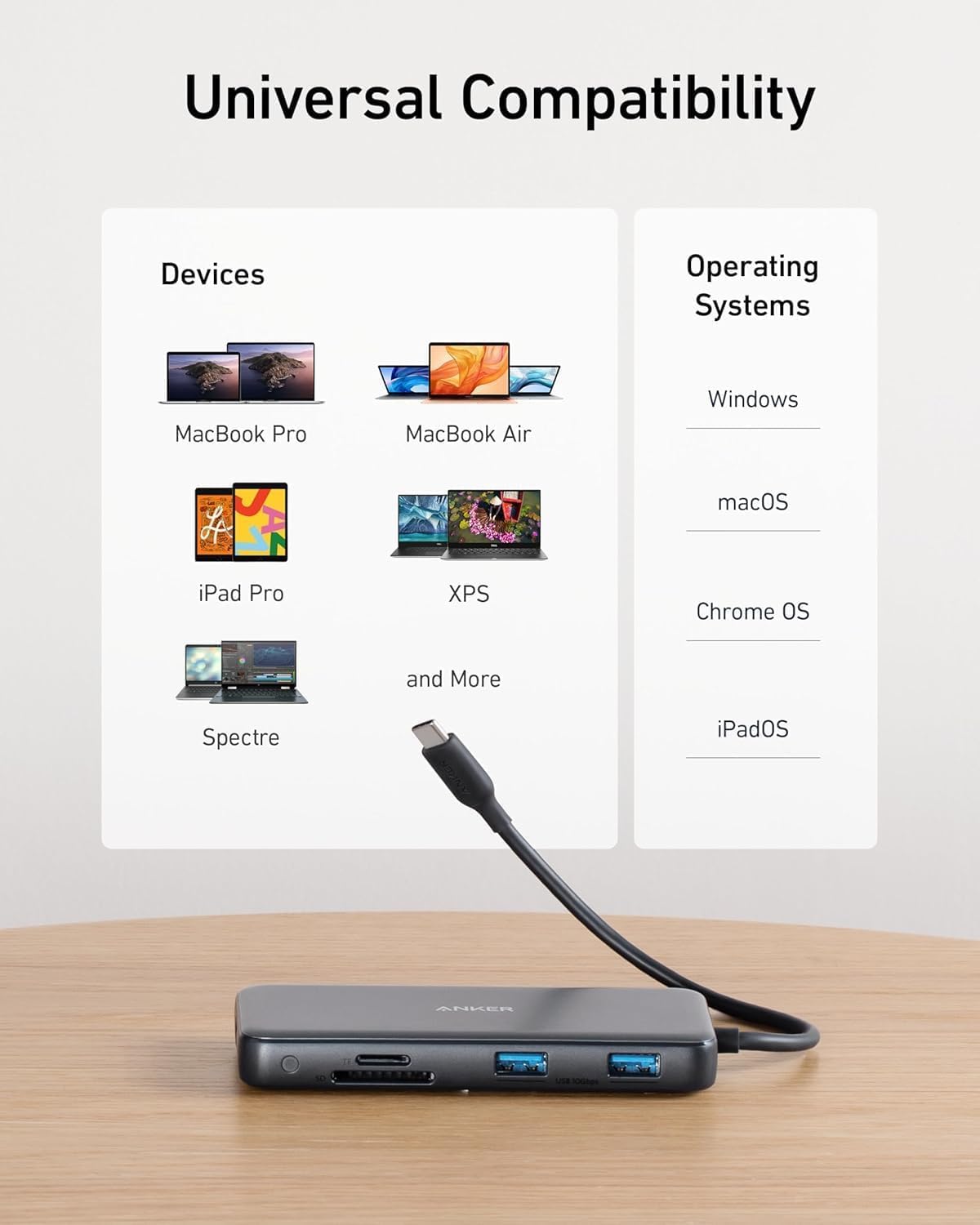
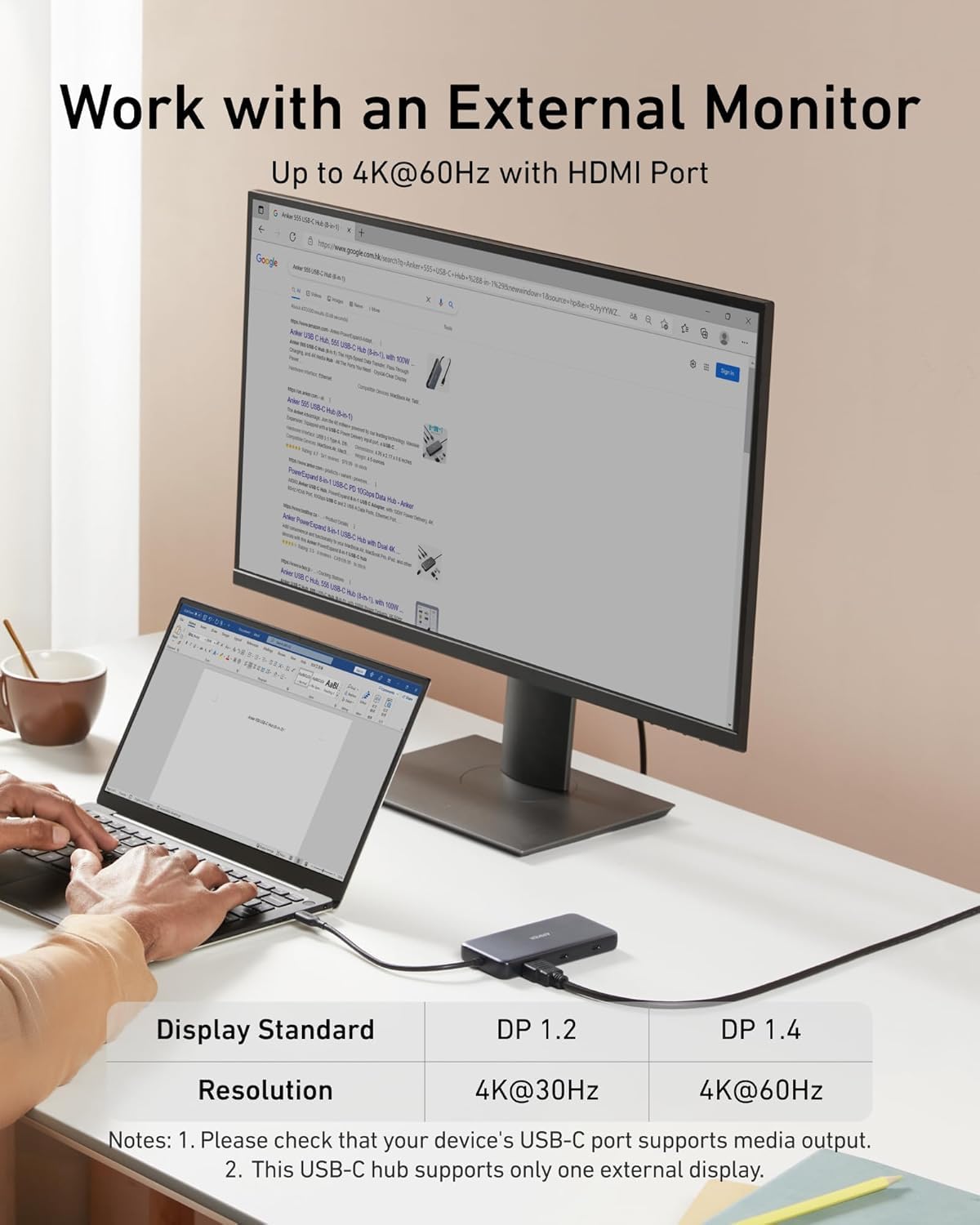
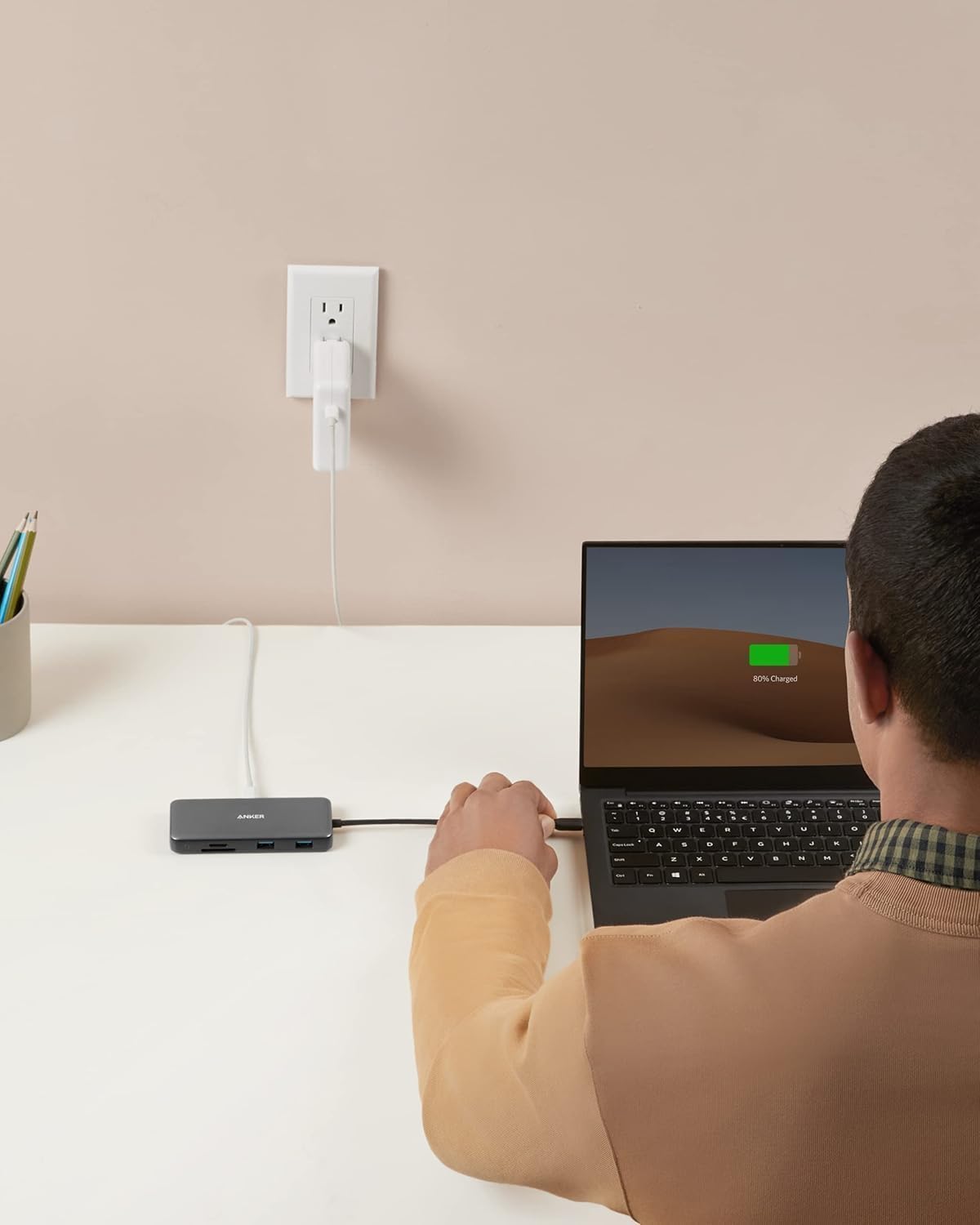
⚡ Power, speed, and clarity—unleash your workspace potential!
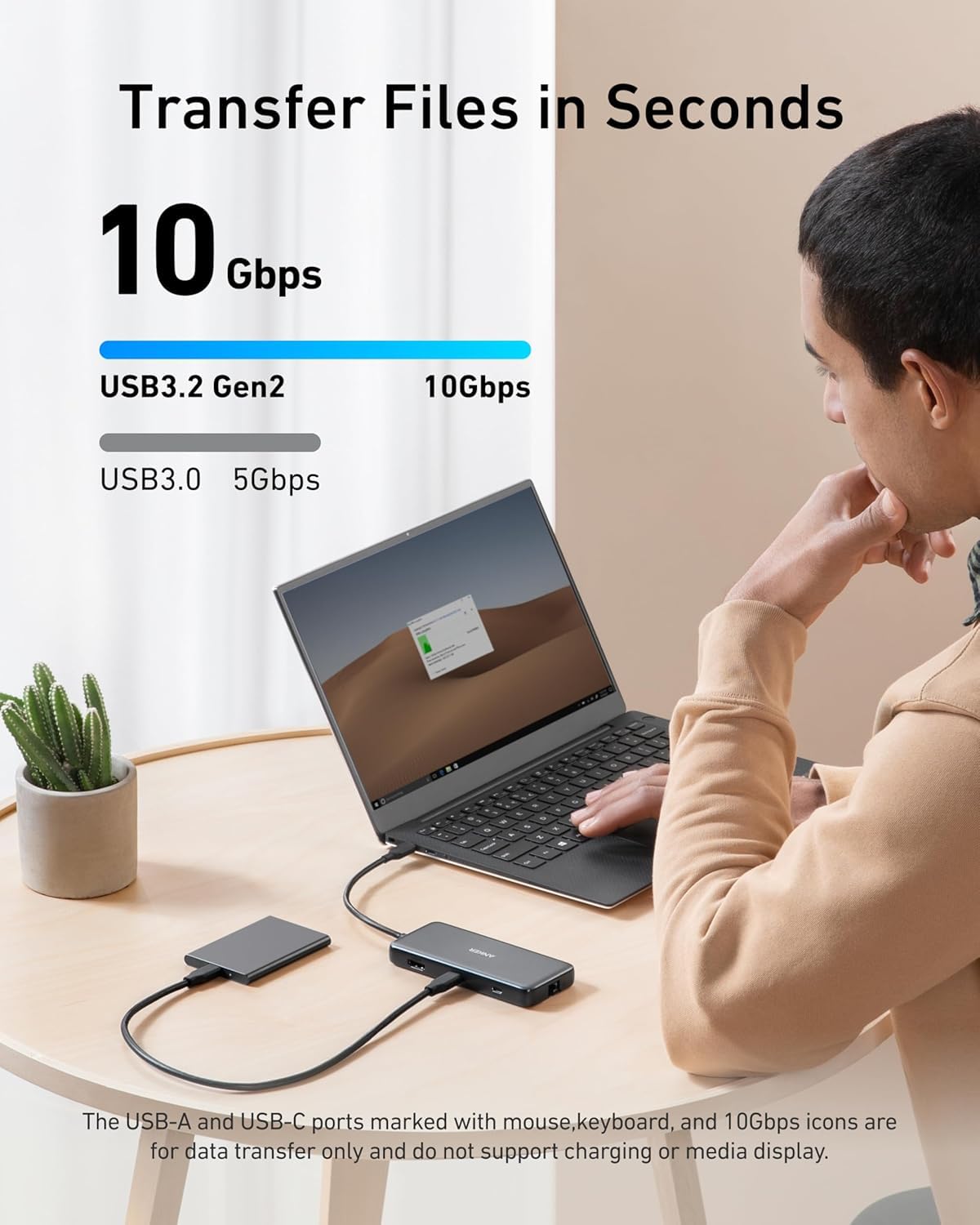
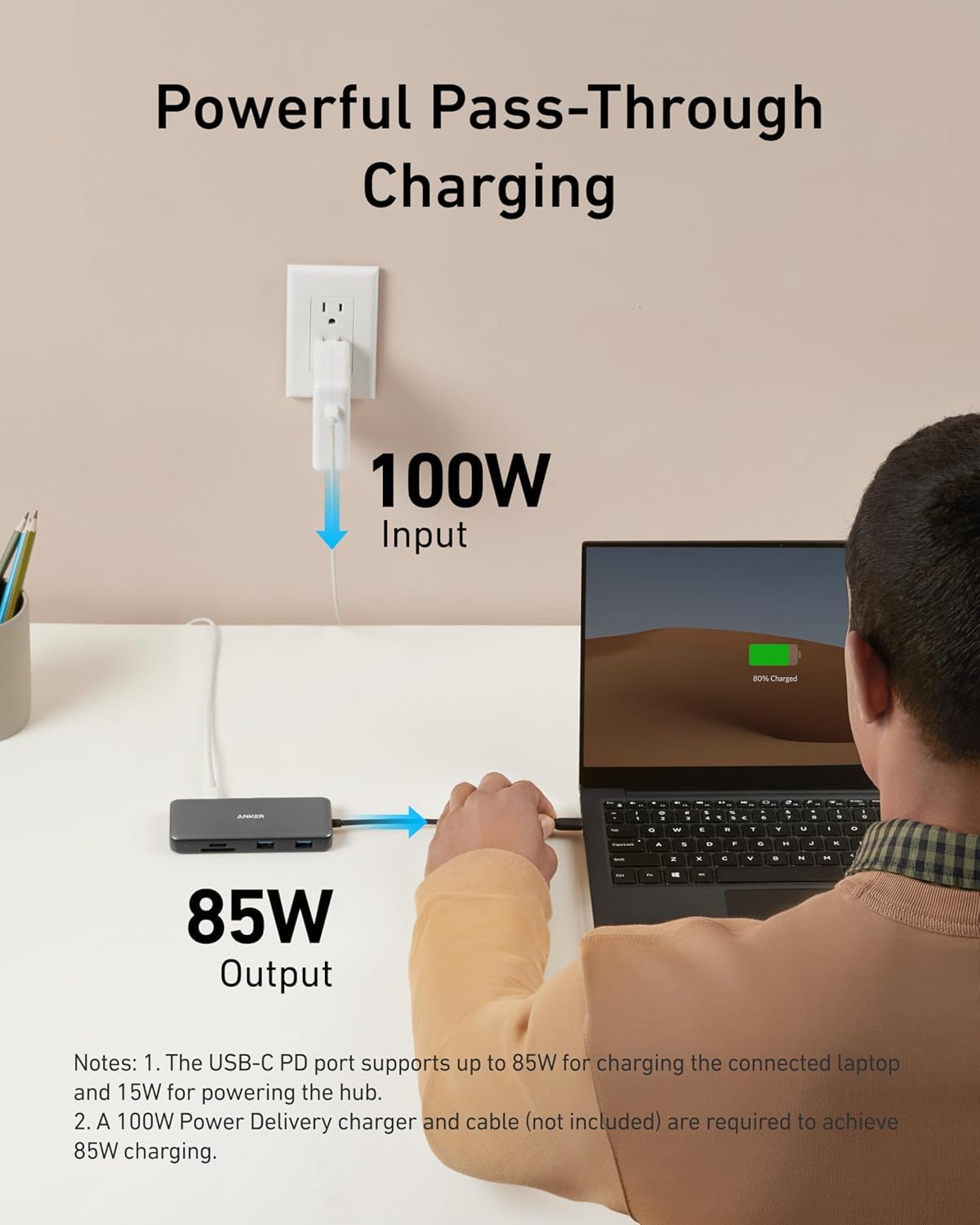
The Anker 555 USB-C Docking Hub is an 8-in-1 powerhouse designed for professionals seeking ultimate connectivity. It delivers 85W pass-through charging, ultra-fast 10Gbps data transfer, and flawless 4K@60Hz HDMI output. Compatible with MacBook Pro, Windows, and ChromeOS devices, this compact hub integrates Ethernet, SD card readers, and multiple USB ports into a sleek, portable design—perfect for elevating productivity anywhere.


| ASIN | B087QZVQJX |
| Best Sellers Rank | 2,214 in Computers & Accessories ( See Top 100 in Computers & Accessories ) 49 in USB Hubs |
| Brand | Anker |
| Brand Name | Anker |
| Colour | gray |
| Compatible Devices | Smartphones |
| Compatible devices | Smartphones |
| Country of Origin | China |
| Customer Reviews | 4.3 out of 5 stars 8,752 Reviews |
| Data Transfer Rate | 10 Gigabits Per Second |
| Enclosure Material | Plastic |
| Hardware Interface | Ethernet |
| Hardware interface | Ethernet |
| Item Dimensions L x W x H | 12.1L x 5.5W x 1.5H centimetres |
| Item Weight | 0.28 Pounds |
| Manufacturer | Anker |
| Number of Ports | 8 |
| Operating System | Chrome OS |
| Product Features | Powered |
| Special feature | Powered |
| Total USB Ports | 3 |
| Total USB ports | 3 |
| UPC | 194644032999 |
R**H
Good and inexpensive
Works very well indeed. I use it with my MacBook to allow me to use mice/keyboards/headsets via USB more easily, as well as an external monitor and Ethernet cable. Charging is another plus. The cable is quite short from the dock to the laptop, which is worth considering if you use a laptop stand to raise the screen
F**S
Small but mighty
Super happy with it: small and well built at the same time. It takes all 5 cables (LAN, HDMI, 2 x USB-A + USB-C power) and turns them into a single connection (USB-C) to my laptop, every time I position it on my home working desk.
C**S
A good, solid hub for the price. But has some room for improvement
After doing a fair bit of research into hubs to give me more flexibility for a desk setup with my MacBook Pro, this came out on top in terms of affordability and functionality. I didn’t want to go down the £400+ route of an all singing thunderbolts 3 dock, but I needed something that would essentially allow me to minimise the number of cables going into the MacBook (to reduce desk clutter) whilst letting me plug in the accessories I use daily. This just about does the job, my only gripe in terms of missing ports was a 3.5mm audio, but with a mini usb to 3.5mm adaptor this can be easily fixed ) or just concede to plugging speakers straight into the Mac still, or go for wireless speakers (where does it end?!) The hub does get warm whilst operating, but this is understandable given that it’s passing power through to both operate whatever devices are plugged in alongside pass through charging if you have a mains adaptor plugged into the power delivery port. I didn’t find the heat excessive though, just don’t use the hub in a tight spot without adequate cooling. Design-wise, the only issue I have (same with all hubs and docks I had researched around this price range & with this form factor) was that the cable could have done with being longer and more flexible, as this proved to be a pain at times when trying to achieve that desk minimalism look. This can be resolved with a usb extension cable however (off you plan to have the hub housed out of sight further away). Finally, the first hub I received seemed to have issues in not powering down when I turned my Mac off, this subsequently kept my connected external drives spinning for no reason (not good!) a few emails to Anker Support though and they happily sent me a replacement no problem. So all in all a good, solid hub for the price, but has its limitations in terms of flexibility and positioning.
A**R
Solve your old Mac Keyboard and new MacBook connectivity problems (and save £140 or more!).
OK This is perhaps premature, but I have just unboxed this amazing little hub and it's solved my very specific problems: I have a new MacBook Pro and my old USB keyboards were rendered useless (The green caps lock light did not even work). I used everything Apple recommended (and of course they would rather sell me the £179 Magic Keyboard instead) to no avail.The little Anker hub has worked a charm. More importantly (early days, I know) it is not likely to do any harm to the laptop since it does not have an external plug. Simply put: It negotiates connectivity for my old hardware which now seamlessly works on my MacBook. Amazing!
M**O
Variety of different ports including memory card
Adds extra ports to my MacBook works great
A**S
Very poor quality, lasted a week
Anker 555 USB-C Hub (8-in-1) 0 STARS Lasted 1 week. Was great while it worked. Every Port stopped working at random times. Had to keep unplugging all my device and the power supply then reconnecting them all for it to work temporarily. Then it stopped supplying enough power to charge my macbook and was actually draining the battery, I wouldn't be surprised if it has caused any damage to the battery in my mac as cheap charges often ruin battery health. Anker customer Services where horrendous, they knew nothing about the device and I spent hour and 11 minutes on the phone to Anker and got no resolution. Amazon couldn't do an exchange because they only distributed the item for Anker, so Amazon offered a full refund, but the problem was I purchased it have price in a sale for £39.99 and I'd have to order another one for the full price of £79.99! So I phone Anker again and asked for them to send an exchange but they want the faulty one back before they'd send a new one which would leave me without one for some time, I told them Im using it for work and couldn't go without it so please send the replacement and I'll return the faulty one as soon as the replacement arrives but they said no. They then advised me to purchase a new one temporarily on Amazon to use while I waited on Anker to receive the faulty one and send a replacement!! ANKER SAID WHEN I RECEIVE THE REPLACEMENT FROM THEM I'VE JUST TO SEND BACK THE TEMPORARY ONE TO AMAZON FOR A REFUND! Un professional to say the least! In the end I wash my hands with Anker for ever, and return it to Amazon for a refund and ordered a DIFFERENT BRAND! (I'll also keep a spare now)
H**R
Great product, but would benefit from a slightly longer cable.
Solid build. Works across all my apple products (including phone, iPad and iMac). Works with windows machines. The card readers are handy. Good value for money. The cable could do with being a little longer, as when I use a laptop riser, the cable is left hanging above the desk.
R**K
Not what I expected from ANKER
I have been daily driving this for a few months now and only now started to use the PD input. I am using this with a LENOVO X10 laptop. briefly tried on a iPad Pro m1 too. Before using the PD input: Ethernet was temperamental, although I was showing speeds of 50mb+ on Teams calls its worked ok most of the time. the moment I shared my screed it would dramatically struggle and cut the call with no connection. Both the USB and USB C for external drive connections would take forever to load presentations or if browsing through photos would constantly show a loading icon despite have numerous drives tested on the laptop directly (fully working) and the drives being connected are SSD so they would have fast read speeds. The HDMI works as well as expected. After trying to use the PD input with a 60W charter: this is rated to work with uptown 85W, with in a minute of plugging in a charger to this hub the USB C input on the laptop started to smoke. since then, non of the USB ports on the hub seem to work correctly and yes, I did use the charger in the PD port. Honestly, I expected this to work, being an anger product I also expected 0 issues. maybe this is a faulty unit. I will update if anker can sort this out as its only a few months old. ***Update*** Problem resolved as it was a faulty unit. All is good and as expected.
Trustpilot
1 month ago
1 month ago