

Desert Online General Trading LLC
Dubai, United Arab Emirates
Desert Online General Trading LLC
Dubai, United Arab Emirates



🚀 Elevate Your Printing Game!
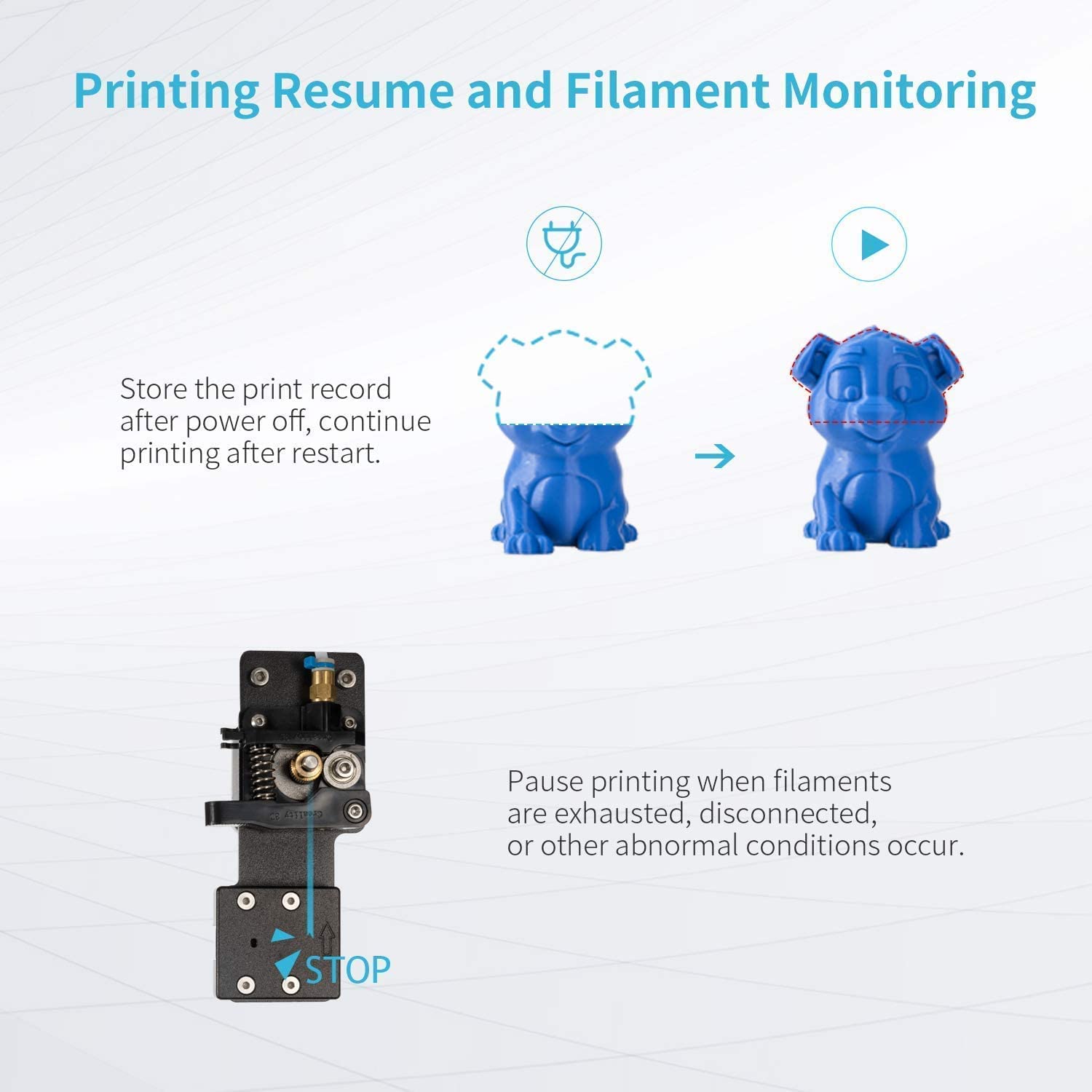
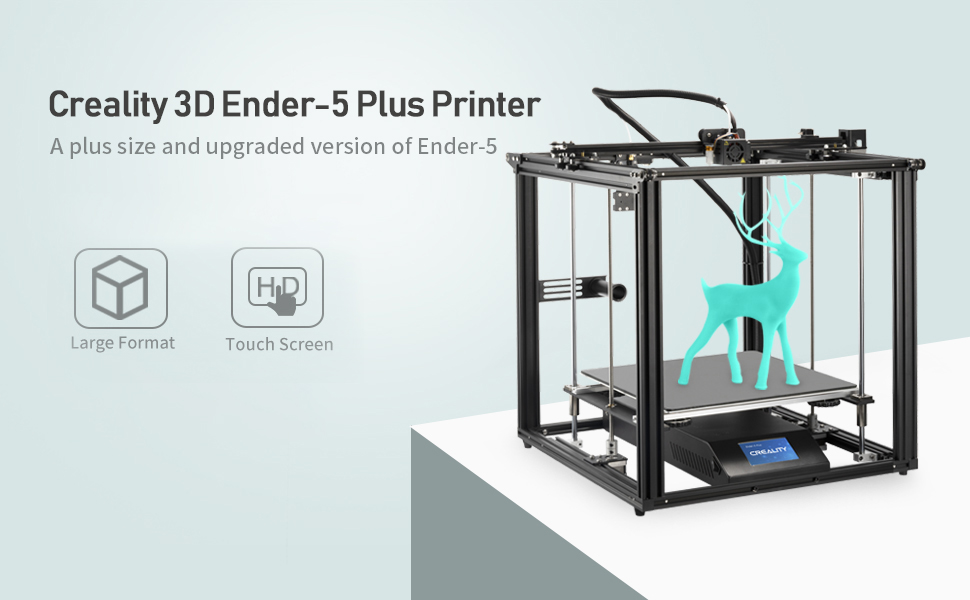
The Official Creality Ender 5 Plus 3D Printer is designed for both novice and experienced users, featuring an auto bed leveling sensor kit, dual Z-axis for stability, and a user-friendly touch screen. With a large printing size of 350x350x400mm and an extra glass bed for improved print quality, this printer is perfect for all your creative needs.


B**G
Very happy with the prints....but takes a little time.
This is my first 3D printer. Purchased the 5-Plus because I needed one that could print larger than most home printers.Mechanical assembly was straight forward but documentation was not great. Some wire connections not very clear. For someone with printer experience, probably obvious. Took me a few minutes to figure out.I did a fair amount of research on YT and made a few upgrades before really even trying to print. Metal extruder and Capricorn tube. Also purchased the silent main board....but after my first few prints, I sent it back, never opened the box. Printer is in my garage, and I did not find the noise objectionable.A full set of operating instructions would be a "nice touch". There is very little info provided.First couple of print attempts, printhead slammed into the front left corner....found out the default size for the bed setup in the Creality Slicer for the Ender 5 Plus was 370x370mm, NOT 350x350, this was causing the printer to go off the grid trying to lay down the head clearing print lines. Once I reset that and resliced, all worked fine. Fortunately, no damage done on the first 3 print attempts, before realizing the cause.My first print was the "test rabbit" included on the micro SD (I think) and it came out surprisingly good for my first shot using PLA. I had several items ready to print and used TPU for those. Both came out pretty good (1 very good, the other acceptable due to playing with settings).Next up was PETG. While the first prints were successful, I did have some warping. Had a few complete failures after flipping over the unit to put it in an enclosure and then not going back through the leveling process - big mistake. With a good leveling and now in the enclosure, the next few PETG prints were better than expected. Keeping the enclosure warm (~100F) eliminated the warping. Had to modify some temps but the last two PETG prints were very nice. A little stringing but still pretty good. Still tuning my settings.Bottom line, I'm very pleased with this printer. No, I'm not experienced so maybe I'm not being "picky enough", but despite a few learning failures, I'm very happy with my results. A good set of user instructions would've saved a fair amount of fumbling and cleared up some misunderstandings of what the display was telling me. Again, an experienced printer would probably not have had this problem.
P**Y
Good, sturdy, large volume printer let down by software
I shall start by saying that, at the price point, this is a lot of printer. The speeds are decent, the filament compatibility is strong, and the assembly intuitive. The software however, sucks. Both the on-board software and the custom slicer utility that comes with the unit are pretty awful. The pictures attached are of the first print I attempted, straight out of the box. As you can see, it's really very good. The printer does a great job! The layer lines are smooth and well aligned creating minimal unwanted texture, and the print has run 50+ hours without incident. If you look closely however, you will note that there is no support from the lower eye port to the brow ridge. The slicer has a setting for supports, specifically if you want only 'from bed' supports or regular. This model was sliced with the regular setting and still, no supports there. That is a problem. When sliced and printed using S3D, this section came out perfectly on this very same printer. At one stage I needed to swap filament rolls. One would think this would be simple. The filament-out detector paused the printer and the screen presented me with two options, manual filament change, or cancel print. I chose filament change and nothing happened. Apparently I was meant to intuit that manual change meant actuating the bowden-end of the filament line and manually withdrawing the filament before manually reinserting the filament all the way to the extruder. This isn't a big deal, but my MakerBot 5th gen and my HE3D K280 both provide just enough information for me to know what the heck I'm supposed to be doing.So TL:DR, Should I buy this printer: Yes. For the money the is one of the best build volume/speed/quality combos I've found. You should however, invest in better slicing software and be prepared to have to intuit some vague instructions which were lost in translation.
Trustpilot
2 days ago
3 weeks ago
3 weeks ago
1 month ago