We remain fully operational. Our teams are working around the clock to ensure your deliveries continue safely.

DOWNLOAD THE APP


Customer Services
Copyright © 2025 Desertcart Holdings Limited
DOWNLOAD THE APP
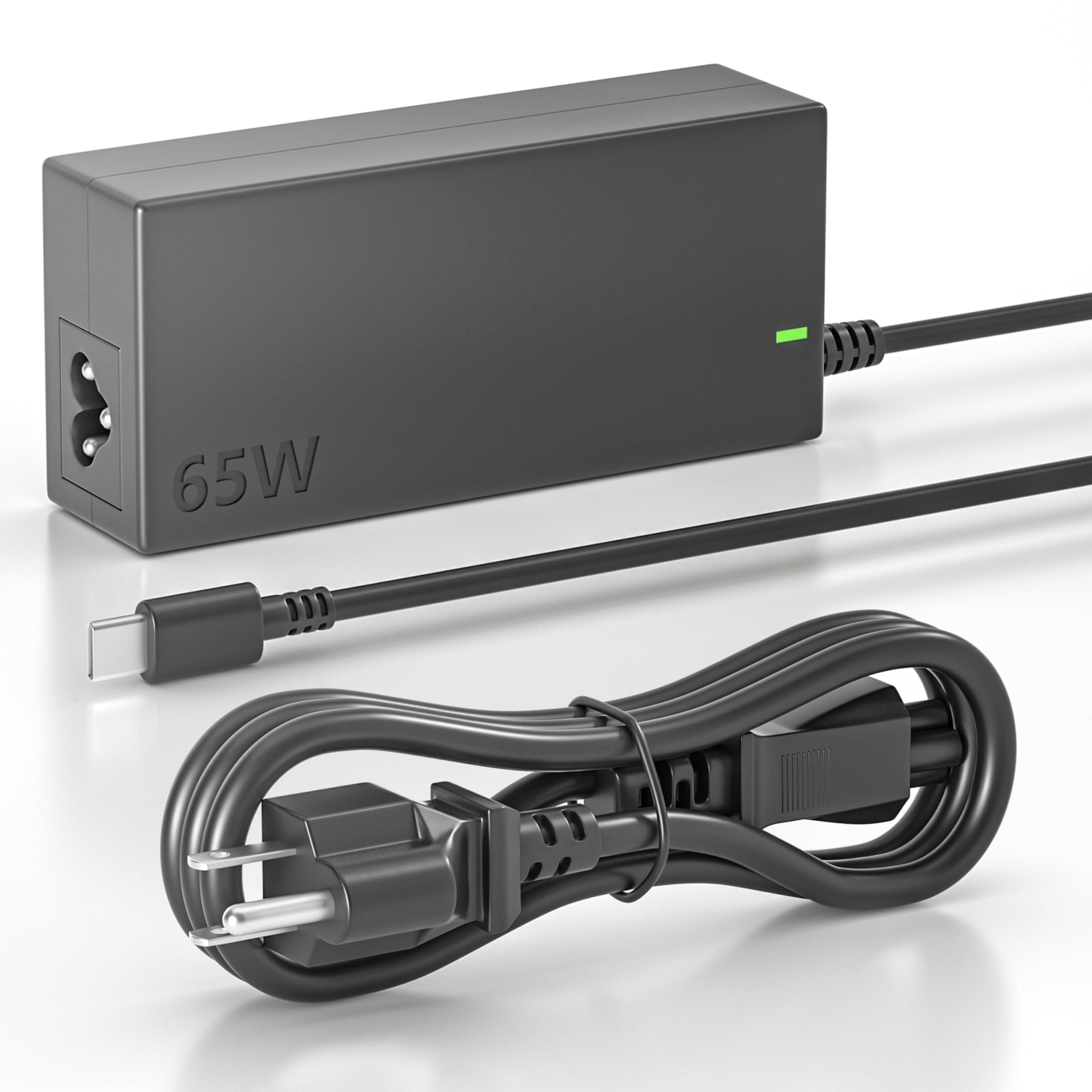
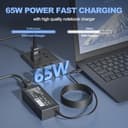

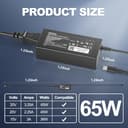
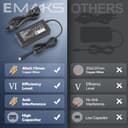
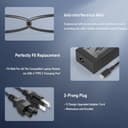
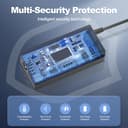
⚡ Charge smarter, not slower — power your productivity with Emaks!
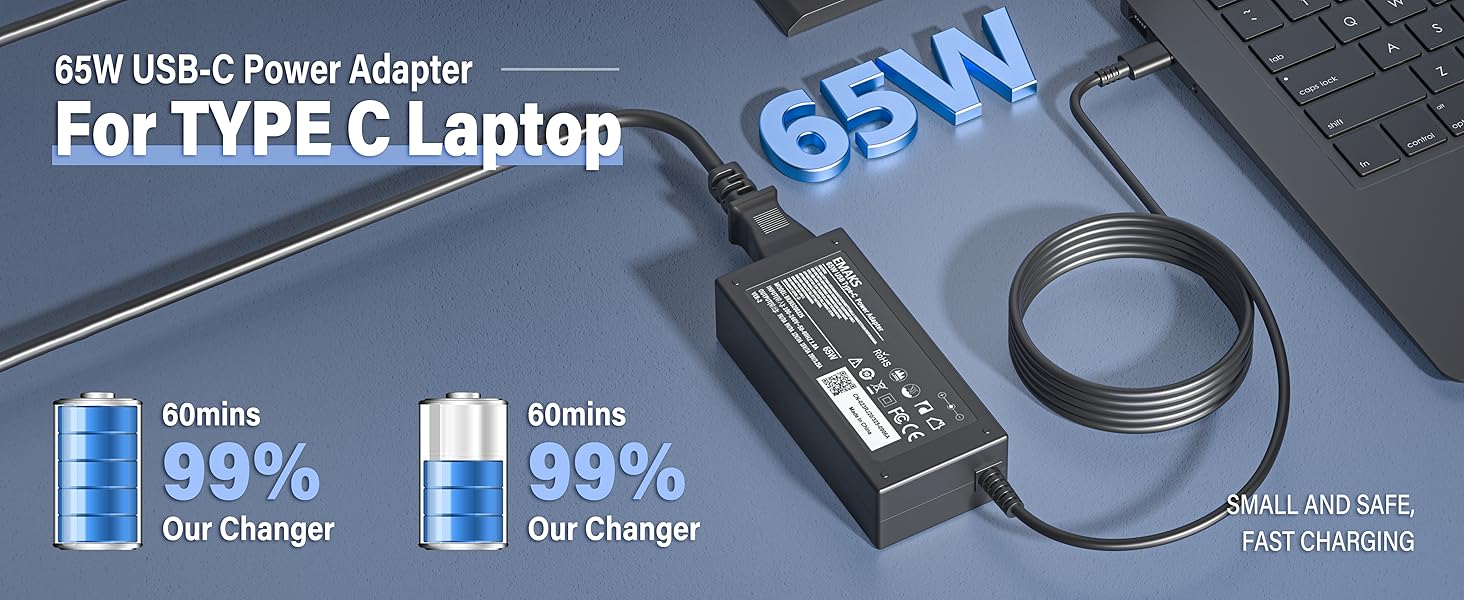
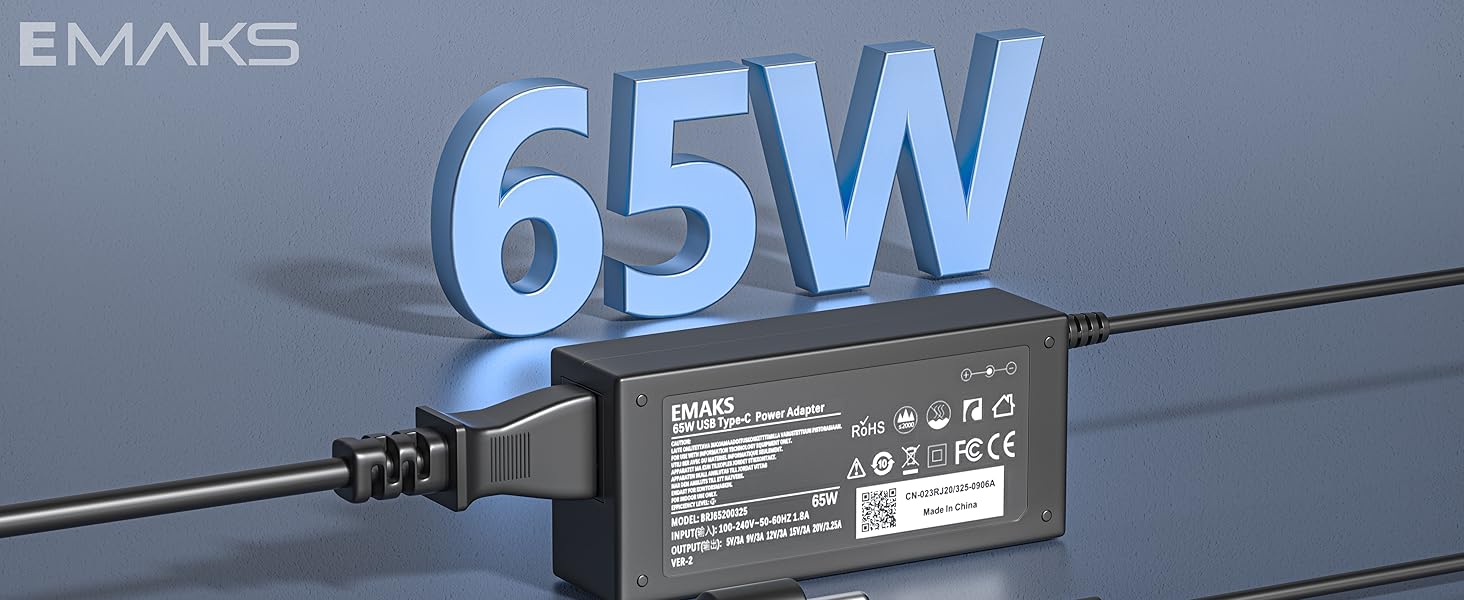
The Emaks 65W USB-C Charger delivers fast, reliable power with 20V/3.25A output, compatible with a broad range of HP Chromebooks and USB-C laptops. Featuring multi-protection safety mechanisms and a compact design, it’s the perfect professional-grade replacement charger backed by an 18-month warranty.

| ASIN | B07SPXCYBP |
| Additional Features | Compatible with SM65CL-01 ADP200325A ADLX65YCC3A DZ65200325 PDPAZ200325L KT60W200225B3 SM45CL-01 A045R031L SK90200325 4X20M26268 LX65A200325 PA1450-33HQ 918337-001 844205-850 TPN-LA07 828769-001 828622-003 ADP-45ME TPN-LA06 860066-001 918338-003 860210-850 PA-1450-33HD ADP-45VE BB 815049-001 A045R031L charger |
| Amperage | 3 Amps |
| Best Sellers Rank | #484 in Computers & Accessories ( See Top 100 in Computers & Accessories ) #137 in Laptop Chargers & Adapters |
| Brand | Emaks |
| Built-In Media | Adapter |
| Color | black |
| Compatible Devices | Laptops |
| Compatible Phone Models | Emaks 65W Type USB C Charger USBC Laptop Power Supply Adapter |
| Connectivity Technology | Powerline |
| Connector Type | USB Type C |
| Current Rating | 1.5 Amps, 2 Amps, 3 Amps |
| Customer Reviews | 4.2 4.2 out of 5 stars (4,621) |
| Enclosure Material | Plastic |
| Frequency Range | 60 hertz |
| Input Voltage | 110 Volts |
| Item Weight | 0.03 Pounds |
| Main Power Connector Type | 2 Pin |
| Manufacturer | Dong Guan Simer Electronics Co LTD |
| Model Number | BRJ65200325 |
| Mounting Type | Wall Mount |
| Number of Items | 1 |
| Number of Power Levels | 1 |
| Output Current | 3.25 Amps |
| Output Voltage | 20 Volts |
| Portable | Yes |
| Power Plug | Type A - 2 pin (North American) |
| Power Source | Corded Electric |
| Specification Met | CE, FCC, RoHS |
| Total Usb Ports | 1 |
| UPC | 789458461778 |
| Unit Count | 1.0 Count |
| Warranty Description | 18 months warranty |
| Wattage | 65 watts |
S**B
YES!/NOT SO MUCH
Bought to charge my android phone as it has type C and others just wouldn't charge it good enough. This super charges it as my phone has that option equipped already just needed the charger to do it. Happy because it actually holds the charge. Thank u!! UPDATE: IT IS NO LONGER WORKING AFTER EXCATLY ONE MONTH!!! Used it for every couple of days and for a android at that. A smaller device then this supposed to be used for. So while it did do great for the whole month while it lasted and is dea good quick fix. You could definitely spend that+little more from HP or Chrombook with warranty. That is what I am doing. Lesson learned!
R**.
A quality replacement Chromebook charger.
My son had lost his old charger on a trip, so I bought this one to replace it. It works just as well, if not better than his old one. It's inexpensive, charges his Chromebook about 30% faster, and it's sturdy and well-built. He's delighted with it, and that makes me happy.
D**Y
Excellent Customer Service.
Only lasted 2 1/2 months on a Chromebook that is rated at 2.75 Amps at 20 Volts for 55 watts but the charger was supposed to be rated at 3.25 Amps at 20 Volts for 65 watts. The charger should have lasted at least a few years. I contacted the seller and got an immediate refund without any problems. Excellent customer service !
K**K
The connector end of this product has failed after the return window closed
Failure Issues Related to the 45W 65W Type C USB-C Chromebook Charger SM45CL SM65CL-01 SK90200325 for HP Chromebook Introduction The 45W 65W Type C USB-C Chromebook Charger SM45CL SM65CL-01 SK90200325 is a versatile charging solution designed for various Chromebook models, including those from HP, Lenovo, Dell, Asus, Samsung, Acer, and Google. Despite its broad compatibility and advanced features, users have reported several issues related to its performance and reliability. This report aims to provide a comprehensive analysis of these failure issues, supported by detailed information and user feedback. Common Failure Issues 1. Inconsistent Charging Performance One of the most frequently reported issues is inconsistent charging performance. Users have noted that the charger sometimes fails to charge their Chromebooks, even when properly connected. This problem has been highlighted in multiple customer reviews, where users mentioned that the charger did not show the battery light or initiate charging (Amazon Review). 2. Compatibility Issues Despite being marketed as compatible with a wide range of Chromebook models, some users have experienced compatibility issues. For instance, a customer review on Amazon indicated that the charger did not work with their Acer Chromebook (Amazon Review). This suggests that the charger may not be universally compatible with all listed models, leading to frustration and inconvenience for users. 3. Durability Concerns Durability is another significant concern. Several users have reported that the charger stopped working after a few months of use. This issue is particularly problematic for users who rely on their Chromebooks for daily tasks and cannot afford frequent replacements. A user on the HP Community forum mentioned that their Chromebook stopped charging after almost a year of use, despite following all recommended troubleshooting steps (HP Community). 4. Faulty Charging Port A faulty charging port is another potential cause of charging issues. If the charging port is damaged or defective, the charger may not establish a proper connection, leading to charging failures. This issue can be particularly challenging to diagnose and may require professional repair or replacement of the charging port (iFixit). 5. Battery-Related Problems Battery-related problems can also contribute to charging failures. If the Chromebook's battery is old or defective, it may not hold a charge or may charge very slowly. Users experiencing this issue may need to replace their Chromebook's battery to restore normal charging functionality (iFixit). Troubleshooting Steps 1. Check the Power Outlet and Connections Before assuming a charger failure, users should ensure that the power outlet and connections are functioning correctly. This includes verifying that the charger is properly plugged into the wall outlet and the Chromebook. Users can also try plugging the charger into a different outlet to rule out issues with the power source (Help Desk Geek). 2. Inspect the Charging Port Users should inspect the Chromebook's charging port for any visible damage or debris. Cleaning the port with a soft brush or compressed air can help remove any obstructions that may be preventing a proper connection. If the port appears damaged, professional repair may be necessary (iFixit). 3. Run the AC Adapter Charge Verification Chromebooks have a built-in feature that allows users to verify if the AC adapter is supplying power to the device. Running this diagnostic can help determine if the charger is functioning correctly. If the diagnostic indicates that the battery is discharging, users should try a different charger to see if the issue persists (Help Desk Geek). 4. Replace the Battery If the Chromebook's battery health is below 50% or shows as "Unknown," it may need to be replaced. Users can find compatible replacement batteries and follow step-by-step guides to replace the battery themselves or seek professional assistance (iFixit). Recommendations 1. Verify Compatibility Before Purchase To avoid compatibility issues, users should verify that the charger is compatible with their specific Chromebook model before making a purchase. This information can usually be found in the product description or user manual. If in doubt, users can contact the manufacturer for confirmation (Amazon). 2. Consider Higher Wattage Chargers For users who require faster charging or have more power-hungry devices, a 65W charger may be a better option than a 45W charger. Higher wattage chargers can provide more power and reduce charging times, making them suitable for users with demanding usage patterns (Robo Earth). 3. Purchase from Reputable Brands To ensure quality and reliability, users should consider purchasing chargers from reputable brands known for their high-quality charging solutions. Brands like EMAKS and ASUS offer chargers that meet safety standards and provide reliable performance (Amazon, Android Authority). 4. Regular Maintenance Regular maintenance, such as cleaning the charging port and checking the charger for any signs of wear and tear, can help prevent charging issues. Users should also avoid using the charger in extreme temperatures or environments that could damage the charger or Chromebook. Conclusion The 45W 65W Type C USB-C Chromebook Charger SM45CL SM65CL-01 SK90200325 offers a versatile and convenient charging solution for various Chromebook models. However, users have reported several issues, including inconsistent charging performance, compatibility problems, durability concerns, faulty charging ports, and battery-related issues. By following the recommended troubleshooting steps and considering the provided recommendations, users can address these issues and ensure reliable charging for their Chromebooks. References Amazon. (n.d.). 45W 65W Type C USB C Chromebook Charger SM45CL SM65CL-01 SK90200325 for HP Chromebook X360 Laptop/Lenovo Thinkpad/Yoga, Dell Chromebook 3100, Asus, Samsung, Acer, Google Power Cord. Retrieved from https://www.amazon.com/𝐔𝐒𝐁-𝐂𝐡𝐫𝐨𝐦𝐞𝐛𝐨𝐨𝐤-𝐂𝐡𝐚𝐫𝐠𝐞𝐫-Chromebook-11A-NA/dp/B07SPXCYBP HP Community. (2023, July 24). Chromebook will no longer charge. Retrieved from https://h30434.www3.hp.com/t5/Notebook-Hardware-and-Upgrade-Questions/Chromebook-will-no-longer-charge/td-p/8817630 iFixit. (n.d.). Chromebook Not Charging. Retrieved from https://www.ifixit.com/Troubleshooting/Chromebook/Not+Charging/519461 Help Desk Geek. (n.d.). Chromebook Not Charging? 5 Ways to Fix. Retrieved from https://helpdeskgeek.com/help-desk/chromebook-not-charging-5-ways-to-fix/ Robo Earth. (n.d.). Choosing Between 45W and 65W Chargers for Your Chromebook: What You Need to Know. Retrieved from https://www.roboearth.org/choosing-between-45w-and-65w-chargers-for-your-chromebook-what-you-need-to-know/
T**A
Seller was helpful
Works fine
C**H
Charger.
Great
T**X
Decent buy
Very good unit to power my laptop and quick recharge for my Samsung phone. Good value
L**R
Budget friendly and works well
Budget friendly and works well! My kiddo is rough on chargers and this is perfect. Will order again when the kiddo inevitably needs another one!
K**E
Price and quality is a amazing work great for a replacement charging cord for my Chromebook
C**S
Works perfect for my tablet , it’s almost identical to the one I lost for it.
B**8
Only lasted 6 months, stopped working after 6 months
Trustpilot
2 weeks ago
3 days ago