
DOWNLOAD THE APP


Customer Services
Copyright © 2025 Desertcart Holdings Limited
DOWNLOAD THE APP


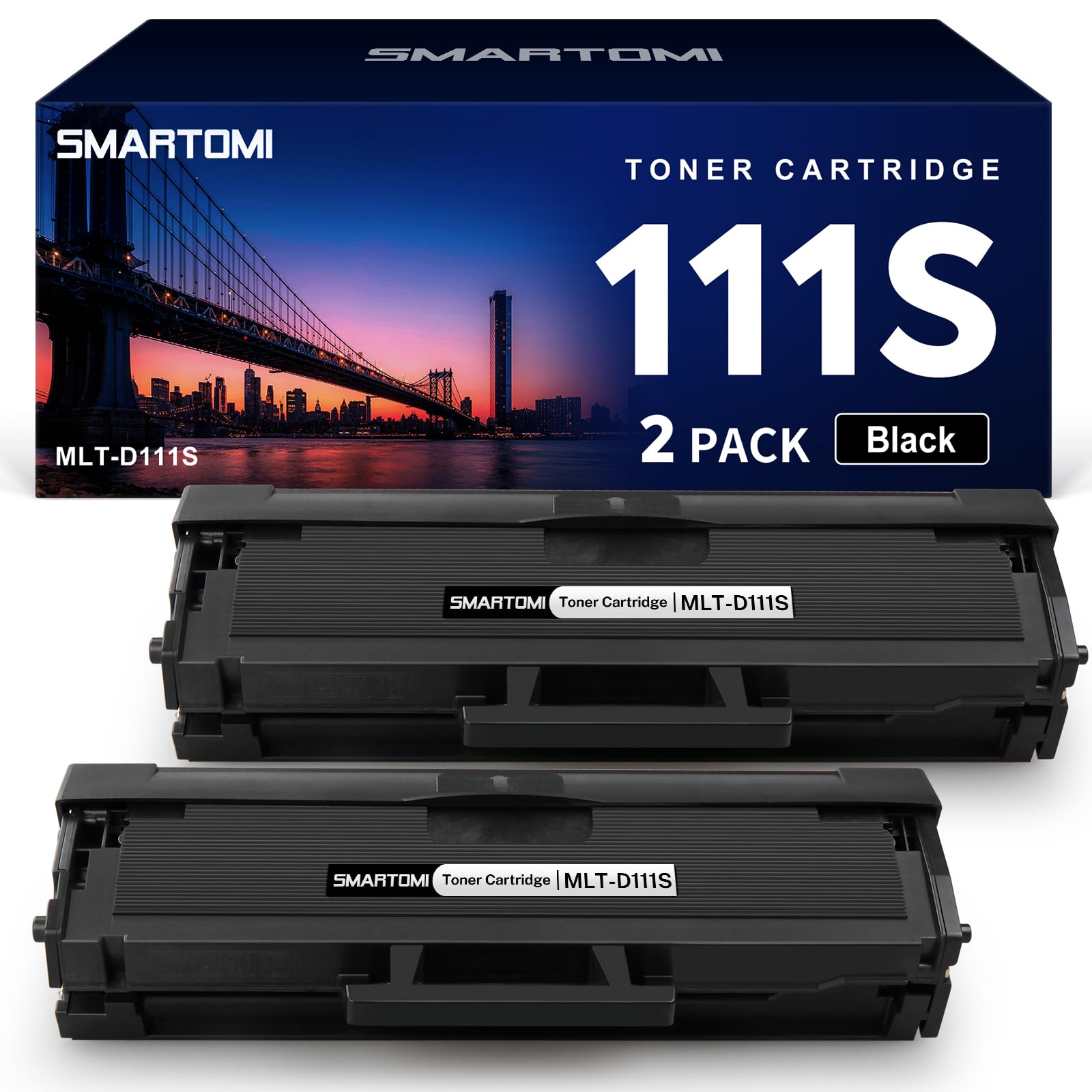
🖤 Print smarter, not harder—because your office deserves the best!
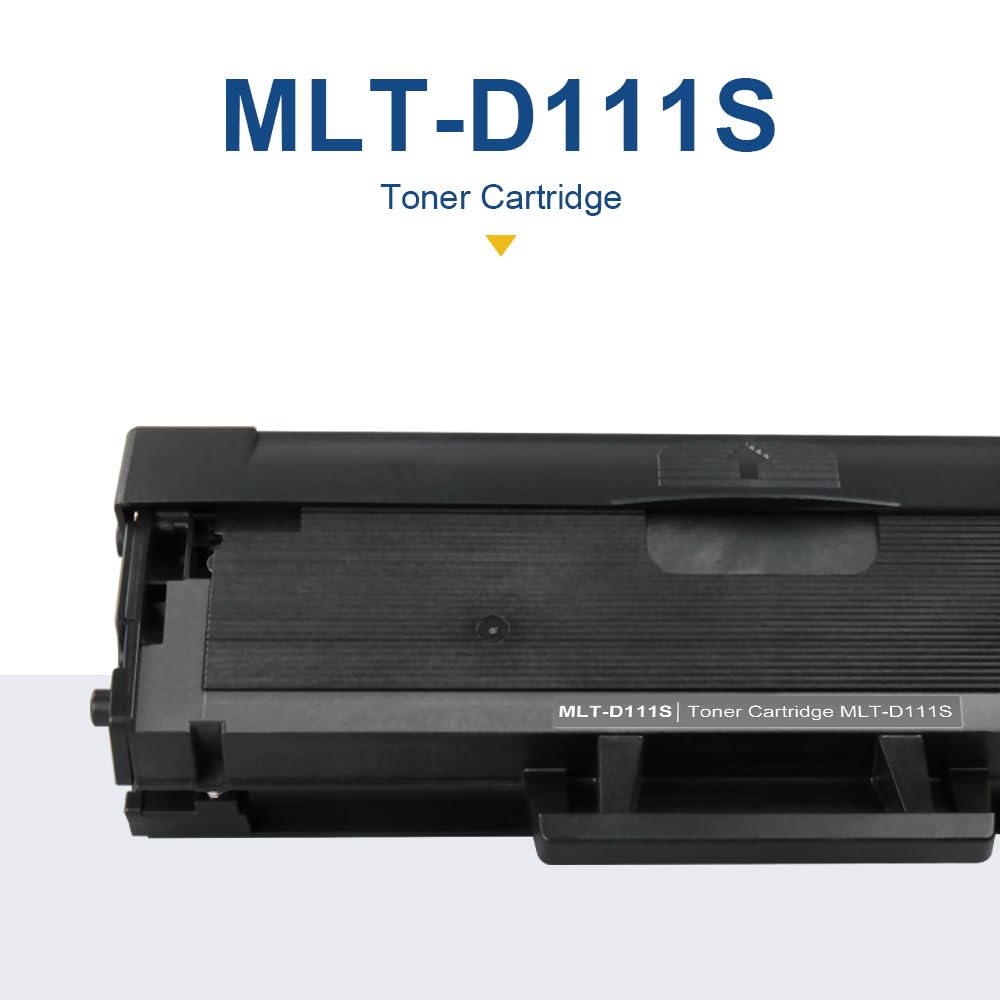
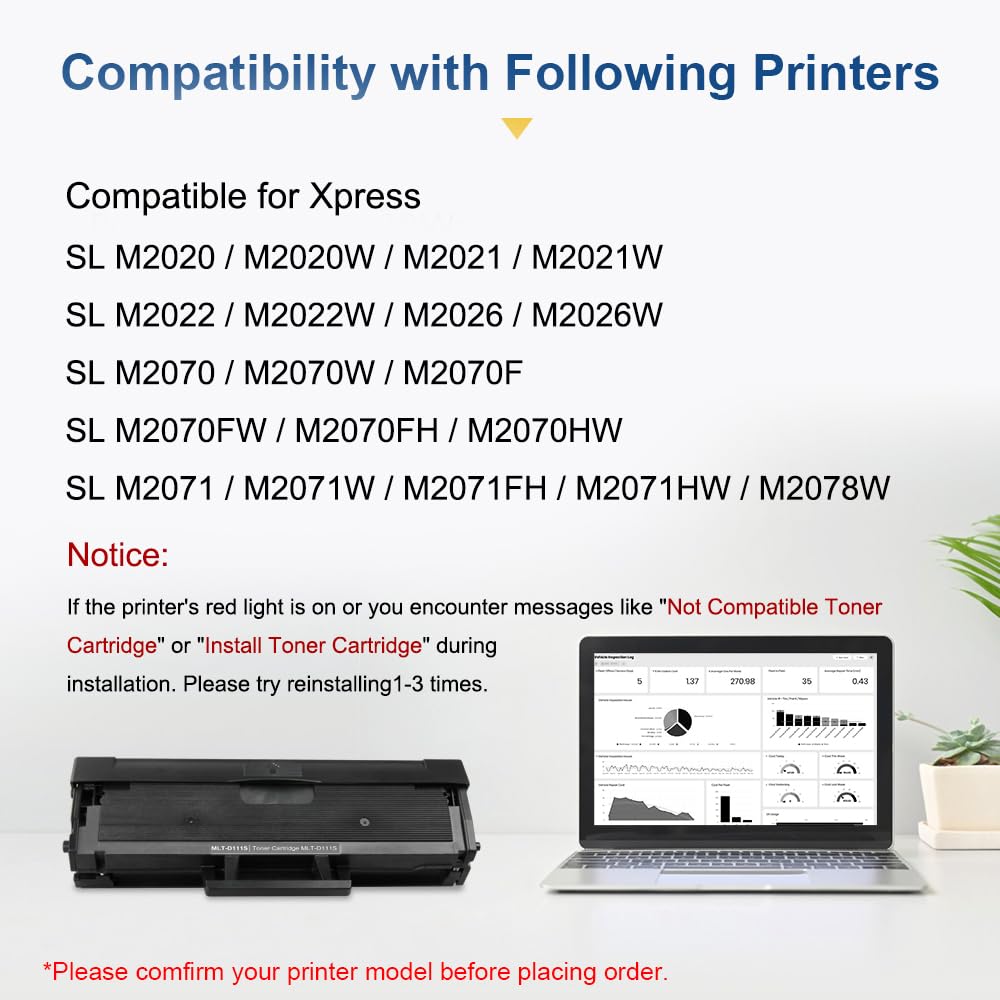
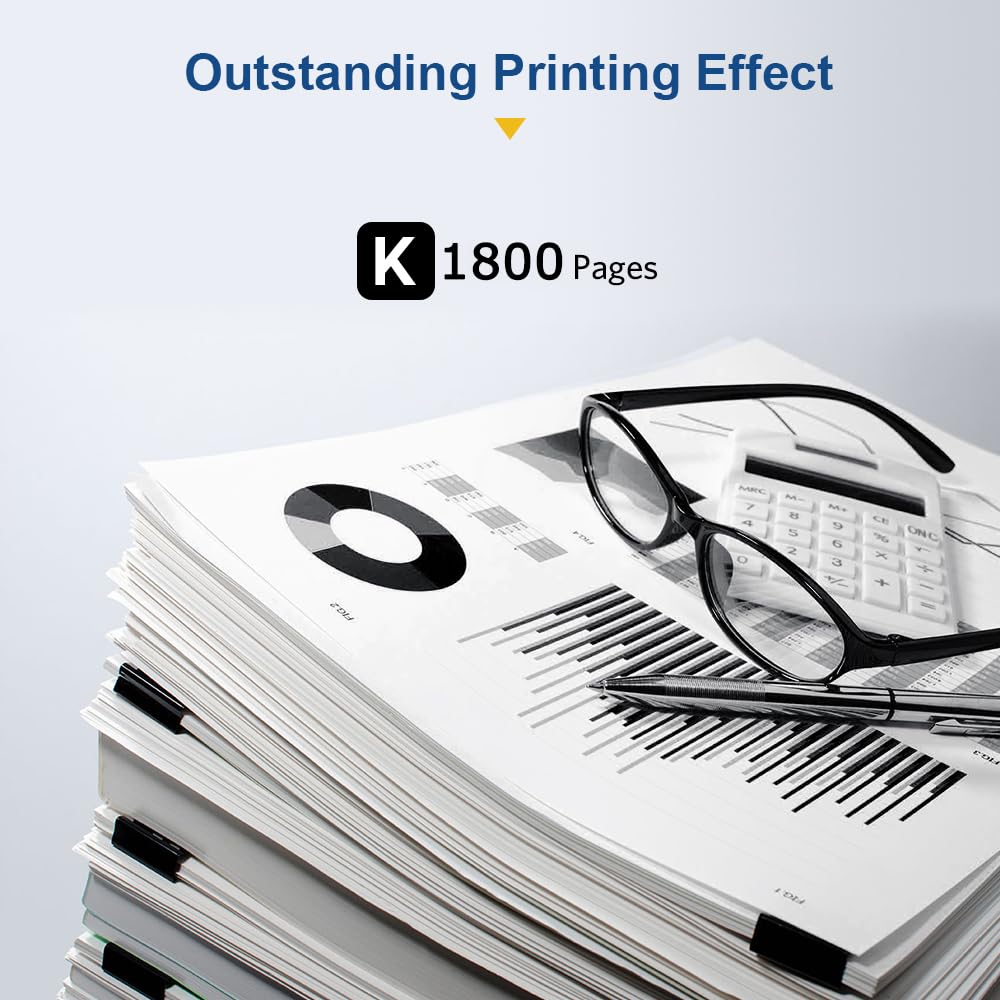
The SMARTOMI D111S D111L toner cartridge 2-pack offers a high-yield, cost-effective replacement for Samsung MLT-D111S series cartridges. Compatible with a broad range of Samsung Xpress printers, it delivers up to 1800 pages per cartridge with professional-grade black text quality. Designed for easy installation and reliable performance, this bundle is the savvy millennial manager’s choice to keep printing costs low without compromising output.




| ASIN | B07NKVYF96 |
| Best Sellers Rank | 3,911 in Computers & Accessories ( See Top 100 in Computers & Accessories ) 70 in Toner Cartridges |
| Guaranteed software updates until | unknown |
| Item model number | MLTD111S-2PK-EP |
| Manufacturer | SMARTOMI |
| Package Dimensions | 31.6 x 18.3 x 15.2 cm; 1.33 kg |
| Page yield | 1000 |
| Printer Model Compatibility | Samsung Xpress M2020W, Samsung Xpress M2022, Samsung Xpress M2026, Samsung Xpress M2070, Samsung Xpress M2070FW, Samsung Xpress M2070W |
| Special feature | High print quality |
M**J
Englishman's review: Absolute bargain, if you're office/computer savvy.
The reviews of this are rather suspicious I thought, so I'm writing this as an actual user. Standard practice in printing is: Do not discard OEM cartridges unless you are discarding the printer. Refill them. First up: If you're buying a new toner cartridge as Samsung's drivers wont let you print, because it says the current one is empty, STOP! Uninstall Samsung's nonsense and just install the basic drivers. Chances are you have plenty of toner left. Next, if you're actually unable to live with the reduced ink on page quantity from stretching out your toner, and you don't need the printer up and running on next day delivery (I'm currently in lock down, so I did need it), STOP! Most cities worldwide have a printer supplies company who will refill your cartridge with toner for a fraction of the price. Printer manufacturers sell you printers, often at a loss, and give you a cartridge in the box with less ink/toner in. This is because they will sell you more cartridges at massive cost. They sell them at this price because you are paying for their printer head quality, not for the ink inside them. Most savvy users will refill their cartridges at a local printing supplier. Because of this, the manufacturers bump up the price for unenlightened consumers to cover these users who only require the technology, not the ink. Refill your cartridges at a local supplier!!! OK, on with the tech review! For PLAIN TEXT: Indistinguishable with Samsung OEM cartridges. Honestly I was expecting to see some strafing/marking/splodges, and I accepted this because of how cheap they are. But, FOR PLAIN TEXT, there are none visible, no matter how much I try to convince myself they're there. For GRAPHICS: You're trying to print graphics on a budget home user laser printer in monochrome? Well, all love and respect to you, but why? Go buy an ink/bubble jet, or spend big on a graphics laser printer. That said, the print quality is about 85-90% that of Samsung OEM. Both OEM and replica cartridges produce strafing lines in graphical prints (because they are not designed for continual image printing) and these cartridges match the OEM part nicely, considering the vastly reduced cost. You will notice a little more strafing if you look at about reading distance, but if you are stood next to a table and glance at 2 comparative prints quickly, you will not be able to tell the difference. If graphical printing is for you, take the OEM cartridge you got with the printer to a printing supplies company and get the original refilled. Or, buy one of these for text printing, and replace it with the OEM cartridge from your drawer when you need the graphics fidelity. Installation : I actually bought 2 (£25), so I ran the second through it's start cycle and printed a full graphical page, just for the sake of this review. I had read complaints in other reviews of the units not fitting correctly. Both of these units fitted perfectly and ran through their start up cycles correctly. Bless Samsung for making this printer as quick and convenient to use as they have. Foibles?: First up, the printer reports these cartridges as 0% toner level extremely early. Presumably there is some licence which the manufacturer hasn't paid to run the level test correctly. And at 0%, the software refuses to run the print task. But, as I said earlier, uninstall Samsung's nonsense and only install the basic drivers. After that it continued to print flawlessly, despite Samsung's driver screaming about where I can buy toner, and has yet to run out of ink. I have just now printed 150% more pages at 0% than I did watching in horror as the percentages dropped and dropped. Towards the end of my print, the driver software reported that the toner cartridge was incompatible, and that I should check my user manual. I removed the unit, turned the printer off, removed the power cable, rebooted my machine, reinserted the power cable, turned the printer back on, installed the unit, put in paper and pressed the WPS button. It printed what was stuck in the queue and then sat waiting for the next job. I haven't had any other problems since. How much toner do these actually hold? 1,000 pages?: How many pages you can print is comparable to how far you can drive in a certain gear. If all you are printing is plain text based, and particularly if you have some toner-save/eco-setting on, I absolutey believe that these will happily produce more than 1,000 pages. I say this because the print job I just finished was about 280 pages of text on graphical background, with pages of entirely graphical content, dark and absolutely covered in toner, at 1,200dpi. And no, no eco mode. That's a hard ask for 1,000 pages, considering that will obviously have been measured in plain text. It is still going strong now, no light spots, no changes in saturation, no addition streaking or strafing. I have another print job to do, similarly sized, and I am happy to go ham at that, 50 double sided leaves at a time. If you know what I'm actually talking about, you'll understand that's a 50 page, 100 print risk of running out of toner mid-print. So: 5/5 Print Quality: For the money. 4/5 Easy to Install: Because of that one little glitch where I turned it off and on again, and it having the bother with 0% ink levels needing the Samsung nonsense to be removed. 10/5 Value for Money: These were £25 for 2. In Curry's, they are £45 each (OEM) nb - REFILL YOUR TONER CARTRIDGES!!!
C**N
Very good. Compatin
Was compatible with my Brother 1110. Prints really well. Good ink. Good print quality.
K**O
I was doubting this, but I was impressed
If you are like who want great colours and asking to f this will do the job then let me tell you . This is a great value for money , fits very well , easy to install , the print quality is excellent, and the durability is great .
S**N
Worked straightaway in my old Brother HL-L2350DW! Happy with the significant cost savings too.
I don’t need to print things out very often, but that doesn’t mean it wasn’t inconvenient to discover it was out of toner when I did. As I use it so infrequently, I didn’t want to pay a lot for a replacement cartridge. I’m therefore very pleased to report that this well priced budget one worked straight out of the box in my old second-hand Brother HL-L2350DW. No problem whatsoever ever with installing it, it fit perfectly. Looks identical to the OEM one it replaced. There was a little bit of oddity in the first (and so far only) page I have printed with it, but I don’t know if that was entirely down to this toner cartridge. I didn’t bother doing a test print or anything.
I**Y
easy to install
excellent-easy to fit and worked straightaway
V**K
Very economical toner
Had the samsung laser printer that this is used in (M2026) and it is ace! I bought the printer and three toner cartridges well over 2 years ago and I have only just got to 35% left in the third cartridge! Very long lasting and very good indeed. No streaks, super easy to install, gently rock from side to side, do not shake otherwise toner comes out a little bit. Gentle agitation is all that is required. This toner lasts a very long time. I have been working from home printing out a lot of documentation for my work and it never fails to impress with its quality.
A**E
Amazing Value
Set seems to be lasting forever.
D**N
Works great.
I was a bit sceptical buying this product because I've tried a few of these non-OEM toners for my brother mfc-l2710dw and none of them worked. I ended up buying one made by brother in the end. Anyway, this worked straight away without me having to fiddle about with anything so I'm really pleased. I don't know how long the toner will last so I'll update this when I find out. Update - The first replacement toner gave just under 3000 A4 sheets' worth. The second toner gave around 1500 so quite some inconsistency as I tend to print stuff with the same amount of coverage on the page
J**A
Prima, geen klachten. Geen verschil merkbaar.
A**R
de toner heeft lekkage veroorzaakt met mangaan alles vastgelopen reparatie van 250 euro daar koop je bijna een nieuwe voor, Garantie Amazon is wel goed reparatie vergoed nu nog de toner retour
W**R
Très bon choix
D**D
Parfaitement compatible imprimante laser NB Brother.
C**T
En principio tuve una mala impresión: pensé que no era compatible con mi modelo Samsung Xpress M2026W y reclamé a Amazon. Aunque la reclamación era claramente fuera de plazo, en Amazon me lo solucionaron devolviéndome el importe. Después vi que el problema de que no encajara en mi impresora es que no le había quitado el plástico que protege el tambor. Informé a Amazon de mi error para que recuperaran el dinero que me habían devuelto. Lo he instalado y funciona a la perfección, con muy buena calidad en la impresión. De modo que pasé de una valoración de una estrella, a las cinco estrellas que se merece.
Trustpilot
2 days ago
1 month ago